- Age rating4+
- CategoryProductivity
- DeveloperFeelbat
- LanguagesFrench+ 1 more
- Size125.2 MB
Links to the official App Store page
Download.org hosts no file of Feelbat. The button opens its official App Store page, published by Feelbat. Listing last checked on Nov 12, 2026.
Screenshots
About
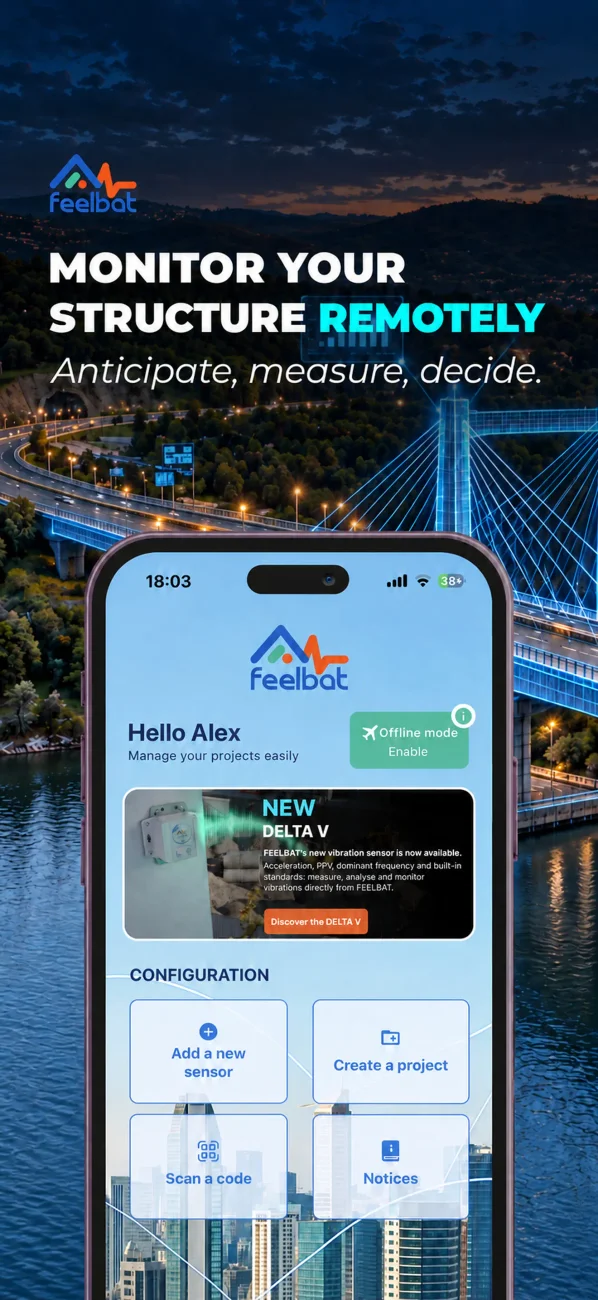
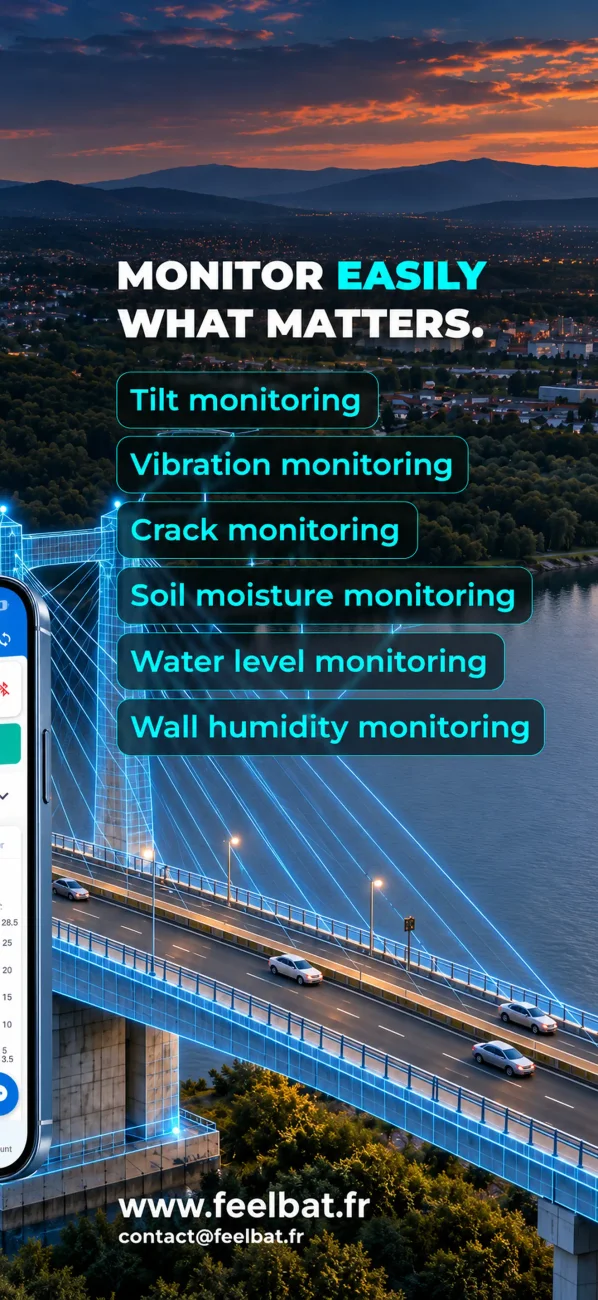
The FEELBAT app and DELTA Feel sensors let you monitor the movements of your structure with ease.
Whether you are a specialist (expert, engineer), a property manager, a local authority or a concerned homeowner, the DELTA Feel crack and movement monitoring tools are designed to be easy to use, so you can act quickly and report factual data.
The FEELBAT app includes:
INSTALLATION AND SET-UP ASSISTANCE
- Video tutorials to help you install and configure gauges and sensors.
MONITORING YOUR CRACKS AND MOVEMENTS
- Create a folder for each monitored structure and add gauges and sensors by scanning their barcode.
- View your folders as a list or on a map.
- Easily position your gauges and sensors on an uploaded photo or plan, defining precise zones.
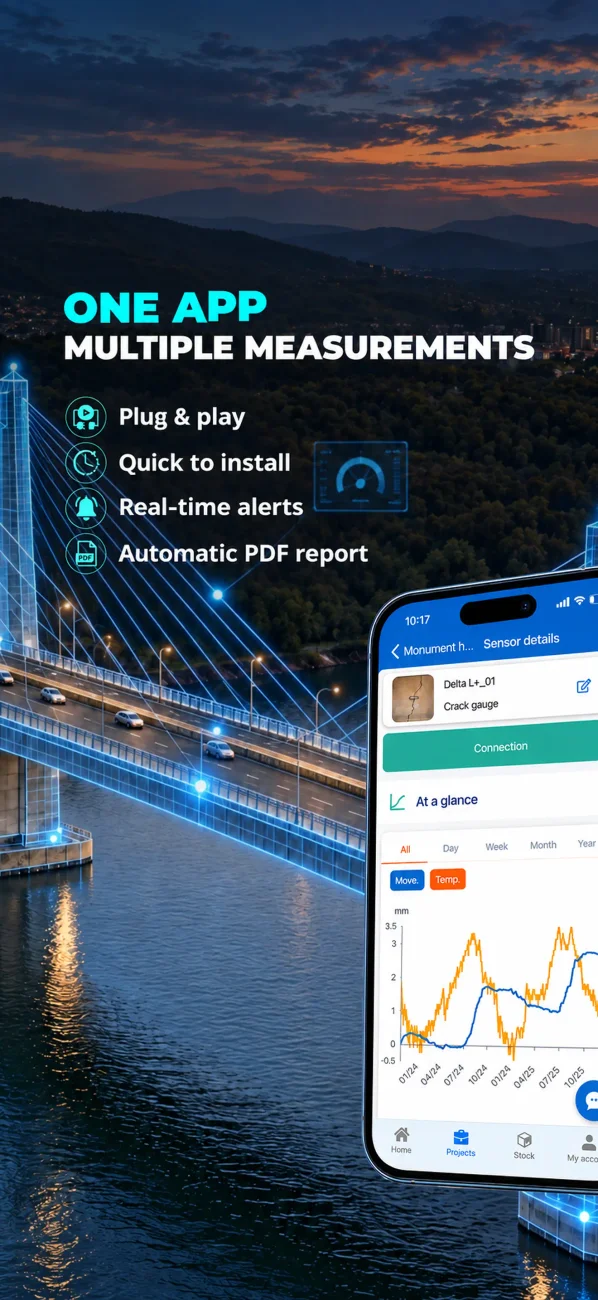
- For JC1 and JC2 gauges, enter the measured values and the app automatically draws the monitoring chart.
- For DELTA L+ sensors, retrieve data via Bluetooth or remotely with the LINKFEEL system.
- Visual thresholds are available for gauges, and automatic alert thresholds by SMS/email for DELTA L+ sensors.
FEELBAT brings together a community of independent expert engineers specialising in every field of construction (structure, concrete, timber, steel, geotechnics, damp, etc.).
The app guides you: you enter the necessary information and our algorithm instantly shows you the schedule of engineers available within 48 to 72 hours. The best expert engineer for your issue is chosen at the time that suits you.
On the day, you receive a first piece of sound advice to steer you towards the right decisions.
What’s new
Version 9.10.6 · Nov 3, 2026
This version shows Delta L+ and Delta R measures to the thousandth, applies the project's unit preferences when you enter and read values, and makes offline mode, synchronisation and the live view more reliable.
DELTA L+ AND DELTA R TO THE THOUSANDTH
• Measures, chart tooltips, "At a glance" and the live view show 3 decimals
• Thresholds are entered and read back to the thousandth, including project and module thresholds
• CSV export to the thousandth
PROJECT UNIT PREFERENCES
• "At a glance", including the Delta V min/max, follows the project's units
• "New measure" and "Modify the last value" read your entry in the unit shown
OFFLINE MODE AND SYNCHRONISATION
• Offline syncs run one sensor after another without waiting for the network
• On a weak network, sending measures stops after 60 s and queues them instead of blocking the screen
• Turning on offline mode no longer waits for preloading to finish
LIVE VIEW
• Correct pace on screens with a high refresh rate
• An invalid frame no longer freezes the display, and the view stops cleanly on error
PLANS
• Moving or removing a sensor placed on a plan works again
• Tapping a sensor in the strip adds it to the plan again on near-square screens
• Deformation module: the Plan step stays readable on small screens
ALSO
• Linkfeel: a Sigfox subscription that is still valid can be extended without Bluetooth, and a sensor relayed by a Feelbox is activated through the right path
• Adding a sensor: the location is required and the form is checked before the measurement interval is chosen
• A refusal from the platform is no longer shown as a success
• Thresholds: the decimal comma is accepted and an empty threshold no longer blocks the editor
• Delta V vibration alerts: answers that lead to no curve are greyed out
App privacy
What Feelbat declares on the App Store about how this app handles data.
-
Data linked to you
May be collected and linked to your identity.
- Contact info
- User content
- Identifiers
-
Data not linked to you
May be collected but is not linked to your identity.
- Location
- Contact info
Privacy practices may vary, for example with the features you use or your age.
Information
- Seller
- FEELBAT
- Category
- Productivity
- Version
- 9.10.6
- Updated
- Nov 3, 2026
- Released
- Oct 1, 2021
- Size
- 125.2 MB
- Requires
- iOS 15.1 or later
- Age rating
- 4+
- Languages
- French, English
- Copyright
- © FEELBAT