
- Age rating4+
- CategoryEntertainment
- DeveloperFeral File
- LanguagesEnglish
- Size46.0 MB
Links to the official App Store page
Download.org hosts no file of Feral File. The button opens its official App Store page, published by Feral File. Listing last checked on Nov 25, 2026.
Screenshots

About
Explore digital art first. Add the Art Computer when you're ready.
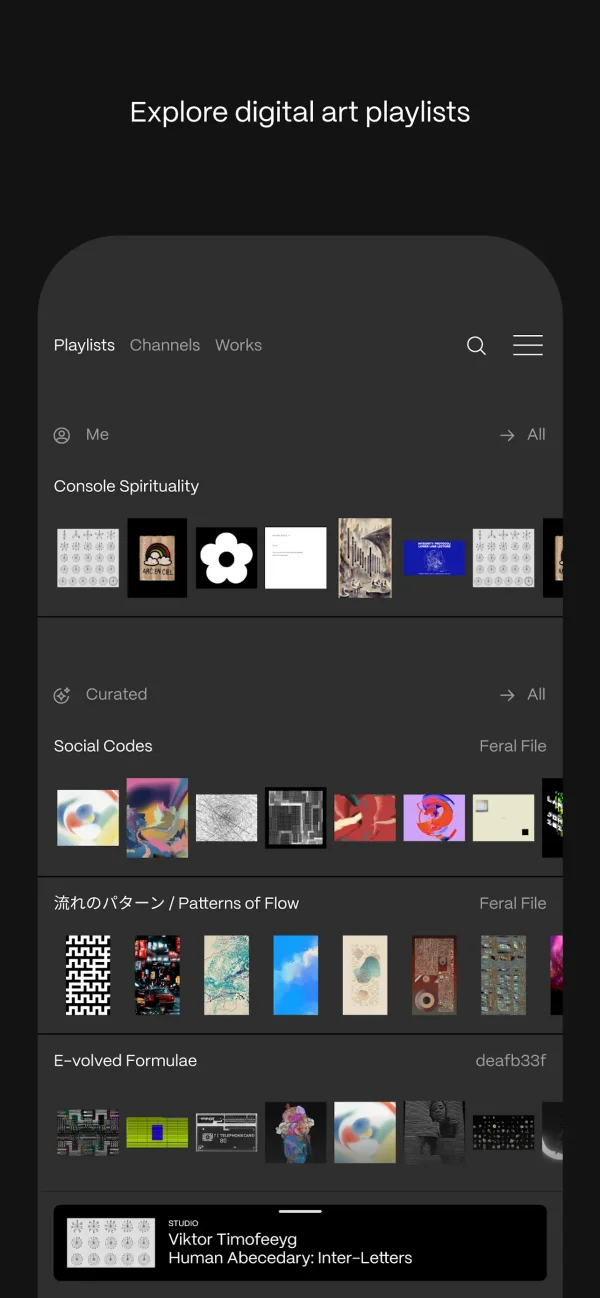
Feral File lets you browse digital art through playlists and channels, right on your phone. Some of it is computational: art that runs, responds, or evolves through code. You don't need any hardware to start. Explore, see the works you already own, and get a feel for how this art could live in your space.
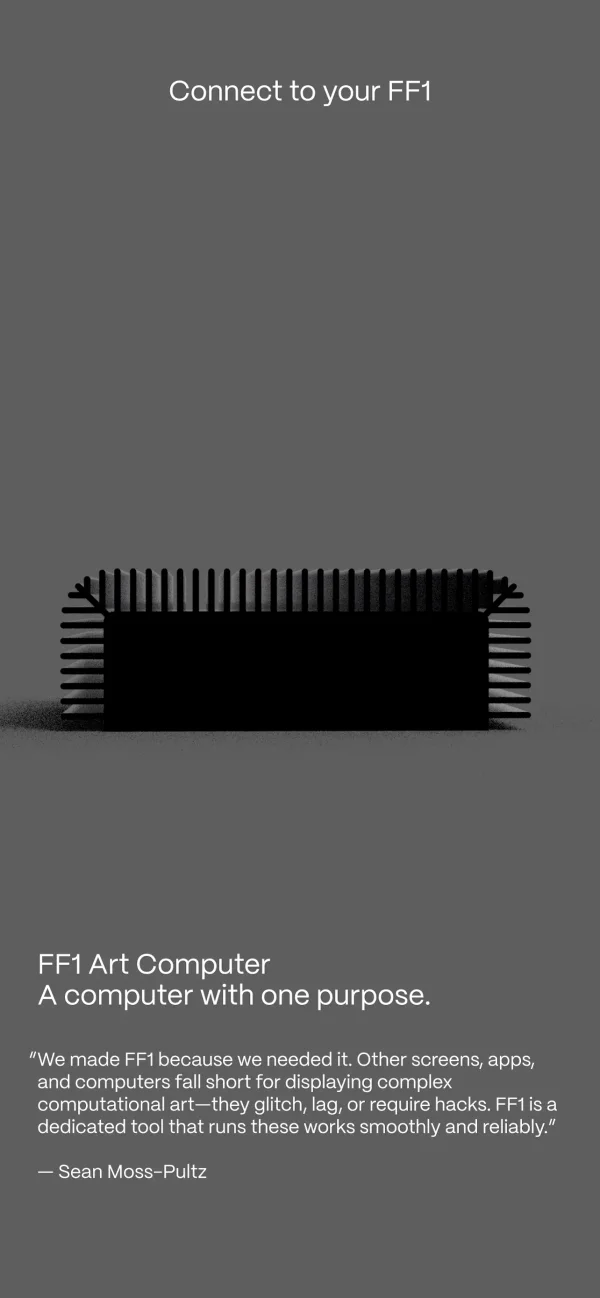
When you're ready to bring those playlists to a screen, add the Feral File Art Computer. It plugs into any HDMI display and plays the same playlists on your wall.
Use the app on its own to:
- Browse playlists curated by Feral File and invited artists and curators.
- Explore channels from artists, institutions, and projects across the ecosystem.
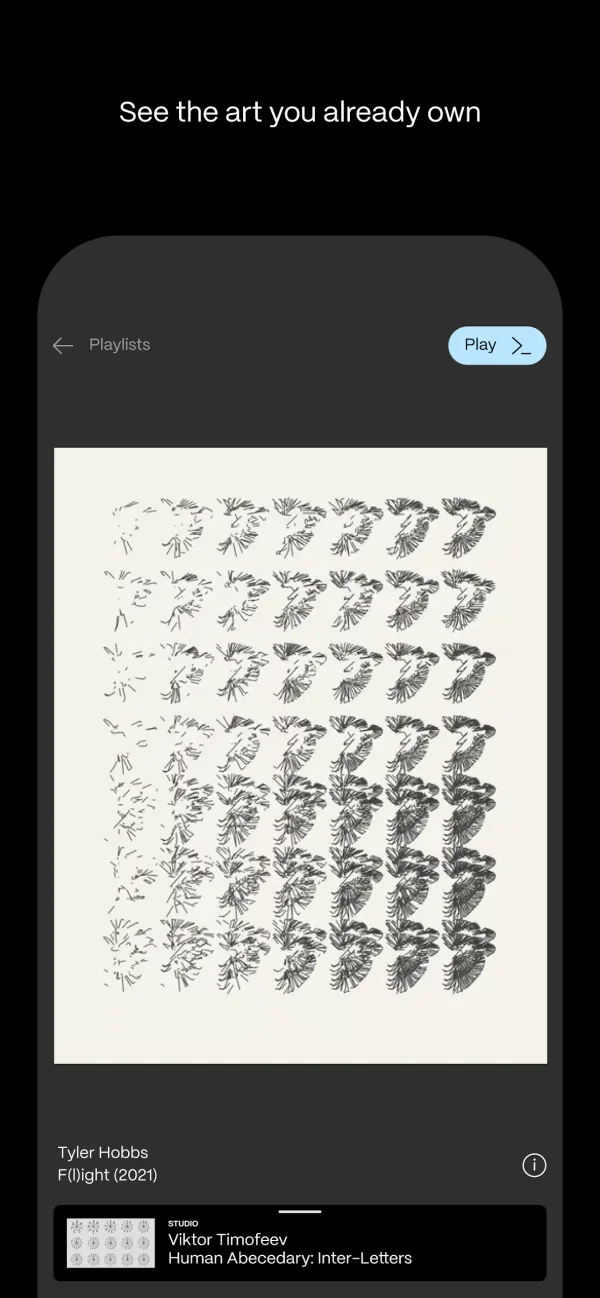
- Add your Ethereum and Tezos addresses to see works you own or steward in My Collection, organized into playlists.
Add the Art Computer to play on screens:
- Plug the Art Computer into any HDMI display and pair it with the app.
- Pick a playlist and press Play to turn a TV or monitor into a surface for digital art.
You can download and use the Feral File app without an Art Computer. The Art Computer and other DP-1 players are optional hardware that bring the same playlists from your hand to your wall.
About Feral File
Feral File is a cultural institution and technology company focused on digital and computational art. We run exhibitions with artists and curators around the world, and we build open tools so people can live with this work every day.
What’s new
Version 1.9.35 · Nov 24, 2026
Access, with less in the way
Remove is there in every Access state, whether you own the Art Computer or not. Removing yourself from a shared Art Computer leaves it with its other owners. The access toast, the remote pop-ups and the Secure banner are gone.
Setup
A setup code scanned with the iPhone camera opens setup directly. When an Art Computer on your network needs its code, the prompt opens the scanner. A controller link that starts the app goes straight to the approval.
Playlists and works
Save sits beside Share in every playlist view, and a saved copy keeps the curator's order. Works stored on Tezos's on-chain file system show a still on the phone and display under one identity. A series names its proofs beside its edition count.
History and status
History shows the list while the Art Computer settles which work is on screen. The Checking and error strips open the Art Computer's controls.
Plus playback and setup fixes.
App privacy
What Feral File declares on the App Store about how this app handles data.
-
Data not linked to you
May be collected but is not linked to your identity.
- Diagnostics
Privacy practices may vary, for example with the features you use or your age.
Information
- Seller
- Feral File Inc.
- Category
- Entertainment
- Version
- 1.9.35
- Updated
- Nov 24, 2026
- Released
- Dec 4, 2025
- Size
- 46.0 MB
- Requires
- iOS 18.0 or later
- Age rating
- 4+
- Price
- Free
- Languages
- English
- Copyright
- © 2026 Feral File Inc.
You might also like
-
 Art BlocksThe home of generative art
-
 Layer - CanvasDigital Art Display Control
-
 Damjanski - Self PortraitEntertainment
-
 BodyWaysMotion visualization and sound
-
 ITM BackstageCheck guests into Moments
-
 95 Moments on a TrainRemixable ambient VHS video
-
 EzelArt Discovery and Curation
-
 CrawlPassCurated Food Crawls
-
 Blackdove Video ArtExperience video art
-
 CryoLumen: Solar IceEntertainment