
Fetch — Your Voice Library
Designed for iPhone, iPad, Mac, iPod touch
Free · In-app purchases
- Age rating4+
- CategoryProductivity
- DeveloperXCELAUDIT TECHNOLOGIES LLP
- LanguagesEnglish
- Size35.6 MB
Links to the official App Store page
Download.org hosts no file of Fetch — Your Voice Library. The button opens its official App Store page, published by XCELAUDIT TECHNOLOGIES LLP. Listing last checked on Nov 6, 2026.
Screenshots


About
Fetch is a voice-first document library for iPhone, iPad and Mac. It reads
what is written inside your documents, so you can ask for the information —
not just the file.
ASK FOR WHAT'S INSIDE
Say "what is my PAN number" and Fetch gives you the number, ready to copy,
and names the card it read it from. If two documents hold the same kind of
information, you get both answers separately. Ask for an address, an expiry
date, an email or a phone number the same way.
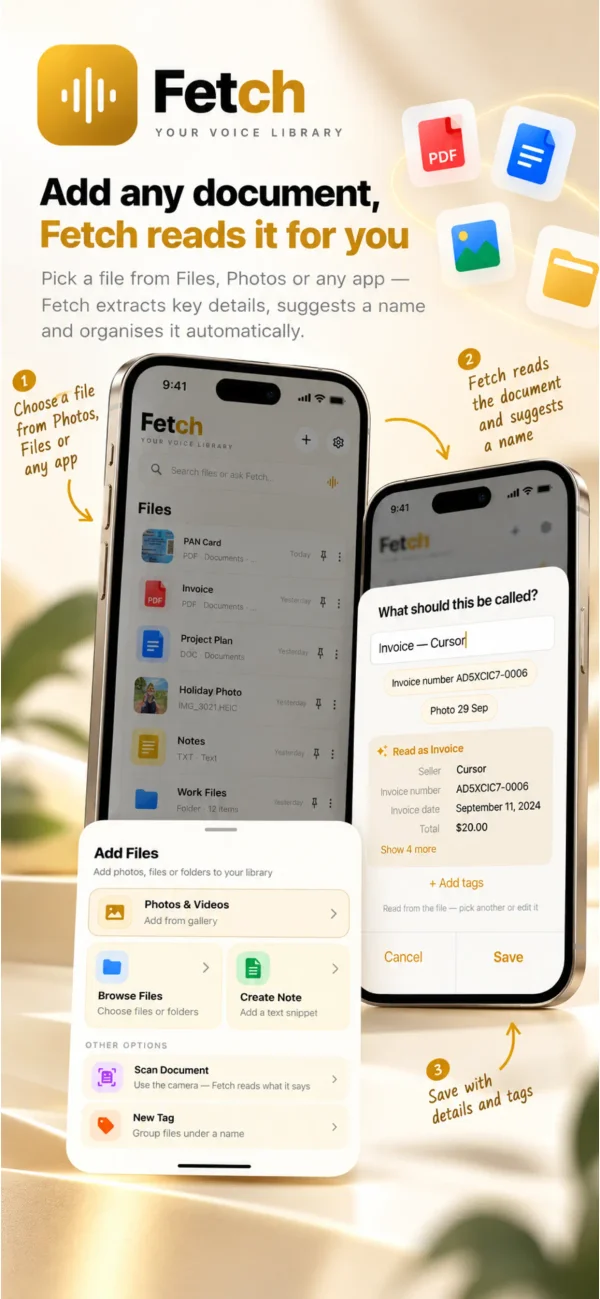
IT READS EVERY DOCUMENT YOU SAVE
On your device, using Apple's Vision framework. Text inside photographs,
text inside PDFs — then it understands the document itself: identity
numbers across eleven countries, passports by their machine-readable zone,
invoice totals and tax numbers, and addresses in whatever shape they were
printed, including handwritten.
ONE TAP TO COPY
Tap a file and it's on your clipboard — paste it straight into a message,
an email or a form. No share sheet, no menus. Notes copy as text.
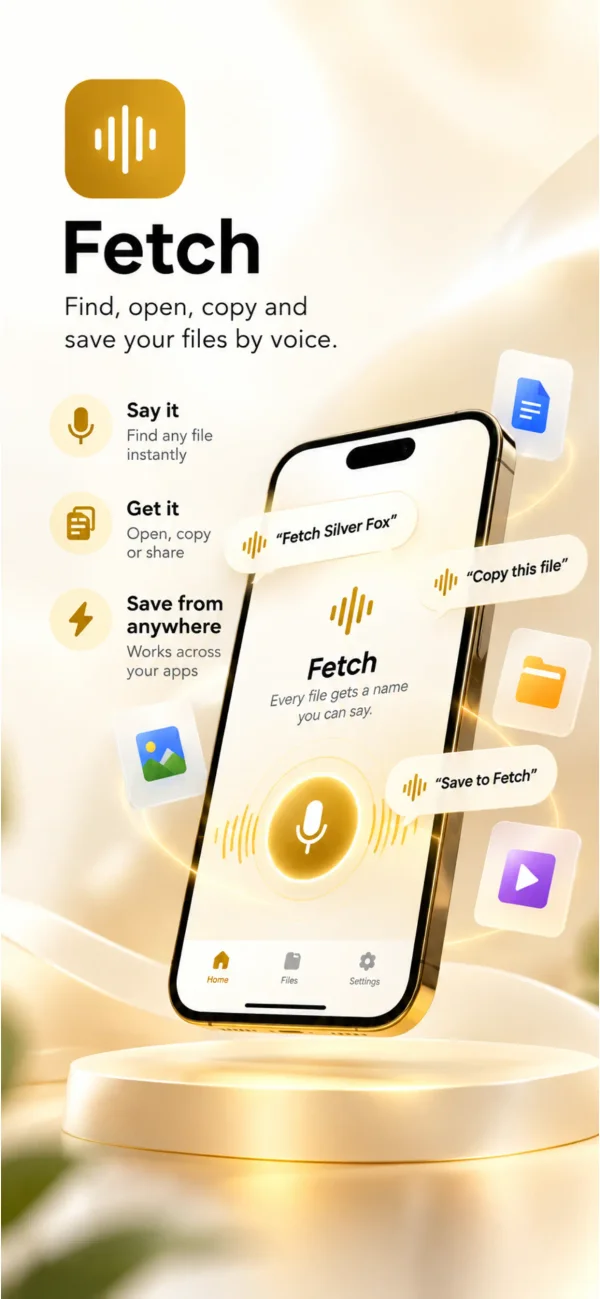
SAY THE NAME, GET THE FILE
Say "fetch passport" to open it. Say "copy invoice" to put it on your
clipboard, hands free. Say "open work" to see everything with that tag.
Fetch understands names spoken naturally and offers close matches when it
isn't sure.
NAMES THAT STICK
Every file gets a short name read from what's inside it, so you can ask for
it without remembering a filename. Rename anything whenever you like.
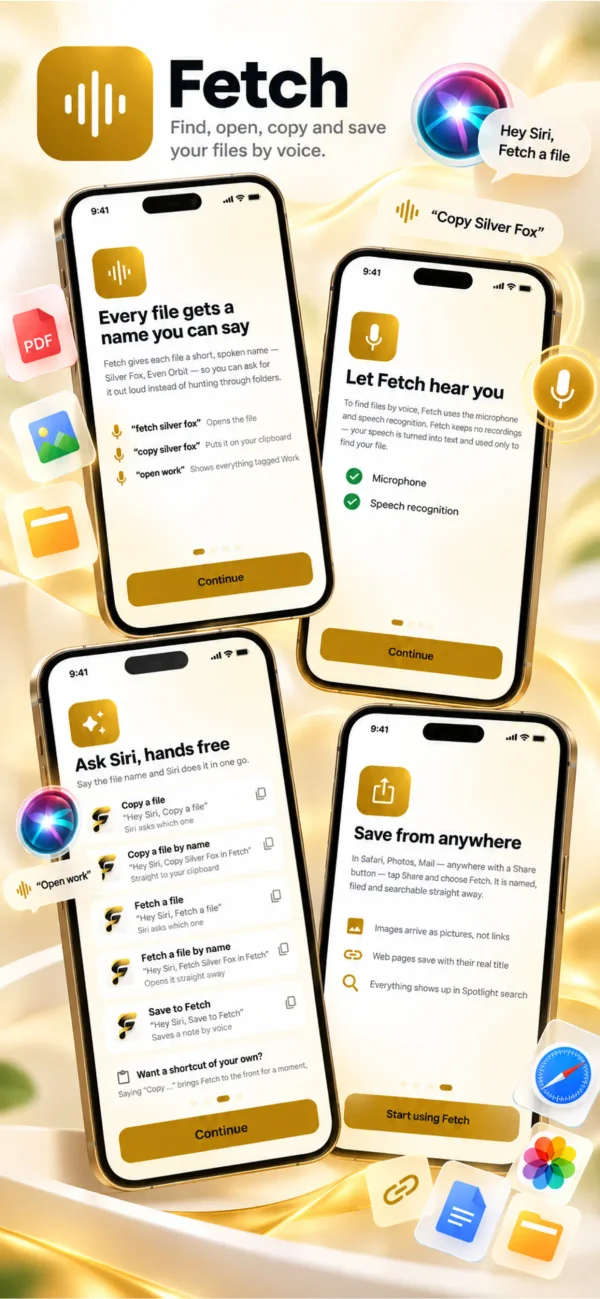
ASK SIRI, HANDS FREE
Seventeen Siri commands, and every one works in the Shortcuts app too.
THE FETCH KEYBOARD
Paste from your library without leaving the app you're typing in.
WIDGETS
A one-tap mic, an Add button and your recent files with previews on your
Home Screen, Lock Screen and Mac desktop.
TAGS AND PINS
Colour-coded tags, tags inside tags, and pins for what you reach for most.
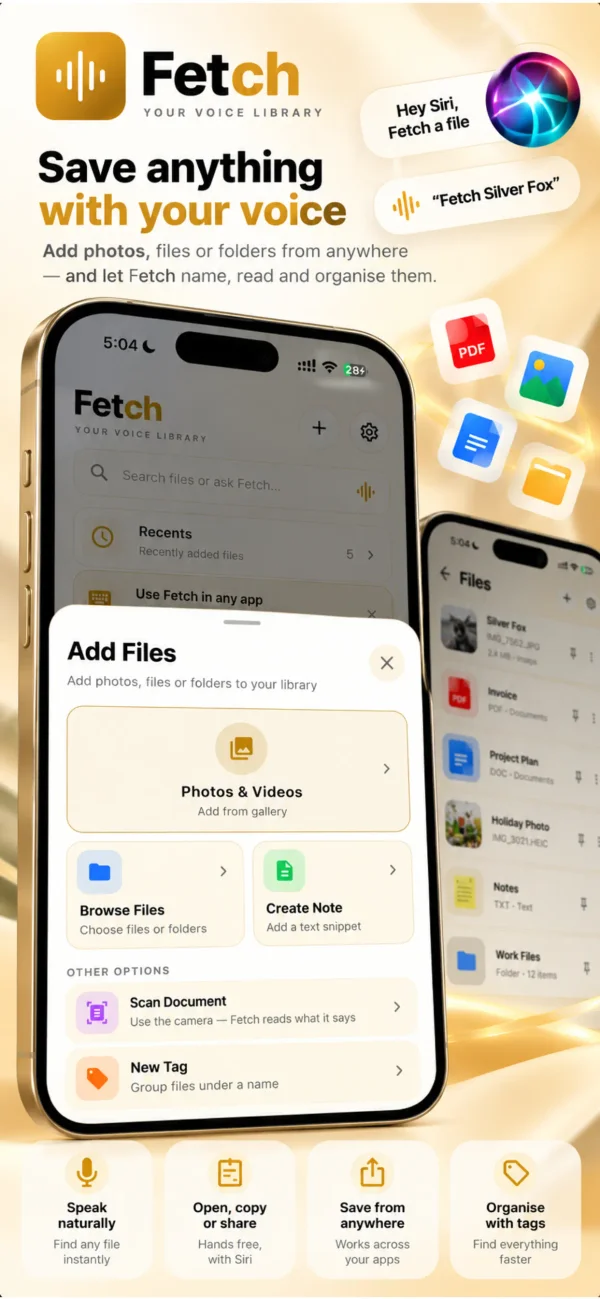
SAVE FROM ANYWHERE
Share from any app into Fetch. On a Mac, drag files onto the window or
right-click in Finder and choose Assign to Fetch.
ONE APP ON EVERY DEVICE
A mic-first screen on iPhone and iPad, a full sidebar library on the Mac,
with Stage Manager and external display support.
PRIVATE BY DESIGN
Everything is read on your device. No account to create, nothing on our
servers, no tracking. Your files, names, tags and pins sync through your
own iCloud, or directly between your devices on your local network.
Face ID can lock the documents that matter.
FETCH PRO
Lifetime: one payment, kept for good, on every iPhone, iPad and Mac signed
in to the same Apple Account. Or seven days free, then a monthly
subscription.
Payment is charged to your Apple Account at confirmation of purchase. The
subscription renews automatically unless auto-renew is turned off at least
24 hours before the end of the current period. Your account is charged for
renewal within 24 hours prior to the end of the current period.
Subscriptions can be managed and cancelled in your Apple Account settings.
Any unused portion of a free trial is forfeited when a subscription is
purchased.
Terms of Use (EULA): https://www.apple.com/legal/internet-services/itunes/dev/stdeula/
Privacy Policy: https://fetch-policy.vercel.app/privacy
What’s new
Version 1.2.3 · Oct 7, 2026
One note, several people — each by name.
A share sheet hands the same words to everybody and never tells the app who
they were, so "Hi {name}" going to five people was five times wrong or left
blank. Now you choose the people first, and each conversation opens with that
person's own name already written. WhatsApp, or the share sheet for anything
else. It stops at written — no app can press send for you.
Blanks you tap instead of type. What you put in a blank before comes back as
a chip, in the app and now on the Fetch keyboard too. Inserting the same note
into ten chats is ten taps rather than ten rounds of typing the same name.
A new setup. Every page fits the screen now, so nothing sits below a fold
nobody scrolls.
Names appear at once. The naming prompt used to sit empty while the document
was read. It now fills the moment it opens and improves itself when the
document has something better to say — and the reading is faster besides.
Fixed
• A file you had just added could stay out of the list until you reopened the
app. Photos were the easiest way to meet it.
• Making a shelf could take the screen down on iPad.
• The guide to blanks was cut off at the bottom on iPhone.
• A contact saved without a country code could not be messaged at all.
App privacy
What XCELAUDIT TECHNOLOGIES LLP declares on the App Store about how this app handles data.
-
Data not collected
The developer does not collect any data from this app.
Privacy practices may vary, for example with the features you use or your age.
Information
- Seller
- XCELAUDIT TECHNOLOGIES LLP
- Category
- Productivity
- Version
- 1.2.3
- Updated
- Oct 7, 2026
- Released
- Sep 22, 2026
- Size
- 35.6 MB
- Requires
- iOS 15.6 or later
- Age rating
- 4+
- Price
- Free
- In-app purchases
- Yes
- Languages
- English
- Copyright
- © 2026 XCELAUDIT TECHNOLOGIES LLP
You might also like
-
 Magic Pocket: Save & FindYour second memory
-
 ServiceWRK AgentEmpower your Field Engineers
-
 ServiceWRKService Management System
-
 SaveCross: Clipboard LibrarySave links. Find them later.
-
 SnipStash: Snippet ManagerSave, tag & paste anywhere
-
 Prezence AdminProductivity
-
 MyPrezenceMark your presence/attendance
-
 Stash: Fast Add to ClipboardSnippets, links, photos, files
-
 Namma_BengaluruProductivity
-
 Law4u - Law of India & ActsIndian Laws & Legal Advisors