- Age rating4+
- CategoryHealth & Fitness
- DeveloperCCTech Limited
- Size73.4 MB
Links to the official App Store page
Download.org hosts no file of FF Access. The button opens its official App Store page, published by CCTech Limited. Listing last checked on Nov 12, 2026.
Screenshots
About
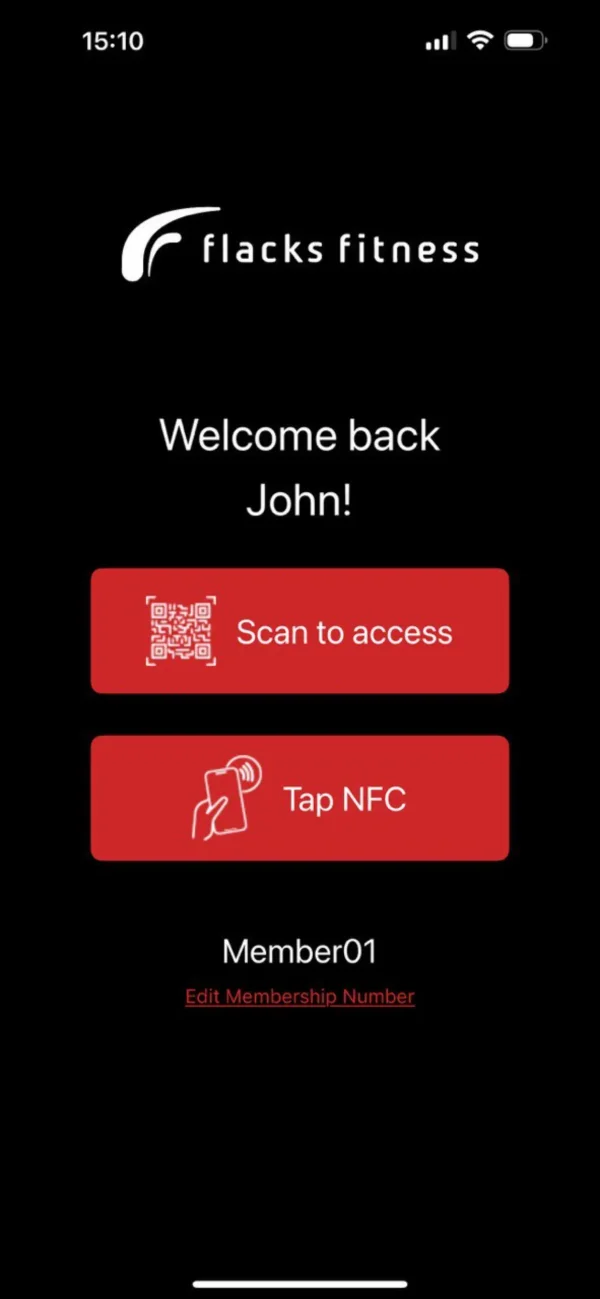
This application uses contactless technology to access the Flacks Fitness sites where a Smart Tile has been installed. Please come and visit us and our staff will guide you if you have any questions.
How to use the app:
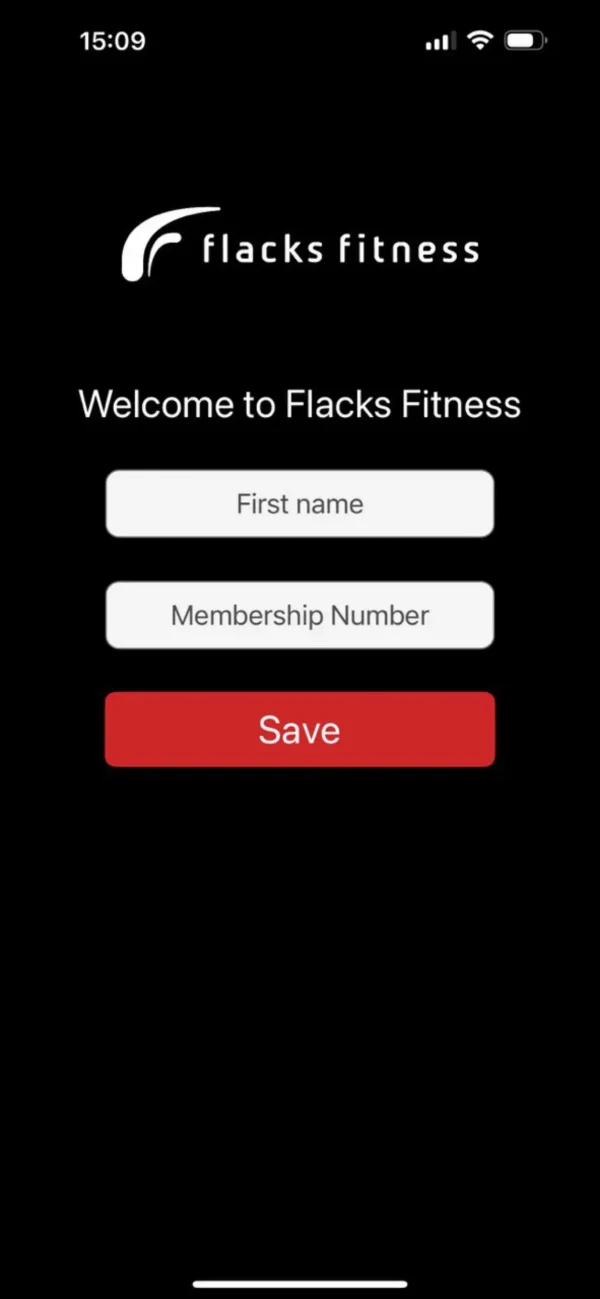
- Once the app is installed, type your membership number provide to you by Flacks Fitness.
- Ensure you give geolocation permission to the app (the app will prompt you when first start using it).
- Click "Click Here to Access" button.
- Scan or tap the Smart Tile by the turnstile. The Smart Tile is a tile with a QR and NFC technology and displays Flacks Fitness logo with clear instructions of where to scan or tap.
- When using the QR, please hold the phone 15cm/6 inches from the QR and make sure that the QR is within the blue square on screen.
- When using NFC technology, enable NFC displayed on screen below "Click here to access" button, and then click the mentioned button.
- Remember to give the app permission to use the camera when using QR and to use geolocation.
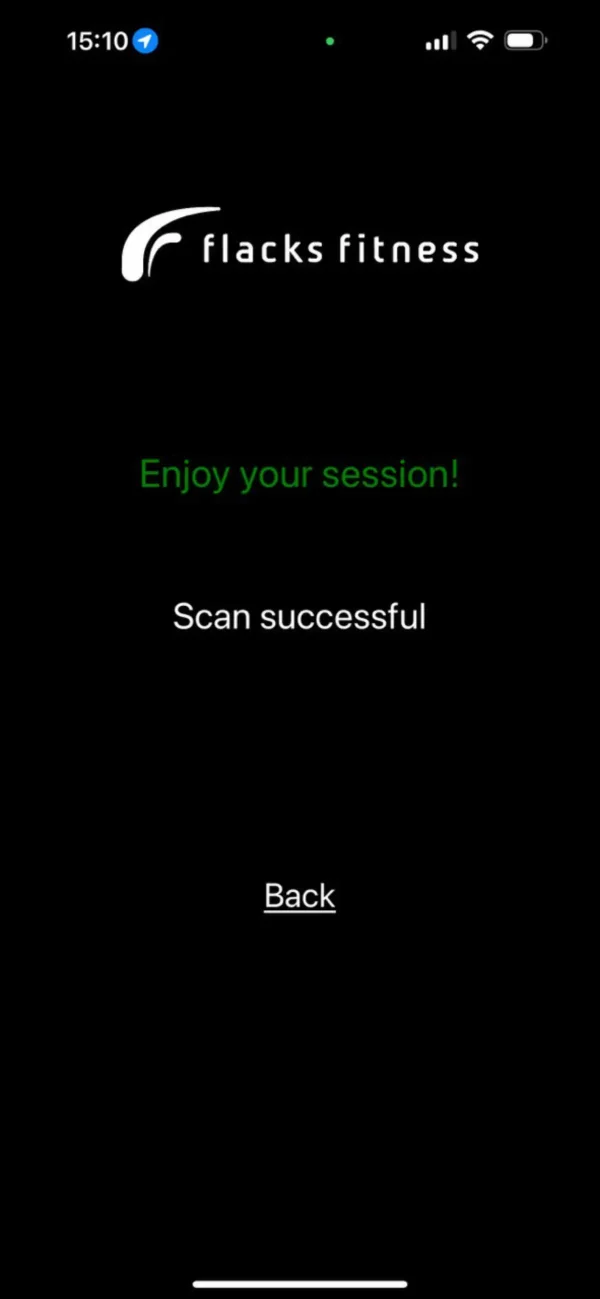
- Once QR or NFC are scanned successfully, the app will notify whether you are allowed to the facility.
- If successful, proceed to gate and enjoy your session.
What’s new
Version 1.0.5 · Feb 9, 2026
Multiple QR scans issue sorted
App privacy
What CCTech Limited declares on the App Store about how this app handles data.
-
Data not linked to you
May be collected but is not linked to your identity.
- Location
- Identifiers
Privacy practices may vary, for example with the features you use or your age.
Information
- Seller
- CCTech Limited
- Category
- Health & Fitness
- Version
- 1.0.5
- Updated
- Feb 9, 2026
- Released
- Dec 2, 2022
- Size
- 73.4 MB
- Requires
- iOS 13.0 or later
- Age rating
- 4+
- Copyright
- © CCTech Limited 2022