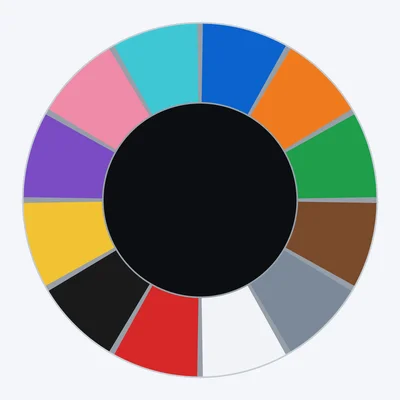
Fiber Field Kit: Color Code
Splice records & loss budget
Designed for iPhone, iPod touch
Free · In-app purchases
- Age rating4+
- CategoryUtilities
- DeveloperAnthony Compofelice
- LanguagesEnglish
- Size19.2 MB
Links to the official App Store page
Download.org hosts no file of Fiber Field Kit: Color Code. The button opens its official App Store page, published by Anthony Compofelice. Listing last checked on Nov 25, 2026.
Screenshots

About
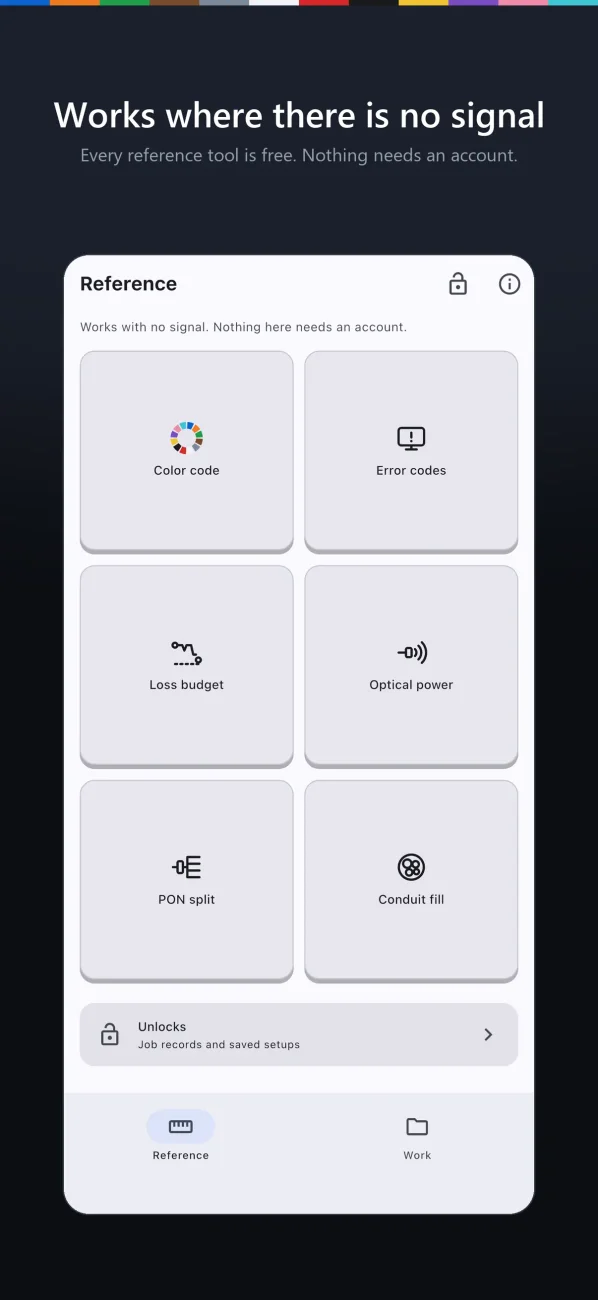
Field reference for fiber technicians. Works with no signal, no account, and no ads.
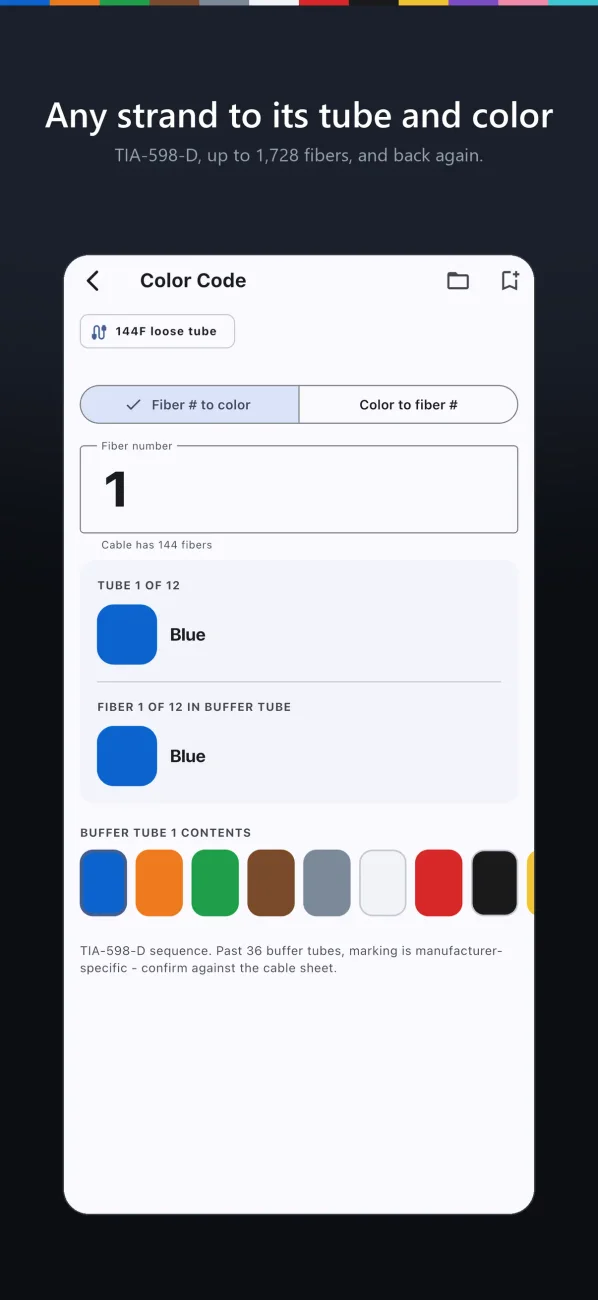
COLOR CODE
Strand number to buffer tube and fiber color, and back. Every construction from 12F to 1728F, loose tube and ribbon, plus custom builds for whatever your cable sheet says. Tap any strand to see its neighbors in the tube.
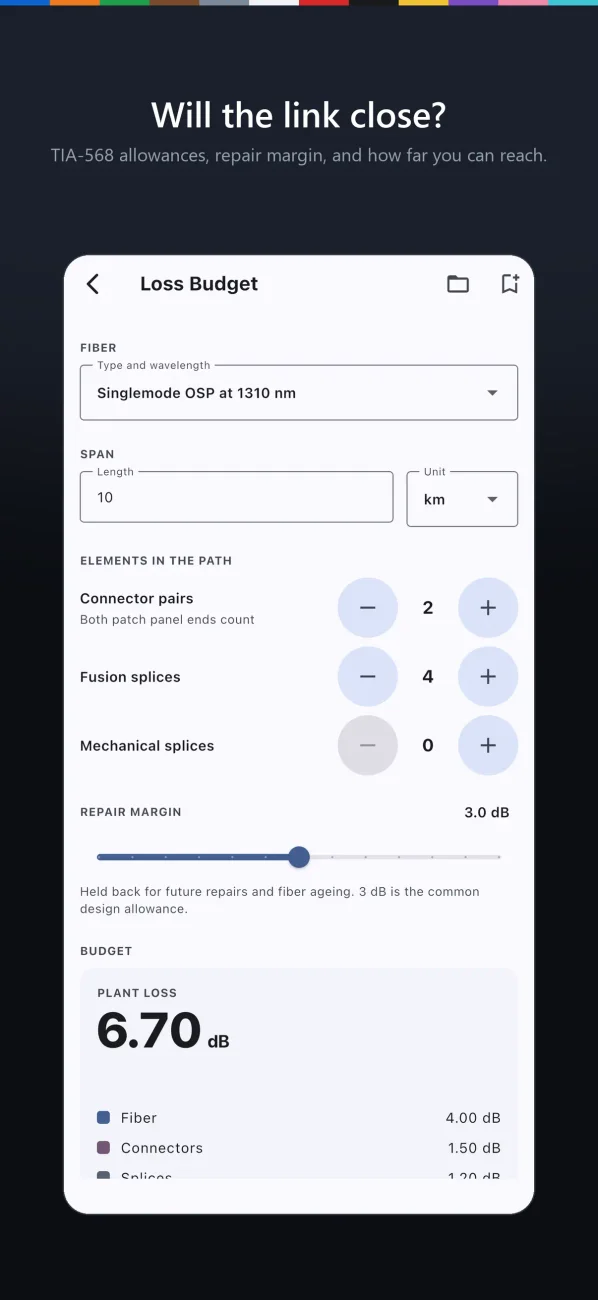
LOSS BUDGET
Itemized plant loss — fiber, connectors, splices — against TIA-568 allowances you can edit to match your own spec. Add your transceiver figures and it tells you whether the link closes and how far the budget actually reaches.
OPTICAL POWER
dBm to mW, µW and nW. Two meter readings to loss in dB, with the share of light that survives.
PON SPLIT
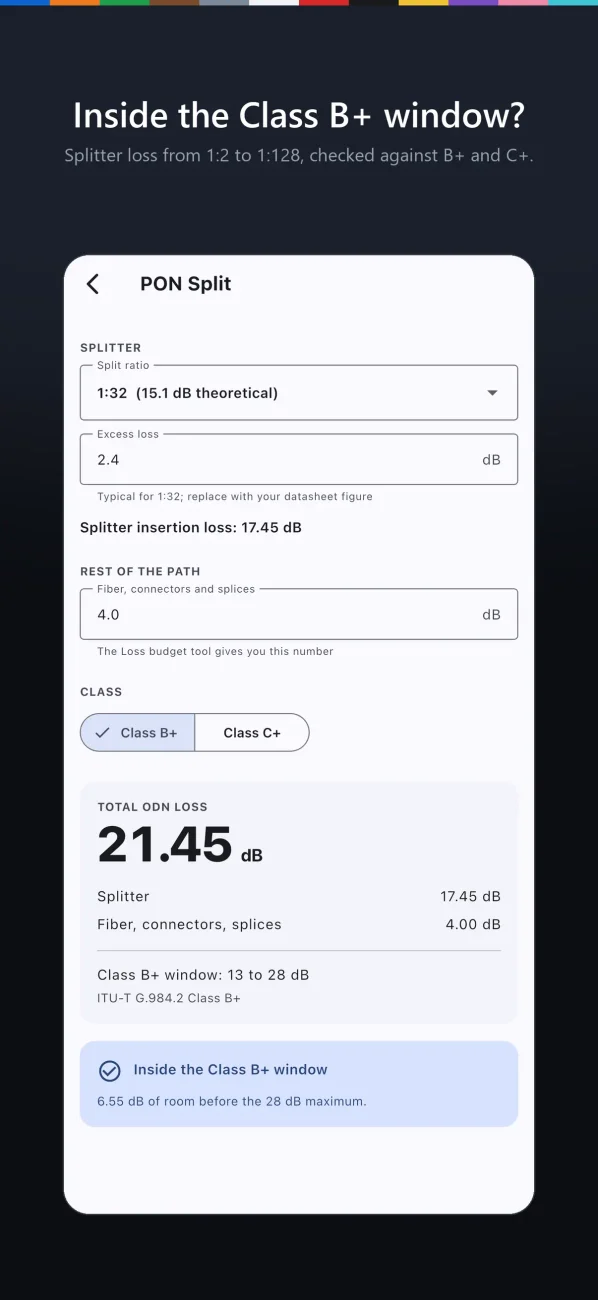
Splitter insertion loss for 1:2 through 1:128, checked against the Class B+ and C+ windows — including the minimum, so you catch a receiver overload on a short drop.
CONDUIT FILL
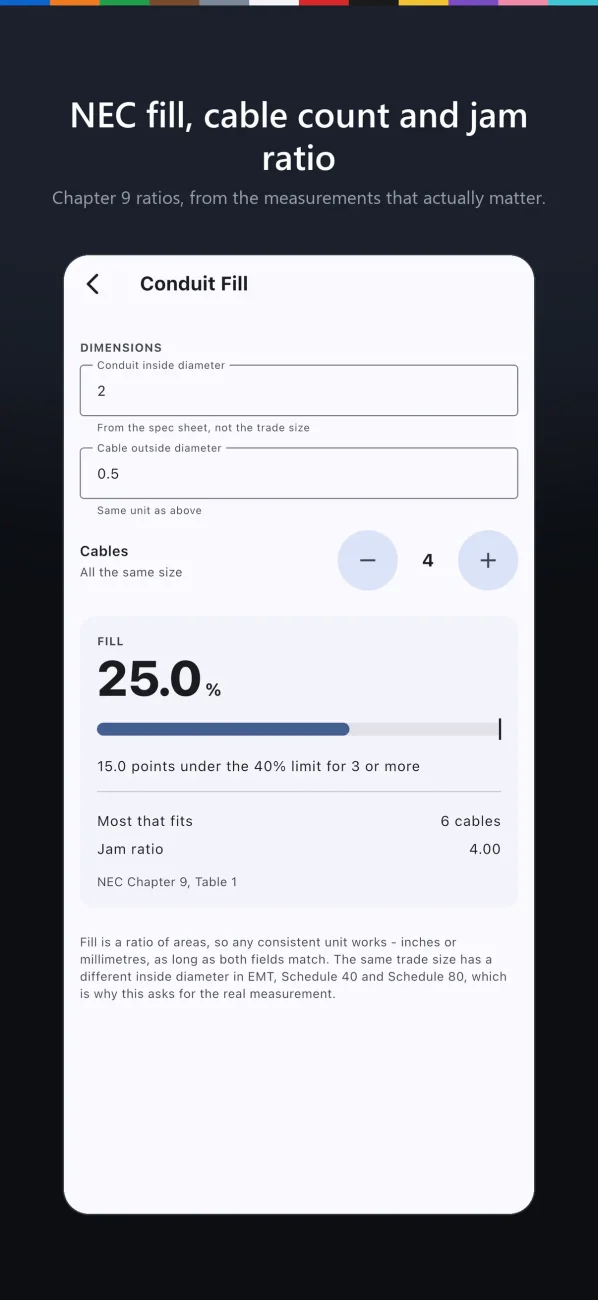
NEC Chapter 9 fill percentage, the largest cable count that still complies, and jam ratio warnings.
BUILT FOR THE FIELD
A grid of keys sized for a gloved thumb, large type, and a dark theme that won't wreck your night vision at 4am. Every tool is one tap from the first screen.
HONEST ABOUT ITS LIMITS
Past three passes through the TIA-598 sequence, buffer tube marking is manufacturer-specific. This app says so instead of inventing a color. Edit a loss allowance and it stops citing the standard it no longer follows. Nothing shows a reading you did not take.
JOB RECORDS (one-time unlock)
Record each splice at the closure with its measured loss, checked against your job's spec as you enter it. Save and next keeps the cables and steps the strand numbers on. When the work is done, export the whole job as a PDF closeout package — with anything still outstanding listed up front, so nothing gets handed over looking finished when it isn't.
SAVED SETUPS (one-time unlock)
Keep the links and cables you build every morning — span, elements, allowances, optics, custom constructions — under a name, and load one back in a tap. It saves what you entered, never a result, so a saved setup always recalculates against the current numbers.
Every reference tool above is free, and stays free. The unlocks add the work you take away from the job, not the answers you need at the closure.
No account. No tracking. Nothing leaves your phone.
What’s new
Version 1.2.1 · Oct 26, 2026
This update corrects the App Store listing so the app is easier to find. The tools, the records and the unlocks are unchanged.
App privacy
What Anthony Compofelice declares on the App Store about how this app handles data.
-
Data not collected
The developer does not collect any data from this app.
Privacy practices may vary, for example with the features you use or your age.
Information
- Seller
- Anthony Compofelice
- Category
- Utilities
- Version
- 1.2.1
- Updated
- Oct 26, 2026
- Released
- Sep 17, 2026
- Size
- 19.2 MB
- Requires
- iOS 15.0 or later
- Age rating
- 4+
- Price
- Free
- In-app purchases
- Yes
- Languages
- English
- Copyright
- © 2026 After Hours Dev Studio
You might also like
-
 FiberView ProField Tools for Fiber Techs.
-
 First Step HelpNetwork tests to help support.
-
 Quik Fiber Pro: GPS CameraTimestamp Photos for Splicers
-
 Ad Blocker for Safari ProBlock Ads, Pop-ups & Trackers
-
 miles kilometers converterEasy mi km converter
-
 OnaGoUtilities
-
 Programming CalculatorNumber system conversion
-
 EWC Wash Smart FleetUtilities
-
 Watermark PDF & Photo: MarklioAdd logo, text & stamp in bulk
-
 Arsenal Hub: Firearm InventoryPrivate Collection Manager