
- Age rating4+
- CategoryUtilities
- DeveloperEndress+Hauser Instruments International AG
- LanguagesEnglish+ 16 more
- Size196.2 MB
Links to the official App Store page
Download.org hosts no file of Field Device Configurator. The button opens its official App Store page, published by Endress+Hauser Instruments International AG. Listing last checked on Nov 14, 2026.
Screenshots

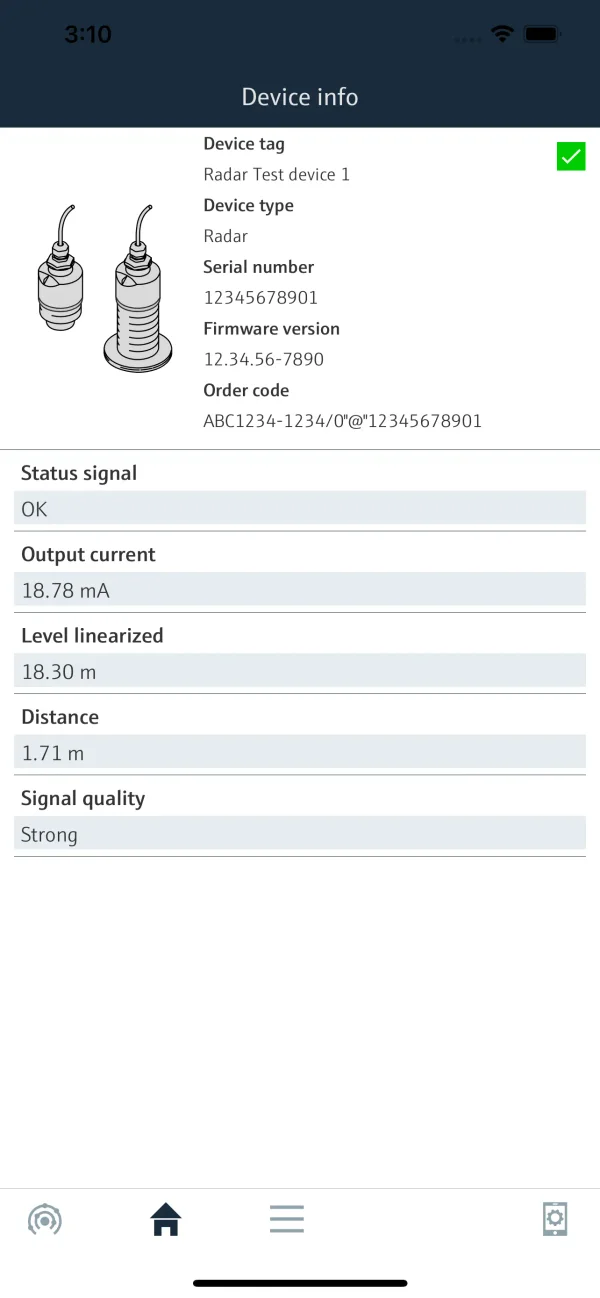
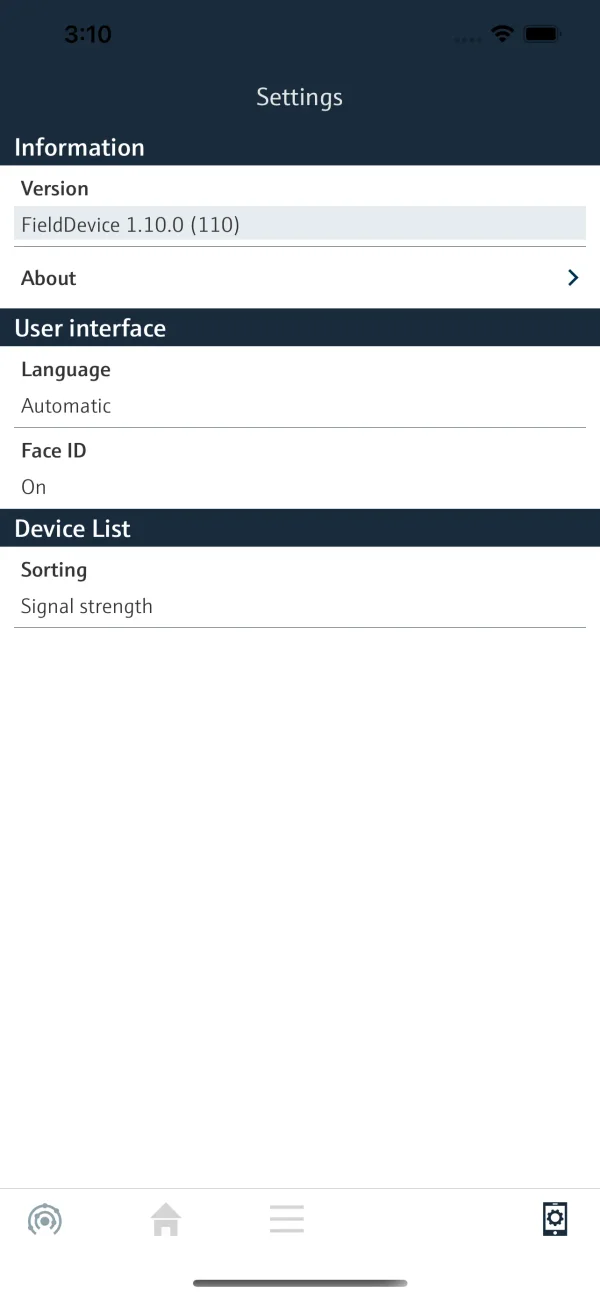
About
Wireless Field Device Configurator - the field device configuration tool via Bluetooth.
The configuration tool saves time due to mobile access to diagnostics and process information even in hazardous areas.
With its secure data transmission, reviewed by Fraunhofer Institute, it is the perfect tool for configuration and maintenance.
The integrated device List helps to get a quick overview of all devices within range.
What’s new
Version 1.18.0 · Oct 30, 2026
• Various fixes and improvements
• Simplified first login to device via QR code
App privacy
What Endress+Hauser Instruments International AG declares on the App Store about how this app handles data.
-
Data not collected
The developer does not collect any data from this app.
Privacy practices may vary, for example with the features you use or your age.
Information
- Seller
- Endress and Hauser Instruments International AG
- Category
- Utilities
- Version
- 1.18.0
- Updated
- Oct 30, 2026
- Released
- May 29, 2019
- Size
- 196.2 MB
- Requires
- iOS 16.0 or later
- Age rating
- 4+
- Price
- Free
- Languages
- English, Czech, Dutch, French, German, Indonesian, Italian, Japanese, Korean, Polish, Portuguese, Russian + 5 more
- Copyright
- © 2016 Process Solutions
You might also like
-
 Home ConfiguratorUtilities
-
 EVBox InstallInstall and configure easily
-
 Settings App - Phone TipsSettings Guide for Device
-
 Settings Companion for PhoneSetting App Assistant & Guide
-
 Settings App for My PhoneSetting Guide for Device
-
 Device Monitor & Diagnostics +Phone settings app for iPhone
-
 Ignition PerspectiveUtilities
-
 Device System Services - ToolsSystem Services - Tools
-
 App Update AccessUpdates, Device Info, Guides
-
 OPTICHECK Flow MobileUtilities