
Field-Snap
For in-field specialists
Designed for iPhone, iPad
Free · In-app purchases
- Age rating4+
- CategoryUtilities
- DeveloperAndres Cordero
- LanguagesEnglish
- Size48.1 MB
Links to the official App Store page
Download.org hosts no file of Field-Snap. The button opens its official App Store page, published by Andres Cordero. Listing last checked on Nov 18, 2026.
Screenshots



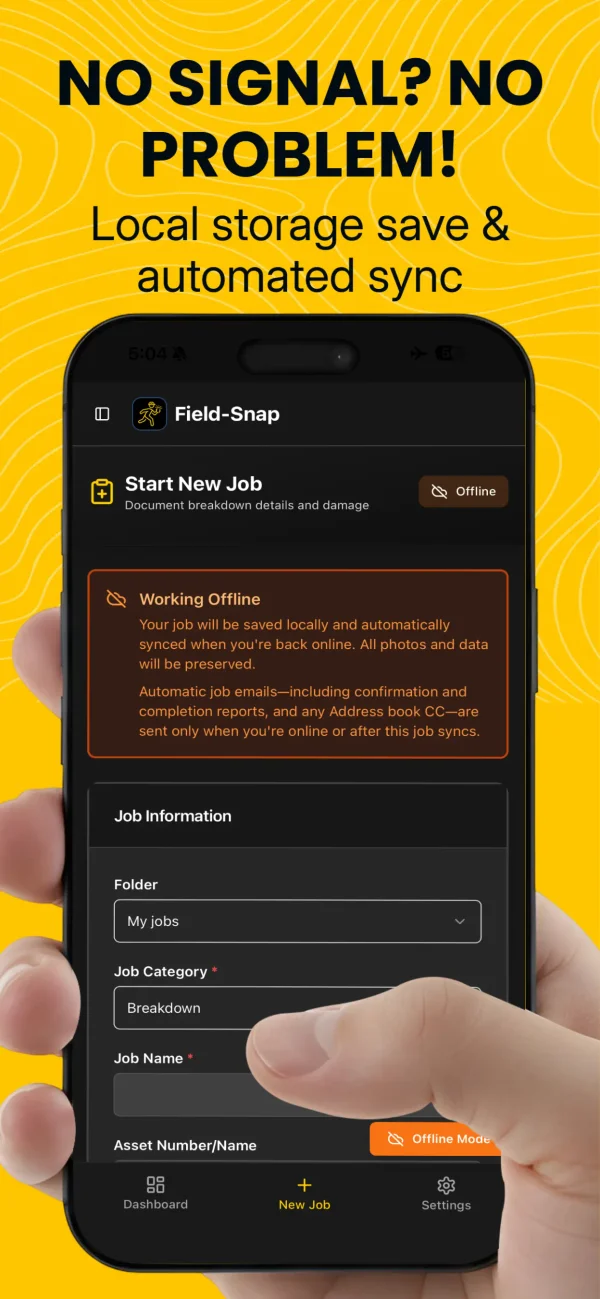
About
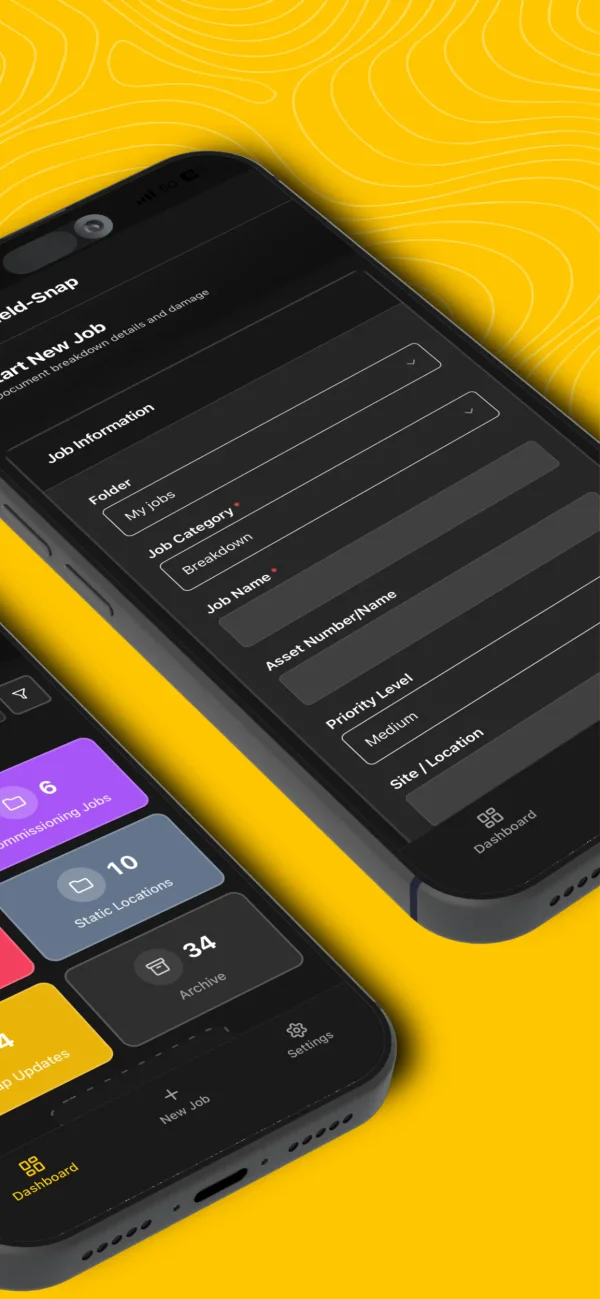
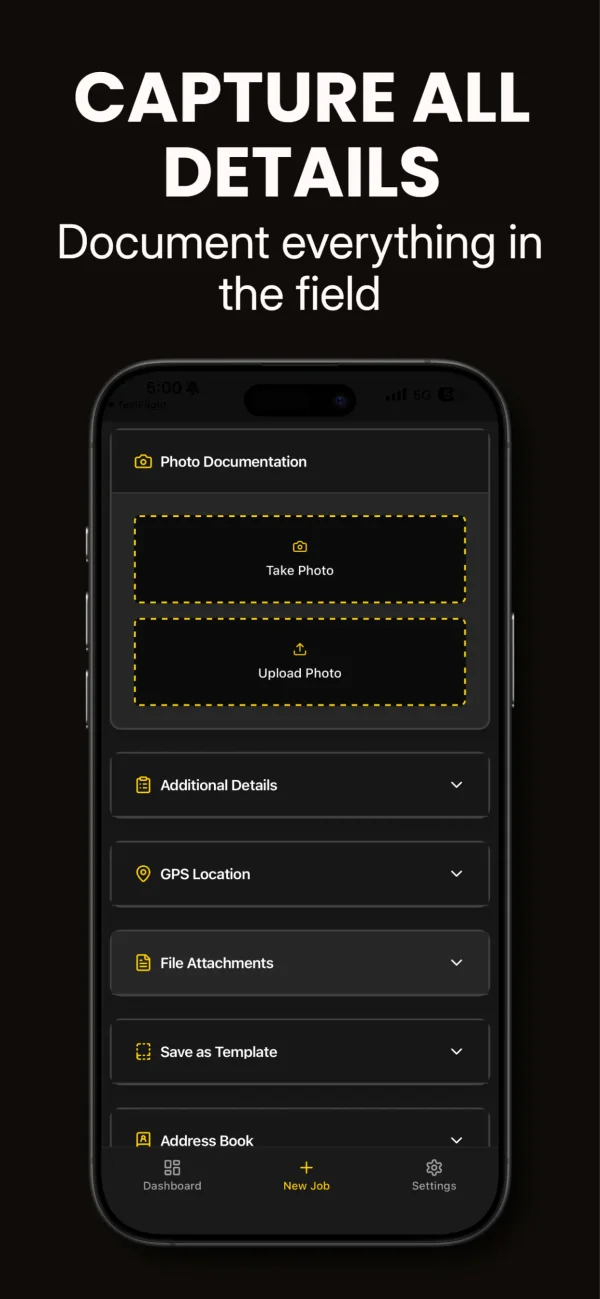
Field Snap is a productivity app for field workers, technicians, tradespeople, and service professionals who need a fast, organised way to document jobs on site — even when there's no signal.
Shoot on site. Open on desktop. Send.
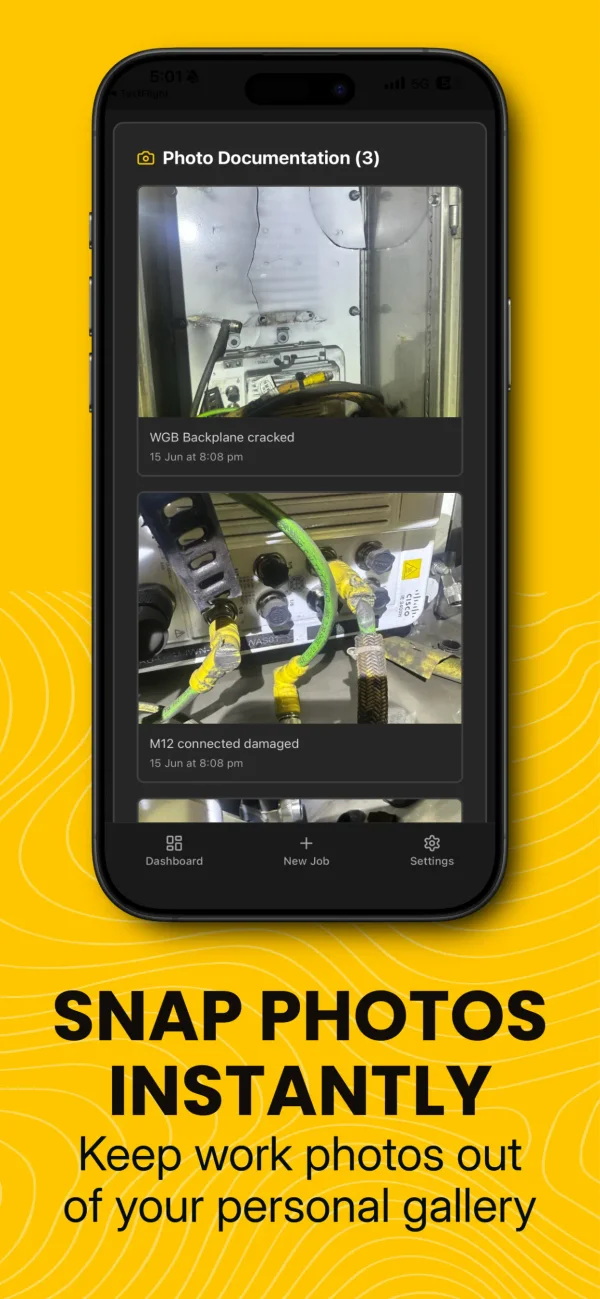
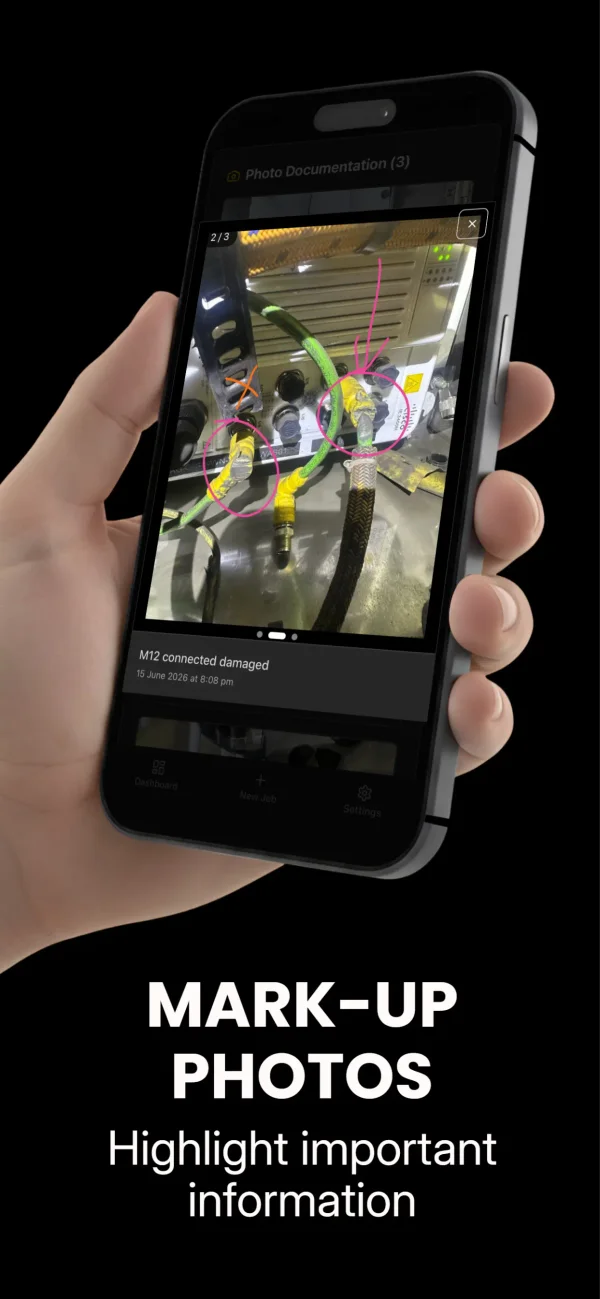
Capture photos on your phone, keep them tied to the right job (not lost in your camera roll), and sync them to the cloud so you can review, organise, and share from your phone or sign in on a desktop browser with the same account — no emailing yourself files, no digging through galleries.
Built for the field, proven on the field. Field Snap was developed and tested in harsh mining conditions, where connectivity comes and goes by the minute. Every job and photo saves instantly to your device and syncs automatically when you're back online — so tunnels, remote sites, and patchy coverage don't cost you a day's paperwork.
Photos that stay with the job
• Take photos on site — they attach to the job, not your personal camera roll
• Organised galleries by job so work photos are easy to find later
• Photos upload to secure cloud storage when you reconnect
• Open the same jobs and images on another phone, tablet, or desktop browser
• Review on a bigger screen in the office, then email reports from mobile or desktop
Built offline-first
• Create and edit jobs with no signal — they save instantly to your device
• Capture photos underground, on remote sites, or in transit — they queue and upload when you reconnect
• Sync resumes after dropped connections, low battery, or app restarts — without duplicate jobs or duplicate emails
• Smart slow-network detection helps photos still load on a single bar
• Get notified when pending syncs finish, fail, or need your attention
What you get
• Fast job documentation in the field
• Work photos organised by job — not cluttering your personal gallery
• Cloud-backed jobs and photos you can access across devices
• Desktop browser access with the same account for office follow-up
• Professional reporting for clients and compliance
• Organised job history for future reference
• Less admin day to day — even with poor or no signal
Who it's for
Field service technicians, maintenance crews, installers, contractors, mining and construction site workers, and anyone doing on-site work who needs reliable photo and job records — especially where mobile coverage isn't guaranteed.
• Unlimited jobs
• Unlimited photos per job
• Cloud storage for jobs and photos across your devices
• Organised photo gallery by job
• Address Book — save recipients and pick them when emailing job reports
• Generate professional PDF reports for sharing and records
• Attach PDF documents (reports, invoices, compliance files)
• Job templates for faster, consistent workflows
• Priority support
• Early access to new features and improvements
Subscriptions
Field Snap is available as an auto-renewing in-app subscription. Payment is charged to your Apple ID at confirmation of purchase. Subscriptions renew automatically unless cancelled at least 24 hours before the end of the current period. You can manage or cancel your subscription anytime in your Apple ID account settings.
Services & data
The app uses secure backend hosting and storage (Supabase) and an email delivery provider (Resend) to send job reports. The app does not use AI to process your content. User data is not sold to third parties.
Permissions (used only when you take an action that needs them)
• Camera — capture job and site photos in the app
• Photo Library / Files — attach existing photos or documents to jobs
• Location — optionally save your current location on a job report
Availability
The same core features are available in all supported regions.
Regulatory
Field Snap is a documentation and productivity tool. It does not provide regulated financial, medical, or legal advice or services.
Legal
Privacy Policy: https://field-snap.com/PrivacyPolicy
Terms of Use (Apple Standard EULA): www.apple.com/legal/internet-services/itunes/dev/stdeula/
What’s new
Version 1.5.8 · Nov 10, 2026
What's new in Field-Snap
• Demo account — explore the full app UI without signing up
• Dashboard list mode — browse jobs in a clean list view
• Fixes for free users — unpaid job creates are saved and held safely until you start a trial
App privacy
What Andres Cordero declares on the App Store about how this app handles data.
-
Data linked to you
May be collected and linked to your identity.
- Purchases
- Location
- Contact info
- User content
- Usage data
Privacy practices may vary, for example with the features you use or your age.
Information
- Seller
- Andres Cordero
- Category
- Utilities
- Version
- 1.5.8
- Updated
- Nov 10, 2026
- Released
- Apr 23, 2026
- Size
- 48.1 MB
- Requires
- iOS 18.6 or later
- Age rating
- 4+
- Price
- Free
- In-app purchases
- Yes
- Languages
- English
- Copyright
- © 2026 ACTech
You might also like
-
 QRVault: QR Code ReaderBarcode Scanner & Generator
-
 Fieldmagic CloudUtilities
-
 Antenna MateAlign any TV antenna
-
 Decibel:Sound MeterNoise Spectrum Analyzer
-
 AR Measure Tape: SmartRulerAR Ruler Measuring Tool
-
 Dune 4WD Fridge/FreezerDune 4WD Fridge/Freezer
-
 MyMATEUtilities
-
 QR Code Reader: Batch ScannerBatch Scan, Barcode Maker
-
 BRASS MONKEYUtilities
-
 Location Tracker: Find PhoneFind lost phone & family