- Age rating4+
- CategoryUtilities
- Developer景奎 崔
- LanguagesEnglish+ 1 more
- Size45.3 MB
Links to the official App Store page
Download.org hosts no file of FieldDims. The button opens its official App Store page, published by 景奎 崔. Listing last checked on Nov 12, 2026.
Screenshots
About
FieldDims is a field measurement and photo documentation app designed for contractors, architects, designers, installers, inspectors, maintenance teams, and anyone who needs to capture accurate site information.
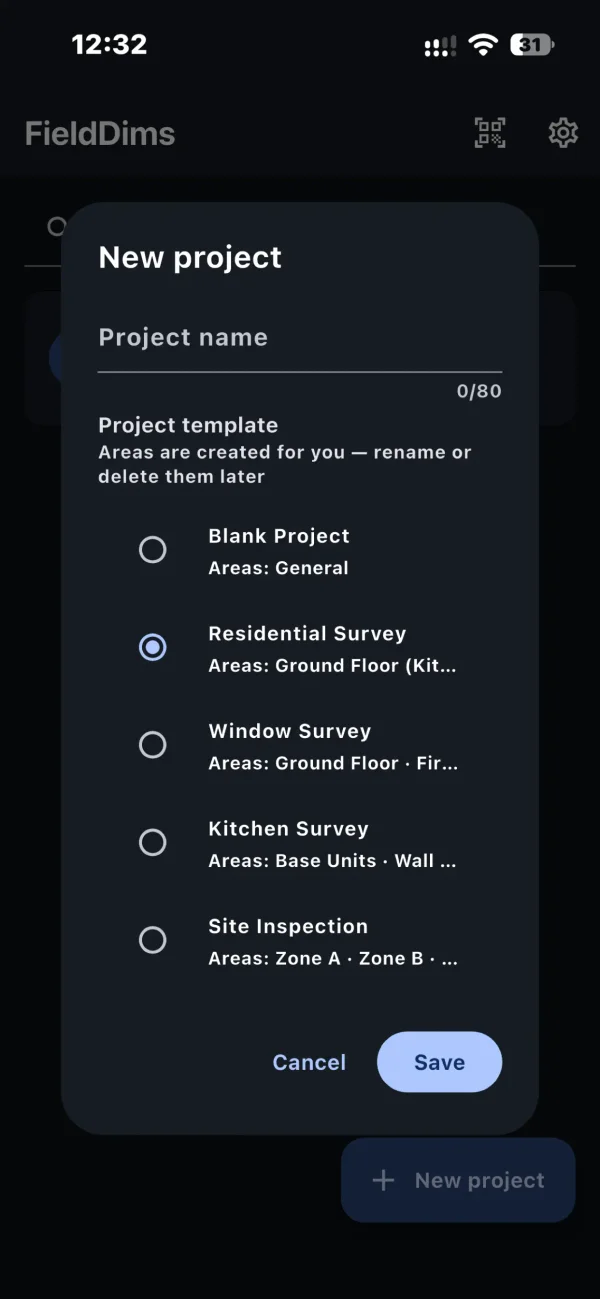
Turn field photos into organized measurement records. Create projects, organize work by floor and room, measure and annotate photos, track site objects, identify missing measurements, and generate professional reports.
FIELD MEASUREMENT
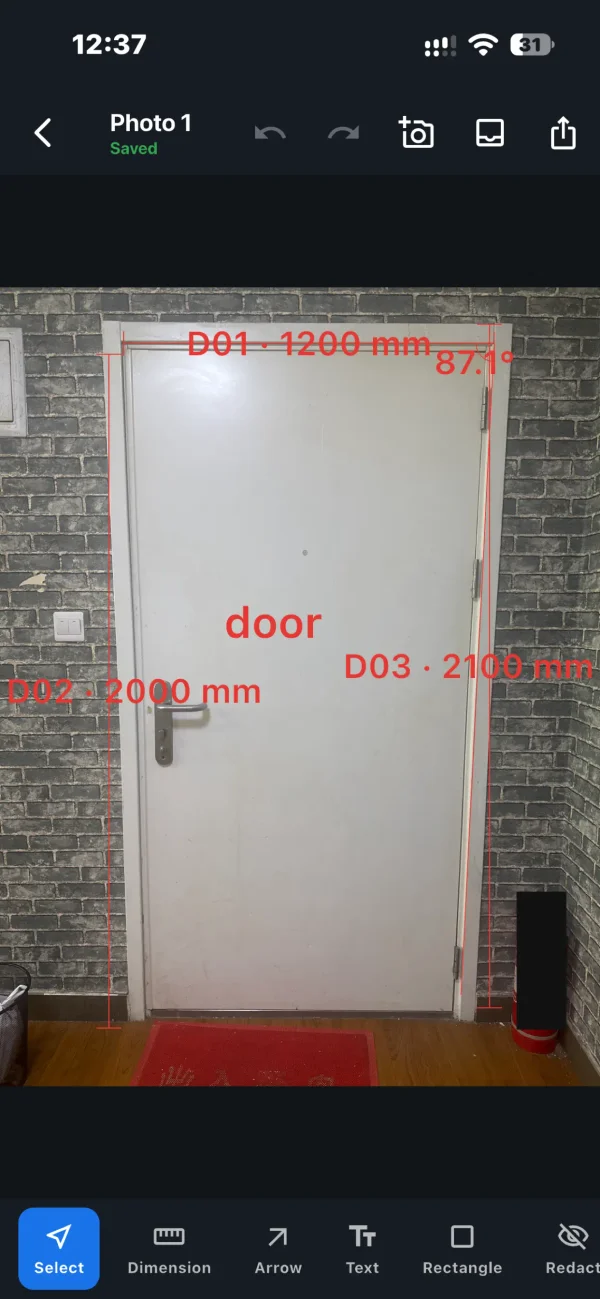
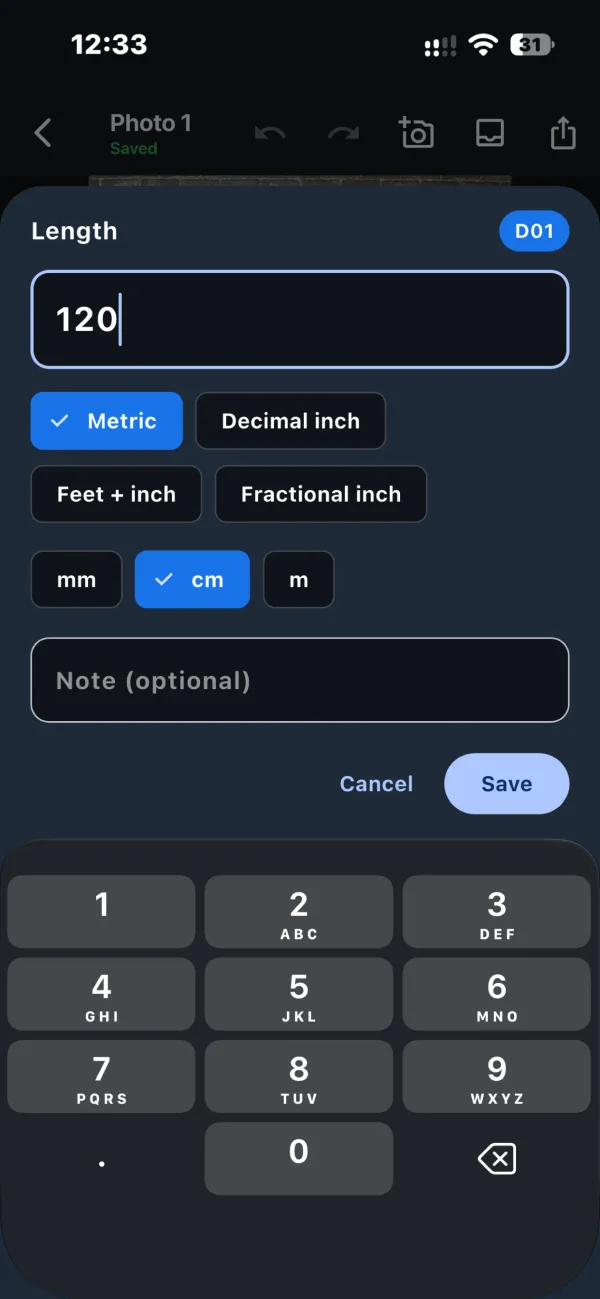
Add dimensions directly to site photos and keep every measurement connected to the project.
• Add dimensions, angles, text, arrows, rectangles and annotations
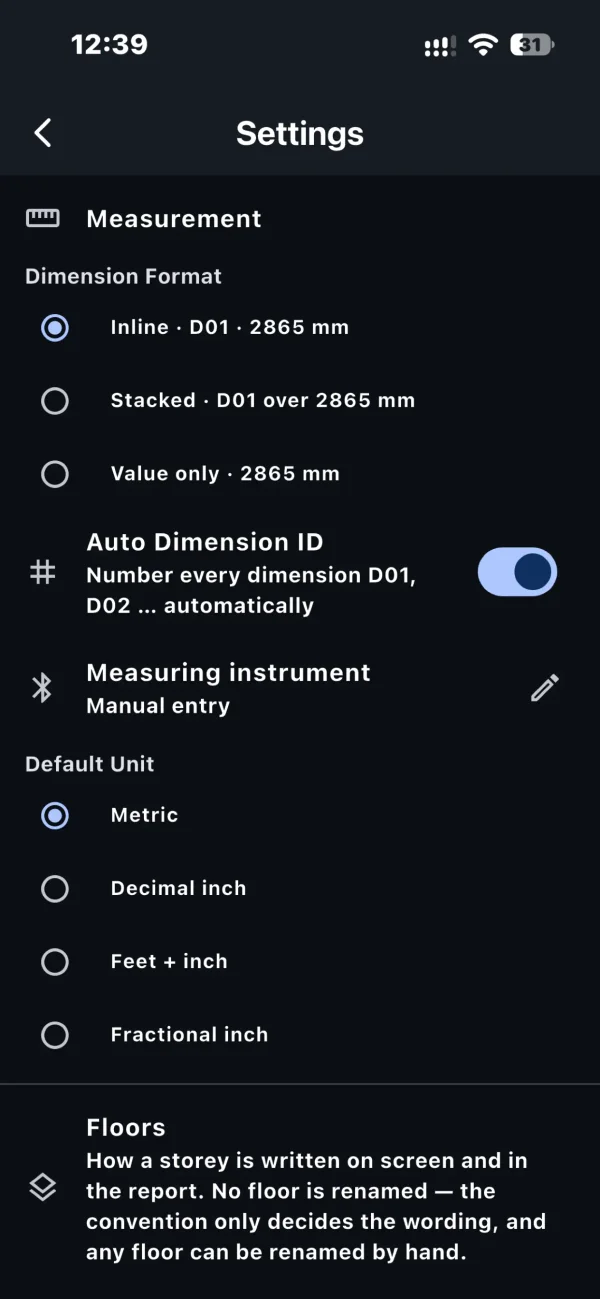
• Use metric, decimal inches, feet + inches, or fractional inches
• Assign measurement IDs such as D01, D02 and D03
• Add notes and review measurement history
• Use reference-scale estimation when appropriate
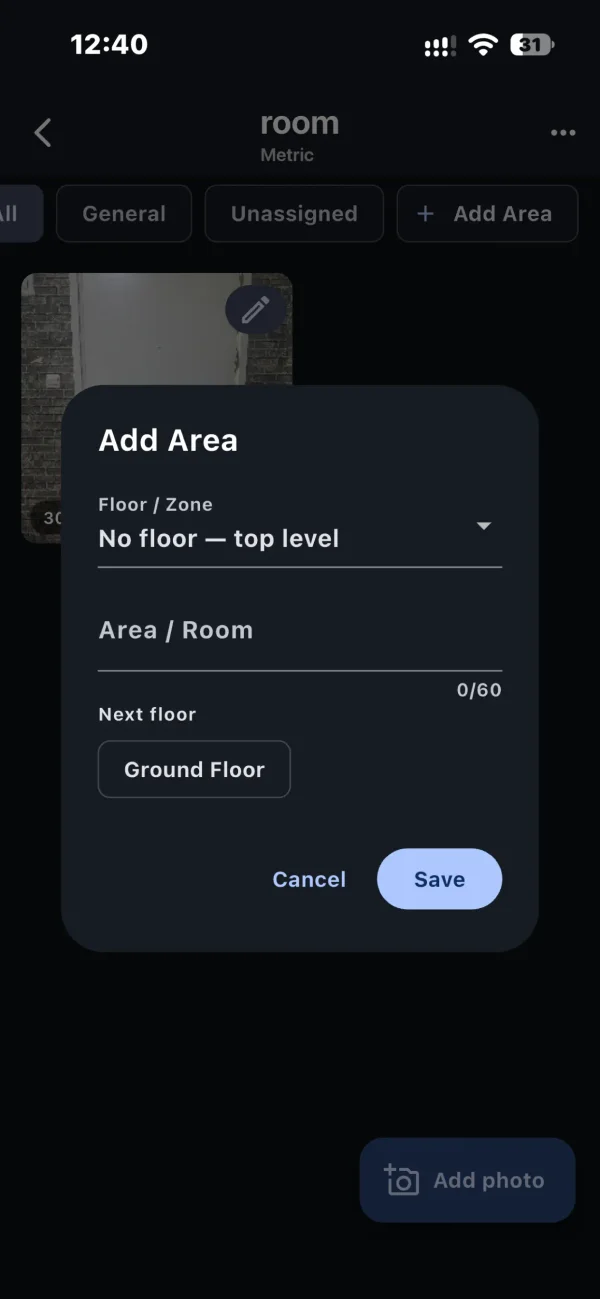
FLOORS & ROOMS
Keep large projects organized with a clear structure.
Project → Floor → Room → Photos → Measurements
Organize kitchens, bedrooms, living areas and other site locations so photos and measurements remain easy to find.
SITE OBJECTS
Create structured measurement records for:
• Doors
• Windows
• Walls
• Cabinets
• Openings
• Equipment
• Custom objects
Each object can contain its own photos, measurements, notes and completion status.
CATCH MISSING MEASUREMENTS
FieldDims helps you identify incomplete work before leaving the site.
See which objects are complete, which measurements are still missing, and which photos or readings may need attention.
PROFESSIONAL REPORTS
Turn your field data into organized deliverables.
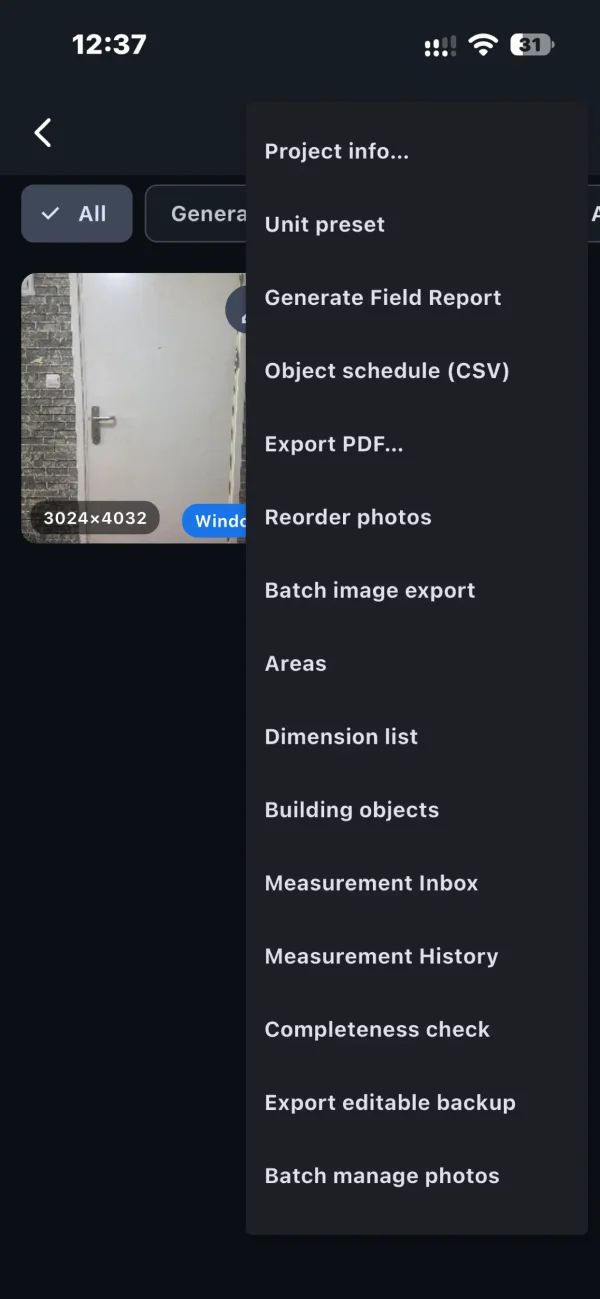
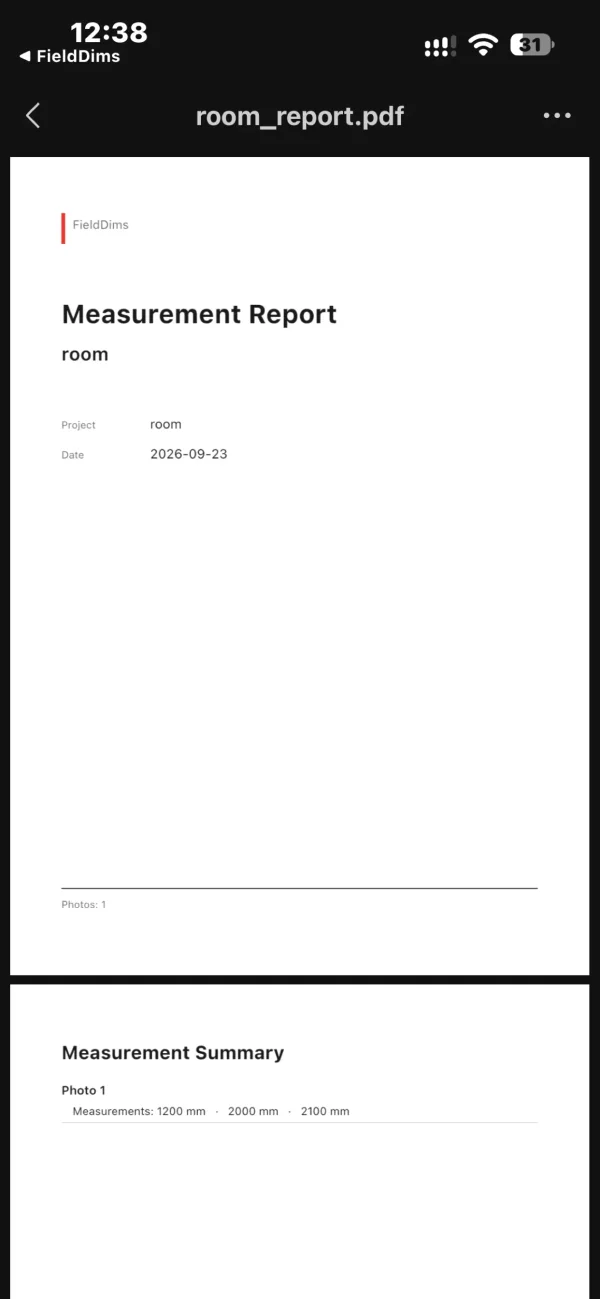
• Generate PDF field measurement reports
• Export measurement schedules as CSV
• Export full-resolution annotated images
• Organize reports by area and object
• Share results with clients, colleagues and contractors
FIELD PHOTO WORKFLOW
Capture photos with the camera or import existing images. Organize photos by project, floor, room and site object.
Before / During / After organization helps document project progress over time.
BACKUP & RECOVERY
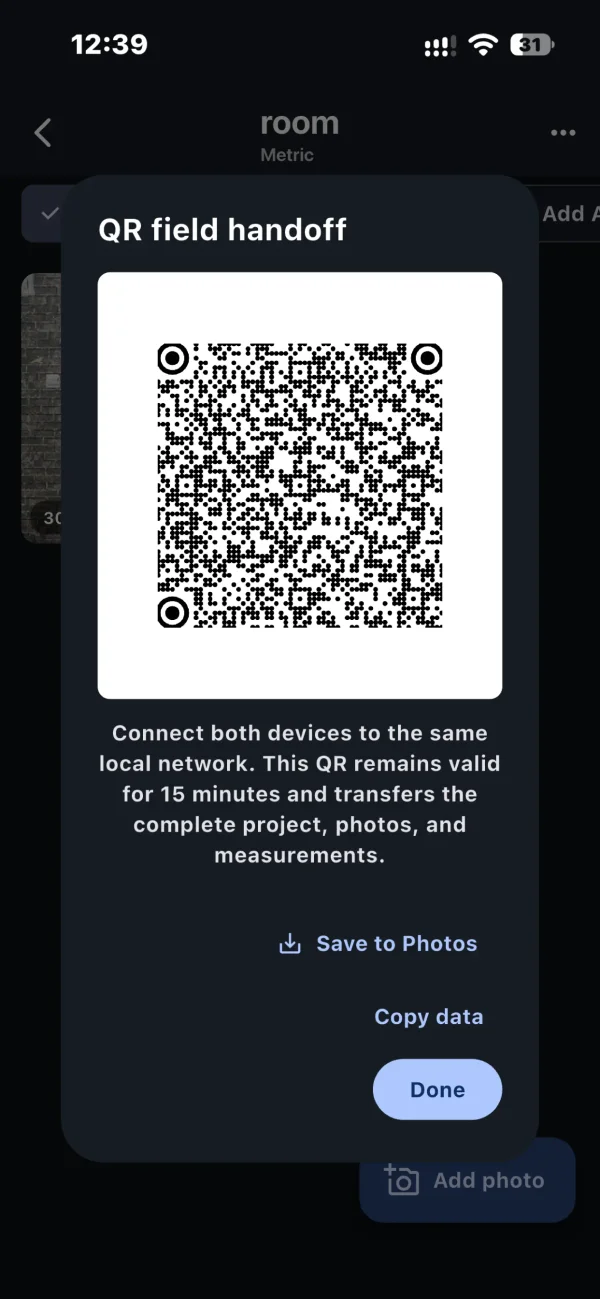
Export editable project backups containing project data, photos and annotations, and restore them when needed.
PRIVACY FIRST
FieldDims is offline-first. No account is required. Project photos, measurements and annotations are stored locally on your device.
FieldDims is intended for field documentation and reference. Critical dimensions should always be independently verified on site.
What’s new
Version 3.1.6 · Oct 8, 2026
FieldDims 3.x: from marking photos to running the survey.
• A template lists what to measure and photograph
• Numbers: Enter, next slot, keyboard stays up
• A NEXT card shows the next slot
• Check before leaving: Site ready / Ready with warnings / Not ready — never a score, not ready unless checked
• Numbers cross-check: chains, room closure, doors vs walls
• One export: DXF, report, CSV, summary, every photo
• Advisory checks only: dark, blurry or duplicate photos
Projects and photos stay.
App privacy
What 景奎 崔 declares on the App Store about how this app handles data.
-
Data not collected
The developer does not collect any data from this app.
Privacy practices may vary, for example with the features you use or your age.
Information
- Seller
- 景奎 崔
- Category
- Utilities
- Version
- 3.1.6
- Updated
- Oct 8, 2026
- Released
- Sep 21, 2026
- Size
- 45.3 MB
- Requires
- iOS 17.0 or later
- Age rating
- 4+
- Languages
- English, Simplified Chinese
- Copyright
- © 2026 jingkui cui
You might also like
-
 Acota · MeasureMeasure & annotate photos
-
 Hang It Straight: Spirit LevelPicture Hanging, Shelf & Ruler
-
 LumibearOne Tap to Perfect Light
-
 BestPick -Simple Album CleanupClean up your photo album
-
 eSIMWalletManage SIMs,bills,and services
-
 Squart - Read Later&Save LinksSave links from anywhere
-
 CutFlow: Cut List OptimizerSheet Cutting Optimizer Tool
-
 Sheet Bending CalculatorsSteel Plate Bending Helper
-
 QR Code Scanner | Bar ReaderQR Scanner, Barcode Generator
-
 Summit BatteryUtilities