- Age rating17+
- CategoryFinance
- DeveloperFieldPay Inc.
- LanguagesEnglish
- Size58.6 MB
Links to the official App Store page
Download.org hosts no file of FieldPay. The button opens its official App Store page, published by FieldPay Inc. Listing last checked on Nov 13, 2026.
Screenshots

About
Get paid for every job without writing a single invoice.
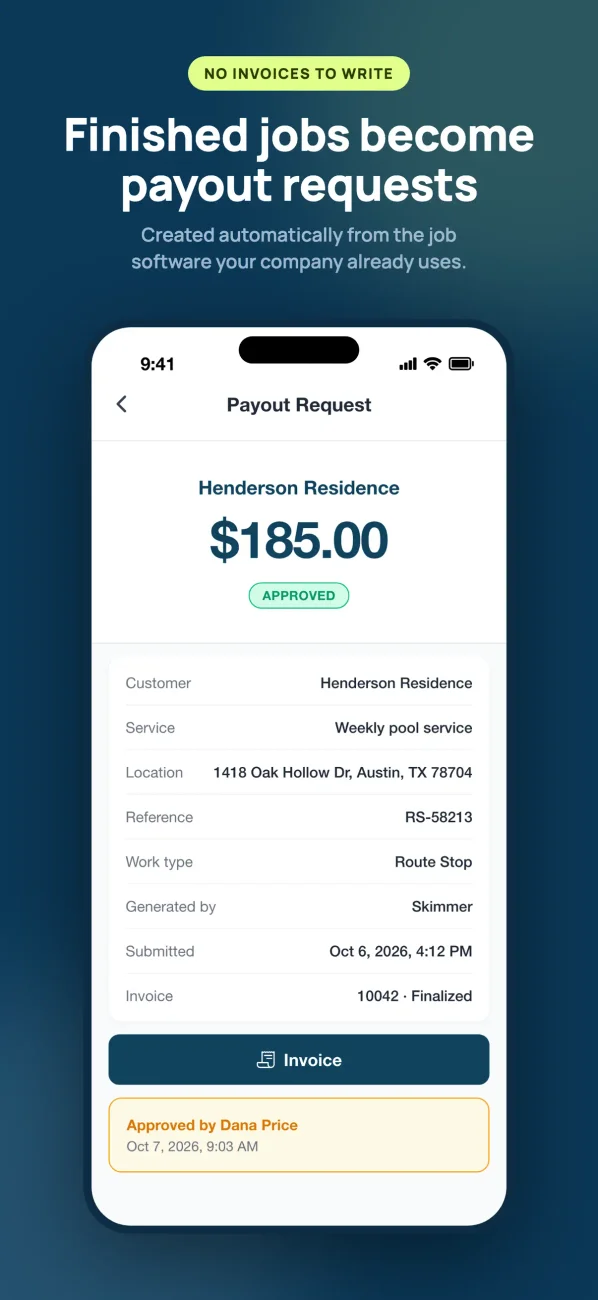
FieldPay automates pay for subcontractors, installers, technicians and independent contractors. When the company you work for uses FieldPay, your finished jobs turn into payout requests on their own, your invoice is created for you, and your pay goes straight to your bank account or debit card.
NO INVOICES TO WRITE
• Finished jobs come in from the job software your company already uses and become payout requests automatically
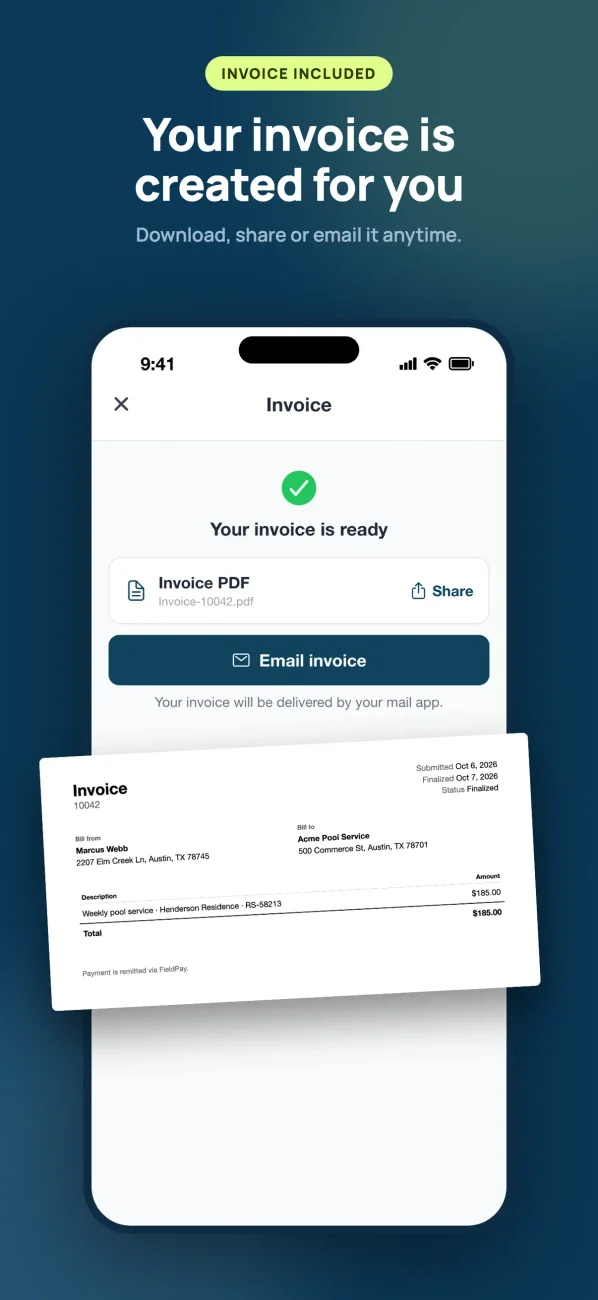
• FieldPay creates an invoice for every payout request
• Download, share or email any invoice as a PDF
GET PAID FAST
• Debit card payouts usually arrive within minutes
• Or choose direct deposit to your bank account
• No paper checks and no wallet to cash out of
NEED CASH NOW? GET PAID EARLY
• When your company offers it, you can have scheduled payouts paid early for a small fee
• You see the exact fee and what you'll receive before you confirm
• It's always your choice. Waiting for your scheduled payday never costs a thing.
TRACK EVERY DOLLAR
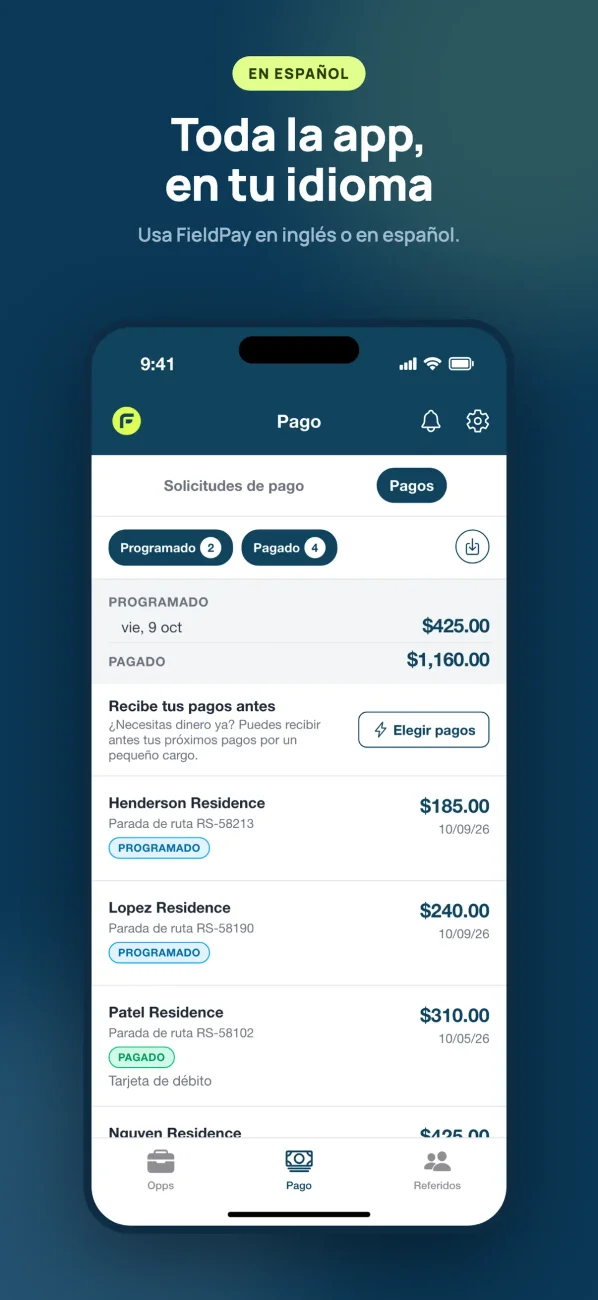
• See what's scheduled, what's paid and when your next payday is
• Get a notification when a payout is sent
• Export your earnings anytime for your records or taxes
MORE WAYS TO GET PAID
• Request pay for extra work or expenses, with receipts and notes
• Refer people to your company and earn rewards when they join
EN ESPAÑOL
• Use the whole app in English or Spanish
SECURE BY DESIGN
• Your identity is verified and your connection is encrypted
• FieldPay can only send money to your account. It can never take money out.
• You enter your card details with our payment provider. FieldPay never sees or stores your card number.
GETTING STARTED TAKES MINUTES
1. Accept the invite from the company that pays you
2. Verify your identity
3. Link your bank account or debit card
Run a business that pays subcontractors? FieldPay pulls completed jobs from your field service software, creates the invoices for you and pays your crews. Learn more at myfieldpay.com.
Questions? Visit myfieldpay.com/support
What’s new
Version 1.46.0 · Nov 12, 2026
- Bug fixes and general improvements
App privacy
What FieldPay Inc. declares on the App Store about how this app handles data.
-
Data linked to you
May be collected and linked to your identity.
- Purchases
- Financial info
- Location
- Contact info
- User content
- Identifiers
- Diagnostics
Privacy practices may vary, for example with the features you use or your age.
Information
- Seller
- FieldPay Inc.
- Category
- Finance
- Version
- 1.46.0
- Updated
- Nov 12, 2026
- Released
- Mar 29, 2026
- Size
- 58.6 MB
- Requires
- iOS 16.4 or later
- Age rating
- 17+
- Price
- Free
- Languages
- English
- Copyright
- © 2026 FieldPay Inc.