
FieldProof: Site Reports
Punch List & Photo Markup
Designed for iPhone, iPad
Free · In-app purchases
- Age rating4+
- CategoryProductivity
- DeveloperThomas Golbach
- LanguagesEnglish+ 4 more
- Size23.5 MB
Links to the official App Store page
Download.org hosts no file of FieldProof: Site Reports. The button opens its official App Store page, published by Thomas Golbach. Listing last checked on Nov 26, 2026.
Screenshots

About
Turn site photos into either neutral Photo Documentation or a structured issue report—on iPhone and iPad, offline and without an account.
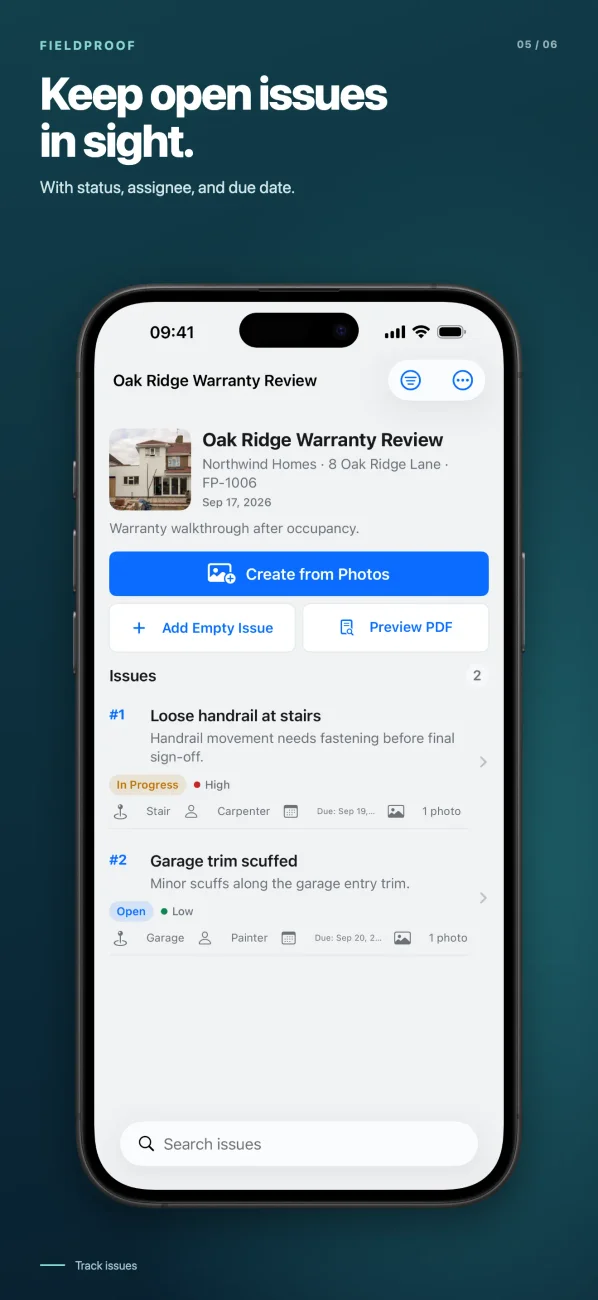
Capture documentation points with text and photos, or track issues with status, due dates, and precise markups.
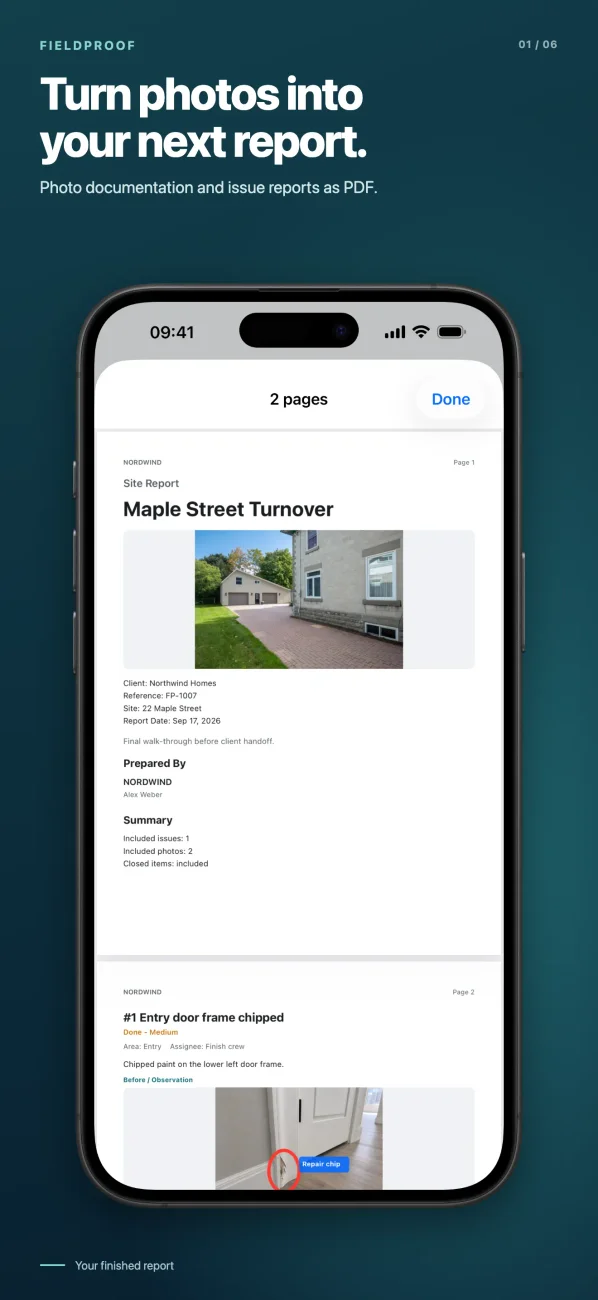
Check the finished report and export PDF or ZIP when the handoff is ready.
HOW IT WORKS
1. Create a report and choose its type
2. Add documentation points or issues
3. Take or import photos
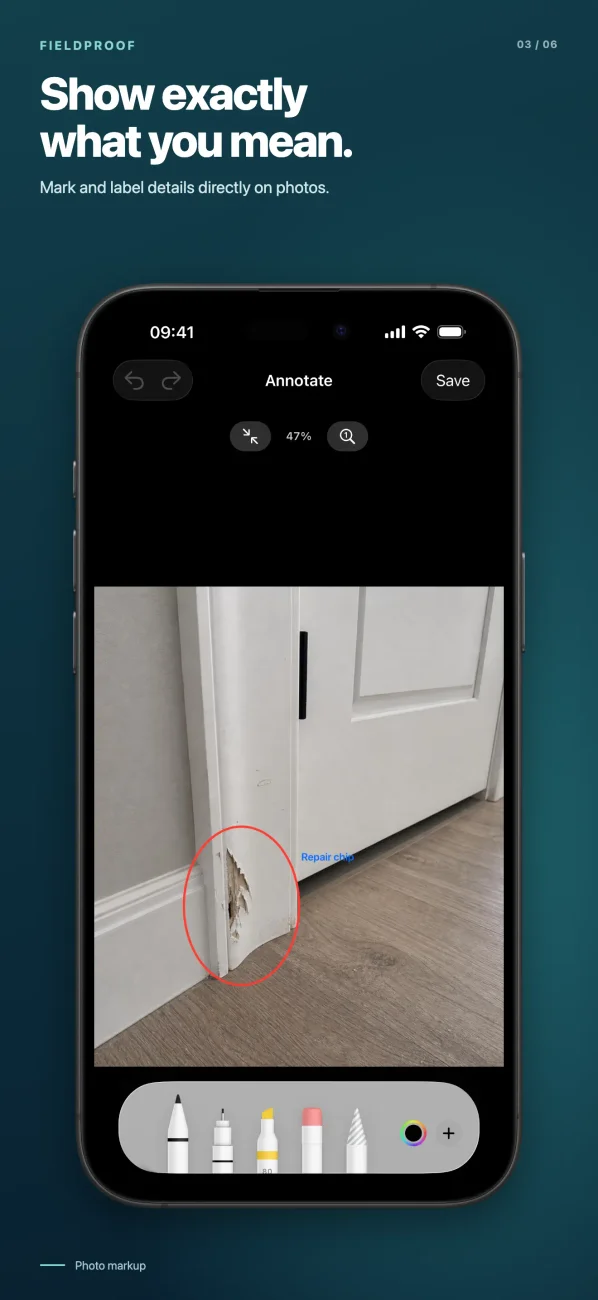
4. Add arrows, circles, boxes, text, or redaction
5. Review the export check and PDF preview
6. Share PDF or ZIP
BUILT FOR THE JOB SITE
• Neutral Photo Documentation without issue status or severity
• Structured issue reports with status and responsibility
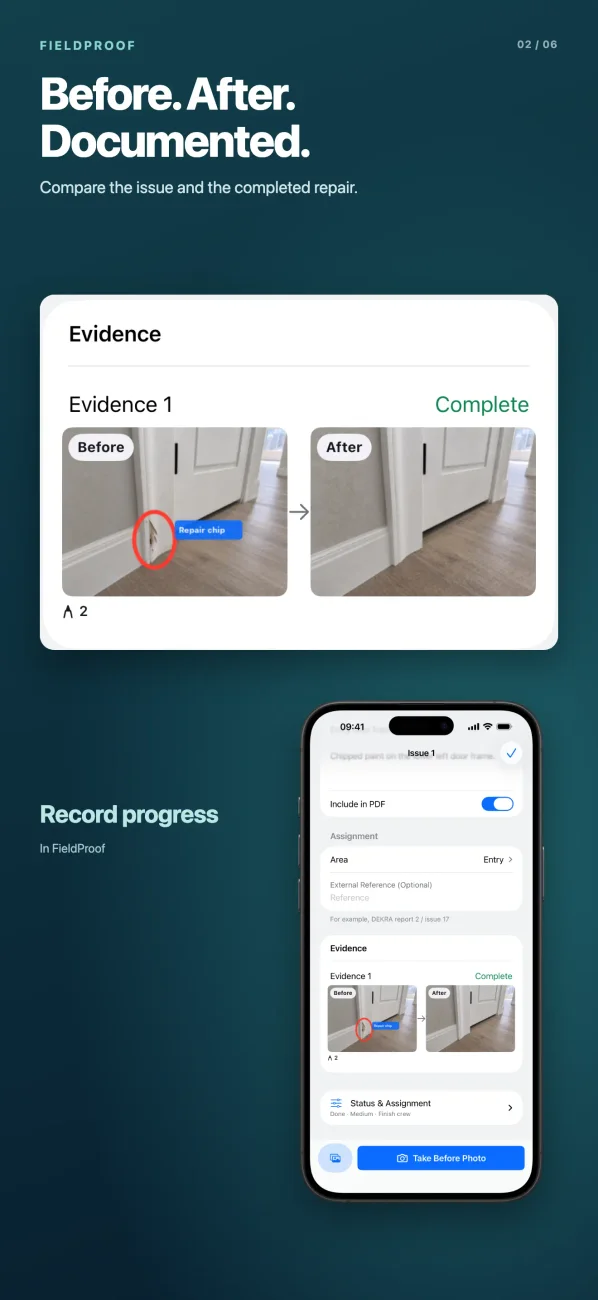
• Before-and-after photos to document issues and completed work
• Multiple photos per point, arranged with drag and drop
• Status, severity, assignee, and due date
• Duplicate documentation points and issues when details repeat
• Captions and precise photo markup
• Structured PDF with a cover and documentation or issue pages
• Company profile and logo in PDF reports
• ZIP export with the report and included images
LOCAL BY DEFAULT
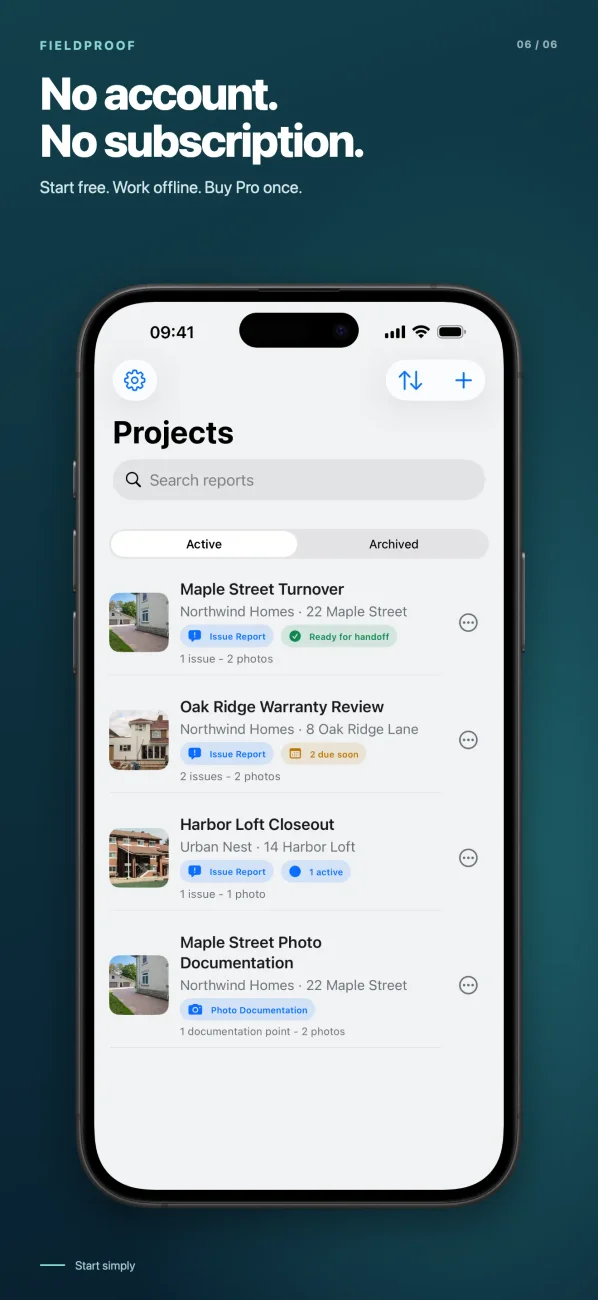
No sign-up, no login, and no cloud sync. Projects, photos, and annotations stay on your device until you choose to export or share them. Back up your data as a ZIP file and restore it on another device when needed; transfers happen manually through that file.
TRY IT FREE
Keep and edit one complete photo report and one complete issue report for free, with unlimited points and photos, company branding, and compact PDF/ZIP export. There is no limit on the number of exports. Sample reports do not count; archived reports do. Deleting a report frees the slot for that type.
Lifetime Pro is a one-time purchase that unlocks unlimited reports, the Large Photo Pages layout, sign-offs in PDF/ZIP exports, CSV export for issue reports, and custom starting templates. No subscription.
Made for contractors, inspectors, property managers, maintenance teams, cleaning supervisors, and anyone who needs to hand off clear photo documentation.
What’s new
Version 1.5.5 · Nov 25, 2026
A small maintenance update.
App privacy
What Thomas Golbach declares on the App Store about how this app handles data.
-
Data not collected
The developer does not collect any data from this app.
Privacy practices may vary, for example with the features you use or your age.
Information
- Seller
- Thomas Golbach
- Category
- Productivity
- Version
- 1.5.5
- Updated
- Nov 25, 2026
- Released
- Jul 11, 2026
- Size
- 23.5 MB
- Requires
- iOS 17.0 or later
- Age rating
- 4+
- Price
- Free
- In-app purchases
- Yes
- Languages
- English, French, German, Portuguese, Spanish
- Copyright
- © Copyright 2026 Tom Golbach
You might also like
-
 WorkProofCam: Photo ReportTimestamp Job Site Photos
-
 Provaro: Job Photo ReportsSnagging list & markup PDF
-
 Punch List & Audit: SnagShotConstruction defects by voice
-
 DokuAI: Site DocumentationPhoto Reports & AI Inspection
-
 Construction AcceptanceSnag List, Photos & PDF
-
 Check&Go Schäden und ÜbergabenProductivity
-
 PhotoReport — Photo ReportsSites, property & field
-
 SchadenakteProductivity
-
 ProjectCam: Project Photo LogPhotos, notes, tasks, reports
-
 Punch List PhotosSite walk to PDF report