
File Camera
Another place to store photos
Designed for iPhone, iPad
Free · In-app purchases
- Age rating4+
- CategoryPhoto & Video
- DeveloperRyusuke Uchida
- LanguagesEnglish+ 1 more
- Size23.2 MB
Links to the official App Store page
Download.org hosts no file of File Camera. The button opens its official App Store page, published by Ryusuke Uchida. Listing last checked on Nov 12, 2026.
Screenshots


About
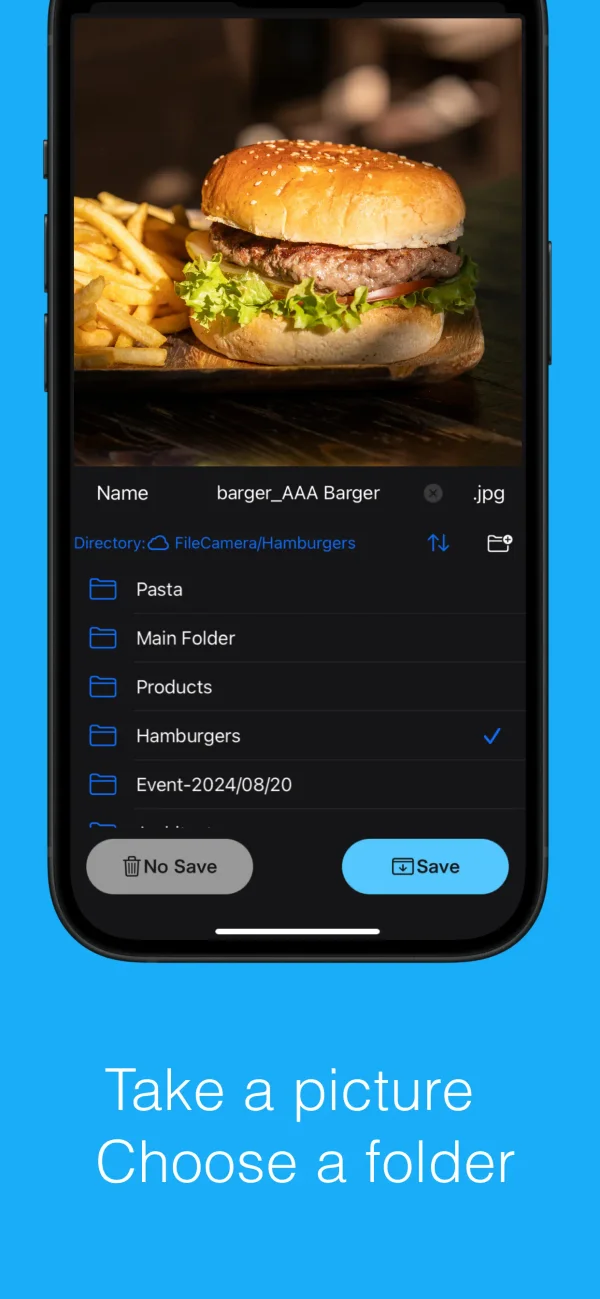
Let’s manage your photos with the Files app!
While photos are typically stored in the " Photos app "
this app lets you save them directly to the " Files app "
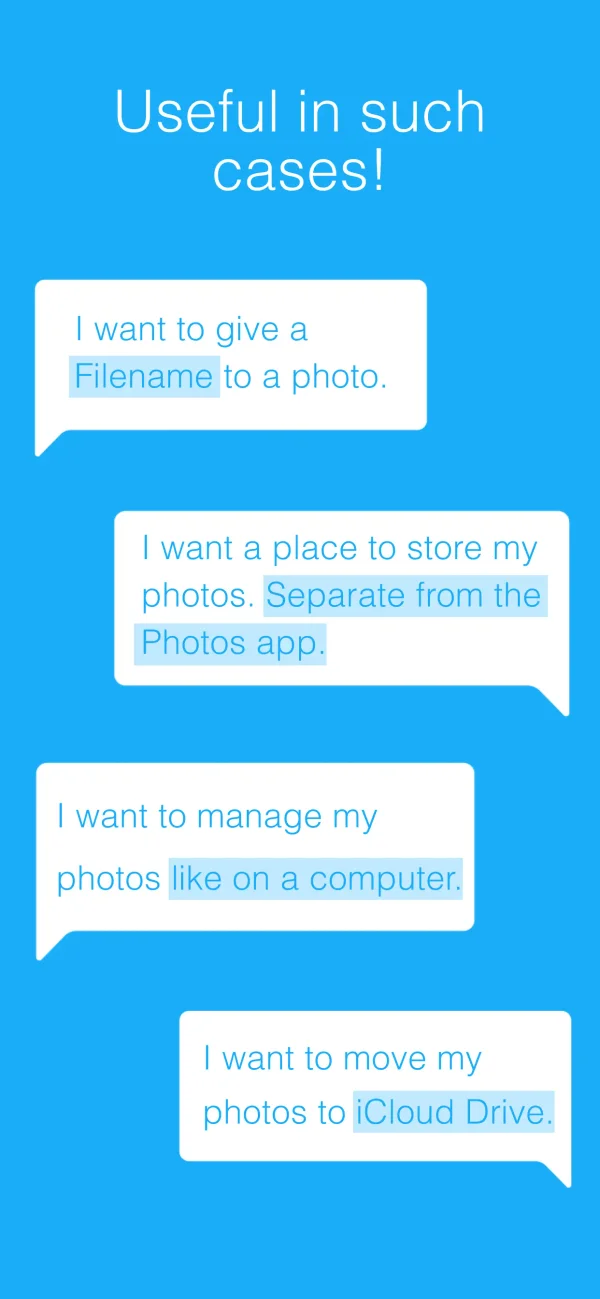
Managing photos in the "Files app" can be handy in these situations:
*** When to use ***
- Separate work-related photos
- Create an alternative location to save photos outside the Photos app
- Free up device space by moving photos to iCloud Drive
- Need a photo viewer for the Files app
- Prefer Computer-like file management on iPhone
- Want to organize unwanted photos into folders during decluttering
etc.
*** Main features ***
- Take a photo and save it directly to the Files app
- Bulk save photos from your Photo library to the Files app
- Save to either "iCloud Drive" or "On My iPhone"
- Filename change
- Manage folders and photos within the app (create, delete, rename, etc.)
*** Additional handy features ***
- Automatically number file names sequentially
- Automatically delete imported photos
- Choose whether to show the folder selection screen every time
- Preserve EXIF data
- Maintain photo file names and creation dates during import
*** Privacy & Security ***
For local files, the app can be used completely offline, making it suitable for both personal and professional use.
Please feel free to contact us with any questions about privacy and security.
This app is designed more for "Storing" photos than for viewing them later.
We hope you like this app!
Terms of Service: https://sites.google.com/view/filecamera/terms-of-service
Privacy Policy: https://sites.google.com/view/filecamera/privacy-policy
Sound effects provided by: OtoLogic(https://otologic.jp)
What’s new
Version 1.2.3 · Oct 27, 2026
* Photo capture via the Volume Buttons is now supported.
* Added a Lifetime Purchase option.
* Fixed an issue with consecutive photo captures.
* Fixed a bug where the filename entered on the preview screen was not applied.
* Other minor fixes and improvements.
Thank you for always using File Camera.
App privacy
What Ryusuke Uchida declares on the App Store about how this app handles data.
-
Data used to track you
May be used to track you across apps and websites owned by other companies.
- Location
- Identifiers
- Usage data
-
Data not linked to you
May be collected but is not linked to your identity.
- Location
- Identifiers
- Usage data
Privacy practices may vary, for example with the features you use or your age.
Information
- Seller
- Ryusuke Uchida
- Category
- Photo & Video
- Version
- 1.2.3
- Updated
- Oct 27, 2026
- Released
- Aug 21, 2024
- Size
- 23.2 MB
- Requires
- iOS 17.0 or later
- Age rating
- 4+
- Price
- Free
- In-app purchases
- Yes
- Languages
- English, Japanese
- Copyright
- © 2026 One Tap Apps
You might also like
-
 Camera to Files: Work PhotosJob Folders & Smart Naming
-
 Folder CameraOrganize as You Snap
-
 HashCamera - Folder CameraCam for quick photo organizing
-
 AlbumCamera -Organize Camera-Organize photos with camera
-
 WorkSplit - Job Site PhotosKeep work photos organized
-
 プリネームカメラ ~ 写真を撮る前に自動でリネームPhoto & Video
-
 Photo Folder - Album OrganizerTake Photos Inside of Folders
-
 WorkCamOrganize your work photos
-
 Utiful: Move & Organize PhotosOrganizing photos made easy
-
 Mylio PhotosOrganize & Protect Photos