
File Locker - Scanner, Vault
Store, scan, organize files
Designed for iPhone, iPad, iPod touch
Free
- Age rating17+
- CategoryUtilities
- DeveloperJamaludeen Mara Abdullakunhihaji
- LanguagesEnglish
- Size67.8 MB
Links to the official App Store page
Download.org hosts no file of File Locker - Scanner, Vault. The button opens its official App Store page, published by Jamaludeen Mara Abdullakunhihaji. Listing last checked on Nov 16, 2026.
Screenshots
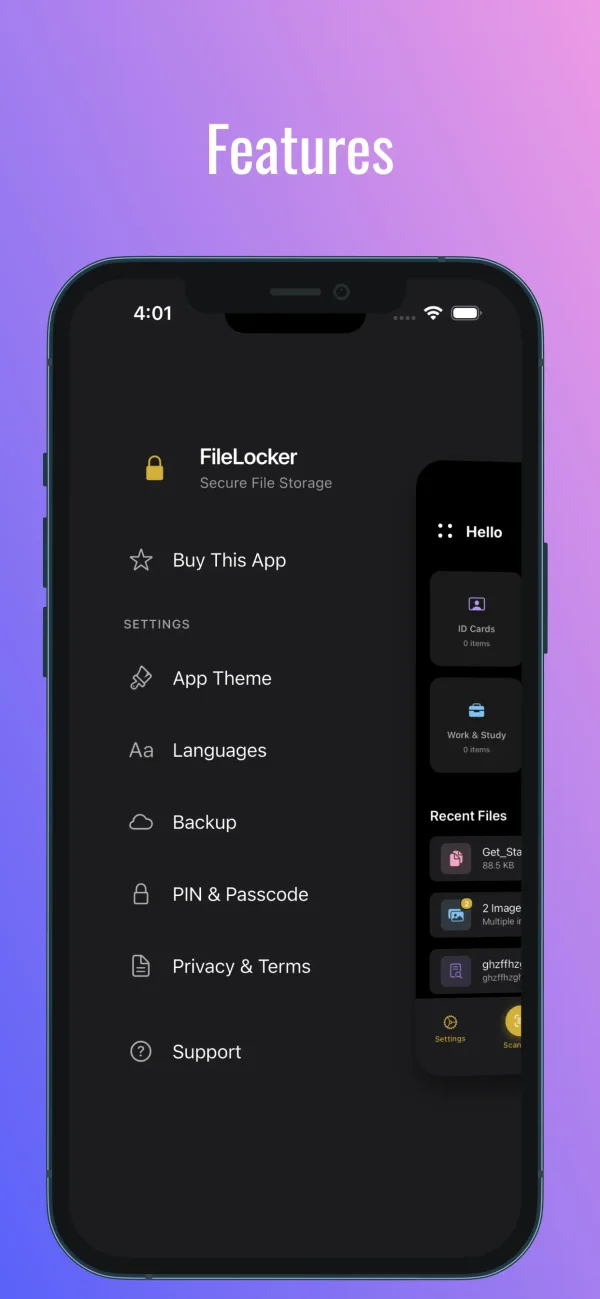
About
File Locker - Your Ultimate Secure File Management Solution
Protect your sensitive data with military-grade encryption. File Locker is a comprehensive security app that keeps your files, passwords, contacts, and notes safe with standard encryption - the same standard used
SECURE FILE STORAGE
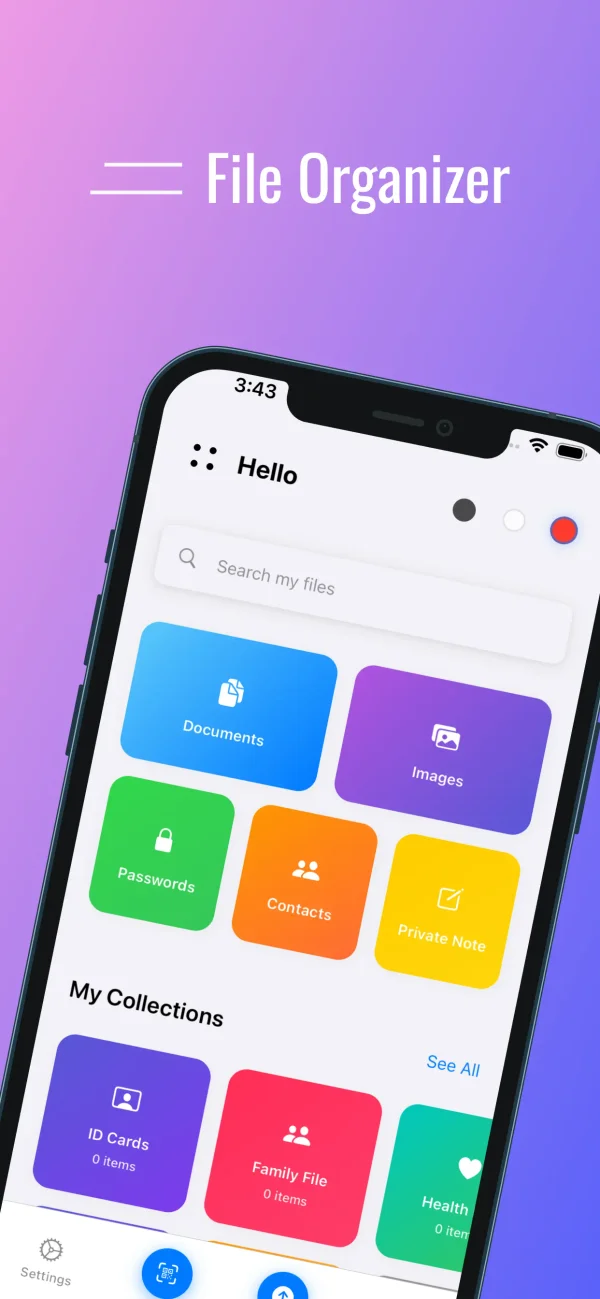
Store any type of file with complete privacy. Organize documents, PDFs, images, and more into custom folders. All files are encrypted before storage, ensuring your data remains private even if your device is compromised.
NOTES
Create and organize private notes with full encryption. Organize your thoughts into folders, use rich text formatting, and keep your ideas secure. Perfect for personal journals, business notes, or sensitive information.
PASSWORD MANAGER
Never forget a password again. Securely store all your passwords in one encrypted vault. Features include:
• Built-in password generator with customizable options
• Password strength checker
• Quick copy functionality
CONTACTS
Keep sensitive contacts separate from your main contact list. Import contacts from your device or add them manually. All contacts are encrypted and protected with your PIN.
DOCUMENT SCANNER
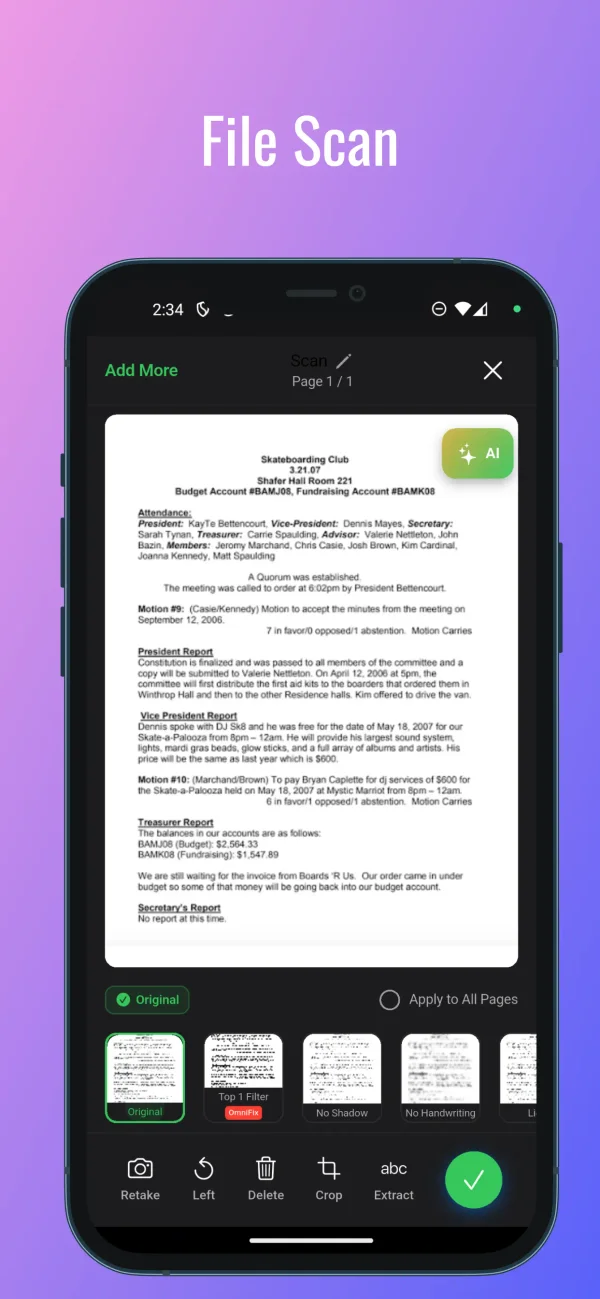
Transform your device into a powerful document scanner. Features include:
• High-quality document capture
• Multiple filter options for enhanced readability
• Automatic edge detection
• Image enhancement and optimization
• Export to PDF
GOOGLE DRIVE BACKUP
Backup your encrypted data to Google Drive and restore it on any device. Your data remains encrypted even in the cloud, ensuring maximum security. Optional feature - your data stays local if you prefer.
MULTI-LANGUAGE SUPPORT
Available in 10+ languages including English, Arabic, Spanish, French, German, Hindi, Japanese, Chinese, Russian, Portuguese, and more. Switch languages anytime from settings.
DARK & LIGHT THEMES
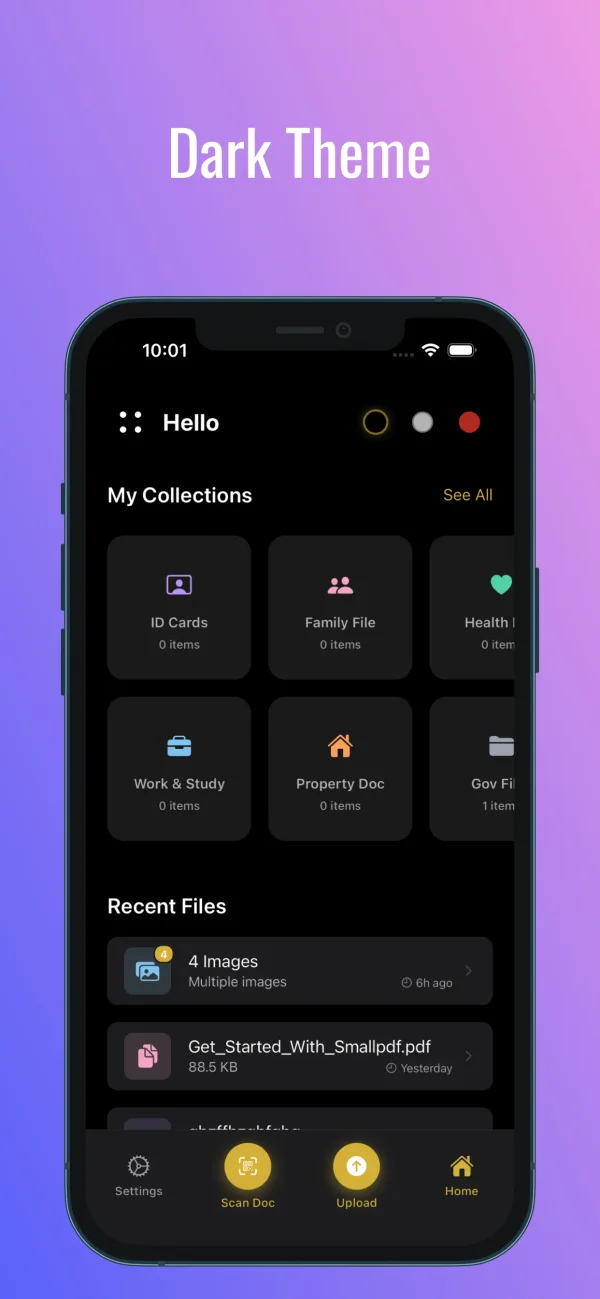
Choose your preferred theme or use system default. Beautiful, modern interface designed for both light and dark modes.
SECURITY FEATURES
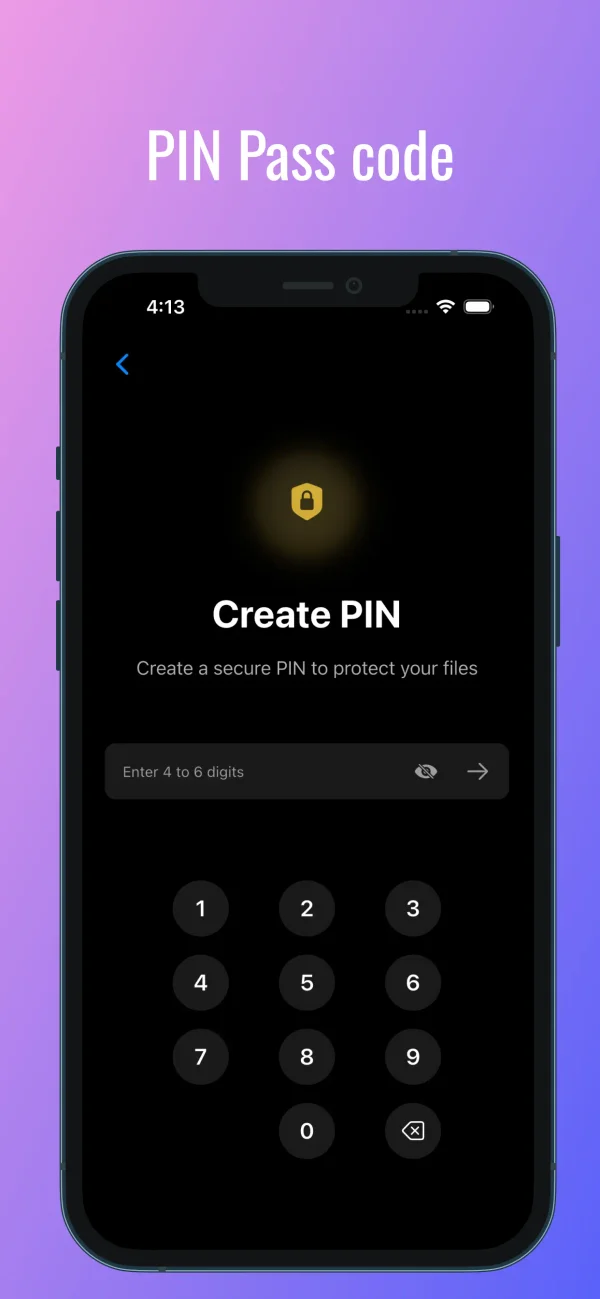
• PIN/Password Protection - Secure access control
• Auto-Lock - Automatically locks after inactivity
• Privacy Mode - Hide app content in recent apps
• Local Storage - All data stored on your device
• No Data Collection - We don't track or collect your information
FULL OFFLINE FUNCTIONALITY
Works completely offline. No internet connection required for core features. Your data never leaves your device unless you choose to use cloud backup.
KEY FEATURES
• Secure file storage with folder organization
• Password manager with generator
• Private contact storage
• Document scanner with filters
• Photo gallery with organization
• Google Drive backup (optional)
• Multi-language support (10+ languages)
• Dark/Light theme
• OCR scan, Image to text, PDF to text
• PIN/Password protection
• Auto-lock functionality
• 100% offline operation
• No data collection or tracking
PRIVACY FIRST
Your privacy is our top priority. We don't collect, track, or share your data. Everything is stored locally on your device with standard encryption. No analytics, no tracking, no data collection - just pure privacy.
PERFECT FOR
• Personal file organization
• Business document management
• Password security
• Private note keeping
• Contact privacy
• Document scanning
• Secure data backup
Download File Locker today and take control of your digital privacy. Your data, your control, your security.
App privacy
What Jamaludeen Mara Abdullakunhihaji declares on the App Store about how this app handles data.
-
Data linked to you
May be collected and linked to your identity.
- Contact info
- Identifiers
-
Data not linked to you
May be collected but is not linked to your identity.
- Contact info
- Contacts
- User content
- Other data
Privacy practices may vary, for example with the features you use or your age.
Information
- Seller
- Jamaludeen Mara Abdullakunhihaji
- Category
- Utilities
- Version
- 1.0.5
- Updated
- Jan 31, 2026
- Released
- Jan 31, 2026
- Size
- 67.8 MB
- Requires
- iOS 13.0 or later
- Age rating
- 17+
- Price
- Free
- Languages
- English
- Copyright
- © JAMALUDEEN MA
You might also like
-
 FileLock: Secret Photo VaultLock files, browse privately
-
 CleanURL Tap: Remove TrackingStrip UTM & affiliate tags
-
 Lock PocketSecure Document Vault
-
 Just Roll: Teleprompter CameraRead your script. Roll camera.
-
 File FortressUtilities
-
 PDF to Images ProPDF to Images Converter
-
 IMAFE – Hide Secrets in ImagesEncrypt your secrets in images
-
 QuietVault: File & Photo LockSecure Folder & Document Vault
-
 LoqAIYour Local AI Chat & Agent
-
 Ali Convert: Photos To VideosVideo Merger-Add Music-Secure