File Reader: PDF, ZIP, RAR
PDF ZIP RAR CBZ CBR Viewer
Designed for iPhone, iPad
Free · In-app purchases
- Age rating4+
- CategoryBooks
- DeveloperRyota Kando
- LanguagesEnglish+ 12 more
- Size106.1 MB
Links to the official App Store page
Download.org hosts no file of File Reader: PDF, ZIP, RAR. The button opens its official App Store page, published by Ryota Kando. Listing last checked on Nov 22, 2026.
Screenshots



About
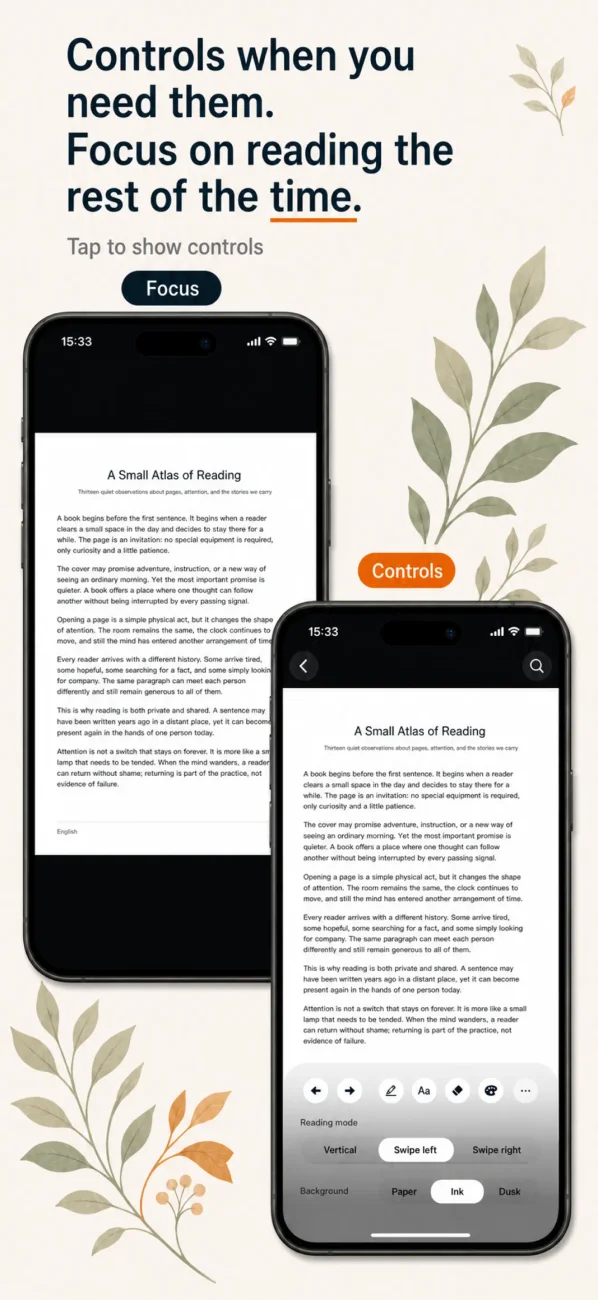
Use ZIP, RAR, CBZ, CBR, and more—22 file extensions in all. Bring PDFs, image archives, and images into one on-device library, then always pick up where you left off.
File Reader is made for people who want to read the files they already have on their iPhone. Turn downloaded comics, self-scanned books, course handouts, work documents, and image collections into a calm, organized reading shelf. Import from Files or the Share menu, open, read, and come back later—without creating an account and without ads getting in the way.
READ ZIP, RAR, CBZ, AND CBR IMAGE ARCHIVES
• Open image-based ZIP/CBZ and RAR/CBR archives directly in the reader
• Read pages in natural filename order, so 2 comes before 10
• Choose left-to-right or right-to-left page direction for comics and manga
• Switch between fit-to-page and fit-to-width views
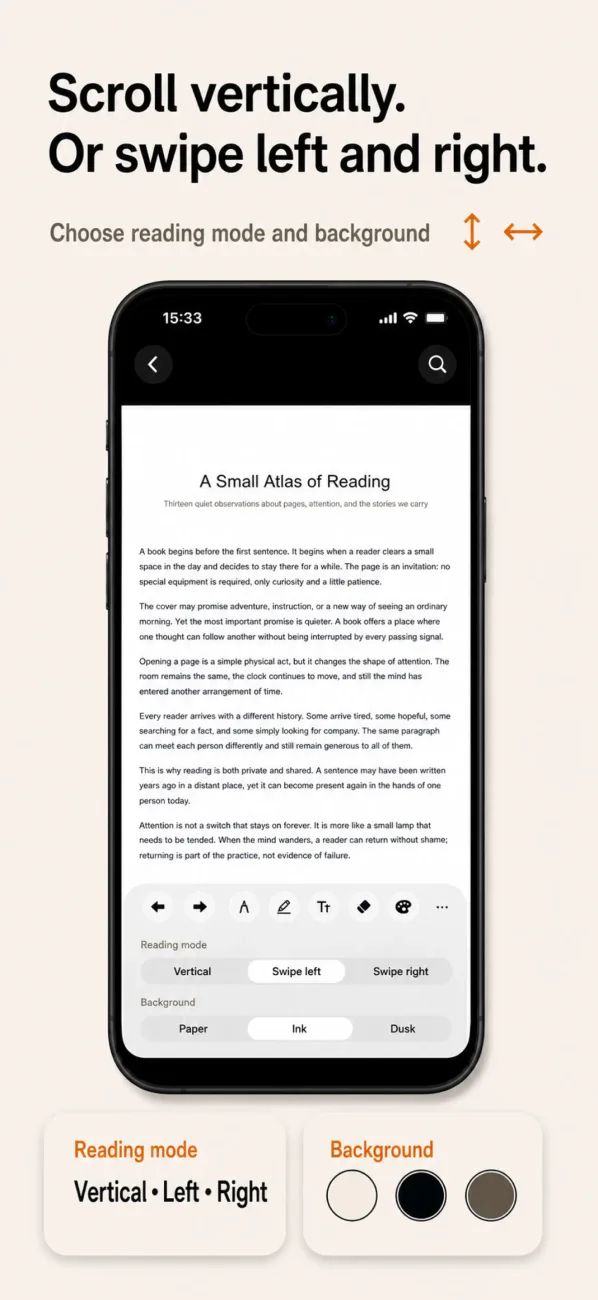
• Choose Paper, Ink, or Dusk tones to suit the room and the material
• Save reading progress automatically and resume from the same page
• Enter a password when opening supported password-protected RAR archives
The archive reader displays images inside your collection as pages in filename order.
SEARCH, READ, AND MARK UP PDFs
• Use continuous vertical scrolling or turn pages with horizontal swipes
• Zoom in on diagrams, fine print, and scanned pages
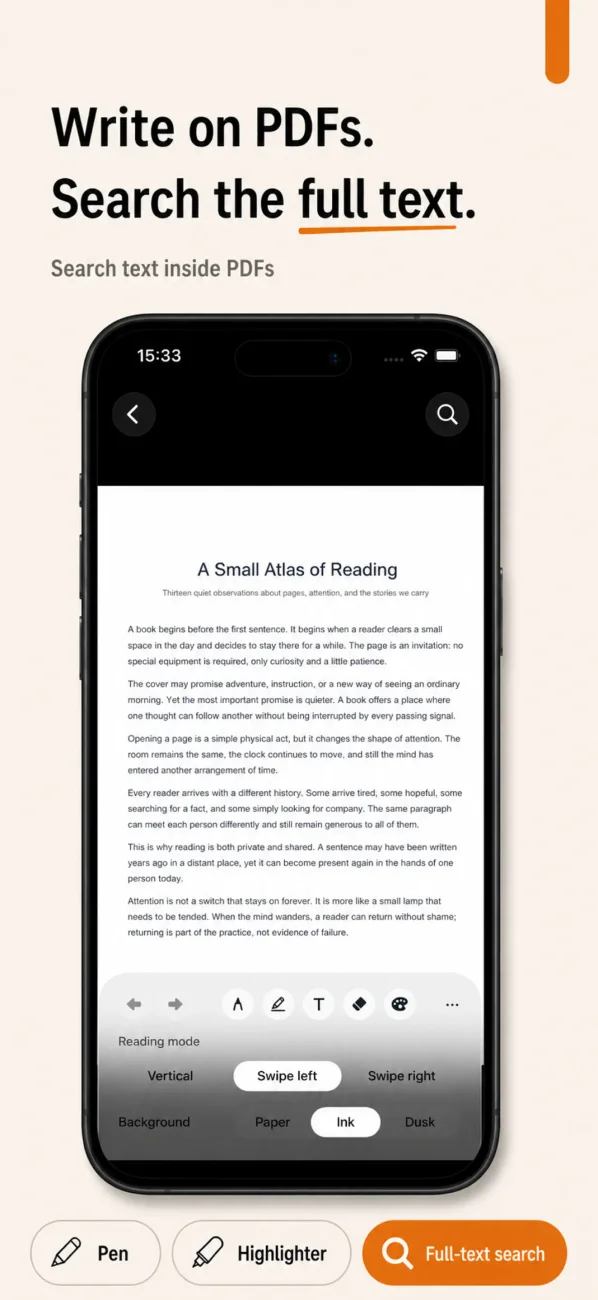
• Search the text layer of a PDF and move through matching results
• Find imported PDFs from the library by title, filename, or indexed body text
• See a short text snippet around each library search result
• Write with the pencil, add marker strokes, erase your own marks, and undo or redo changes
• Keep your current page and reading progress for the next session
• Adjust the reading tone without changing the original document
Text search works when the PDF contains selectable text. The app does not perform OCR on image-only scans, and its markup tools are for reading notes—not advanced PDF editing, conversion, forms, or digital signatures.
ONE LOCAL LIBRARY FOR THE FILES YOU READ
Instead of hunting through folders every time, keep reading material together in a simple on-device library.
• Search by title and filename, plus body text for indexed PDFs
• Filter the shelf by file type
• Sort by recently opened, title, date added, or progress
• Pin important items so they stay easy to reach
• Rename imported items, remove them from the app, and see progress at a glance
• Reopen a file and continue from your saved position
When you import a file, the app keeps its own local copy so it remains available offline. That makes it useful on a commute, on a flight, while traveling, or anywhere you do not want reading to depend on a connection.
22 FILE EXTENSIONS AVAILABLE
File Reader supports PDF, HTML, HTM, ZIP, CBZ, RAR, CBR, JPG, JPEG, PNG, HEIC, HEIF, TIF, TIFF, WebP, GIF, BMP, AVIF, JXL, JP2, J2K, and ICO.
JPG/JPEG and TIF/TIFF are counted separately because they are distinct filename extensions. “22 extensions” does not mean 22 separate rendering engines. Some other files may open through the iOS Quick Look preview when the system supports them; availability and behavior can vary by file and iOS version.
PRIVATE, QUIET, AND OFFLINE
• No account registration
• No advertising
• Your imported reading library stays on the device
• Core reading works without an internet connection
• No cloud library, NAS, WebDAV, or cross-device sync to configure
Because imported files are copied into the app, they use additional device storage. Keep the originals or a backup of anything important.
TRY IT FREE, THEN EXPAND YOUR LIBRARY
The free version lets you import and read up to 10 files, so you can test the readers with your own PDFs, comics, and images. Reader Pro removes the file-count limit. Current availability and purchase details are shown in the app.
Import a file, settle into a focused reader, and let your iPhone remember the page for next time.
What’s new
Version 2.0.1 · Nov 21, 2026
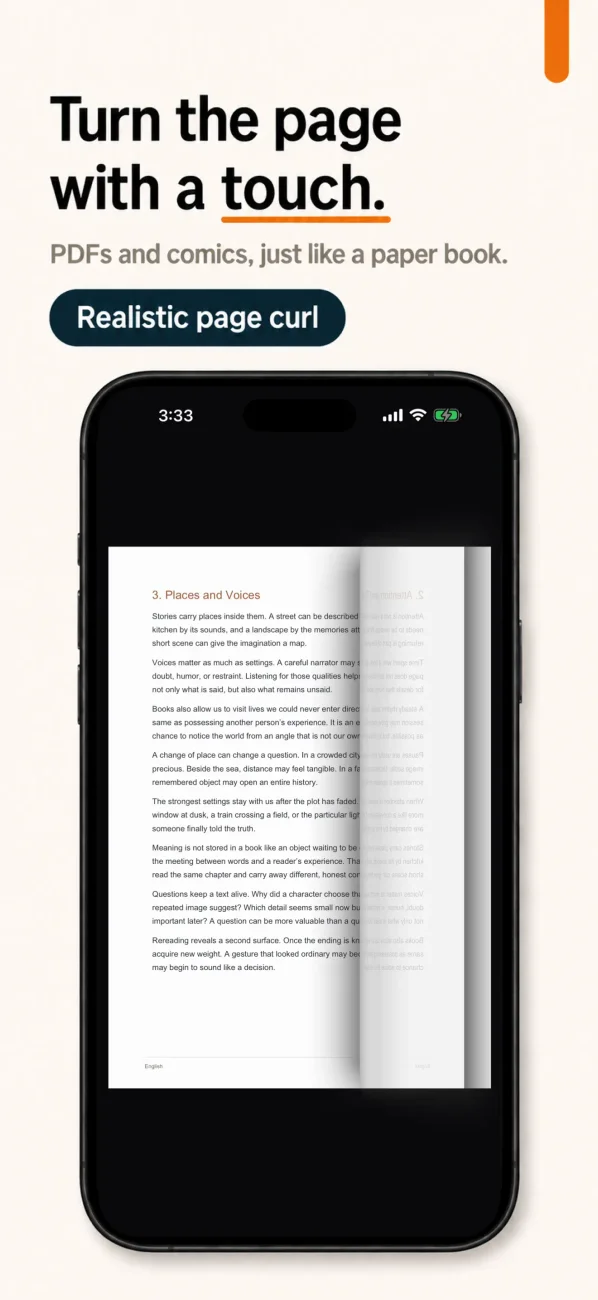
Realistic page curl is now enabled by default when you first open a PDF. This update also includes minor fixes.
App privacy
What Ryota Kando declares on the App Store about how this app handles data.
-
Data not collected
The developer does not collect any data from this app.
Privacy practices may vary, for example with the features you use or your age.
Information
- Seller
- Ryota Kando
- Category
- Books
- Version
- 2.0.1
- Updated
- Nov 21, 2026
- Released
- Apr 17, 2026
- Size
- 106.1 MB
- Requires
- iOS 17.0 or later
- Age rating
- 4+
- Price
- Free
- In-app purchases
- Yes
- Languages
- English, Arabic, French, German, Hindi, Italian, Japanese, Korean, Portuguese, Russian, Simplified Chinese, Spanish + 1 more
- Copyright
- © Ryota.K
You might also like
-
 photos Converter – PNG, JPGConvert photos to PNG, JPEG
-
 LudyRead - Audiobook PlayerM4B/MP3 Offline Book Player
-
 Moeli ReaderSimple E-book Reader
-
 Readori: EPUB & Ebook ReadeRead Aloud, Manga & Audiobooks
-
 Book Tracker: BookfyBookshelf, Stats & Goals
-
 BookShelf ReaderYour personal PDF library
-
 KeyReaderRead, translate & learn words
-
 expt – EPUB & PDF ReaderOffline ebooks and CBZ comics
-
 xiComic - Comic & Manga ReaderCBZ, CBR & RAR Book Viewer
-
 Strobe: Speed ReadingRSVP Reader for PDF & EPUB