File Save: Private Vault
Secure Encryption No Cloud
Designed for iPhone, iPad
Free · In-app purchases
- Age rating4+
- CategoryUtilities
- DeveloperHassan Hattab
- LanguagesEnglish+ 3 more
- Size11.1 MB
Links to the official App Store page
Download.org hosts no file of File Save: Private Vault. The button opens its official App Store page, published by Hassan Hattab. Listing last checked on Nov 12, 2026.
Screenshots

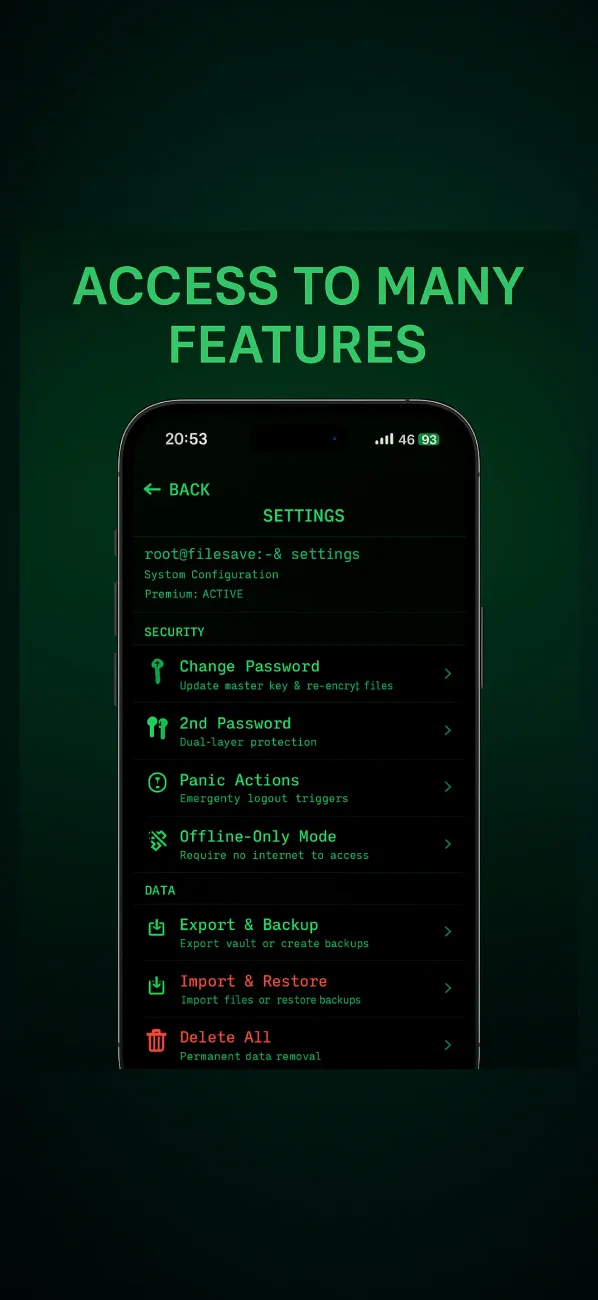
About
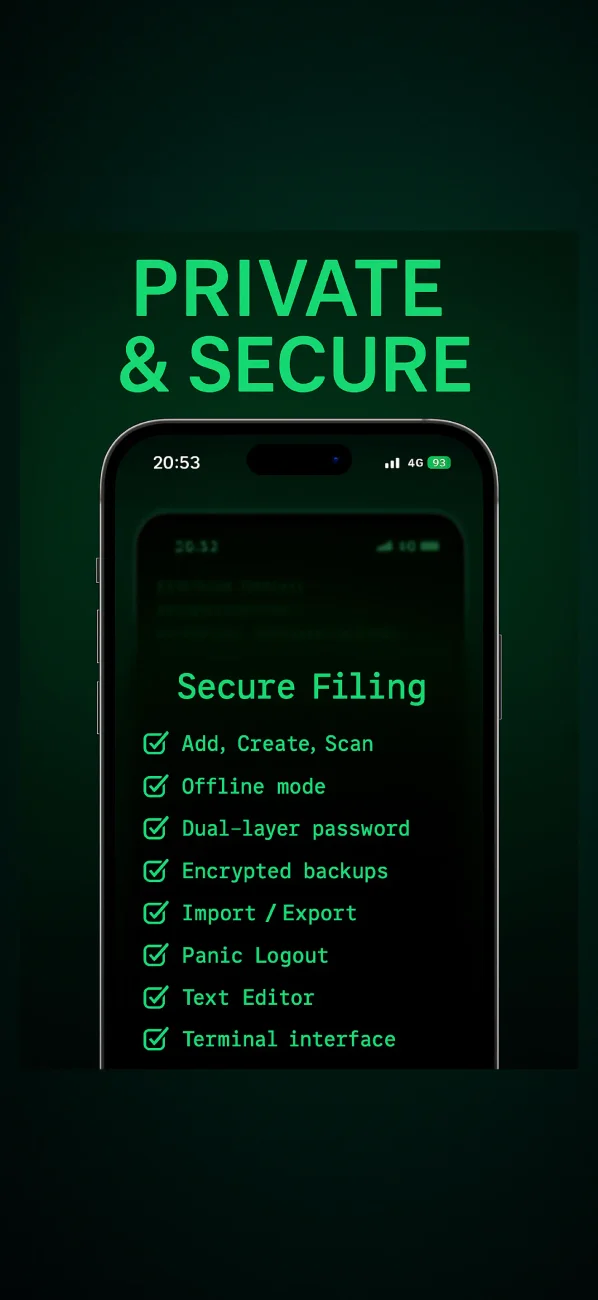
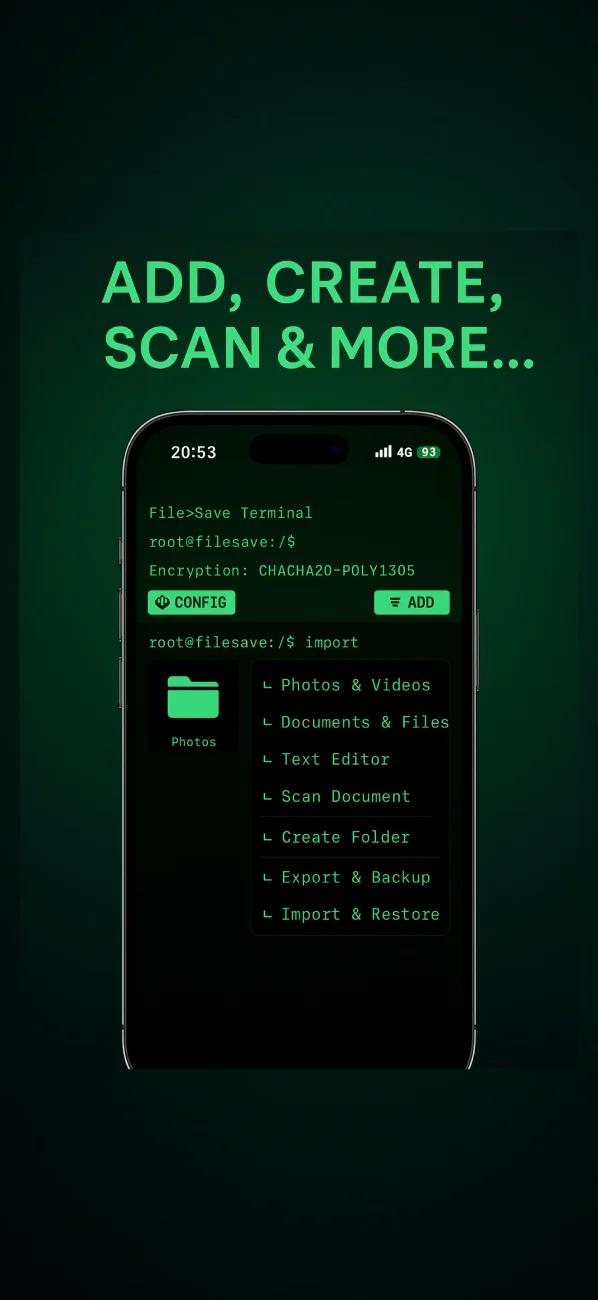
File->Save is a private, encrypted vault for your photos, videos and documents, wrapped in a retro terminal interface that makes protecting your files feel like being the hacker in a heist movie.
NO CLOUD. NO ACCOUNT. NO TRACKING.
Everything is encrypted and stored on your device only. There is no server, no sync, no analytics peeking at your files. Your password never leaves your head; your keys never leave your phone.
SERIOUS ENCRYPTION
* ChaCha20-Poly1305 encryption for every file
* A random 256-bit master key, wrapped with your password (PBKDF2, 210,000 rounds)
* Even file NAMES are encrypted on disk
* No password hash is stored. The math itself is the lock.
* Change your password instantly, without re-encrypting your vault
BUILT FOR REAL PRIVACY
* Decoy vault: a second password opens a completely separate vault, and no one can tell it exists (Premium)
* Panic actions: shake or tap to lock instantly, wiping keys from memory
* Auto-lock the moment you leave the app, or after 5 minutes
* Offline-only mode: the vault refuses to open while any network is connected (Premium)
* Password-protect individual folders (Premium)
YOUR FILES, UNTOUCHED
* Imports are byte-for-byte: original quality, original file names, EXIF and capture dates preserved. No recompression, ever.
* Sort and filter each folder your way; every folder remembers its own order
* Built-in viewer for photos, videos, audio, PDFs and documents
* Scan paper documents straight into encryption, never into the camera roll (Premium)
ENCRYPTED BACKUPS
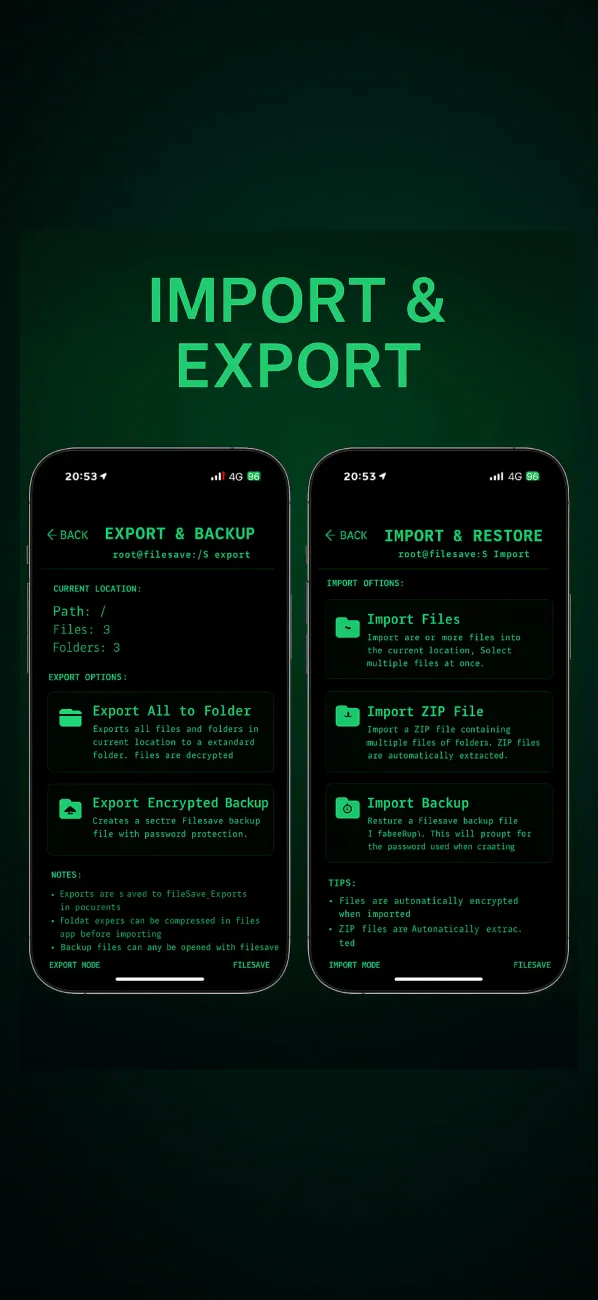
* Export a fully encrypted backup and restore it on any device with just your backup password
* Backups preserve folder structure, names, dates and metadata
* Your backup password is the only key. Even we can't open it.
A VAULT WITH CHARACTER
Green-on-black terminal interface, typed animations, a built-in command line, and maybe a hidden game or two for those who explore.
FREE & PREMIUM
The core vault is free. Premium unlocks unlimited files, the decoy vault, offline-only mode, folder passwords and the document scanner: monthly, yearly, or a single lifetime purchase.
IMPORTANT
There is no password recovery. That is the point: no backdoor exists, for anyone. Choose a password you'll remember, and export encrypted backups regularly.
Your files. Actually private.
Privacy Policy: http://www.youapps.co/filesave-privacy-policy.html
This app uses the Standard Apple End User License Agreement (EULA).
Terms of Use: https://www.apple.com/legal/internet-services/itunes/dev/stdeula/
What’s new
Version 2.0 · Aug 23, 2026
THE SECURITY UPDATE. Our biggest release ever.
* All-new encryption architecture: your vault is now protected by a random 256-bit master key, wrapped with your password using PBKDF2 (210,000 rounds). Existing vaults upgrade automatically and safely on your next login.
* Encrypted file names: file names are now unreadable on disk, not just file contents.
* Instant password change. No more waiting while files re-encrypt.
* Portable encrypted backups: restore on any device with just your backup password. Backups now preserve folder structure, dates and all metadata. Old backups still restore.
* True photo imports: original quality, original names, EXIF intact. Sorting by date now uses the real capture date.
* Redesigned Premium screen and a smarter, faster viewer.
* Full German, French and Spanish localization.
* Many fixes, including more reliable auto-lock and file renaming.
App privacy
What Hassan Hattab declares on the App Store about how this app handles data.
-
Data not collected
The developer does not collect any data from this app.
Privacy practices may vary, for example with the features you use or your age.
Information
- Seller
- Hassan Hattab
- Category
- Utilities
- Version
- 2.0
- Updated
- Aug 23, 2026
- Released
- Jul 10, 2025
- Size
- 11.1 MB
- Requires
- iOS 18.0 or later
- Age rating
- 4+
- Price
- Free
- In-app purchases
- Yes
- Languages
- English, French, German, Spanish
- Copyright
- © 2025 Hassan Hattab
You might also like
-
 VaultaFree – Secure File VaultOffline private storage
-
 UltraLocked: Secure File VaultEncrypted Documents & Photos
-
 File Guard Proencrypt and decrypt files
-
 Veil - Encrypted VaultsUtilities
-
 bepay moneyMove Money Freely
-
 Private Docs Vault: Photo LockHide Photos, Videos & Files
-
 privateFilesAppSecure storage for your files
-
 LockRoboUtilities
-
 FoxVaultOn-device vault. No cloud.
-
 BuddySOS: Group Safety & SOSGroup map, free SOS, no ads