- Age rating4+
- CategoryBusiness
- DeveloperFileAgo Software Private Limited
- LanguagesEnglish
- Size27.6 MB
Links to the official App Store page
Download.org hosts no file of FileAgo. The button opens its official App Store page, published by FileAgo Software Private Limited. Listing last checked on Nov 12, 2026.
Screenshots

About
FileAgo – Secure Data Management & Collaboration On the Go.
Access, upload, and collaborate on critical data – securely and effortlessly –
from your mobile device.
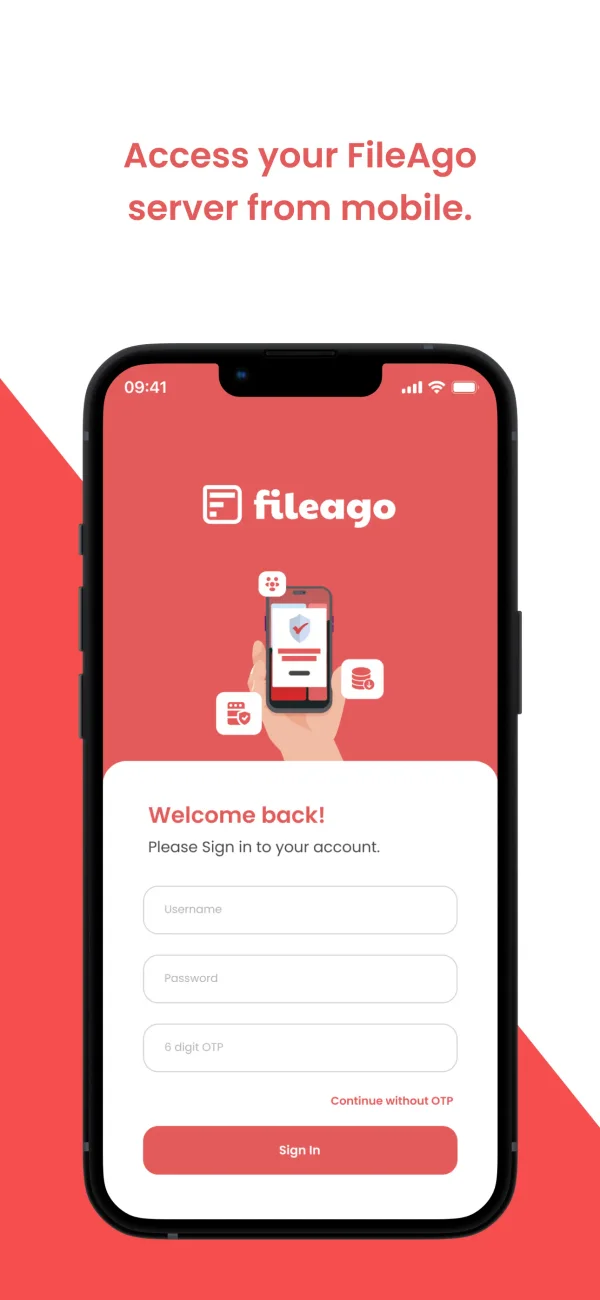
The FileAgo mobile app connects you directly to your organization’s cloud or on-premise FileAgo server, allowing you to manage and work on data from anywhere — with complete confidence and control.
FileAgo empowers professionals and teams with a smarter way to manage and collaborate on data — with built-in controls and security that are often missing in everyday tools. Whether you're in the office, working remotely, or constantly on the move, FileAgo ensures your data remains organized, encrypted, and fully under your control.
Key Features:
1. A Familiar Workspace, Anywhere
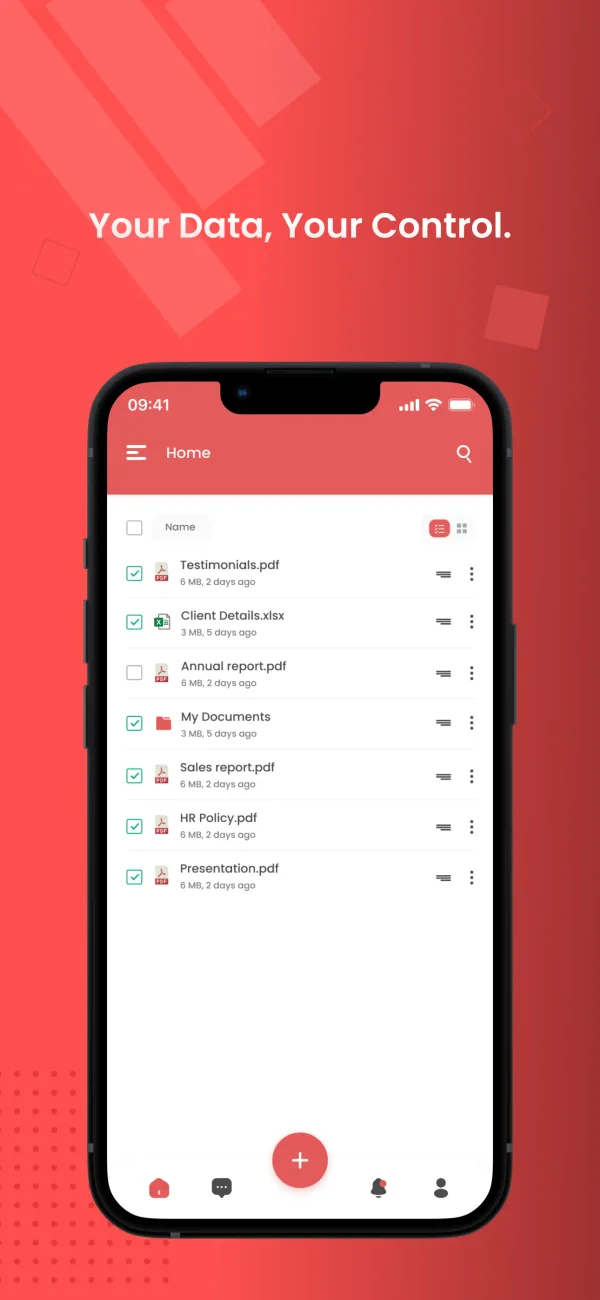
Access your personal and group workspaces from a sleek mobile interface that mirrors the FileAgo web portal. Your data is always within reach, no matter where work takes you.
2. One-Tap Uploads
Upload documents, images, videos, and folders directly from your phone. All content is encrypted in real-time and instantly synced across devices.
3. Data-Level Visibility
Tap on any file or folder to track activity:
- Who accessed it
- What actions were taken
- Internal comments and discussions — all in one place
4. Real-Time Collaboration
Work on documents alongside your team using integrated editor (Collabora). All edits are tracked, and every version is stored for transparency.
5. Secure Access for Internal and External Use
Collaborate internally by granting colleagues access with precise controls — choose who can view, edit, download, or delete, and set expiry durations for time-bound projects.
For external use, provide access through encrypted links with options like password protection, expiry limits, watermarking, and one-time view or download — keeping your data protected at all times.
Why Teams Trust FileAgo for Mobile Data Collaboration?
- AES 256-bit encryption in transit and at rest
- Role-based access permissions
- Real-time file/folder-level insights
- All access remains within your organization's secure environment
FileAgo helps you collaborate confidently — with controls that support
modern compliance and security standards.
Smarter access. Safer collaboration. Always in your hands.
Download the FileAgo app today and experience secure, mobile-first data
management.
What’s new
Version 1.8 · Jul 20, 2026
Optimized the overall user interface and app icons for a better experience on iPad.
App privacy
What FileAgo Software Private Limited declares on the App Store about how this app handles data.
-
Data not collected
The developer does not collect any data from this app.
Privacy practices may vary, for example with the features you use or your age.
Information
- Seller
- FileAgo Software Private Limited
- Category
- Business
- Version
- 1.8
- Updated
- Jul 20, 2026
- Released
- Jun 17, 2025
- Size
- 27.6 MB
- Requires
- iOS 15.1 or later
- Age rating
- 4+
- Languages
- English
- Copyright
- © 2025 FileAgo
You might also like
-
 IRIS | Spark Capital PWMIRIS - Internal Release
-
 Perpetual AI TwinThe AI twin that does the work
-
 Vienna Advantage ERPAn enterprise level App
-
 Pro Book MalappuramOfficial app for ALCA members
-
 HR NeetiHR Neeti
-
 Midas Equities & ResearchSpark Family
-
 Degree 212Finance
-
 ORIOLEPayORIOLEPay Cloud & Mobile HRMS