
FileFlow: Transfer & Convert
Fast Web Sharing & PDF Creator
Designed for iPhone, iPod touch
Free · In-app purchases
- Age rating4+
- CategoryUtilities
- DeveloperSandy Radadiya
- LanguagesEnglish+ 12 more
- Size75.5 MB
Links to the official App Store page
Download.org hosts no file of FileFlow: Transfer & Convert. The button opens its official App Store page, published by Sandy Radadiya. Listing last checked on Nov 13, 2026.
Screenshots


About
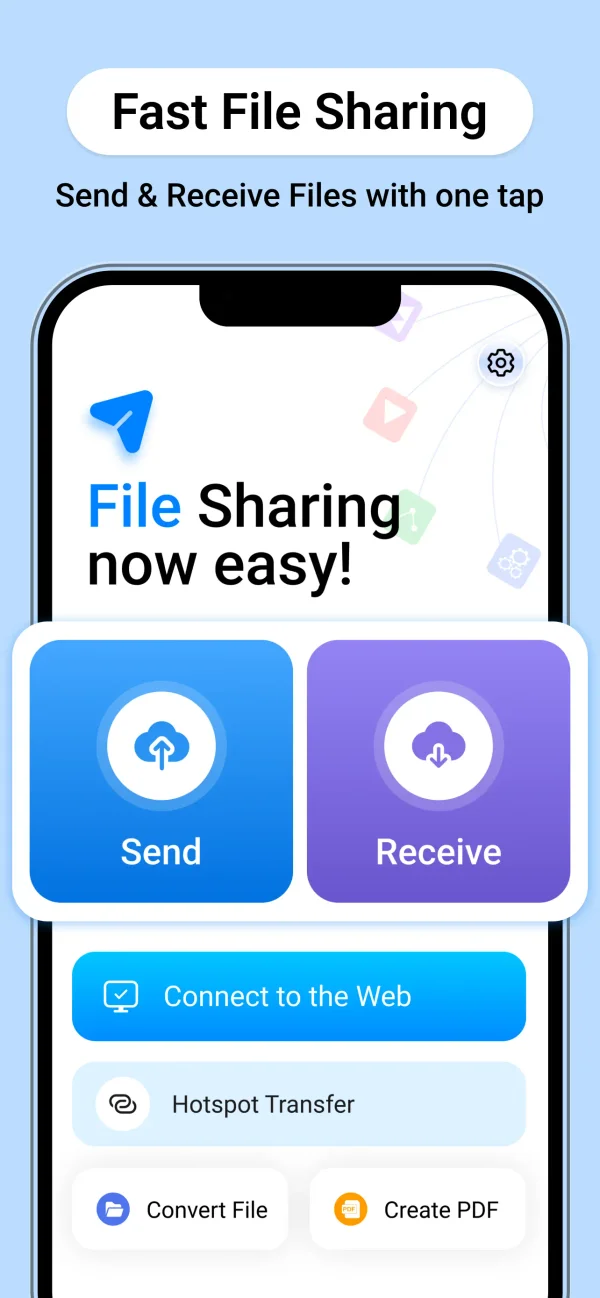
FileFlow: Transfer and Convert is the all-in-one utility designed for high-speed data movement and instant file transformation. Move your photos, videos, and documents without cables, size limits, or slow upload speeds.
WHY USERS CHOOSE FILEFLOW:
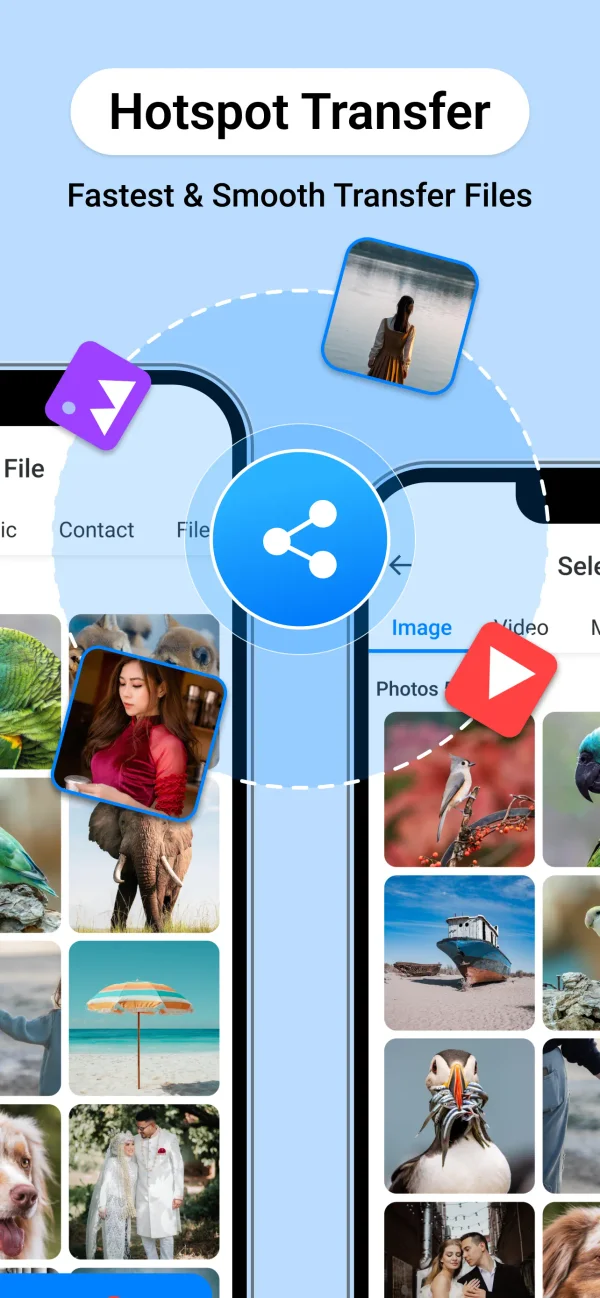
• Ultra-Fast Transfers: Use local WiFi or Hotspot to move heavy 4K videos and large photo libraries at speeds far beyond standard Bluetooth.
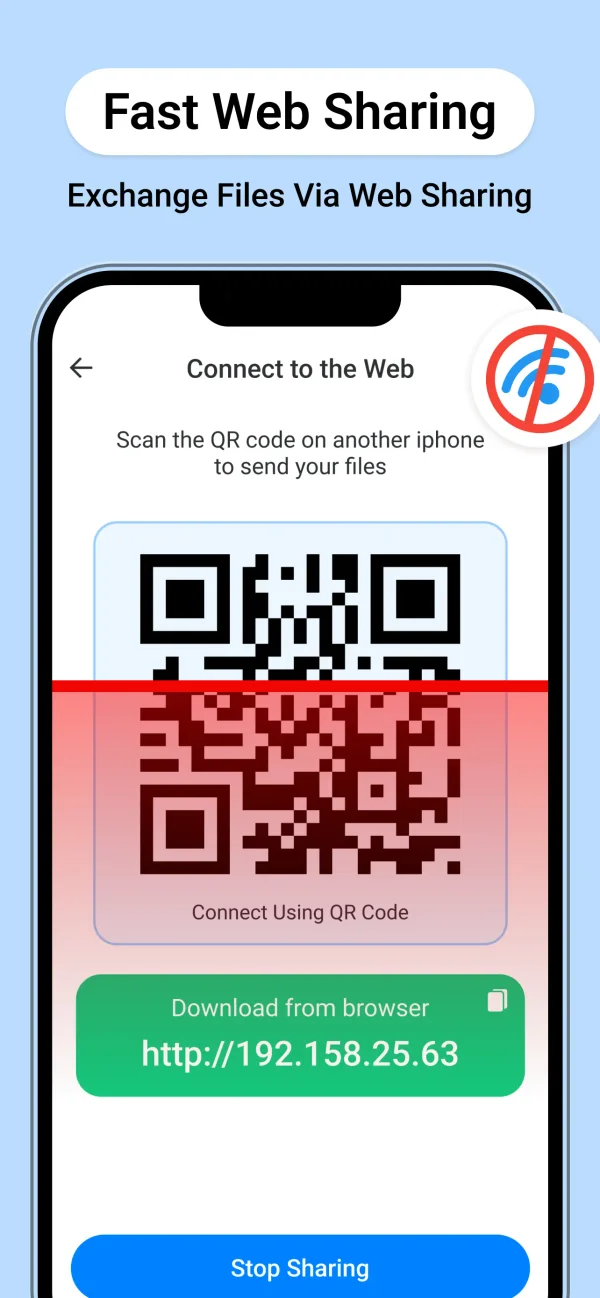
• Universal Web Sharing: Transfer files from your iPhone to any PC, Mac, or Tablet instantly. Simply scan the QR code displayed in the app to start downloading on the receiving device via a web browser.
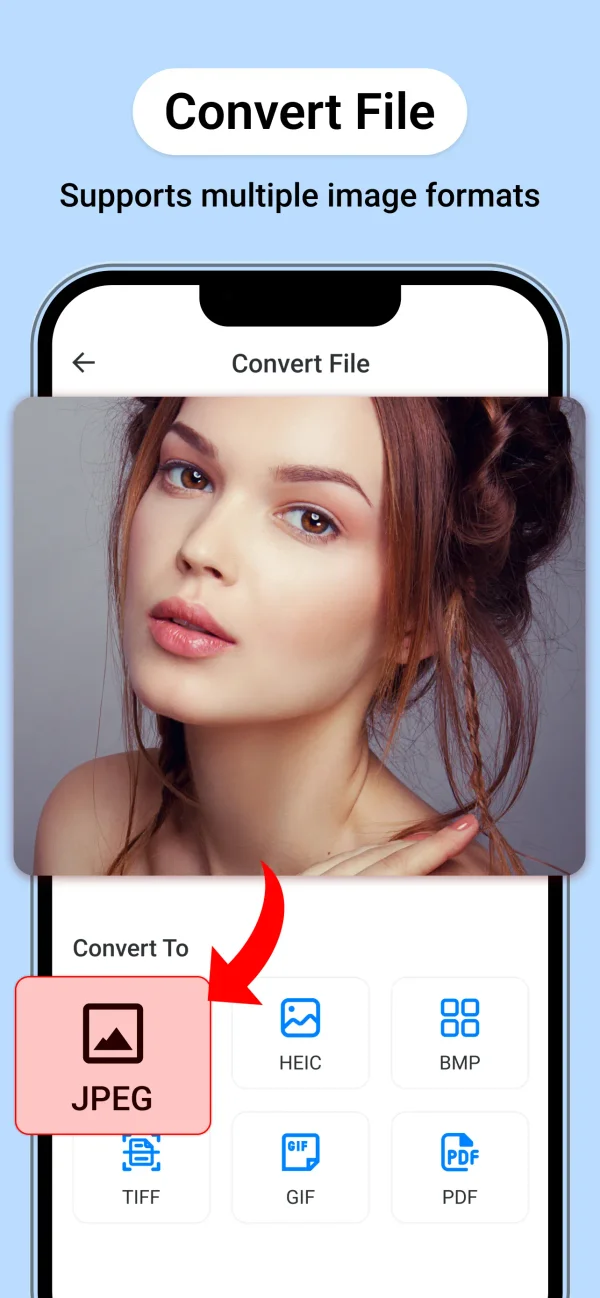
• Professional Converter: Transform your images into JPEG, HEIC, PNG, BMP, or TIFF format in seconds.
• Camera to PDF: Turn your physical documents or gallery photos into high-quality PDFs with the built-in creator.
• Precise Quality Selection: Take control of your storage. Choose to send files in Original quality, High Quality, or Compressed to save space.
CORE FEATURES:
• Cross-Platform Support: Seamlessly connect iPhone to Windows, Linux, or other mobile devices via web browser.
• Nearby Discovery: Quickly find and connect to devices around you for instant, secure sharing.
• Offline Sharing: Use the Hotspot Transfer mode to move data even when no internet connection is available.
• Modern Design: A clean, intuitive interface designed for maximum efficiency and speed.
• Transfer History: Keep a detailed log of your sent and received items for easy access.
Stop struggling with email attachments and slow cloud uploads. Join the FileFlow community and move your data at the speed of thought.
Privacy Policy : https://iosapp2025.blogspot.com/2026/04/privacy-policy-for-fileflow-transfer.html
Terms of Condition : https://sites.google.com/view/fileflow-terms/home
What’s new
Version 1.1 · Jul 11, 2026
• Improved transfer speed and reliability.
• Better user experience across the app.
• Fixed minor issues and improved stability.
App privacy
What Sandy Radadiya declares on the App Store about how this app handles data.
-
Data not linked to you
May be collected but is not linked to your identity.
- Contact info
- User content
- Diagnostics
Privacy practices may vary, for example with the features you use or your age.
Information
- Seller
- Sandy Radadiya
- Category
- Utilities
- Version
- 1.1
- Updated
- Jul 11, 2026
- Released
- Apr 14, 2026
- Size
- 75.5 MB
- Requires
- iOS 15.6 or later
- Age rating
- 4+
- Price
- Free
- In-app purchases
- Yes
- Languages
- English, Arabic, French, German, Hebrew, Hindi, Indonesian, Italian, Korean, Polish, Portuguese, Spanish + 1 more
- Copyright
- © 2025, Sandip Radadiya
You might also like
-
 Vocis: Voice Recorder & ScribePrivate, Offline Transcription
-
 Block Ads: Adblocker VPNBlock ads and trackers
-
 ToolBox Pro - All in OneCalculator, Converter & More
-
 Wifi Check UtilityWiFi Quality Monitor
-
 AIToolly-Discover Top AI ToolsAI Directory, News & Daily
-
 AppHunt - Global pricingGlobal pricing alerts wishlist
-
 UnblockPiP: Float Video PlayerPicture in Picture Extension
-
 Nex File: File ManagerFiles, browser, ZIP & player
-
 Vipe: All-in-One Video PlayerNew Video Experience
-
 ScreenTest - Dead Pixel CheckScreen Diagnostics