FileGuard
Protect your private files
Designed for iPhone, iPad, iPod touch
Free · In-app purchases
- Age rating17+
- CategoryPhoto & Video
- DeveloperOne Wave AB
- LanguagesEnglish
- Size13.8 MB
Links to the official App Store page
Download.org hosts no file of FileGuard. The button opens its official App Store page, published by One Wave AB. Listing last checked on Nov 12, 2026.
Screenshots

About
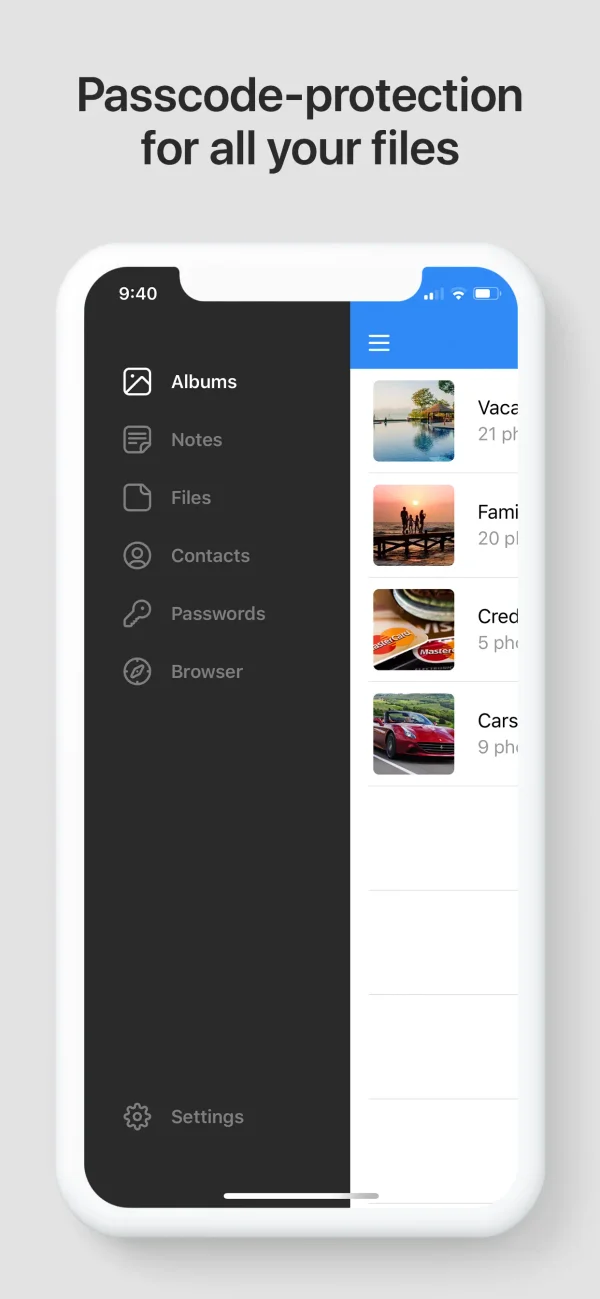
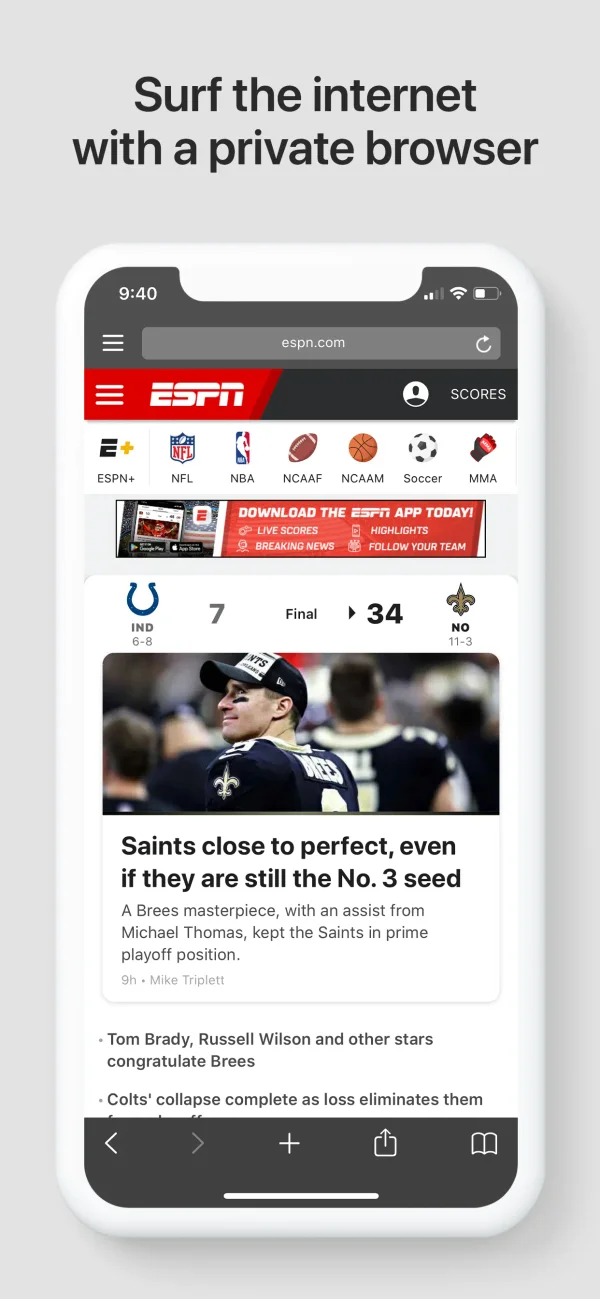
Store all your private files in a secure digital vault. FileGuard helps you passcode-protect all your personal photos, videos, notes, files, and more. It also comes with a private internet browser that lets you surf the web without leaving any traces on your device.
With FileGuard, you can:
- Lock your personal photos and videos
- Write and store private notes
- Import and view files
- Store contacts
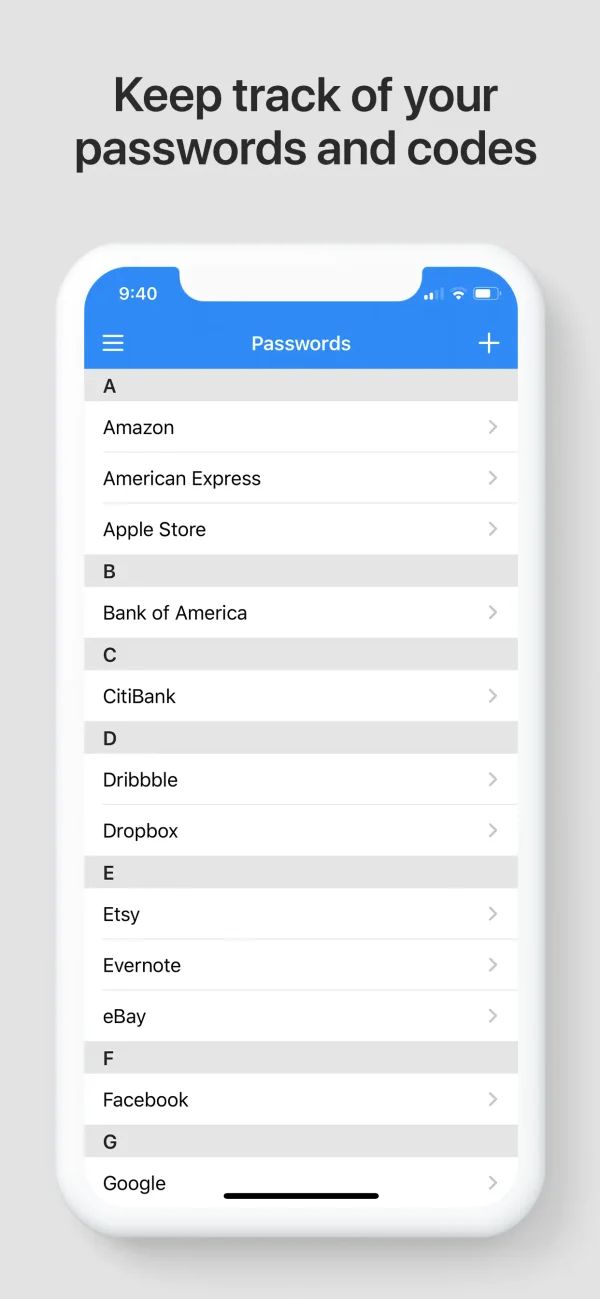
- Keep track of all your passwords and codes
- Browse the internet without leaving any history
- Make private bookmarks
FileGuard also comes with a number of exclusive security features, including:
- Face ID/Touch ID
- Two-Factor Authentication (2FA)
- Album Locks
While the basic functionality of the app is free to use, unlimited use and access to the more advanced features require an auto-renewing subscription. To learn more about this subscription, please see the following information.
------------------------
Subscription Information
- The subscription price starts at $2.99 per month or $19.99 per year and is automatically renewed every month or year until cancelled.
- Your payment will be charged to your iTunes Account as soon as you confirm your purchase.
- You can manage your subscriptions and turn off auto-renewal from your Apple ID account settings after the purchase.
- Your subscription will renew automatically, unless you turn off auto-renew at least 24 hours before the end of the current period.
- The cost of renewal will be charged to your account in the 24 hours prior to the end of the current period.
- When canceling a subscription, your subscription will stay active until the end of the period. Auto-renewal will be disabled, but the current subscription will not be refunded.
- Any features requiring an active subscription (including Cloud Storage) may, at any time without notice, be turned off or removed after the subscription has ended.
About Subscriptions: http://onewave.se/fileguard/subscriptions.html
Terms of Use: http://onewave.se/fileguard/terms.html
Privacy Policy: http://onewave.se/fileguard/privacy.html
What’s new
Version 3.0.1 · Dec 16, 2024
What's new in this version:
• Bug fixes and performance improvements
App privacy
What One Wave AB declares on the App Store about how this app handles data.
-
Data not linked to you
May be collected but is not linked to your identity.
- Identifiers
- Usage data
- Diagnostics
Privacy practices may vary, for example with the features you use or your age.
Information
- Seller
- One Wave AB
- Category
- Photo & Video
- Version
- 3.0.1
- Updated
- Dec 16, 2024
- Released
- Apr 18, 2014
- Size
- 13.8 MB
- Requires
- iOS 13.0 or later
- Age rating
- 17+
- Price
- Free
- In-app purchases
- Yes
- Languages
- English
- Copyright
- © One Wave AB
You might also like
-
 Private Hidden Photo Vault AppEvery-day Usable Secret Album
-
 Private Locker: Photo and MoreKeep Safe Photo & Video Vault
-
 Vault : Secret File ManagerGallery : Hide Photos & Videos
-
 Hide Photos: Secret VaultHide Files & Private Folder
-
 Photo Vault: Hide & LockSecret Folder · Face ID
-
 AI Photo Vault & Gallery LockSecret Safe Album: Hide Video
-
 Secret Photo Vault Lock SafetyHide photo, video, audio, text
-
 Secret Photo Vault: App LockHide Apps, Lock Videos & Files
-
 Photo Vault & App Lock SafedocHide Secret Private Gallery
-
 Photo & Video Vault - MaxVaultHide Pictures, Lock Folders