
FileKitPro: File Converter
PDF Editor & File Converter
Designed for iPhone, iPad, Mac
In-app purchases
- Age rating4+
- CategoryUtilities
- Developer谦 徐
- LanguagesEnglish+ 7 more
- Size50.9 MB
Links to the official App Store page
Download.org hosts no file of FileKitPro: File Converter. The button opens its official App Store page, published by 谦 徐. Listing last checked on Nov 12, 2026.
Screenshots
About
ONE APP. ALMOST EVERY FORMAT. POWERFUL PDF EDITING.
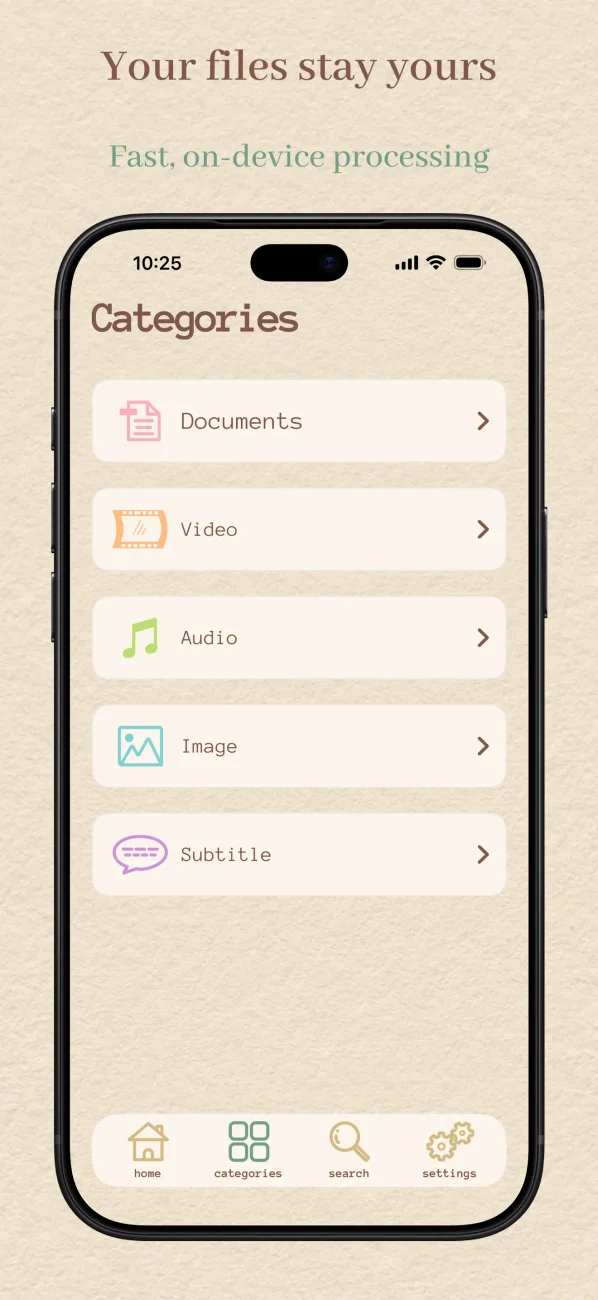
Stop switching apps for every file. Convert, compress and edit PDFs, Office documents, videos, audio, images and subtitles. DOCX, XLSX, PPTX, HEIC, WebP, MP4, MKV, FLAC and more—all in one powerhouse, with no account or conversion uploads.
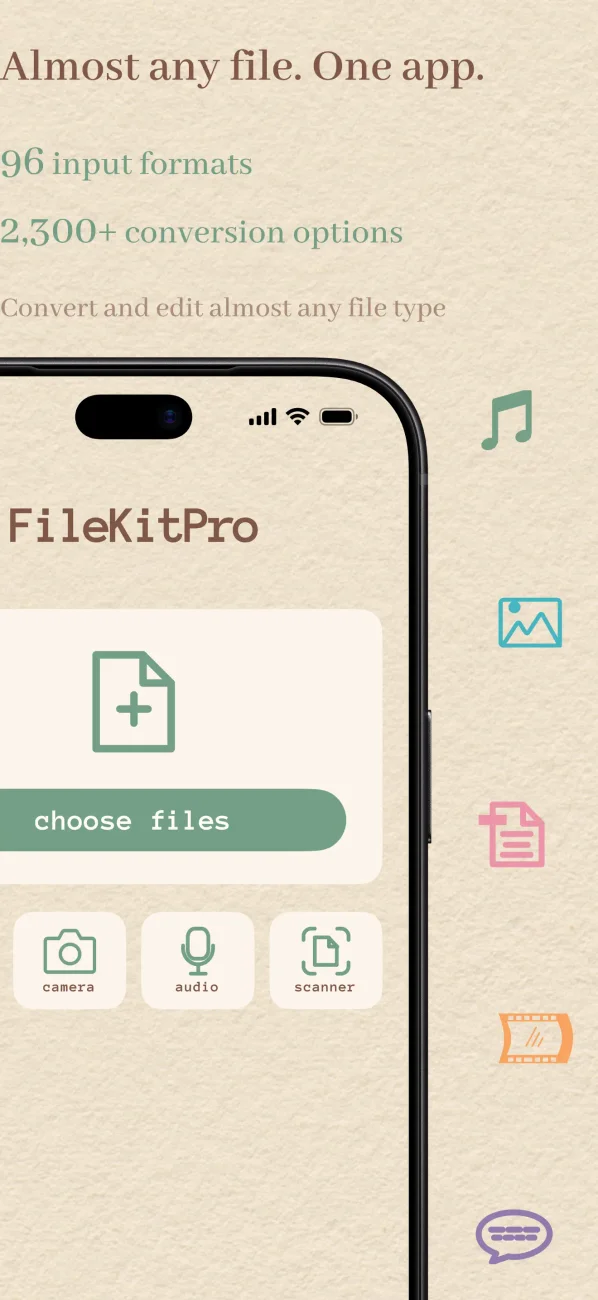
96 input formats. 2,300+ conversion combinations. Professional PDF editing and on-device OCR. Every supported tool is free to use; FileKitPro+ unlocks unlimited batch processing and larger merges.
BUILT FOR IPHONE & IPAD
• Import a file, choose your output, fine-tune settings, then save or share the result.
• Convert and edit directly on your device. Your files stay yours.
FULLY ADAPTED FOR iPhone Duo
• Responsive folded and unfolded layouts, landscape, Split View and smarter PDF controls.
• On iOS 27.1+, native navigation follows the convenient outer edge. Compatible iPads support Apple Pencil pressure and tilt.
VIDEO CONVERTER & TOOLS
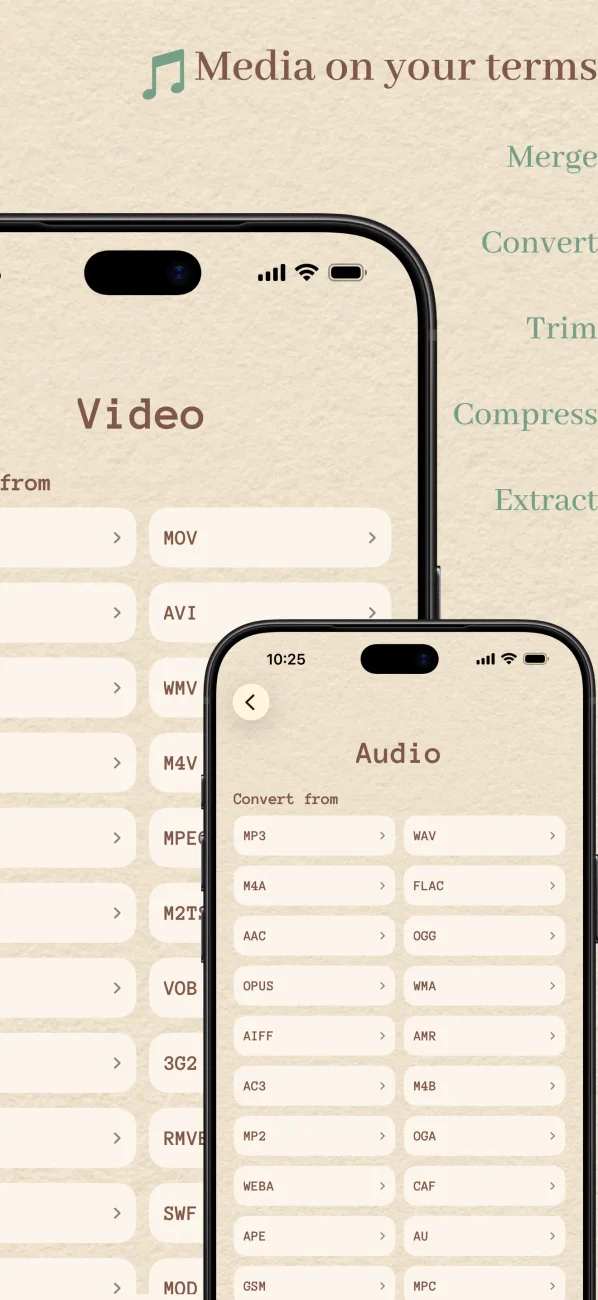
• Convert MP4, MOV, MKV, AVI, WebM, WMV, FLV and more.
• Compress videos, extract audio, or turn video clips into GIFs.
• Trim, merge, crop, resize, rotate, change speed, adjust colors, and more.
AUDIO CONVERTER & TOOLS
• Convert MP3, WAV, M4A, FLAC, AAC, OGG, Opus, AIFF and more.
• Trim, merge, normalize volume, remove silence, change speed, and apply audio filters.
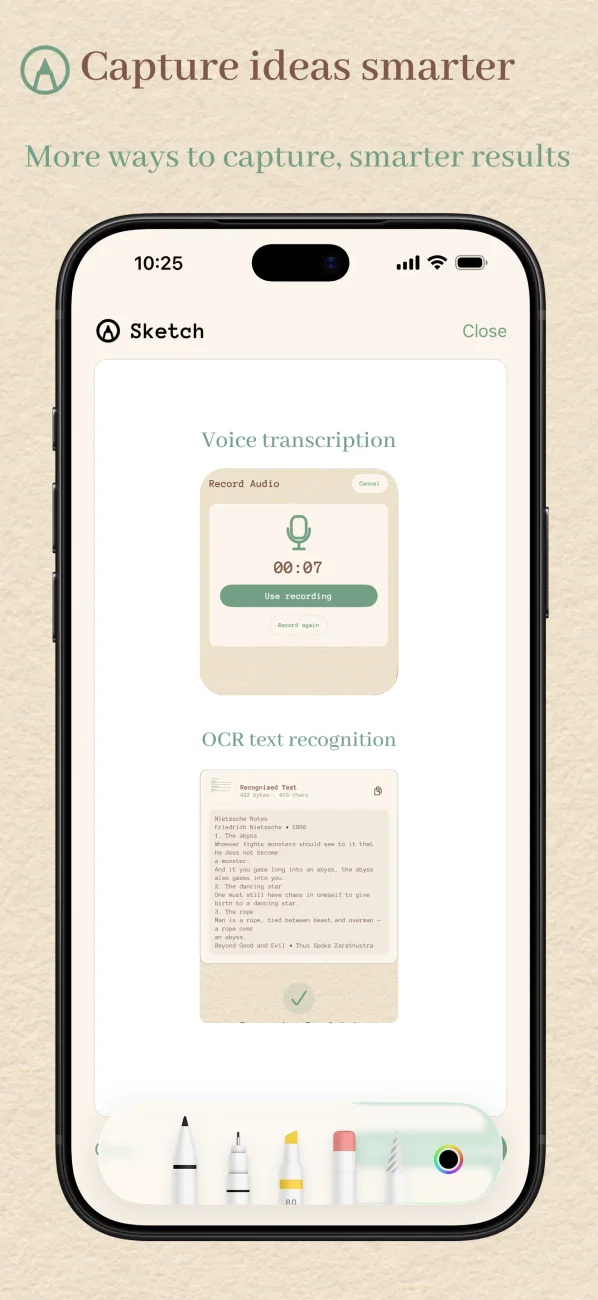
• Record audio in the app and convert your recordings.
PDF EDITOR, OCR & DOCUMENT POWER TOOLS
• Open PDFs in Reader; highlight, underline, strike through, annotate and draw with pen, pencil or marker.
• Add text, notes, shapes, stamps and watermarks. Fill supported forms with dates and checkmarks, then add handwritten signatures.
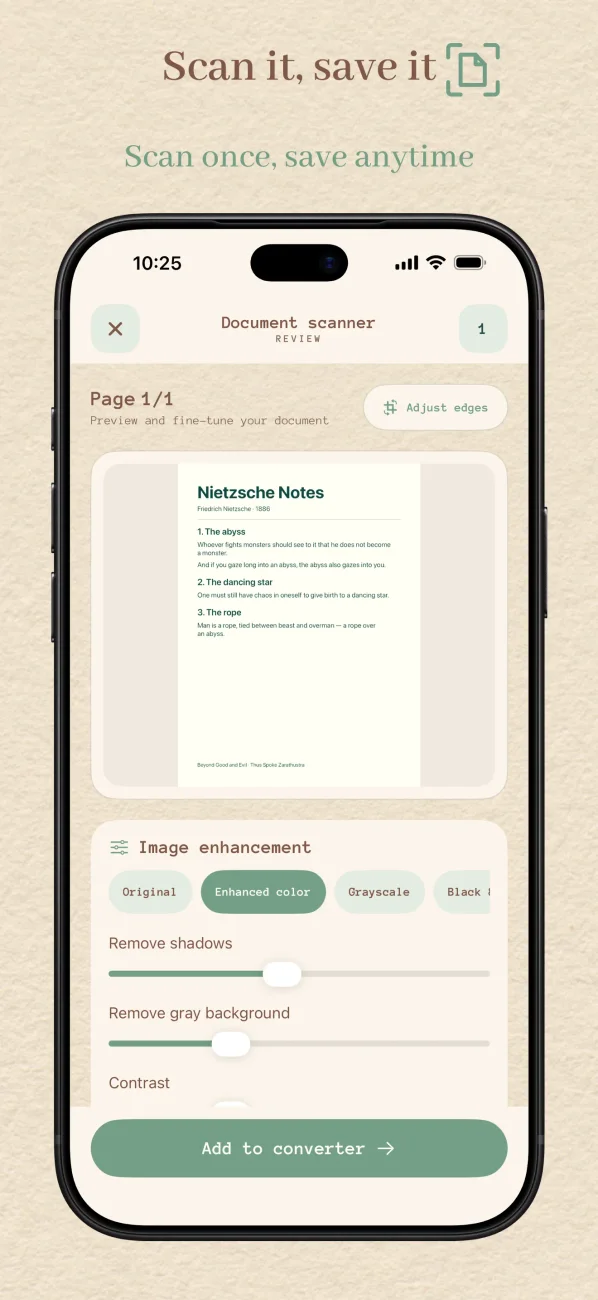
• Redact sensitive areas, run on-device OCR for searchable scanned PDFs, and add bookmarks.
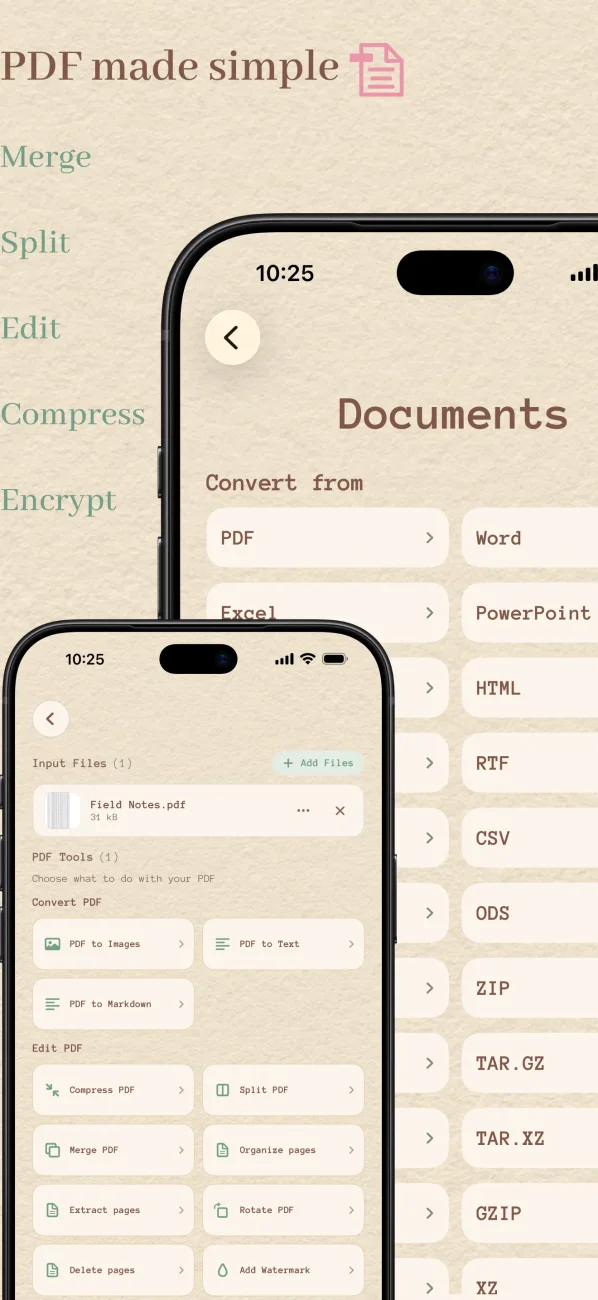
• Merge, split, compress, reorder, rotate, crop, extract, add, delete and number PDF pages.
• Compare PDFs, remove metadata, protect or unlock with passwords, and convert PDFs to and from images.
• Convert Office documents and more: DOCX, XLSX, PPTX, Markdown, HTML, EPUB, RTF, TXT, CSV, ODT, ODS and ODP.
IMAGE CONVERTER
• Convert JPG, PNG, HEIC, WebP, GIF, BMP, and TIFF.
• Compress, resize, rotate, flip, and adjust image quality.
SUBTITLE TOOLS
• Convert SRT, VTT, and ASS subtitles.
• Extract subtitle tracks or embed subtitles in video.
• Detect common text encodings, including UTF-8, GBK, Shift-JIS, and EUC-KR.
PRIVATE BY DESIGN
File processing happens on your device. Your files are not uploaded to FileKitPro servers for conversion. No account or sign-up is required, and the app includes no analytics or tracking SDK.
FREE & FILEKITPRO+
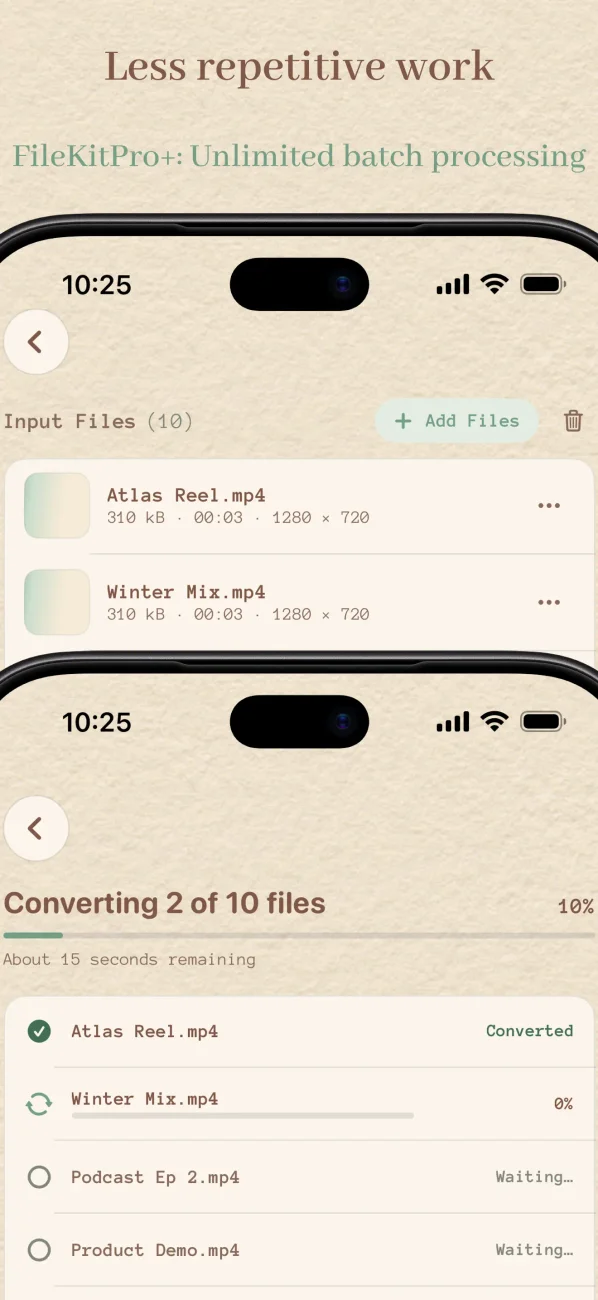
Every supported format and tool is available free. Standard tools process one input file at a time; PDF and video merge tools allow two inputs for free.
FileKitPro+ unlocks unlimited batch processing, larger merges, and saving multiple results at once. Choose a monthly or yearly subscription, or a one-time lifetime purchase. Actual prices are shown in your local App Store currency.
Terms of Use: https://www.filekitpro.com/terms.html
Privacy Policy: https://www.filekitpro.com/privacy.html
What’s new
Version 1.2.0 · Oct 26, 2026
BIG PDF UPGRADE: Read, annotate, highlight, underline, strike through, draw, add text and stamps, fill and sign, redact, OCR scanned PDFs, and manage pages.
FULLY ADAPTED FOR iPhone Duo: Folded and unfolded layouts, landscape, Split View and native edge navigation on iOS 27.1+.
Sharper PDF annotations, smoother scrolling and improved file-tool discovery.
App privacy
What 谦 徐 declares on the App Store about how this app handles data.
-
Data not collected
The developer does not collect any data from this app.
Privacy practices may vary, for example with the features you use or your age.
Information
- Seller
- 谦 徐
- Category
- Utilities
- Version
- 1.2.0
- Updated
- Oct 26, 2026
- Released
- Aug 26, 2026
- Size
- 50.9 MB
- Requires
- iOS 18.0 or later
- Age rating
- 4+
- In-app purchases
- Yes
- Languages
- English, French, German, Japanese, Korean, Simplified Chinese, Spanish, Traditional Chinese
- Copyright
- © 2026 FileKitPro
You might also like
-
 LynavoDrivephoto backup, file access
-
 Bloom: Convert Any Fileimages, videos, audios & more.
-
 MP3 Converter & Noise ReducerM4A, WAV & AAC to MP3
-
 FormatFox: File ConverterBatch & audio, 100% offline
-
 Video Resize StudioReduce, Trim & Convert Clips
-
 PlacePodOffline Transcribe & Subtitles
-
 AudioDecon: Vocal Remover AIStem Splitter & Noise Reducer
-
 Konvertly: File ConverterHEIC to JPG & MOV to MP4
-
 SRT FlowUtilities
-
 Later Jar: Save It For LaterWatch later list, links & more