Filemorph: File PDF Converter
Convert, Edit & AI Enhance
Designed for iPhone, iPad, Mac
Free · In-app purchases
- Age rating4+
- CategoryUtilities
- DeveloperBagrat Danielyan
- LanguagesEnglish+ 12 more
- Size41.3 MB
Links to the official App Store page
Download.org hosts no file of Filemorph: File PDF Converter. The button opens its official App Store page, published by Bagrat Danielyan. Listing last checked on Nov 16, 2026.
Screenshots

About
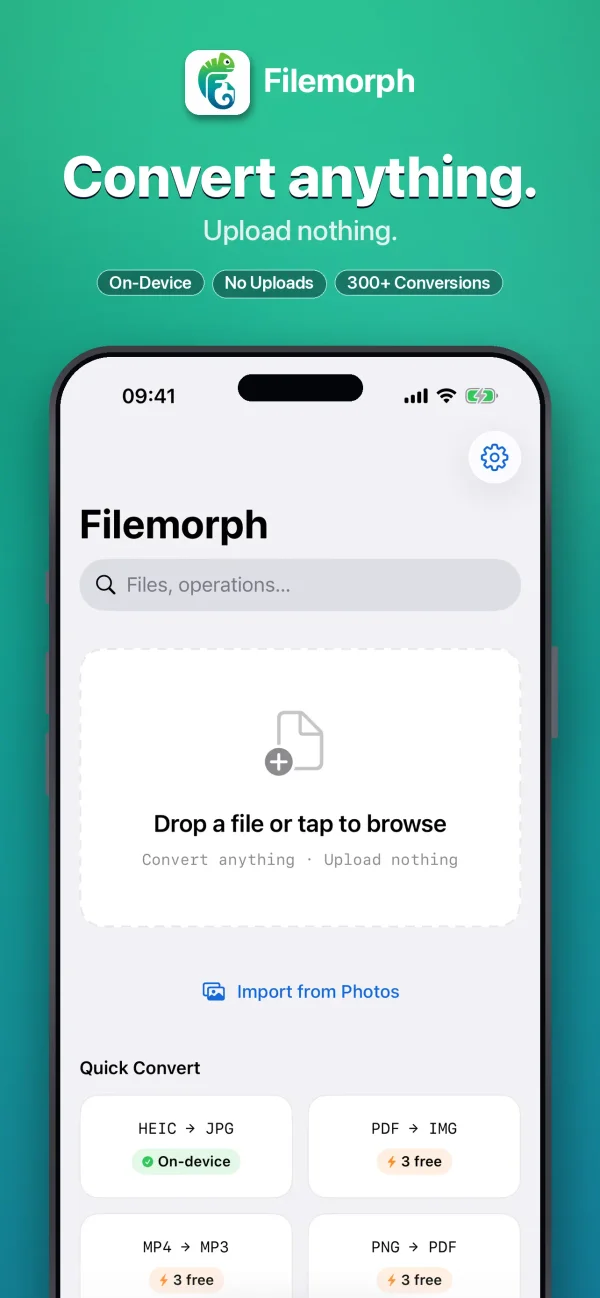
Filemorph converts, edits, and enhances your files — all on your device.
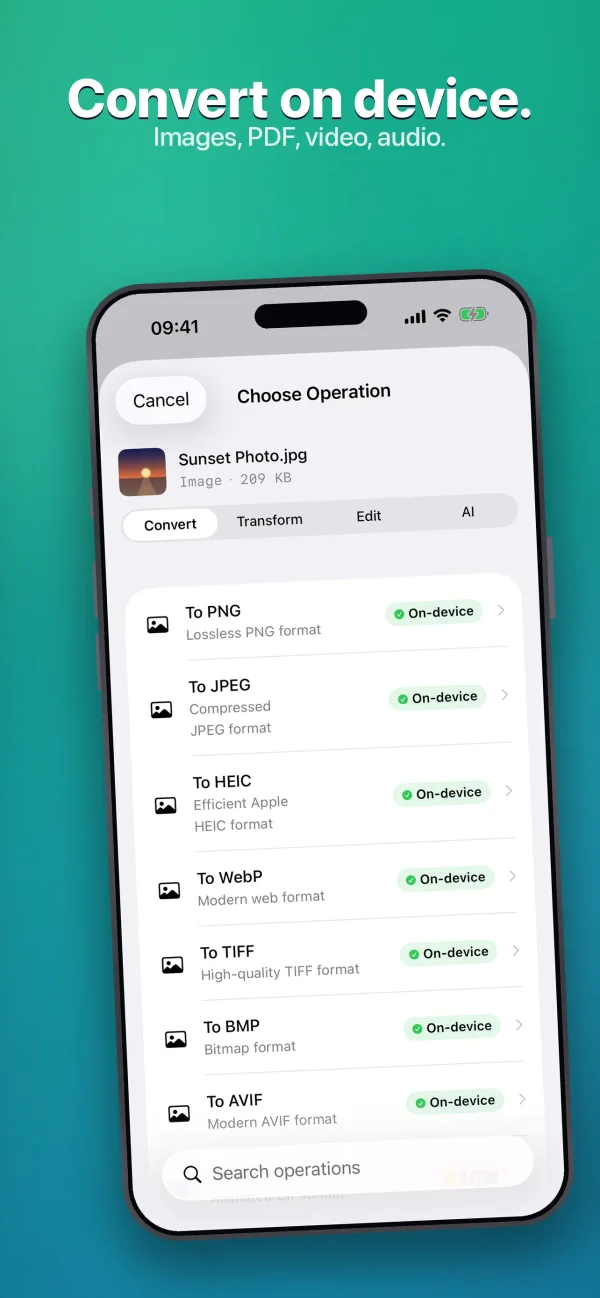
Convert and compress PDFs, video, images, and audio with 300+ operations across 80+ file types: PDF to Word, compress PDF, merge & split PDF, HEIC to JPG, MOV to MP4, shrink video, M4A to MP3, make ringtones, and much more. Edit your photos with a full built-in editor, then enhance them with on-device AI — upscale, restore, colorize, and more.
PRIVATE BY DESIGN
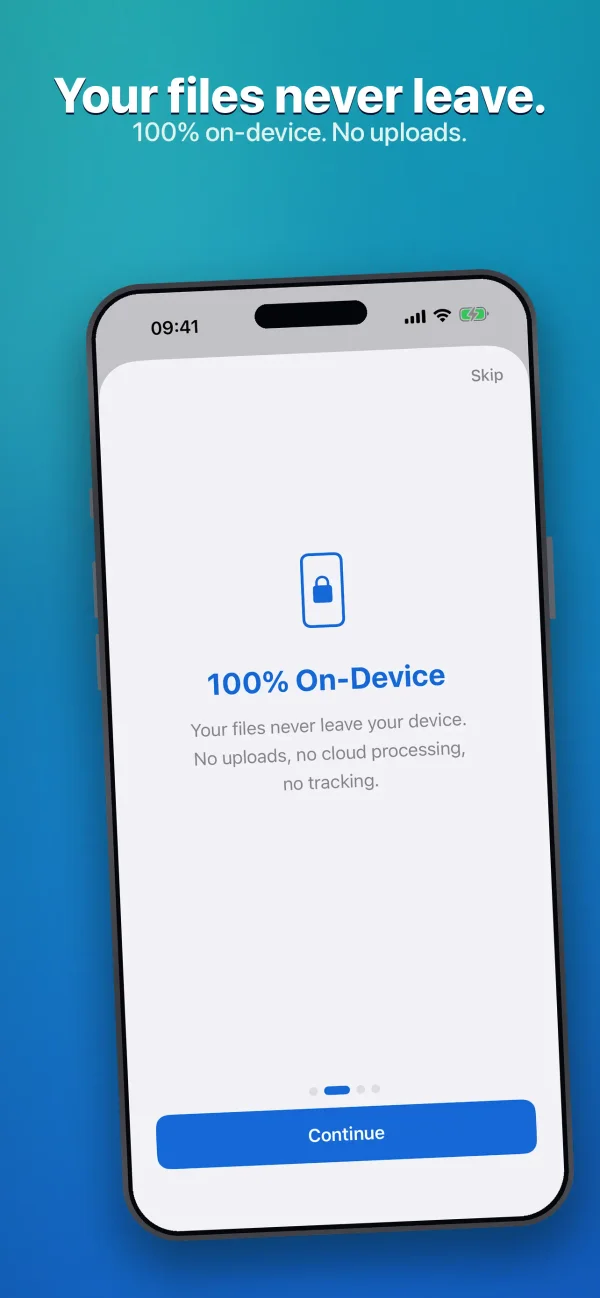
Your files never leave your device. Every conversion and edit runs on-device. The on-device AI models download once from our servers the first time you use an AI tool — after that, AI enhancement runs locally too, and no file data is ever uploaded, before, during, or after processing.
CONVERT — 300+ operations, 80+ formats
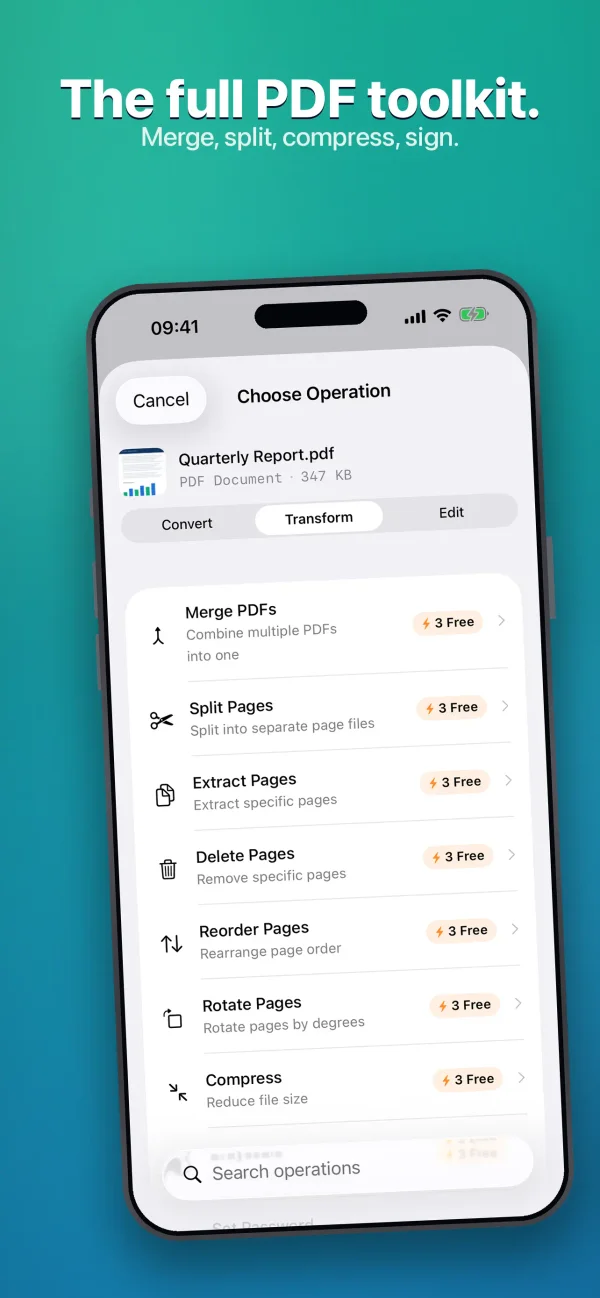
• PDF tools: convert, compress, merge, split, redact, watermark, page numbers
• Video: compress, convert, trim, resize, extract audio
• Image: convert (HEIC/JPG/PNG/WebP), resize, compress
• Audio: convert, trim, normalize, change speed and pitch, export MP3
• Ringtones: trim any song, voice memo, or video on its waveform, preview it, add a fade, and save a ready-to-use ringtone
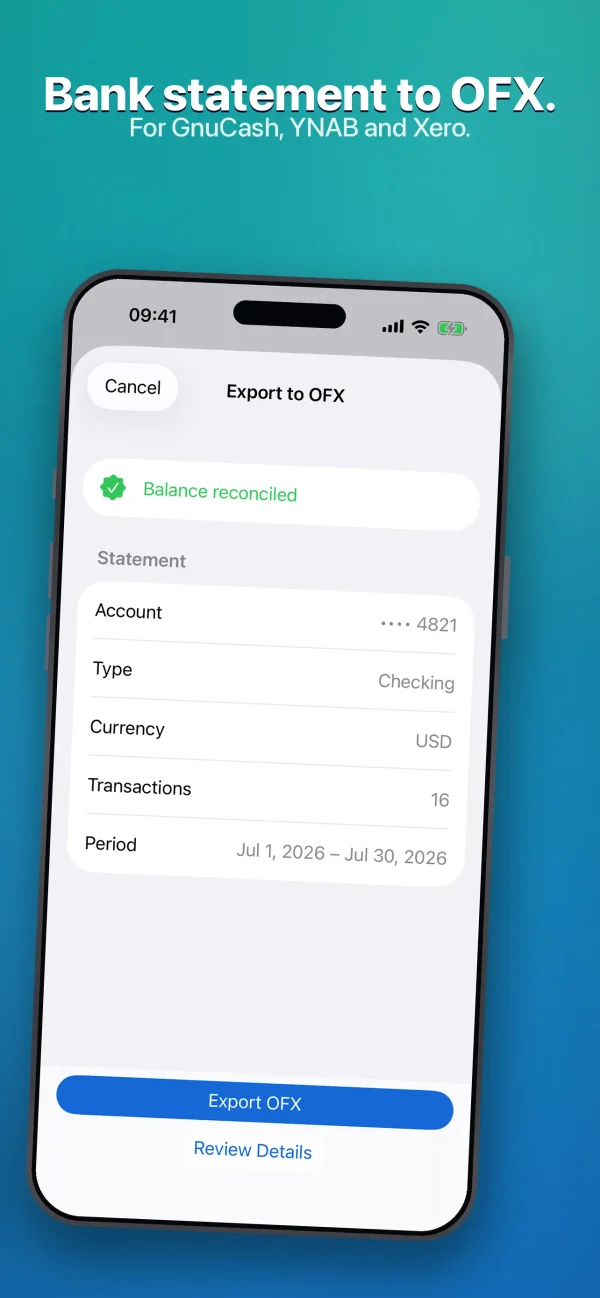
• Bank statements: turn a statement PDF into an OFX file for GnuCash, YNAB, and Xero
PROTECT
• Encrypt any file with strong on-device encryption
• Password-protect PDFs — and unlock them
EDIT — a full photo editor, built in
• 17 adjustments (exposure, color, tone, and more) plus 12 filters
• One-tap Auto enhance
• Crop and fine-tune before you export or convert
AI ENHANCE — powered by on-device Core ML
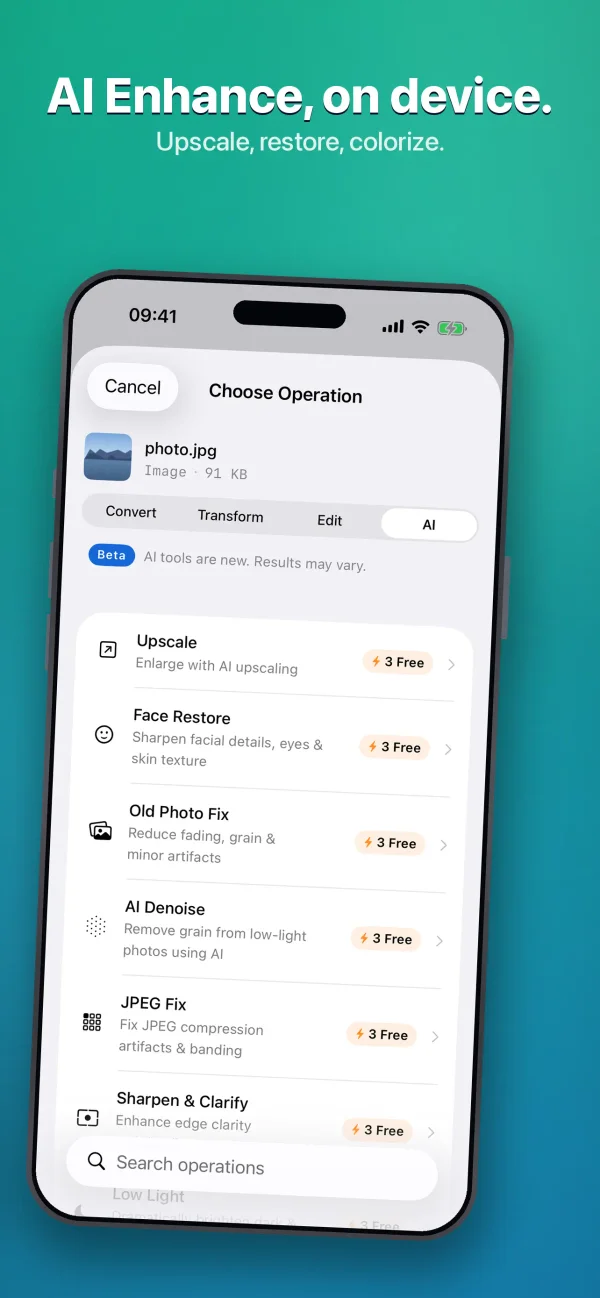
• AI Upscale — 2x to 16x, recover detail without the blur
• Face & Old-Photo Restore — repair damaged, faded, or low-resolution portraits
• Colorize — bring black-and-white photos to life
• Denoise, JPEG Artifact Fix, Low Light enhancement, and HDR
• One-tap background removal
• AI utilities: OCR text recognition, speech-to-text transcription, smart crop, face detection, document detection, and barcode & QR scanning
WORK FASTER
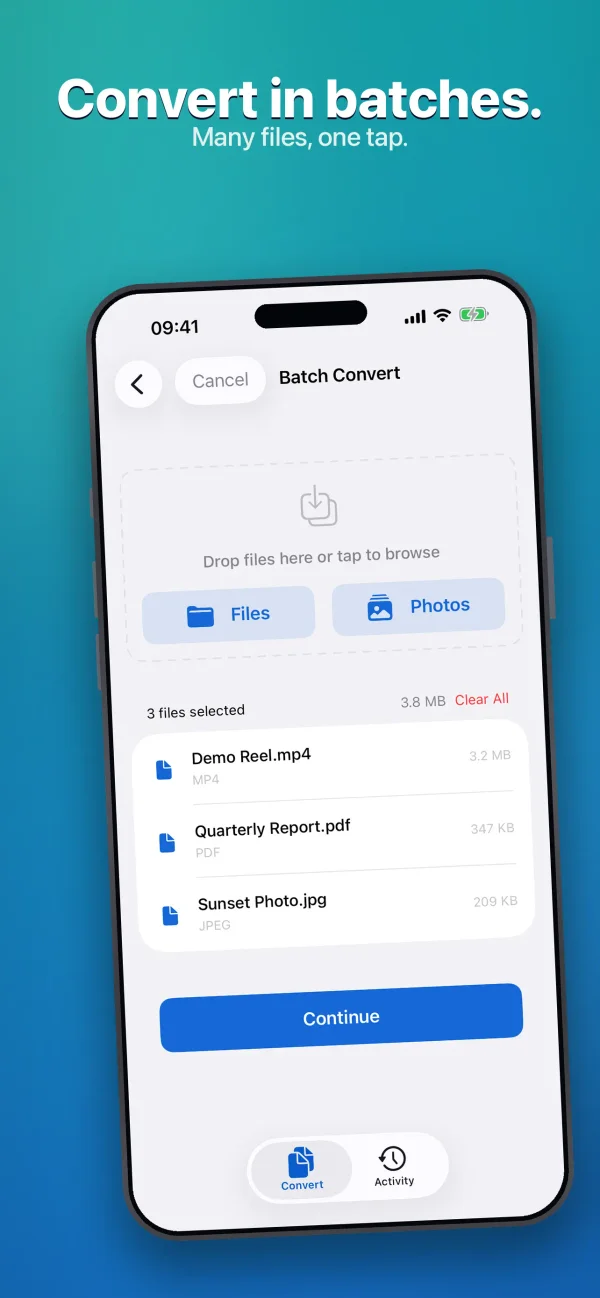
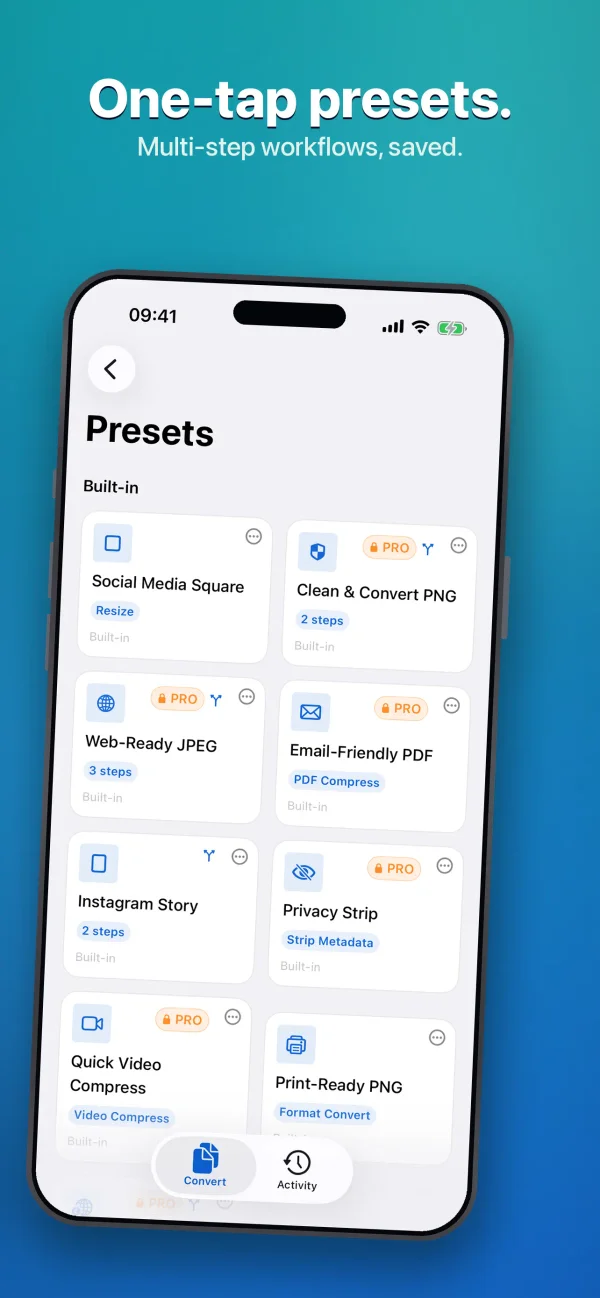
Batch processing, one-tap presets, 16 Shortcuts actions, and keyboard shortcuts for the main commands. Filemorph runs natively on Mac, iPhone, and iPad.
FREE TO TRY
Every basic image conversion is free and unlimited. Plus, get 3 free Pro conversions every week — including AI tools — before you subscribe.
TERMS & PRIVACY
Terms of Use (EULA): https://www.apple.com/legal/internet-services/itunes/dev/stdeula/
Privacy Policy: https://filemorph.app/privacy/
What’s new
Version 2.8 · Nov 12, 2026
Filemorph 2.8 — bank statements to OFX that check themselves, every screen in every language, and fixes. Still 100% on your device.
• Bank statements to OFX, rebuilt. Filemorph now reads the statement's own text layer when it has one, and OCR when it is a scan, then finds the table and the opening and closing balances and checks every transaction against the running balance before export. Signs the balance proves are corrected for you; anything it cannot prove is listed under Needs review. Nothing wrong is ever exported silently.
• Hard statements read correctly: unusual minus signs, amounts in parentheses, OCR mix-ups such as S for $ and O for 0, and damaged dates.
• PDF to Excel and PDF to Word keep each table cell's exact text, color and size.
• Make Ringtone, Acknowledgements and the statement review screens are now translated in every language the app supports.
• To keep the app working well, Filemorph now collects minimal anonymous usage counts and crash reports — the least needed to maintain it. Never your files, file names or text. See exactly what is sent, or turn it off, in Settings → Analytics & Improvements.
• Fixes: clearer statement warnings, and a long list of smaller reliability fixes.
Your files never leave your device.
App privacy
What Bagrat Danielyan declares on the App Store about how this app handles data.
-
Data not collected
The developer does not collect any data from this app.
Privacy practices may vary, for example with the features you use or your age.
Information
- Seller
- Bagrat Danielyan
- Category
- Utilities
- Version
- 2.8
- Updated
- Nov 12, 2026
- Released
- May 11, 2026
- Size
- 41.3 MB
- Requires
- iOS 17.0 or later
- Age rating
- 4+
- Price
- Free
- In-app purchases
- Yes
- Languages
- English, Arabic, French, German, Hindi, Italian, Japanese, Korean, Portuguese, Russian, Simplified Chinese, Spanish + 1 more
- Copyright
- © 2026 Sygnoos LLC
You might also like
-
 WAV Converter, WAV to MP3Convert WAV files
-
 File ConverterConvert, sit back and share!
-
 The Video ConverterConvert to MP4, MOV, and MP3
-
 The Audio ConverterConvert to MP3, WAV, M4A, AAC
-
 MP3 Converter - Convert to MP3Audio Converter & Extracter
-
 The Document ConverterConvert to PDF, DOCX, JPG, etc
-
 Media Converter - video to mp3convert mp4,m4a, extract audio
-
 Browser & Offline File StorageOffline Video & Music Player
-
 GameHubPlay cloud games instantly!
-
 Aloha Browser – Private VPNSafe Adblock & Video Manager