
Files HD - File Manager
Save Files for Offline Viewing
Designed for iPad
Free · In-app purchases
- Age rating17+
- CategoryProductivity
- DeveloperHian Zin Jong
- LanguagesEnglish
- Size55.6 MB
Links to the official App Store page
Download.org hosts no file of Files HD - File Manager. The button opens its official App Store page, published by Hian Zin Jong. Listing last checked on Nov 12, 2026.
Screenshots


About
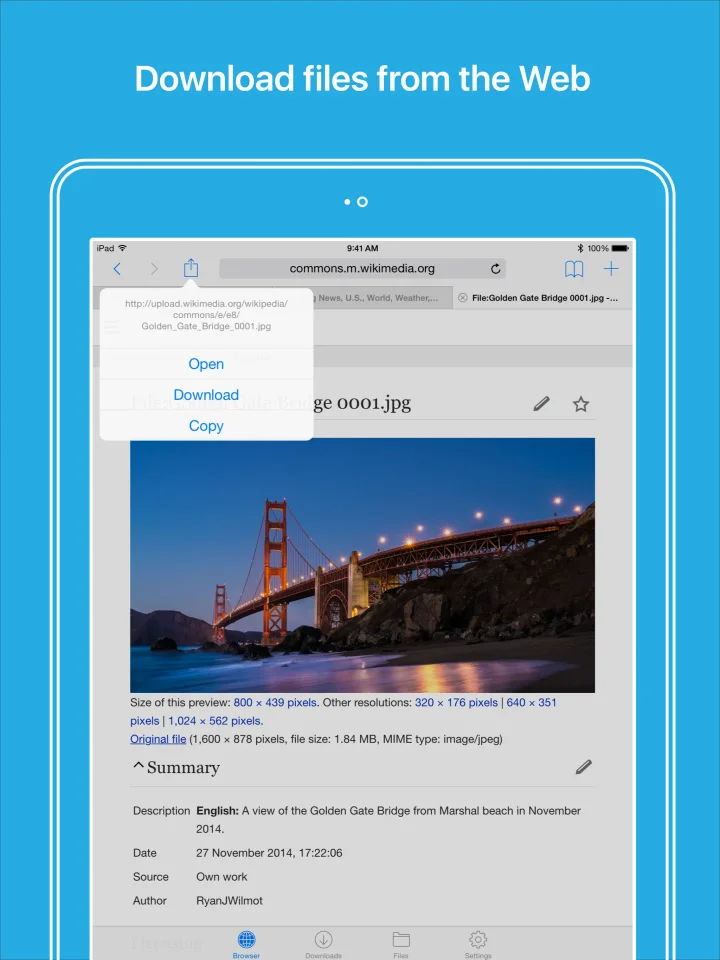
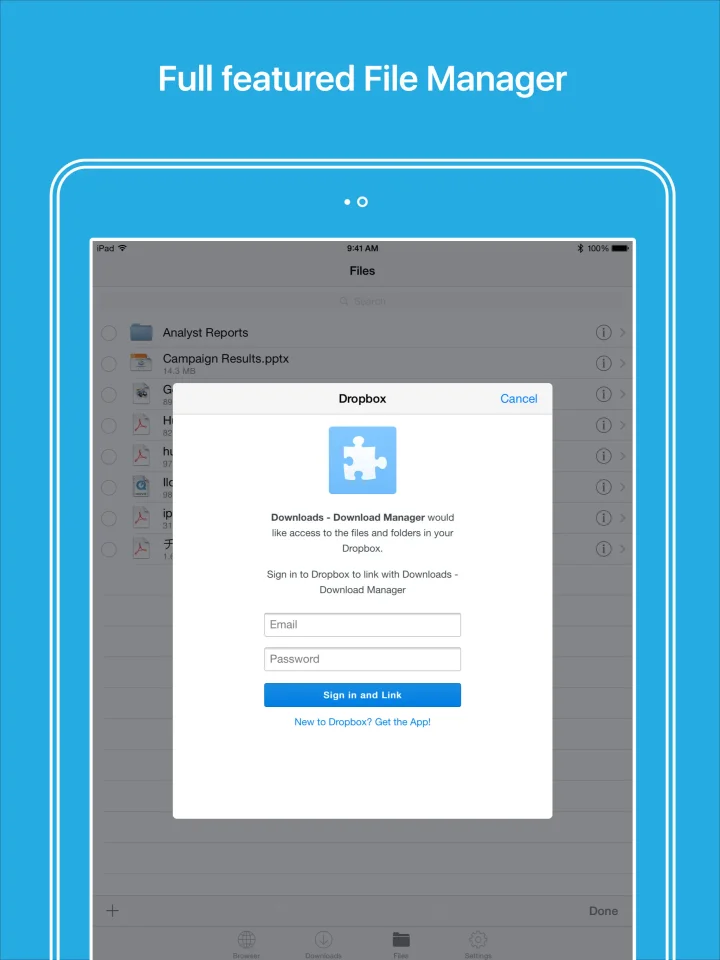
Files HD (formerly known as Downloads Lite - Download Manager for iPad) features a Web browser that lets you save documents to your iPad so that you can work with them offline. It has a built-in file manager, with robust viewer for all iOS supported document types, powerful photo browser, advanced PDF reader, full Dropbox support, and more.
NOTE: This app does not support downloading of audio or video content.
FEATURES
√ File manager
- Folders support
- Move, rename and delete files
- Search by file name
- Document viewer that supports .pdf, .doc, .xls, .ppt, .txt, .html, .webarchive and .rtf file formats
- Extract ZIP and RAR archives
- Import photos from camera roll
√ Tabbed browser
- Provides a user experience very similar to Safari
- Supports unlimited tabs
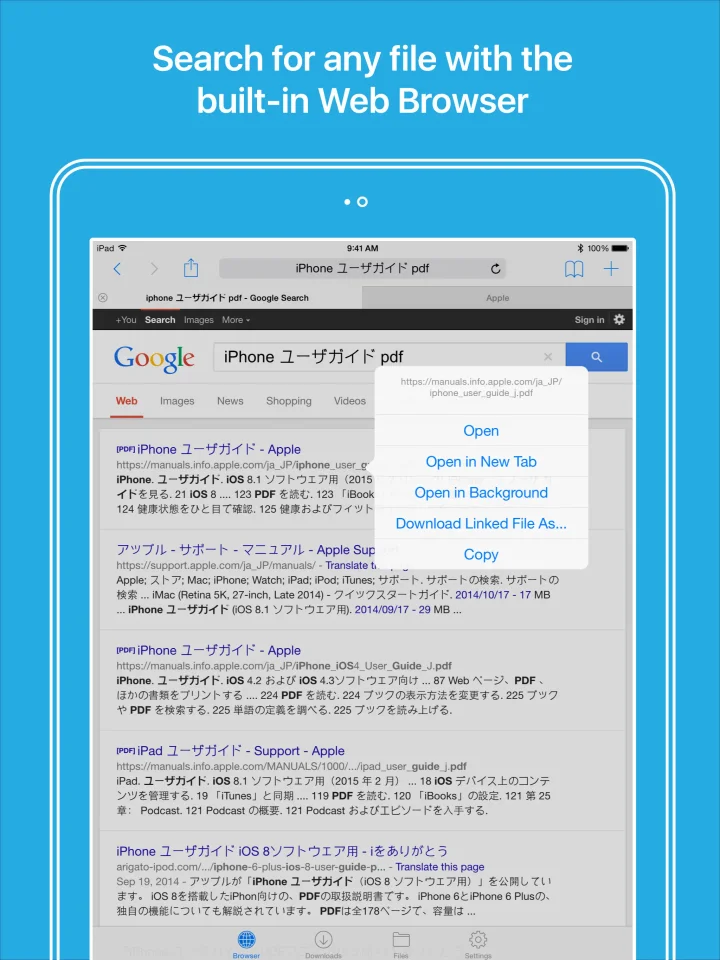
- Tap and hold on a link to open it in new tab or download it
- Fully featured bookmark manager
- History support
- Address bar auto-completion
- HTTP basic authentication
- Form-based authentication
- Integrated Google or Yahoo! search
- Ability to spoof browser's User-Agent string to display web pages like Firefox
- Unified smart search field. Type a URL or search term in the unified smart search field, the browser automatically suggests the closest match to what you’re looking for.
√ Download manager
- Fast downloading speed
- Save pages with images for offline viewing
- Supports resuming of interrupted downloads reliably
- Live download progress bar and speed indicator
- Active downloads badge number
- Add arbitrary download link
- Always download with correct filename
- Ability to download file of unknown size
√ Dropbox integration
- Upload, download and manage files
- Sync what you want, keep files on your device
√ Advanced PDF viewer
- Huge PDF files work flawlessly
- Text search
- Tap PDF links to jump across the file
√ Photo viewer
- Swipe to move between images in a folder
- Zoom in and out with pinch gesture
- Thumbnails view of all images in a folder
- Ability to save images to photo album
√ File transfer
- iTunes USB File Sharing lets you drag and drop files between your iPad and computer
- Supports HTTP and FTP protocols
- Transfer files to and from computer that is in the same Wi-Fi network
- Send files as email attachments
√ Passcode lock
√ Mobile Safari integration
- Bookmarklet that lets you send links from Mobile Safari to Files HD app
√ Multitasking
- Background downloading
√ Inter-app document interchange
- Other apps can save their files to Files HD app (e.g. Email app can save attachments to Files HD app)
√ Recovery Mode
- If the browser caught in an endless loop of pop-up alerts, go to the iOS built-in "Settings" app, find "Files HD", turn on "Recovery Mode", then force-quit and relaunch the app.
Terms of Use: https://downloadsapp.info/terms
Privacy Policy: https://downloadsapp.info/privacy
What’s new
Version 9.0.2 · May 6, 2026
Bug fixes and performance improvements.
App privacy
What Hian Zin Jong declares on the App Store about how this app handles data.
-
Data not collected
The developer does not collect any data from this app.
Privacy practices may vary, for example with the features you use or your age.
Information
- Seller
- Hian Zin Jong
- Category
- Productivity
- Version
- 9.0.2
- Updated
- May 6, 2026
- Released
- Aug 2, 2010
- Size
- 55.6 MB
- Requires
- iOS 26.0 or later
- Age rating
- 17+
- Price
- Free
- In-app purchases
- Yes
- Languages
- English
- Copyright
- © 2026 Hian Zin Jong
You might also like
-
 FSharing - Files, File ManagerFile explorer, downloader, zip
-
 eFiles: File ManagerFTP, SFTP, ZIP, PDF & Cloud
-
 fGet - File Manager & BrowserExplorer,Media Player,Extract
-
 iFiles - File Manager & ViewerPreview, Transfer & Annotate
-
 X File ManagerBest File Explorer
-
 FileCentralSimple file & cloud management
-
 Phone Drive: File ManagerWi-Fi Transfer to PC & Mac
-
 FileBrowserGO: File ManagerDocuments, Media Player, Cloud
-
 File Manager Document ExplorerLock hide photo voide files
-
 Owlfiles - File ManagerAccess SMB WebDAV FTP and S3