Final Draft Go
It all starts with a script
Designed for iPhone, iPad
Free · In-app purchases
- Age rating4+
- CategoryProductivity
- DeveloperCast & Crew Production Software, LLC
- LanguagesEnglish+ 1 more
- Size193.7 MB
Links to the official App Store page
Download.org hosts no file of Final Draft Go. The button opens its official App Store page, published by Cast & Crew Production Software, LLC. Listing last checked on Nov 17, 2026.
Screenshots
About
Final Draft Go
Final Draft™ – the #1-selling screenwriting software in the world – brings you Final Draft Go for iPhone and iPad.
With this convenient, subscription-based app, you can write, edit and read Final Draft scripts on your iPhone or iPad. Go paperless and carry all your scripts with you everywhere you go, create new scripts or edit existing ones with easy-to-use features such as Tab and Enter navigation, ScriptNotes, SmartType, and more.
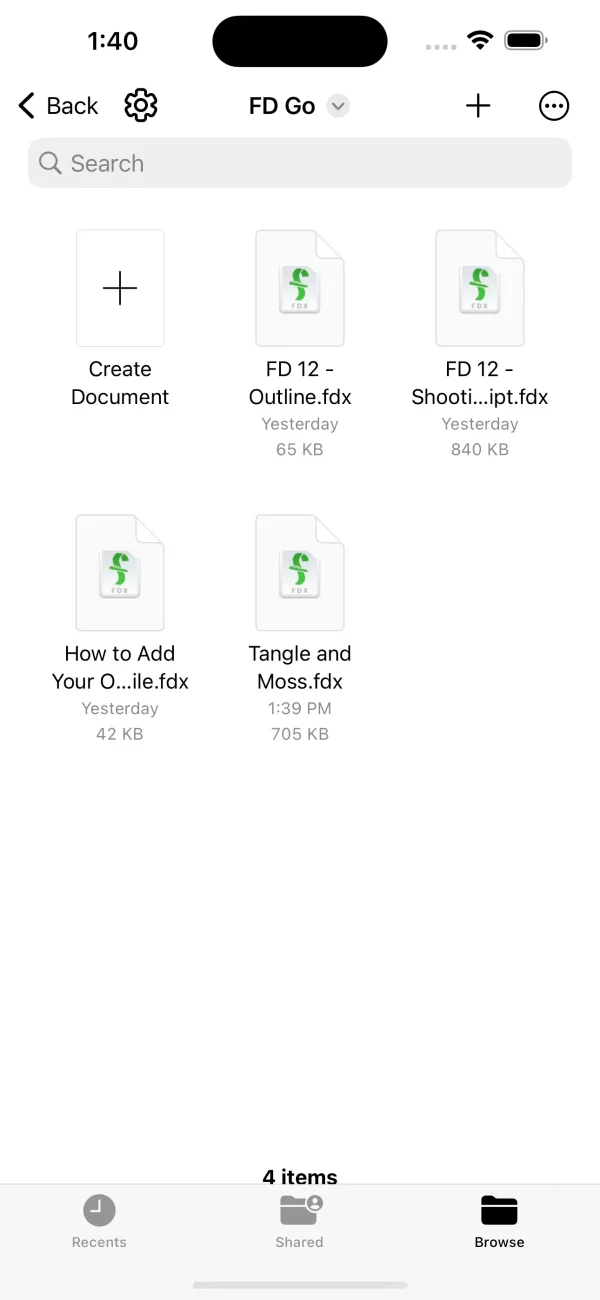
Easily move your Final Draft scripts from desktop to iPhone or iPad and back again via iCloud, Dropbox, or email. Your scripts will appear perfectly paginated and formatted to industry standards every time.
NEW FEATURES INCLUDE:
ENHANCED UI
New and improved user interface
PINCH TO ZOOM
Use multi-touch gestures to zoom in and out and customize the text size of your script view
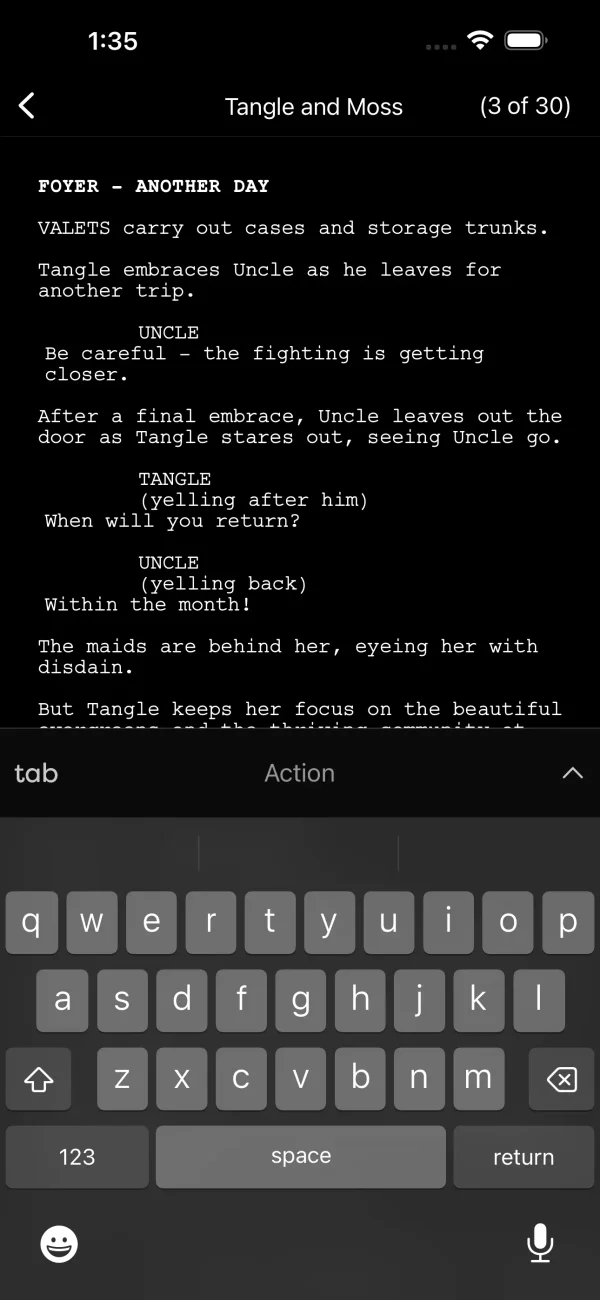
IMPROVED NIGHT MODE
Change from day to night mode easily without having to leave the app
UNIVERSAL CONTROL SUPPORT
Work seamlessly between your iPad and Mac, using your Mac keyboard, mouse, or trackpad
GRAMMARLY INTEGRATION
Use the Grammarly app with FD Go to edit and proofread your work
Creativity is truly portable with Final Draft Go.
- Send or share your Final Draft FDX file between all your devices and computers and always be on the same page with Dropbox, OneDrive, or iCloud
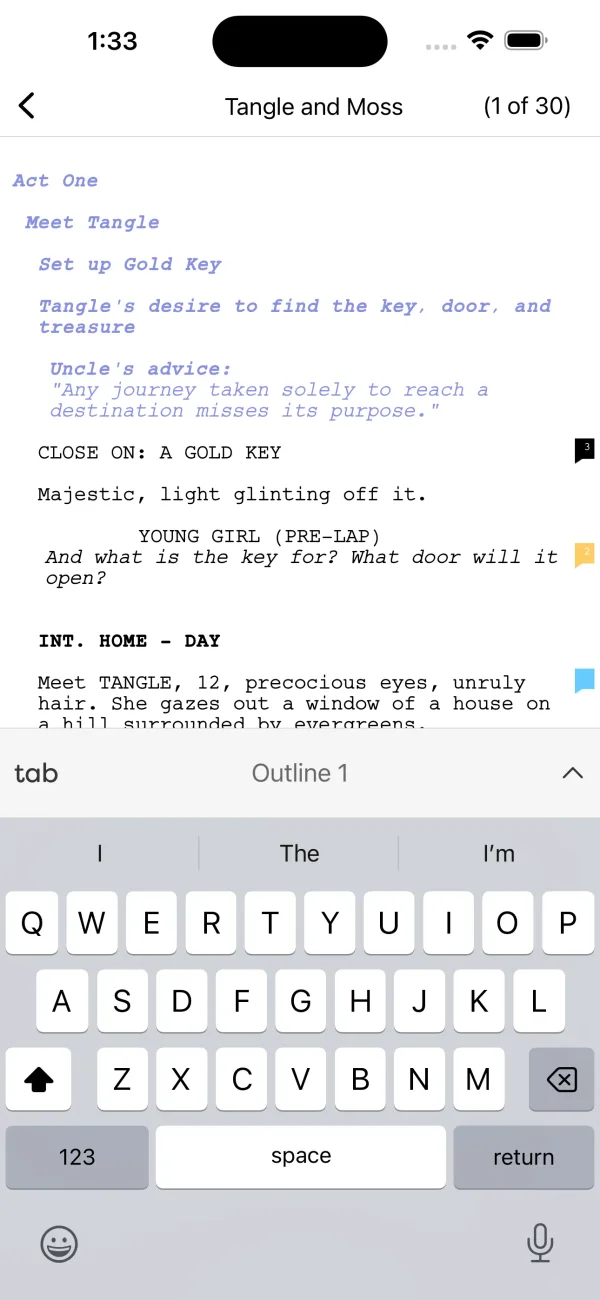
- Easily change script elements with classic Tab and Enter functionality or through the Elements bar (iPad) or Menu (iPhone)
- Use SmartType to remember your character names, scene headings and more
- Multi-language support – Write in over 95 different languages
- Bluetooth keyboard support
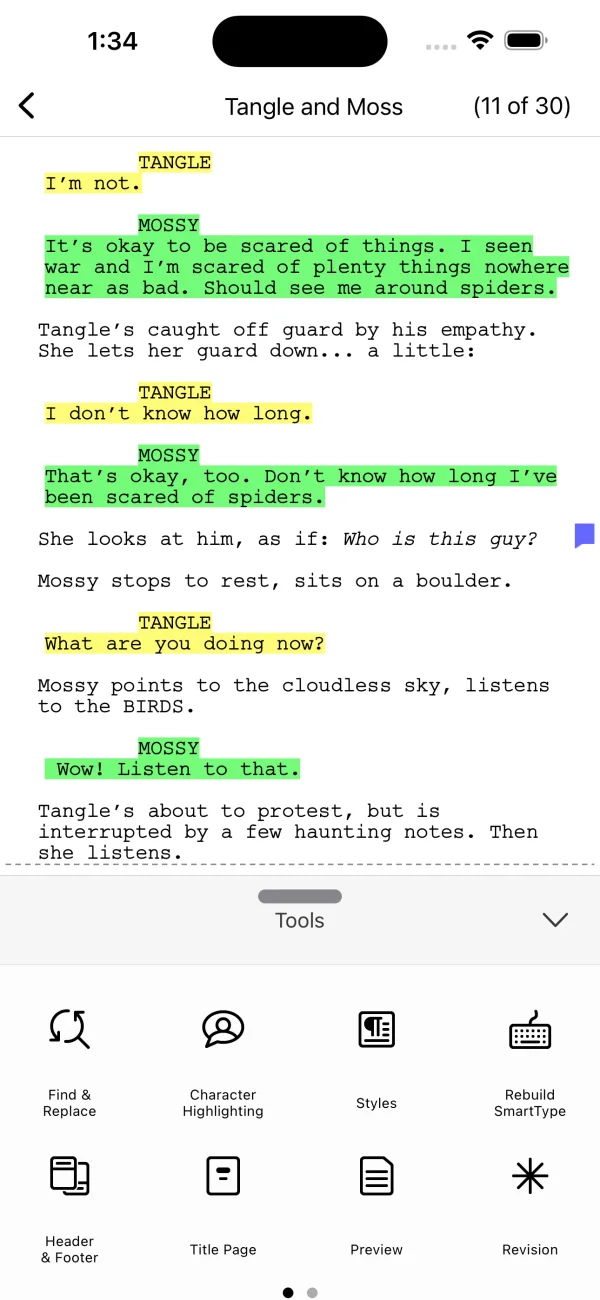
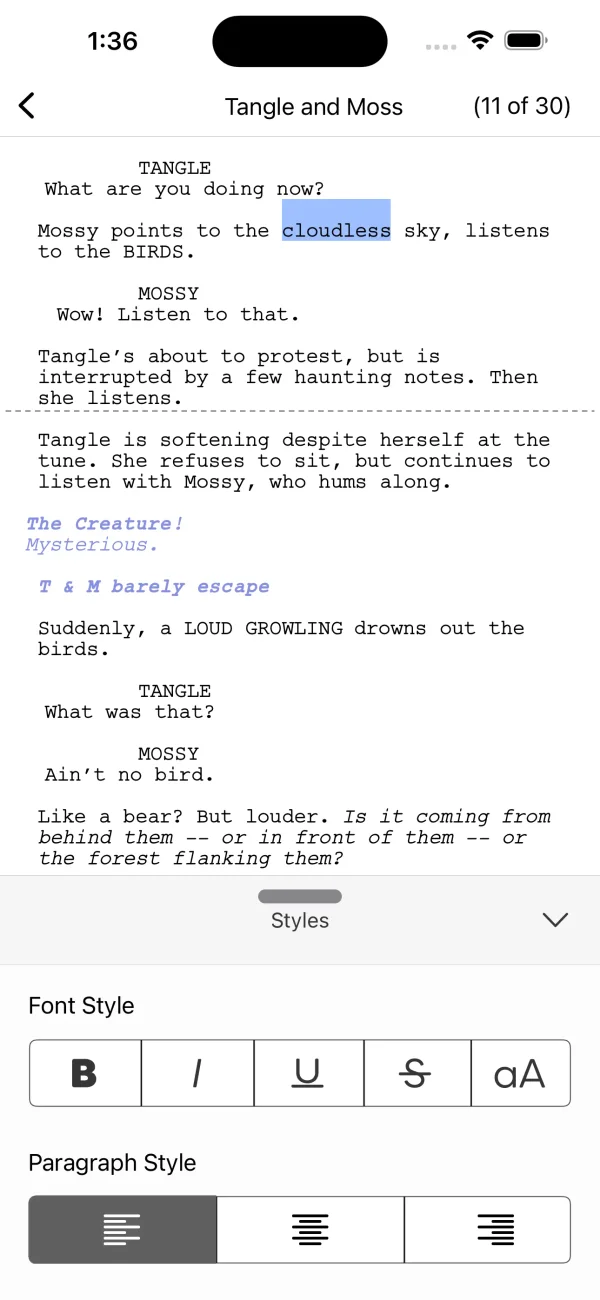
- Character Highlighting allows you to keep track of your characters for table reads or character development
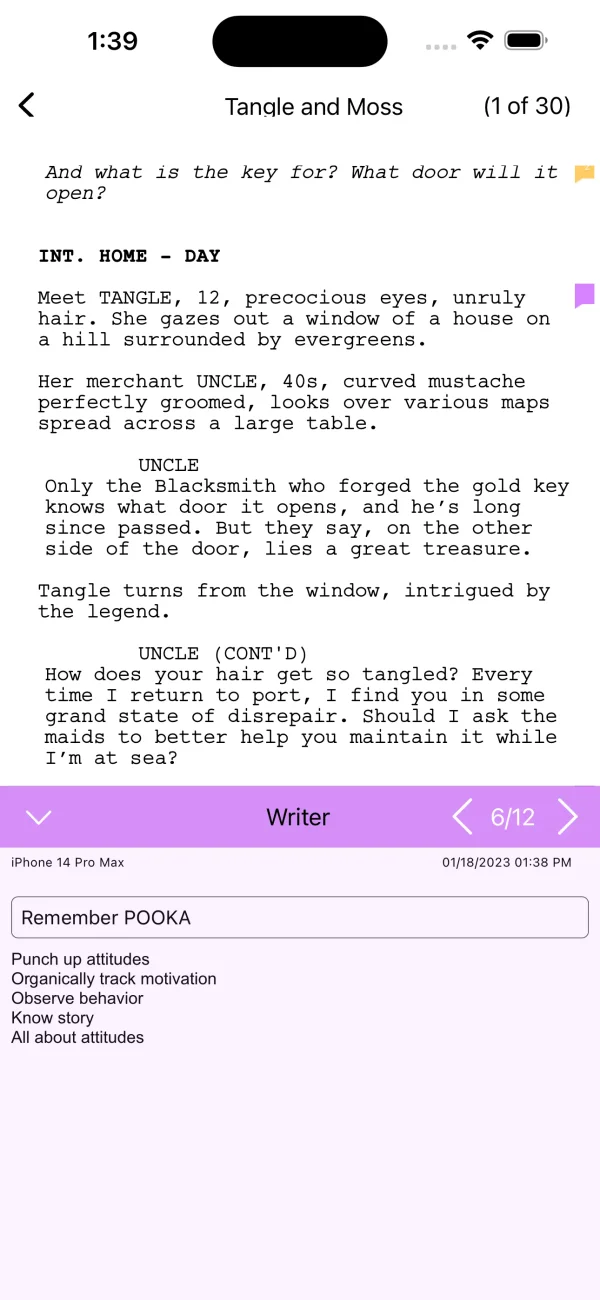
- Add, color-code, label, and edit ScriptNotes
- Perfectly paginates to US Letter and standard European (A4) page sizes
- Send feedback directly through the app
- Professionally formatted TV, Film, and Stage Play templates to help get you started
- Search your entire script for characters, locations, or other script elements
- Export scripts to PDF via Dropbox, iCloud or email
- Saves the last page you’re working on to get back to work quickly
- iPhone Page View shows 100% accurate Final Draft pagination, formatting and line breaking
- Automatic More’s and Continued’s
- Multi-page Title Pages are supported for TV production scripts
- Includes production features like Scene Numbering, Omit Scenes, Colored and Locked Pages
- Shows Active or Collated Revisions with Colored Pages
- Quickly switch from one revision set to another
- Track key information with Cast Reports, Scene Reports, Location Reports, and more
- iPhone Scene Navigator allows you to easily jump to different scenes in your script
- Access all of the tools you need while maintaining context in your script in the iPhone Tools Menu
- Edit your Header and Footer
TESTIMONIALS:
“Where has this been all my career?!? I put it through its paces doing a rewrite on the go-go-go. Does a great job. This is a real step forward! What more do you need on the road? (Maybe a chauffeur?).”
David Seidler – Writer/Academy Award® winner The King’s Speech, By Dawn’s Early Light, Tucker: The Man and His Dream.
What’s new
Version 7.5.0 · Nov 5, 2026
• Minor bug fixes
App privacy
What Cast & Crew Production Software, LLC declares on the App Store about how this app handles data.
-
Data linked to you
May be collected and linked to your identity.
- Usage data
-
Data not linked to you
May be collected but is not linked to your identity.
- Identifiers
- Usage data
Privacy practices may vary, for example with the features you use or your age.
Information
- Seller
- Cast & Crew Production Software, LLC
- Category
- Productivity
- Version
- 7.5.0
- Updated
- Nov 5, 2026
- Released
- May 4, 2023
- Size
- 193.7 MB
- Requires
- iOS 16.0 or later
- Age rating
- 4+
- Price
- Free
- In-app purchases
- Yes
- Languages
- English, Spanish
- Copyright
- © 2022 Cast & Crew Production Software, LLC
You might also like
-
 Scriptation: Annotate ScriptsNotes, Breakdowns, Table Reads
-
 WriterDuetReal-time screenwriting
-
 Arc Studio ScreenwritingProfessional Screenwriting App
-
 Fountain · easy screenwritingWrite, edit & export scripts
-
 Werdsmith: Writing AppWrite stories, scripts, books
-
 Storyist 4A powerful writing environment
-
 Highland ProA better screenwriting app
-
 Stratword - Script WritingScreenplay Writer: Film & TV
-
 Story Plotter - idea to plot -[ write novel, comic, script!]
-
 ScrivenerProductivity