
- Age rating4+
- CategoryUtilities
- Developer晓 杨
- LanguagesEnglish
- Size51.8 MB
Links to the official App Store page
Download.org hosts no file of FinalLook - 截图套壳,一步搞定. The button opens its official App Store page, published by 晓 杨. Listing last checked on Nov 23, 2026.
Screenshots

About
The developer has not provided this text in your language.
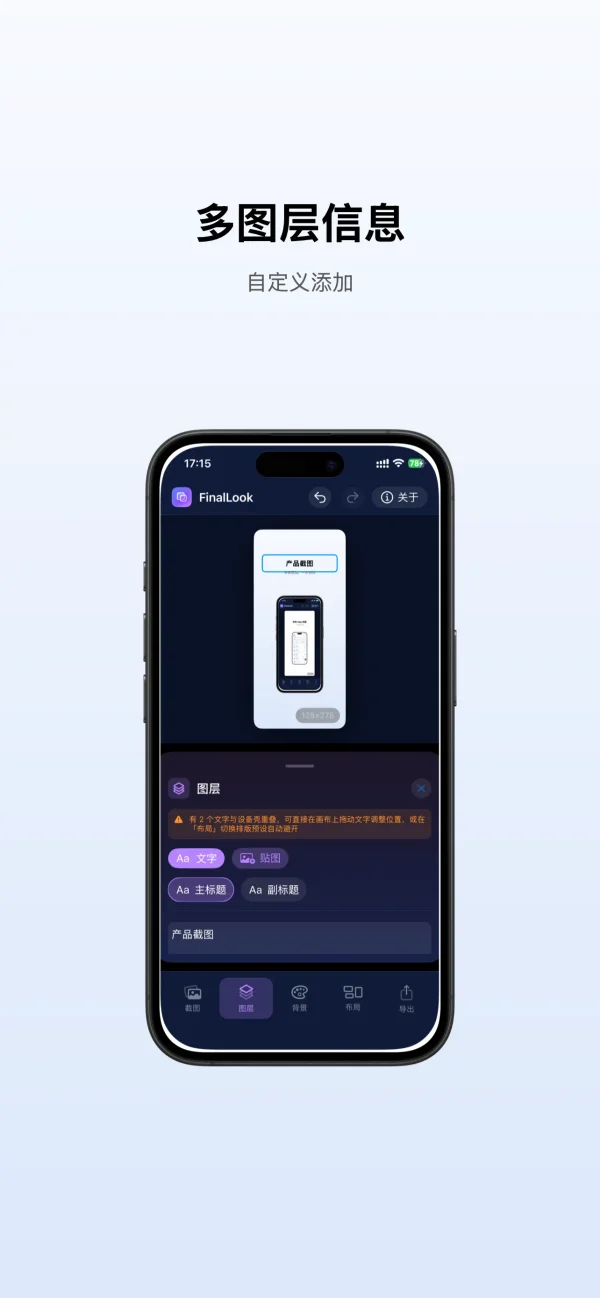
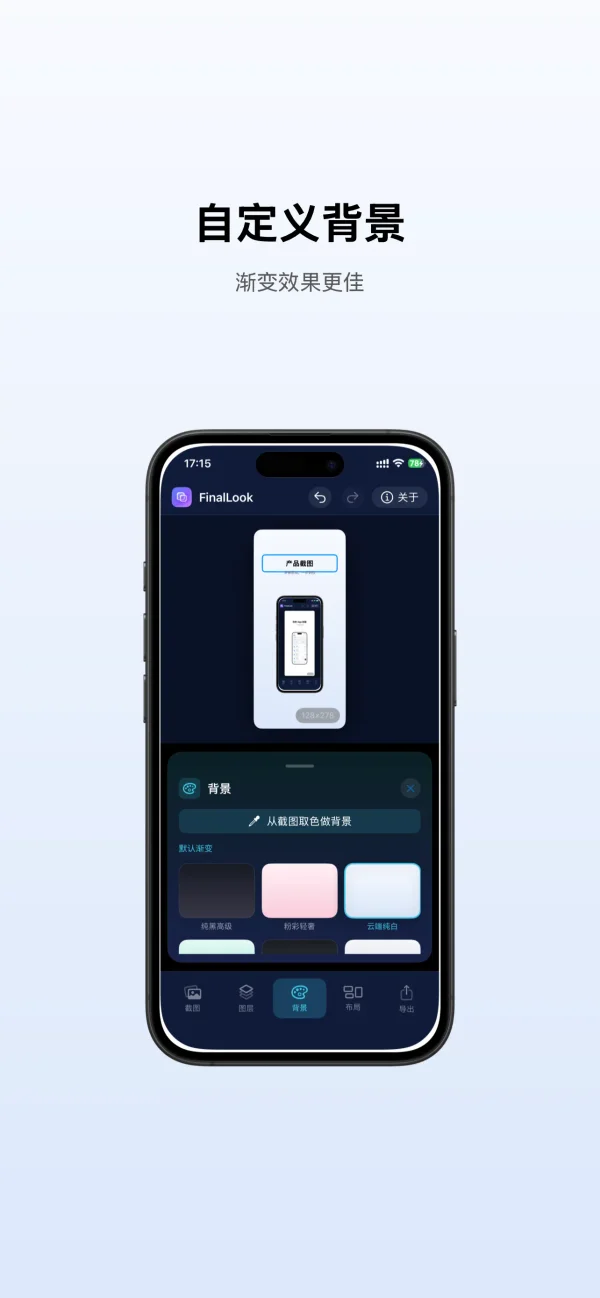
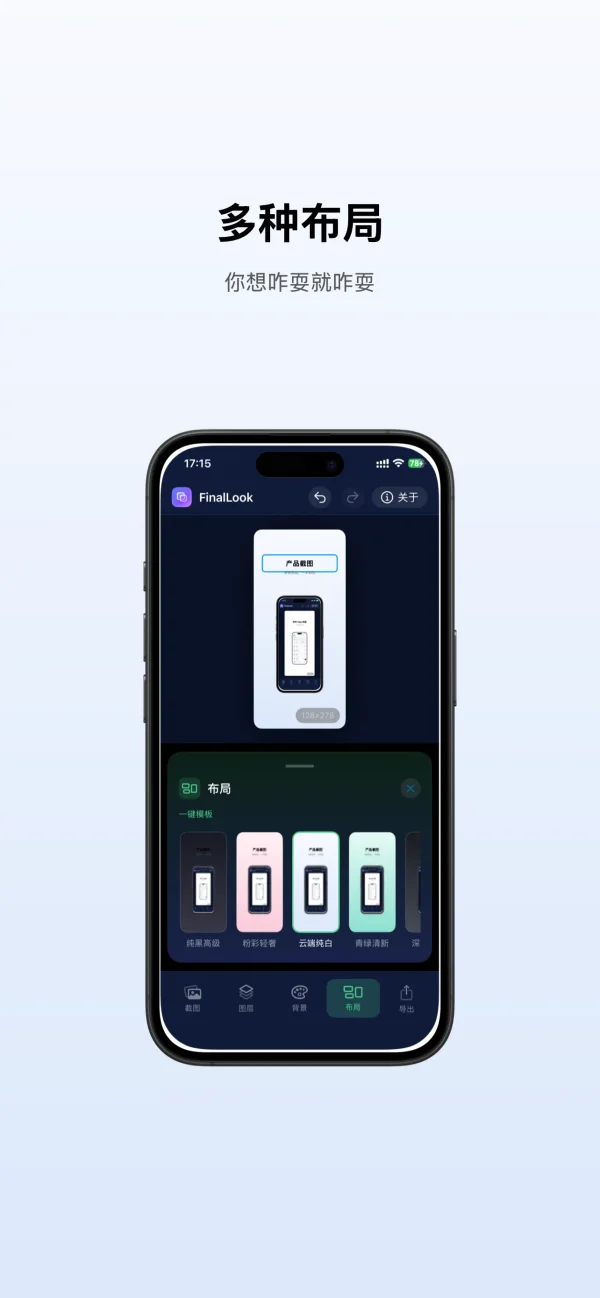
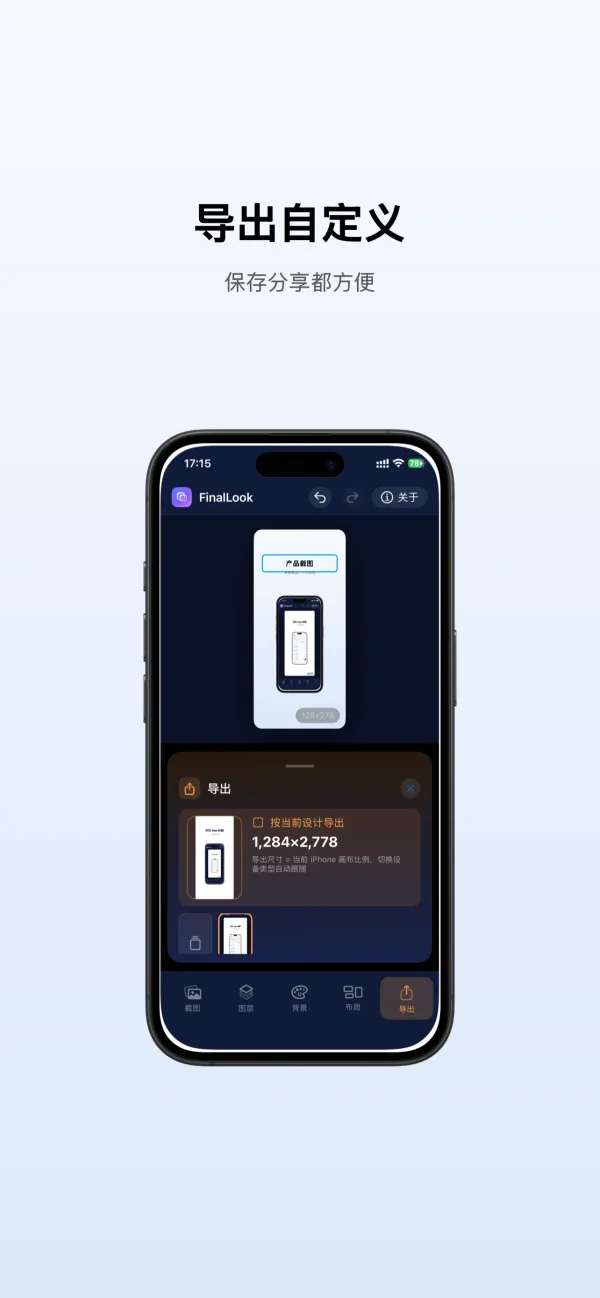
导入截图 → 套真机壳 → 一键模板 → 官方尺寸导出。iPhone /iPad/ Watch / Mac 全支持,30 秒出一张能直接提交 App Store 的发版宣传图。
隐私政策: https://legal.babyplan.xin/privacy-policy.html
用户协议 (EULA): https://legal.babyplan.xin/user-agreement.html
What’s new
Version 1.0.2 · Nov 19, 2026
把「重复劳动」砍掉了,做一套发版图的时间可以缩到原来的几分之一。
全新导出面板:iPhone / iPad / Watch / Mac 一栏切换预览,导出时可多选设备,一次拿到 App Store 必交的全部尺寸,每个尺寸都会自动更换对应的设备外壳和排版。
每台设备可单独挑图:iPhone 导出全套 5 张、Watch 只导出关键 2 张,互不影响,也不用反复取消勾选。
导出即打包:ZIP 内按「截图1 / iphone-69.png」规范命名分目录,可以直接拖进 App Store Connect。
保存到相册同样支持多设备多尺寸,一键批量写入。
套用到全部截图:调好一张的背景、机壳、字体和排版,一次统一整套风格。
对齐吸附:拖动设备或图层靠近画布中线时自动吸附,真机有轻震动反馈(需开启系统触感反馈)。
设备类型改为全局设置:切换截图不会再出现一张 iPhone 一张 iPad。
修复套壳贴合:截图放进机壳后圆角过大、边缘不贴合的问题已修正,四种外壳按真实比例精确贴合。
默认排版更聪明:不同设备自动采用最合适的布局与标题组合,移除「无壳极简」模板。
界面更干净:顶栏新增参考线开关,设备切换收进胶囊菜单,面板滚动条隐藏。
全新启动画面。
App privacy
What 晓 杨 declares on the App Store about how this app handles data.
-
Data not collected
The developer does not collect any data from this app.
Privacy practices may vary, for example with the features you use or your age.
Information
- Seller
- 晓 杨
- Category
- Utilities
- Version
- 1.0.2
- Updated
- Nov 19, 2026
- Released
- Sep 24, 2026
- Size
- 51.8 MB
- Requires
- iOS 15.6 or later
- Age rating
- 4+
- Price
- Free
- Languages
- English
- Copyright
- © 2026 Yang Xiao