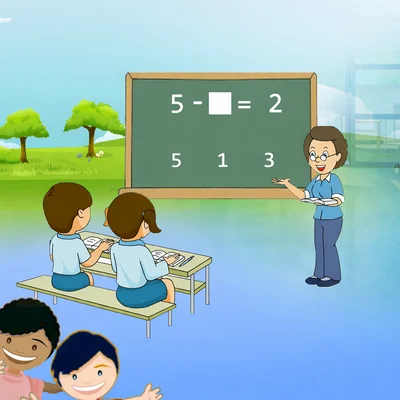
Find Missing in Subtraction
Designed for iPhone, iPad, iPod touch
Free · In-app purchases
- Age rating4+
- CategoryEducation
- DeveloperBlooming Kids Software LLC
- LanguagesEnglish
- Size109.6 MB
Links to the official App Store page
Download.org hosts no file of Find Missing in Subtraction. The button opens its official App Store page, published by Blooming Kids Software LLC. Listing last checked on Nov 16, 2026.
Screenshots
About
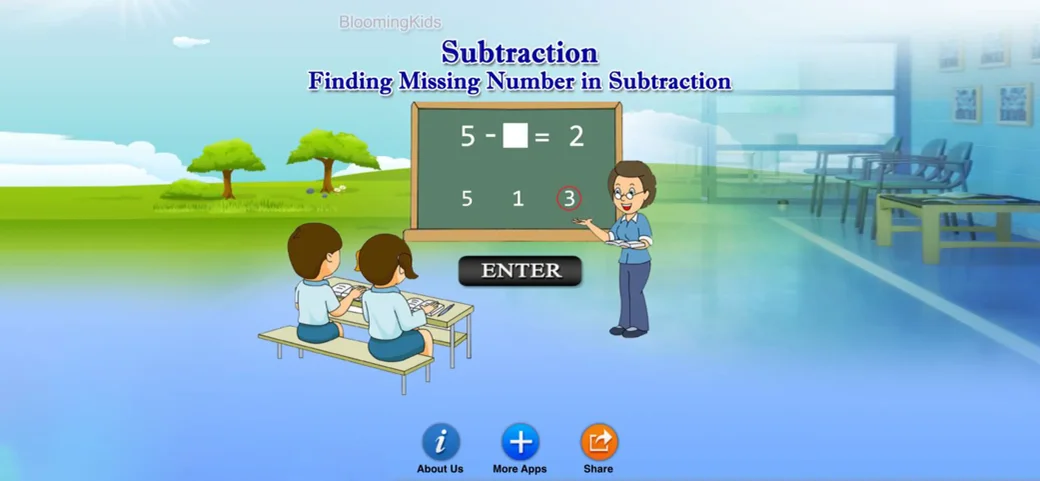
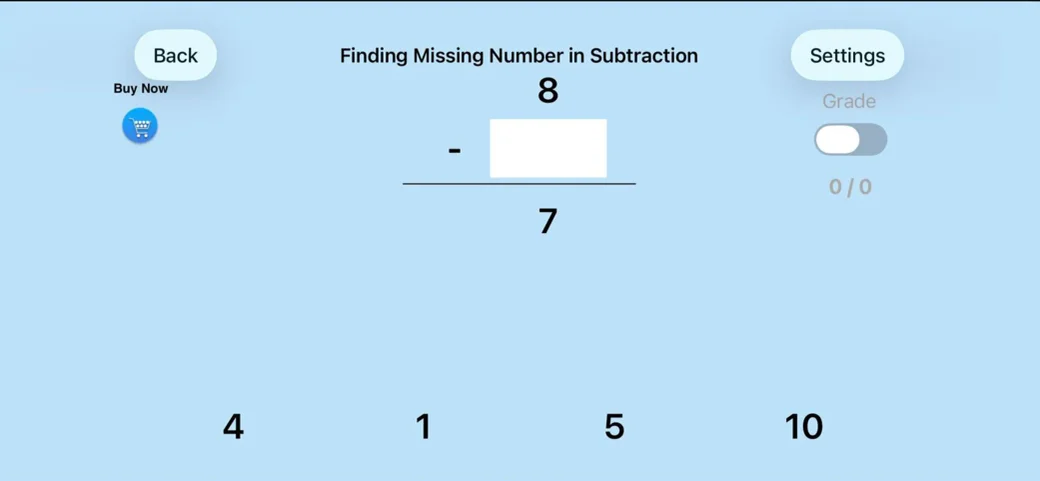
In this program there is a subtraction problem at the top of the screen with the second number blank. The program voice says (for instance) "Seven minus what makes three? Click the correct answer." There are four numbers at the bottom of the screen, and the student should click the correct choice from among them. If the student clicks the correct number, the voice says "Yes, seven minus four equals three."
Settings
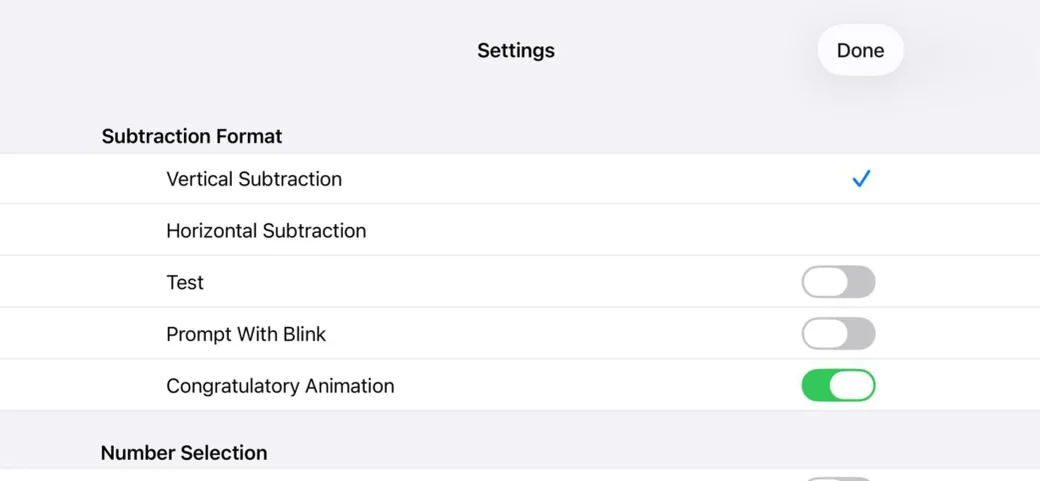
Vertical Subtraction
If this is selected then the number statement at the top of the screen will be arranged vertically.
Horizontal Subtraction
If this is selected then the number statement at the top of the screen will be arranged horizontally.
Prompt(Blink)
This is checked by default. If the student fails to find the correct answer within ten seconds, the program guides him/her to the correct choice by making the correct choice blink.
Select Random Numbers
If this is selected, then the program will choose the numbers to be used in the problems.
Congratulatory Animation
If this is selected, then any and all of the numbers in this box will be used. To deselect this choice, click it again and selection will be ended.
Test
Here, the student can test him/herself.
Report
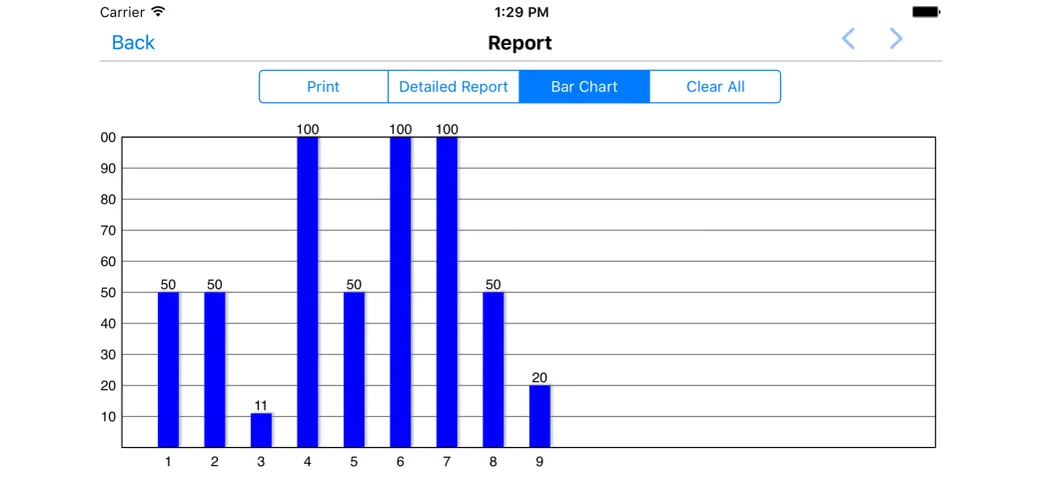
This displays results of the “Test”. The report (Holds Only 20 Records).
Grade On/Off: If it is on, app will monitor correct and wrong responses by the student
Correct Answer: When a student response to a question with correct answer
Wrong Answer: When a student response to a question with wrong answer
Number of Total Attempt: Number of times a student tried to answer questions in the app.
Bar Chart: Represents the student's performance graphically.
Detail Report: Test results including the grade. object identified, distracter and time taken to finish the test.
Print: This will print the grade or data on the screen.
Clear Data: This button erase all the data that was stored and free up the memory that data was occupying.
What’s new
Version 1.1 · Jan 23, 2026
The current app version updated with the new age rating.
App privacy
What Blooming Kids Software LLC declares on the App Store about how this app handles data.
-
Data not collected
The developer does not collect any data from this app.
Privacy practices may vary, for example with the features you use or your age.
Information
- Seller
- Blooming Kids Software LLC
- Category
- Education
- Version
- 1.1
- Updated
- Jan 23, 2026
- Released
- Feb 3, 2016
- Size
- 109.6 MB
- Requires
- iOS 10.0 or later
- Age rating
- 4+
- Price
- Free
- In-app purchases
- Yes
- Languages
- English
- Copyright
- © 2026 Blooming Kids Software
You might also like
-
 Hands-On Math Number BalanceEducation
-
 CloudLabs Building a ScaleEducation
-
 Trade-First SubtractionEducation
-
 Subtraction with regroupingSubtractions with eggs
-
 Number Track - Memory TrainerEducation
-
 Planet Rotationvenus,earth,mars,jupiter
-
 GanArfakEducation
-
 SkippyNumsEducation
-
 AiLanguan - Learn with AILearn languages with AI
-
 Read to Draw: Kids StoriesLearn to read with stories