Finger Board Pro
Create e-learning materials
Designed for iPhone, iPad, iPod touch
Free · In-app purchases
- Age rating4+
- CategoryEducation
- DeveloperTEPPEI TSUZUKI
- LanguagesEnglish+ 1 more
- Size193.3 MB
Links to the official App Store page
Download.org hosts no file of Finger Board Pro. The button opens its official App Store page, published by TEPPEI TSUZUKI. Listing last checked on Nov 17, 2026.
Screenshots

About
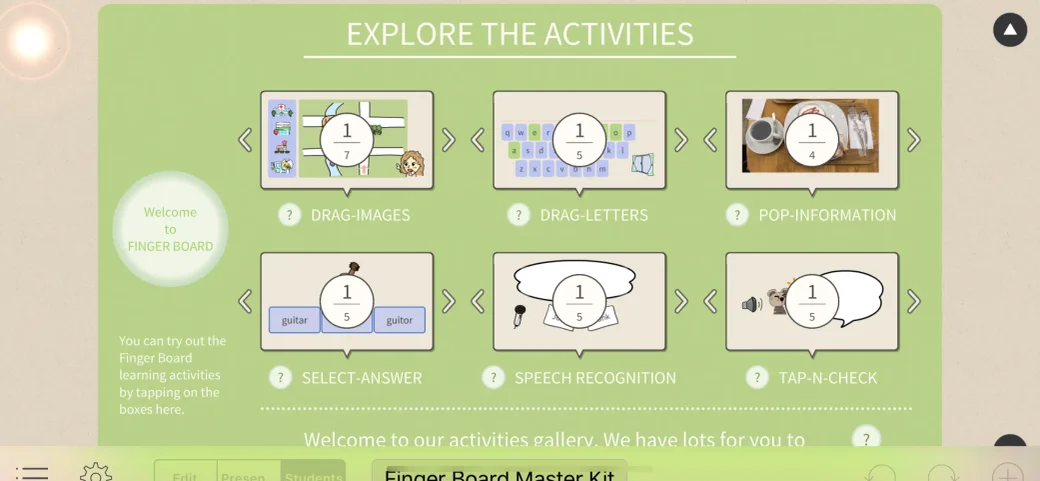
Finger Board lets you create exciting and interesting touch-optimized e-learning content even WITHOUT any programming knowledge or experience.
You can create whatever content you like. Create content as far as your IDEAS can take you!
The activities you create are easily shared with your students and can be accessed whether online or offline.
See below for more details!
1. Create Cards
Get started by creating cards in a file.
These cards can be used for VARIOUS LEARNING ACTIVITIES. You can create quizzes, flash cards, presentations etc. on each card.
2. Add Items on Cards
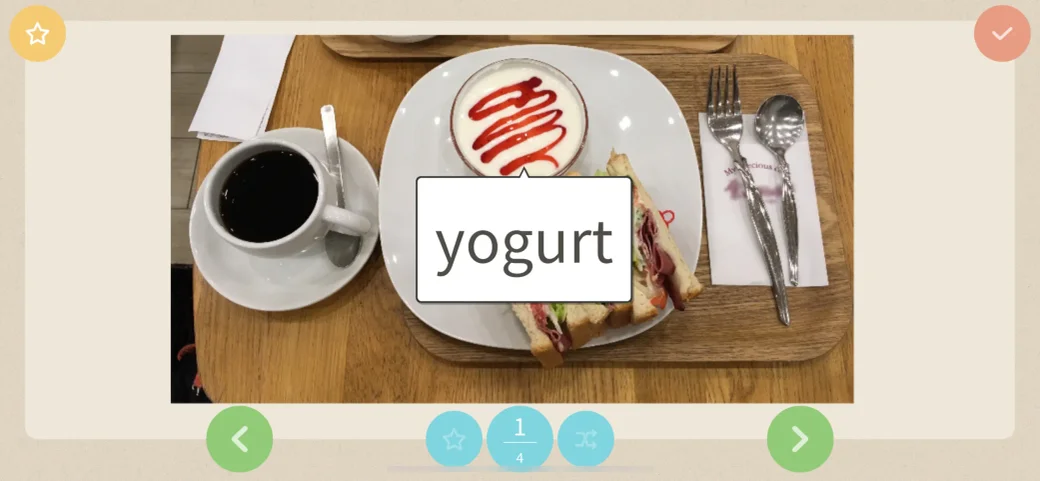
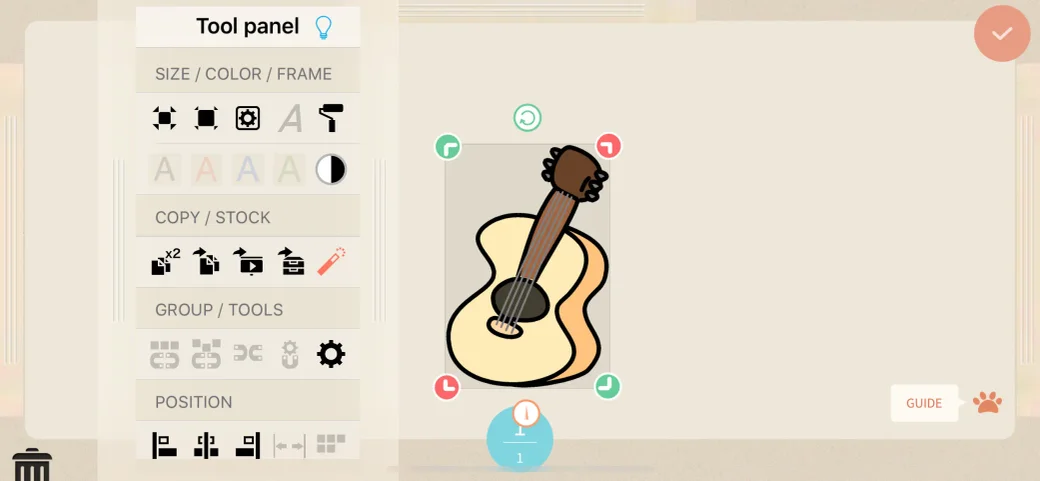
You can add texts and images on a card.
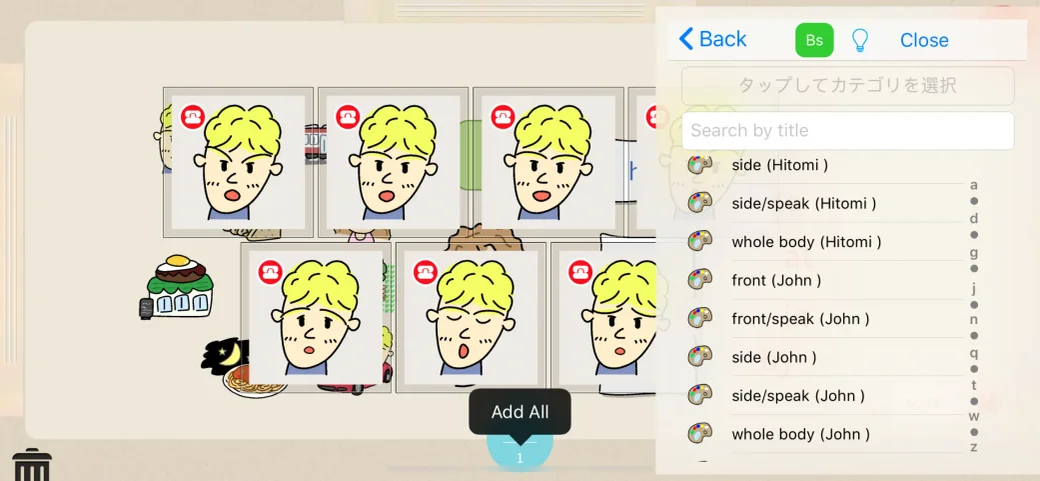
Select from MORE THAN 1,000 IMAGES pre-installed in the app.
You may also add your photos or download images from the web.
3. Assign Actions to the Item
Assign actions to the item that will RESPOND TO THE TOUCH OF A FINGER. Items may play sounds, disappear and reappear, may move like they're alive, and much more!
4. Enable Check-answer
Add Magnet Box to CREATE A QUIZ.
Magnet Box enables you to create not only simple tap-selection quiz, but also drag-pairing, drag sorting quizzes and so on.
5. Set Presentation
The cards can be used as presentation slides as well.
You can drag, move, tap, and initiate actions on the items to make your presentations MORE interactive and fun!
6. Organize Cards in Card Pack
You may choose to create a BUNDLE OF CARDS or a CARD PACK.
A Card Pack allows you create a set of activities consisting of multiple cards.
Each pack has various options such as Keep-score, Countdown etc. that will challenge and improve the skills of your students.
7. Share File
The activities you create can be shared with your students or other teachers.
The cards are saved as a file and can be sent via email or share them using third party online storage or cloud facilities.
Make learning more EXCITING & INTERESTING with your ideas!
What’s new
Version 5.1.3 · Oct 10, 2026
- bug fix
App privacy
What TEPPEI TSUZUKI declares on the App Store about how this app handles data.
-
Data not collected
The developer does not collect any data from this app.
Privacy practices may vary, for example with the features you use or your age.
Information
- Seller
- TEPPEI TSUZUKI
- Category
- Education
- Version
- 5.1.3
- Updated
- Oct 10, 2026
- Released
- Feb 14, 2017
- Size
- 193.3 MB
- Requires
- iOS 13.0 or later
- Age rating
- 4+
- Price
- Free
- In-app purchases
- Yes
- Languages
- English, Japanese
- Copyright
- © 2020 Semiosis Inc.