Finger Drum DOJO
Game-Style 16-Pad Practice
Designed for iPhone, iPad, iPod touch
Free
- Age rating4+
- CategoryEducation
- DeveloperRyoji Takahashi
- LanguagesEnglish+ 2 more
- Size862.3 MB
Links to the official App Store page
Download.org hosts no file of Finger Drum DOJO. The button opens its official App Store page, published by Ryoji Takahashi. Listing last checked on Nov 16, 2026.
Screenshots

About
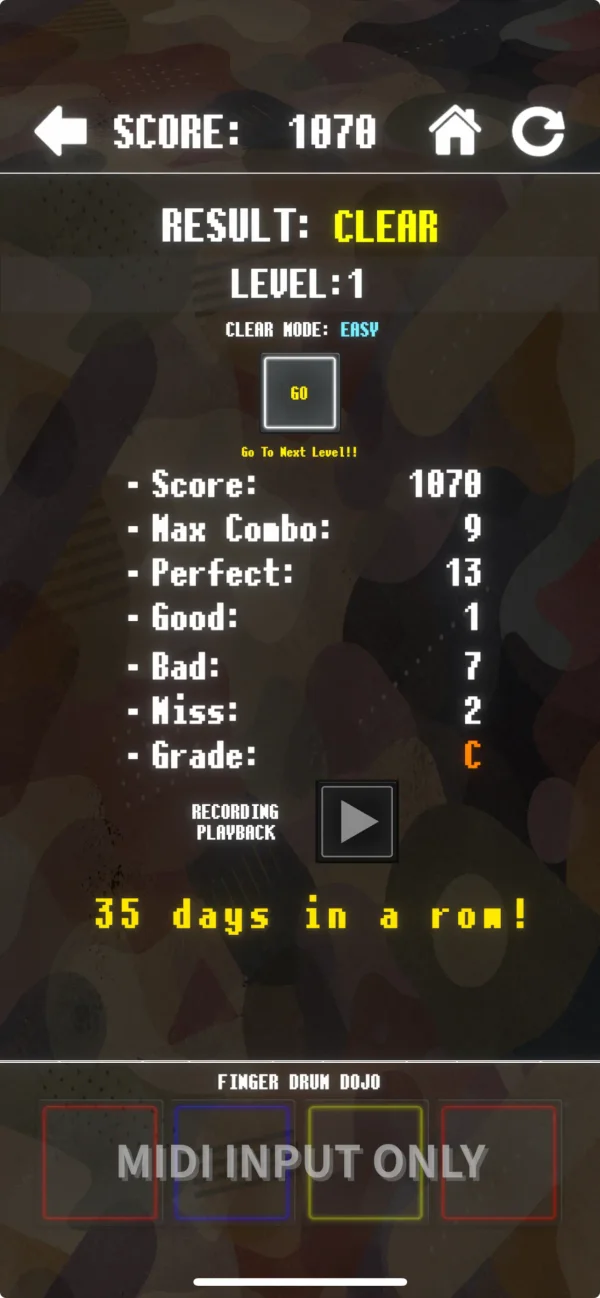
Finger Drum DOJO / FDD is a training app for iOS designed to make finger drumming practice fun, consistent, and easy to continue.
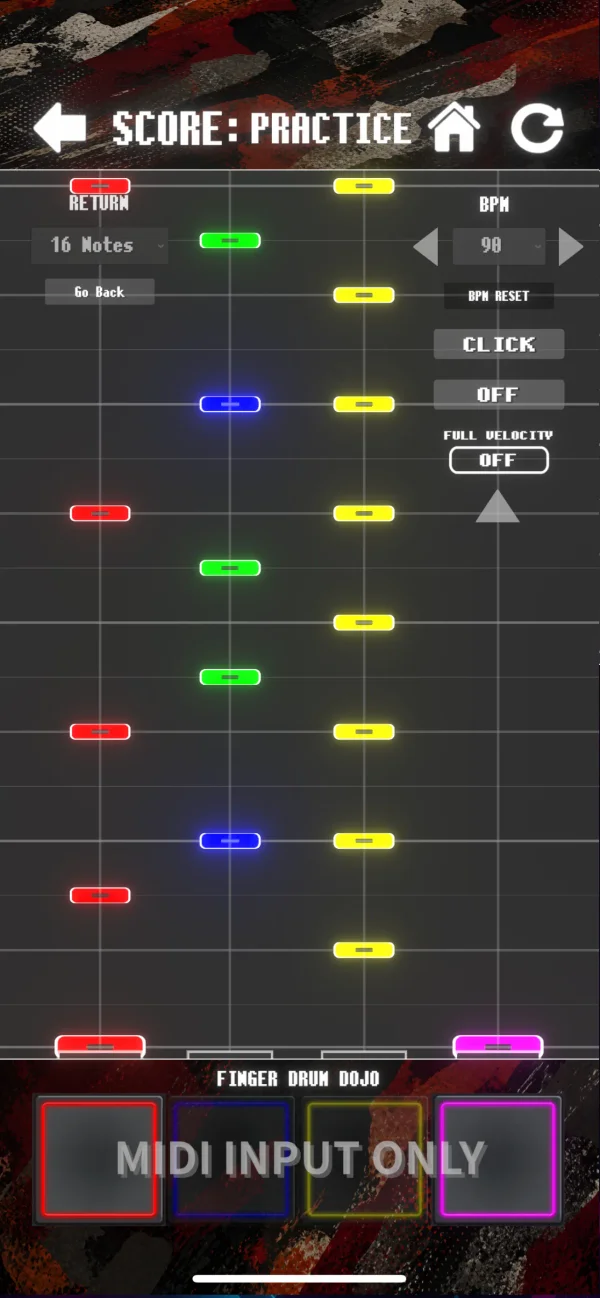
Play along with notes that flow down the screen like a rhythm game, and gradually build your sense of rhythm, timing, sticking patterns, and groove.
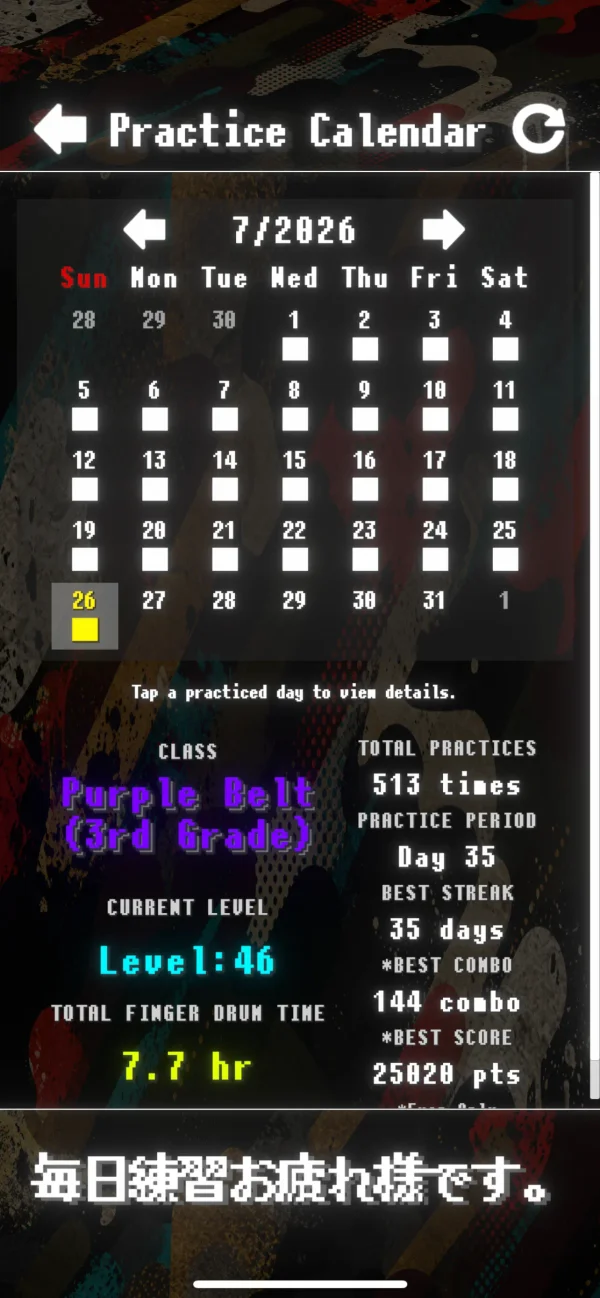
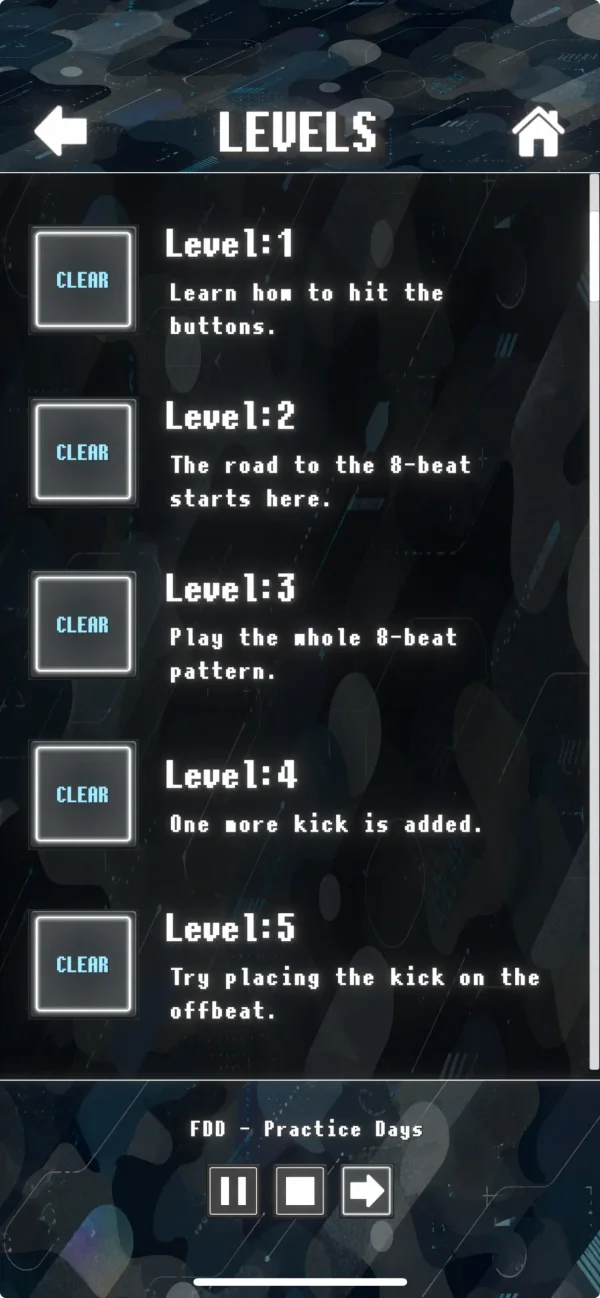
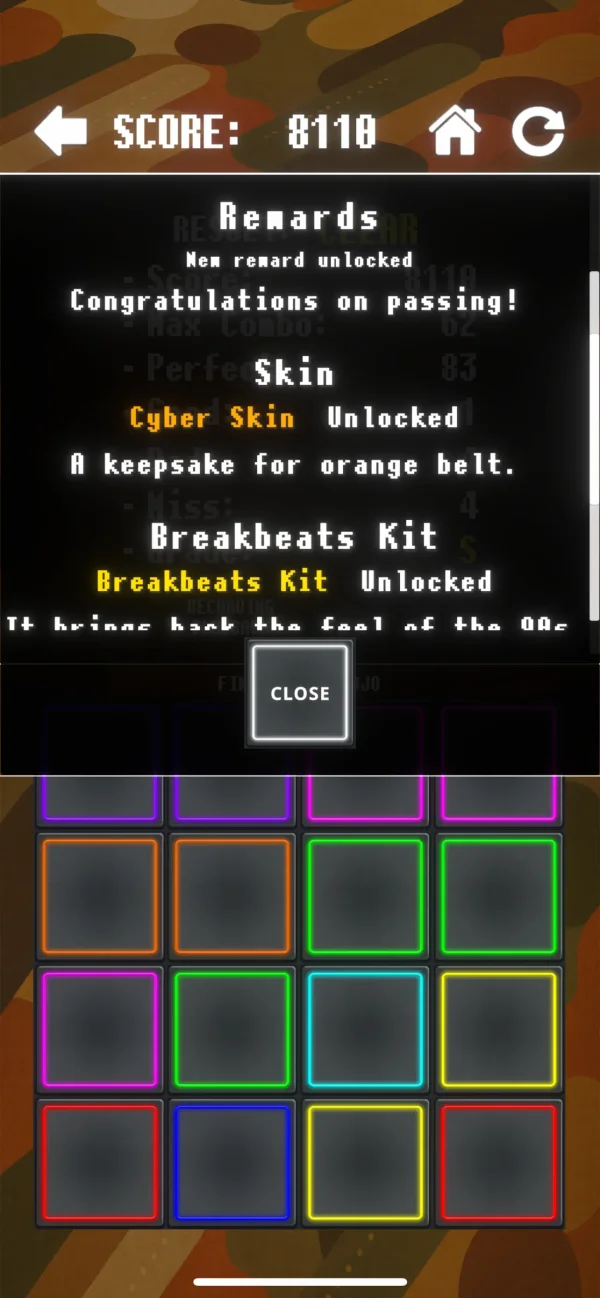
As you clear levels, you can unlock drum sets and skins. Your scores, best scores, and practice diary help you track your progress and stay motivated as you continue practicing.
Main Features:
- Level-based finger drumming practice
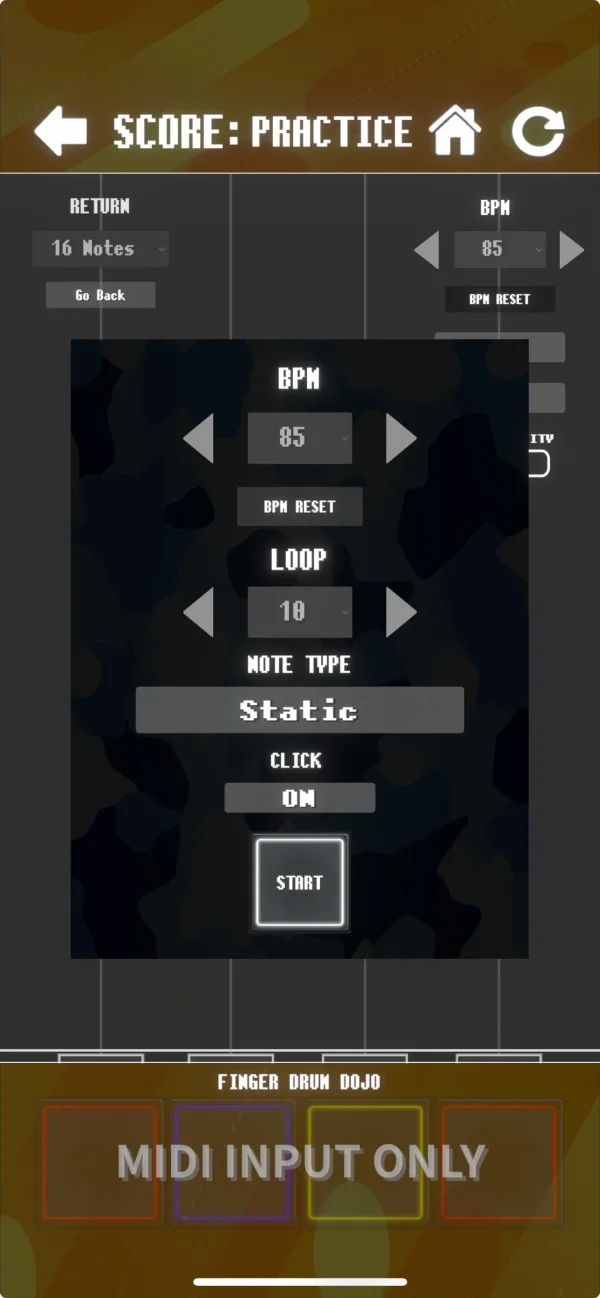
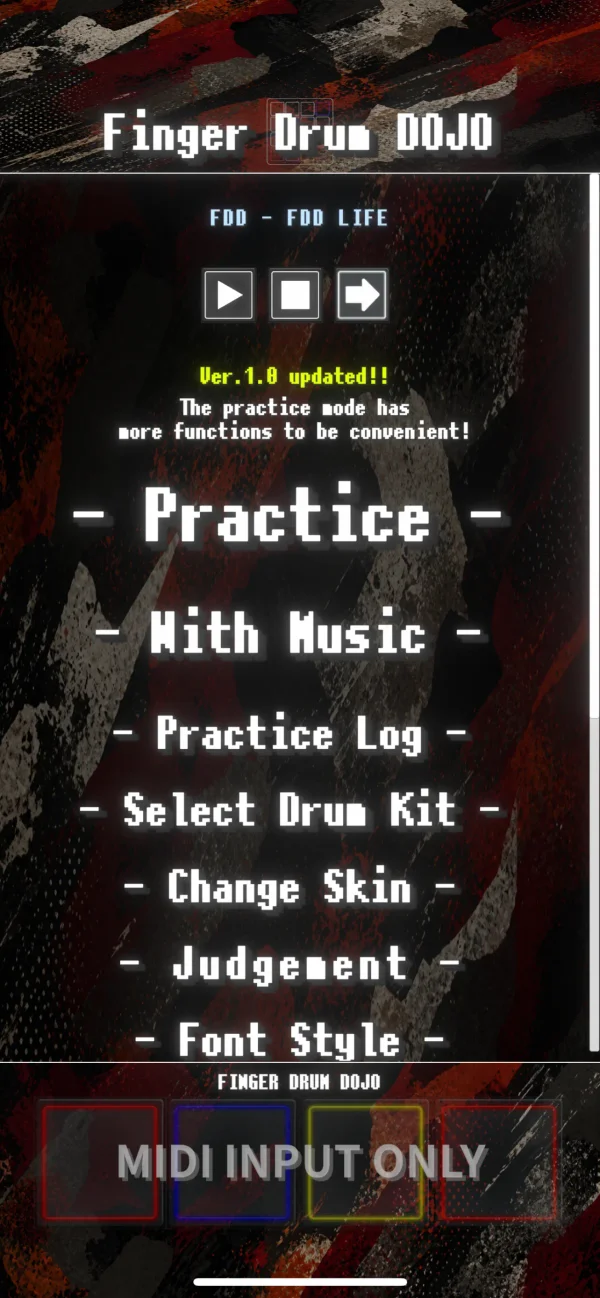
- Pattern practice, click practice, BGM practice, and recording practice
- Vertical rhythm game-style note display
- Focused practice with adjustable BPM
- Performance using sample-based sounds
- Free play with unlocked drum kits
- Customization with unlocked skins
- Score, clear, and best score records
- Practice diary
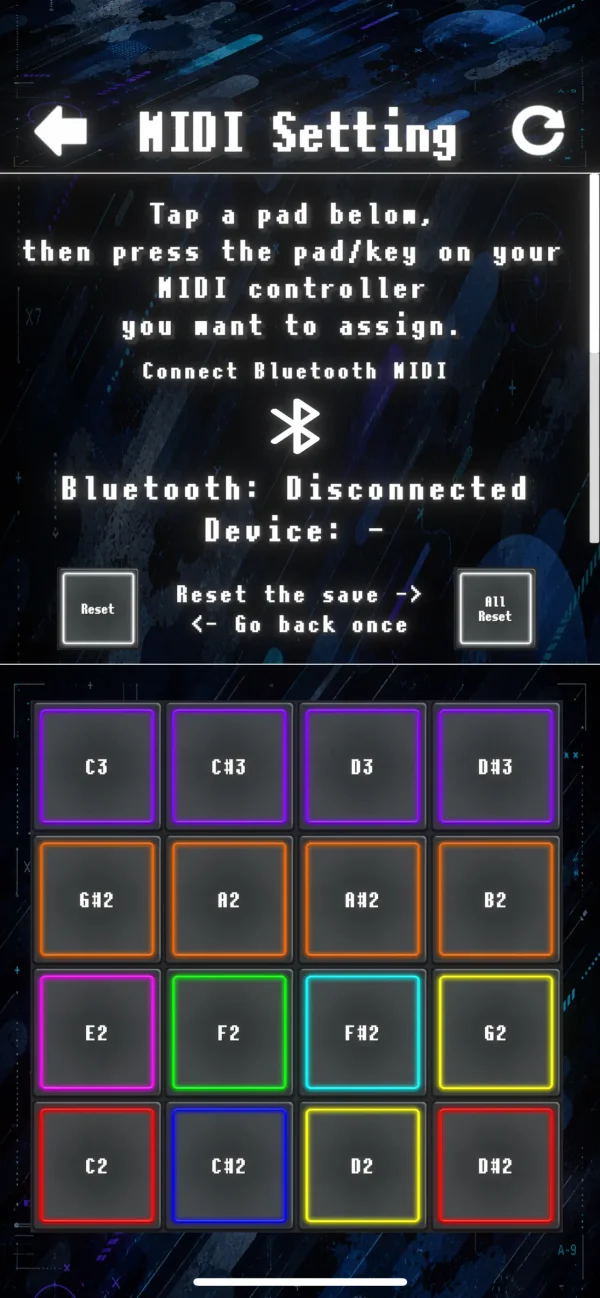
- MIDI controller support
Finger Drum DOJO is designed to be useful both for people who are just starting finger drumming and for players who want to practice pad performance more seriously.
This app was independently developed from the idea: “I wish there were a place where I could practice finger drumming like playing a rhythm game.”
What’s new
Version 1.1.3 · Oct 24, 2026
Version 1.1.3 Fixed Bluetooth issue.
Version 1.1.2 introduces one of our most requested features: flexible audio output routing!
You can now connect a MIDI controller with built-in audio output, such as an MPC Sample, and switch between the audio interface and iOS Audio directly from FDD.
When using an audio interface with four output channels, you can route PAD, CLICK, BGM, and other sounds independently. For example, send PAD and BGM to your speakers while keeping CLICK in your headphones, so only you hear the click during a performance.
Audio output and routing options are available under Audio Settings on the Home screen.
App privacy
What Ryoji Takahashi declares on the App Store about how this app handles data.
-
Data not collected
The developer does not collect any data from this app.
Privacy practices may vary, for example with the features you use or your age.
Information
- Seller
- Ryoji Takahashi
- Category
- Education
- Version
- 1.1.3
- Updated
- Oct 24, 2026
- Released
- Aug 17, 2026
- Size
- 862.3 MB
- Requires
- iOS 15.6 or later
- Age rating
- 4+
- Price
- Free
- Languages
- English, Japanese, Simplified Chinese
- Copyright
- © 2026 RYOJI TAKAHASHI
You might also like
-
 BibleLingo - Bible StudyBible Study & Learn Languages
-
 Demae RoboEducation
-
 こんなときどうする?SST・ソーシャルスキルトレーニングEducation
-
 LinguaTube:自由な動画で楽しく英語を学ぼうEducation
-
 Soaring Eagle MediaEducation
-
 Prompt Engineering Learn AIPrompt Engineering Course
-
 PuremixMixing & music production
-
 Jazz Piano Master: VoicingsChords, Voicings & Reharmonize
-
 Valley Christian SchoolsEducation
-
 時間割アプリ TimeTableEducation