
Finis – Write a Book
Novel, Outline & Manuscript
Designed for iPad, Mac
Free · In-app purchases
- Age rating12+
- CategoryProductivity
- DeveloperGiovanni Di Gregorio
- LanguagesEnglish+ 5 more
- Size41.0 MB
Links to the official App Store page
Download.org hosts no file of Finis – Write a Book. The button opens its official App Store page, published by Giovanni Di Gregorio. Listing last checked on Nov 24, 2026.
Screenshots

About
From the first idea to the final page.
Finis gives your book a home on Mac and iPad: a calm place to write, a clear view of every chapter, and the tools to shape your manuscript into a finished book.
WRITE ON MAC AND IPAD
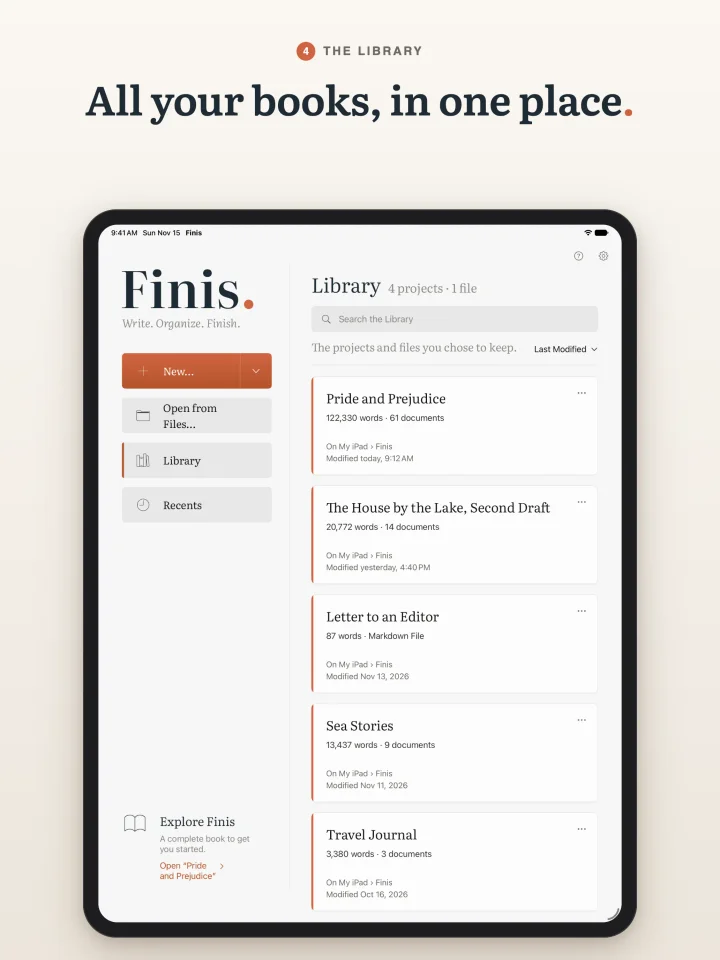
Keep your projects in the Finis folder in iCloud Drive to work on the same book on both devices. One unlock covers Mac and iPad with the same Apple Account. On iPad, use touch or a keyboard, open documents side by side and manage your projects in the Files app.
FIND YOUR WRITING FLOW
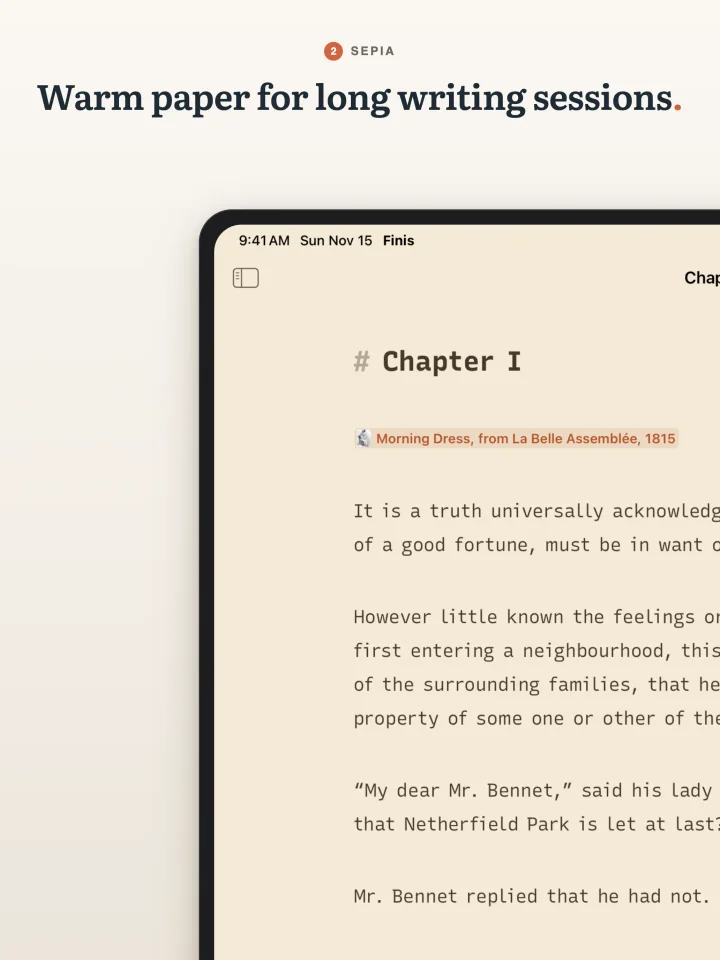
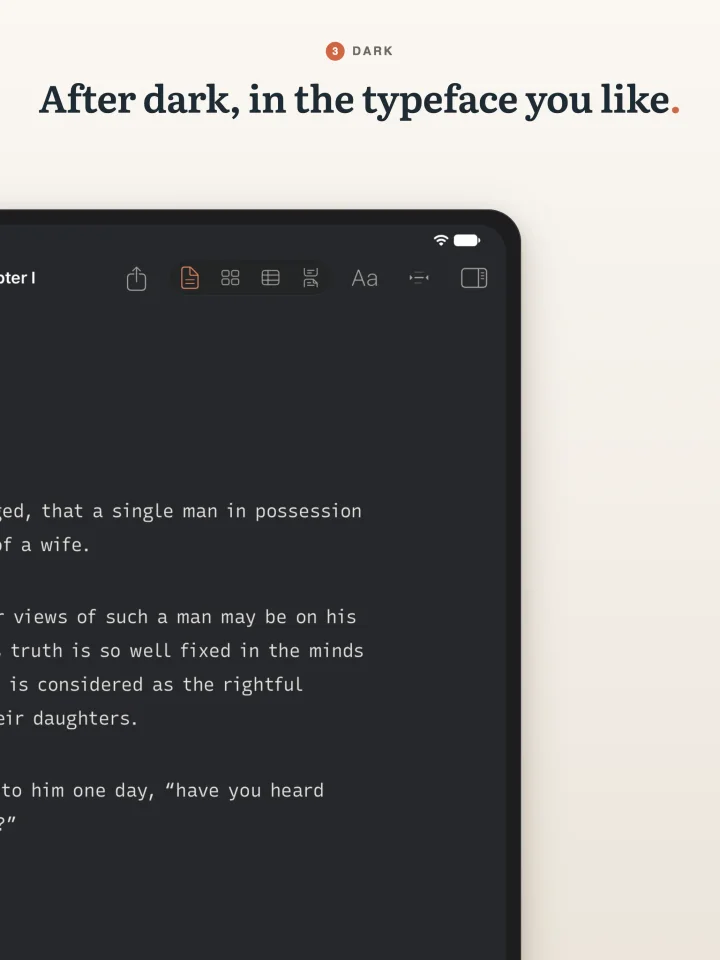
A clean page, thoughtful typography and your words at the center. Stay with a sentence or paragraph in focus mode, keep your line in view with typewriter mode, and build a writing habit with word goals and daily statistics. Simple formatting is always within reach — no Markdown knowledge required.
SEE THE WHOLE BOOK
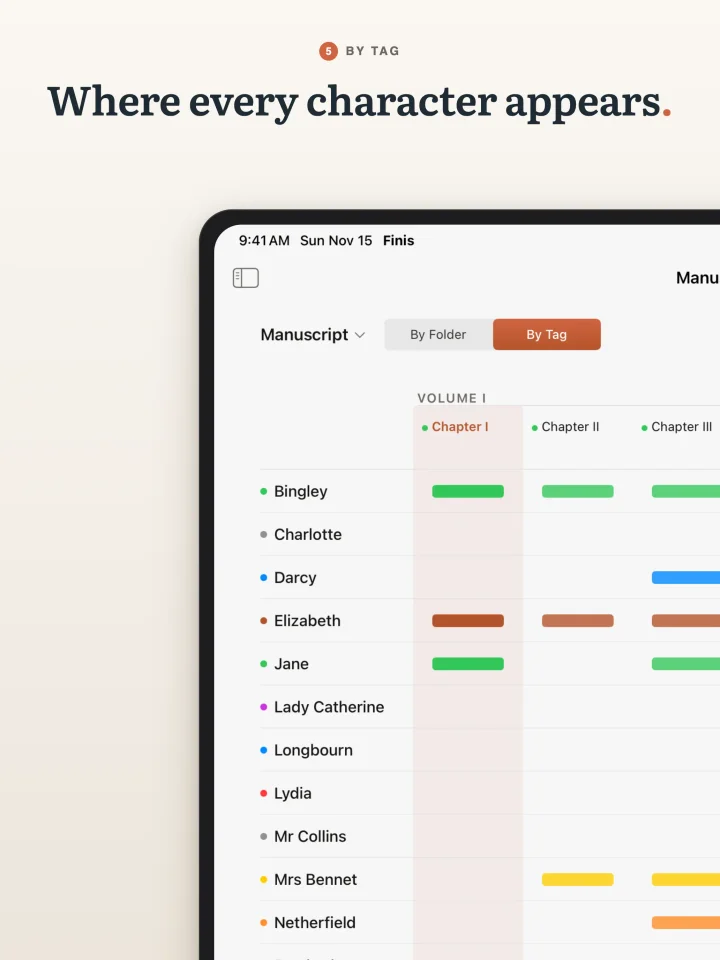
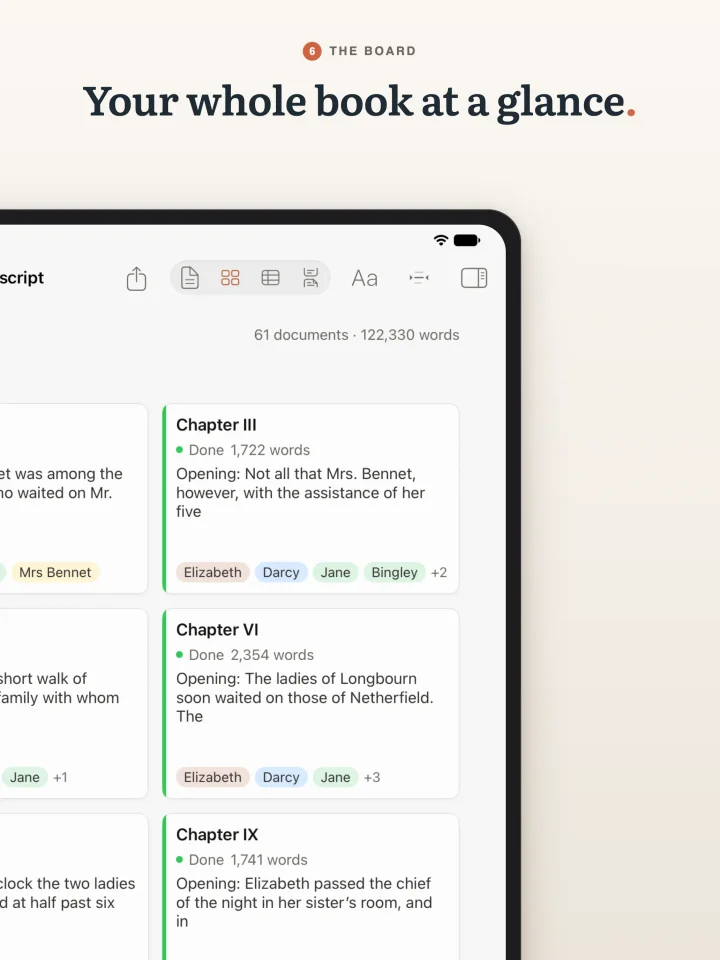
Move from a scene to the bigger picture. Arrange chapters in the sidebar, explore ideas on the corkboard and track progress in the outline. Keep synopses, notes, tags and chapter statuses beside your manuscript, then read an entire part as one continuous text.
A FRESH PERSPECTIVE, WITH VIRGIL
Meet your optional AI writing assistant, right beside the page. Ask questions about your book, draft a synopsis, review clarity, pace, dialogue and continuity, or compare alternative wording for a passage. You decide what belongs in your story.
Connect DeepSeek, OpenAI, Anthropic Claude, Google Gemini or Grok, and choose a model for each task. You select the texts to share; Finis sends them only with your consent and when you press Send.
REVISE WITH CONFIDENCE
Keep comments and suggested changes close to the text. Compare document versions, restore earlier work and search across your project. Automatic backups help you keep your progress.
TAKE YOUR BOOK BEYOND THE PAGE
Export the whole book or a single chapter to Word, PDF, ePub, HTML or Markdown, or print it. Preview your book with a title page and numbered chapters, ready for the next step in your publishing journey. For agents and publishers, your manuscript follows the conventions of your book’s language, such as standard manuscript format in English.
COMING FROM WORD OR SCRIVENER?
Import your book with its chapters, notes and comments, and pick up where you left off.
YOUR WORDS STAY YOURS
No Finis account required. Projects are ordinary folders of Markdown files on your Mac or iPad, or in your iCloud Drive, readable in other text editors. Work on your book offline; AI features need an internet connection and your own provider API keys. Providers charge for API usage separately — it is not included in the Finis trial or unlock.
TRY FINIS FREE FOR 14 DAYS
Explore every feature, then unlock Finis with one purchase and no Finis subscription. If you choose not to unlock, you can still open, read and export your projects.
In English, Italian, French, German, Spanish and Portuguese. Includes a complete Pride and Prejudice example project to explore before starting your own book.
A small curiosity: the name comes from the finis Africae, the secret room of the library in Umberto Eco’s The Name of the Rose. In Latin, finis means “end” — here, the end of your book.
What’s new
Version 1.2 · Nov 24, 2026
With Finis 1.2, ideas come in from anywhere.
• The Inbox: whatever comes in from outside waits in one place until you choose its book. In the Library it’s a view below Library and Recents, with Into a Book…, which moves a note into the notes of the book you pick, even if it’s closed; in an open book it’s a row in the sidebar, with Into This Book’s Notes, undone with one ⌘Z. It appears only when there’s something in it, and you can also drag a note onto a book or into the sidebar.
• Note in Finis, in the Share menu on Mac and iPad: from Safari, Notes, Mail and other apps, a small panel on the paper you chose in Finis, with the text to correct before you save it. From Safari it brings the selected sentence with the page’s link and title. Text and links, not images or PDFs. On the Mac, turn it on the first time in Share › Edit Extensions…; on iPad, add it from More in the share sheet.
• From iPhone, the “Note for Finis” shortcut, to download from getfinis.com: from Siri, the Shortcuts app or Share in Safari, it saves your note with no questions. Link its folder once: on the Mac with File › Link Notes from iPhone…, on iPad in Settings › Inbox. Notes arrive by themselves, even while Finis is closed.
• Three new actions in Shortcuts on Mac and iPad: New Document, Add to a Document and Total Words in the Book.
• ⌃⌘T turns Typewriter on and off, on the Mac and on iPad with a keyboard.
• On iPad, the Files app shows Finis’s kinds of document in the iPad’s language.
• The example opens to read right away; to write in it, start the free trial from the banner above the page. Changes to the example aren’t saved.
App privacy
What Giovanni Di Gregorio declares on the App Store about how this app handles data.
-
Data linked to you
May be collected and linked to your identity.
- User content
- Identifiers
Privacy practices may vary, for example with the features you use or your age.
Information
- Seller
- Giovanni Di Gregorio
- Category
- Productivity
- Version
- 1.2
- Updated
- Nov 24, 2026
- Released
- Oct 27, 2026
- Size
- 41.0 MB
- Requires
- iOS 18.0 or later
- Age rating
- 12+
- Price
- Free
- In-app purchases
- Yes
- Languages
- English, French, German, Italian, Portuguese, Spanish
- Copyright
- © 2026 Giovanni Di Gregorio
You might also like
-
 Feather Book Writing AppWrite your book in peace
-
 RDV — Appointments by VoiceA smart family calendar
-
 Rapt: Focused WritingFrom notes to finished drafts
-
 Abyss Writer: Markdown EditorPrivate notes in plain text
-
 Talelay: Creative WritingMessy notes to finished story
-
 The Book I WrotePlan, write & finish novels
-
 QuilProductivity
-
 Ficaryn: AI Novel WriterStory Bible & Long-Form Plot
-
 Litopy: AI Co-WriterAI Writer for Books & Docs
-
 Intrs - Novel Writing AppForeshadowing · Outlines