Fire Remote for TV
Remote+ Mirror to Large TV
Designed for iPhone, iPad, iPod touch
Free · In-app purchases
- Age rating17+
- CategoryUtilities
- DeveloperTV Cast Pte. Ltd.
- LanguagesEnglish
- Size198.5 MB
Links to the official App Store page
Download.org hosts no file of Fire Remote for TV. The button opens its official App Store page, published by TV Cast Pte. Ltd. Listing last checked on Nov 25, 2026.
Screenshots
About
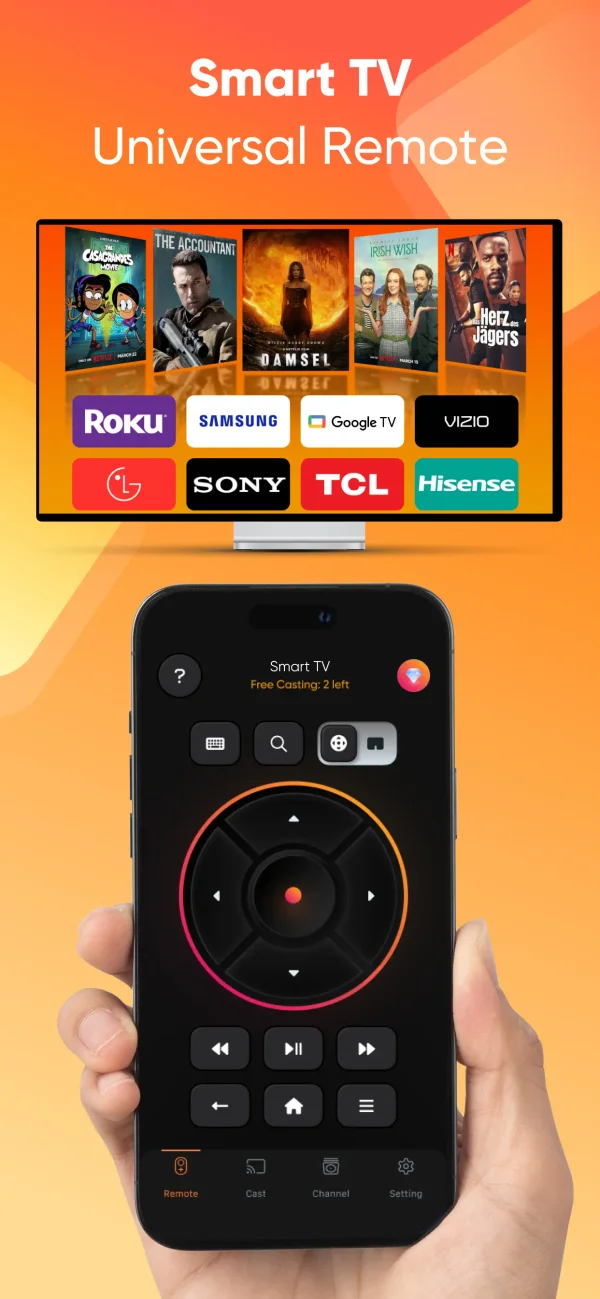
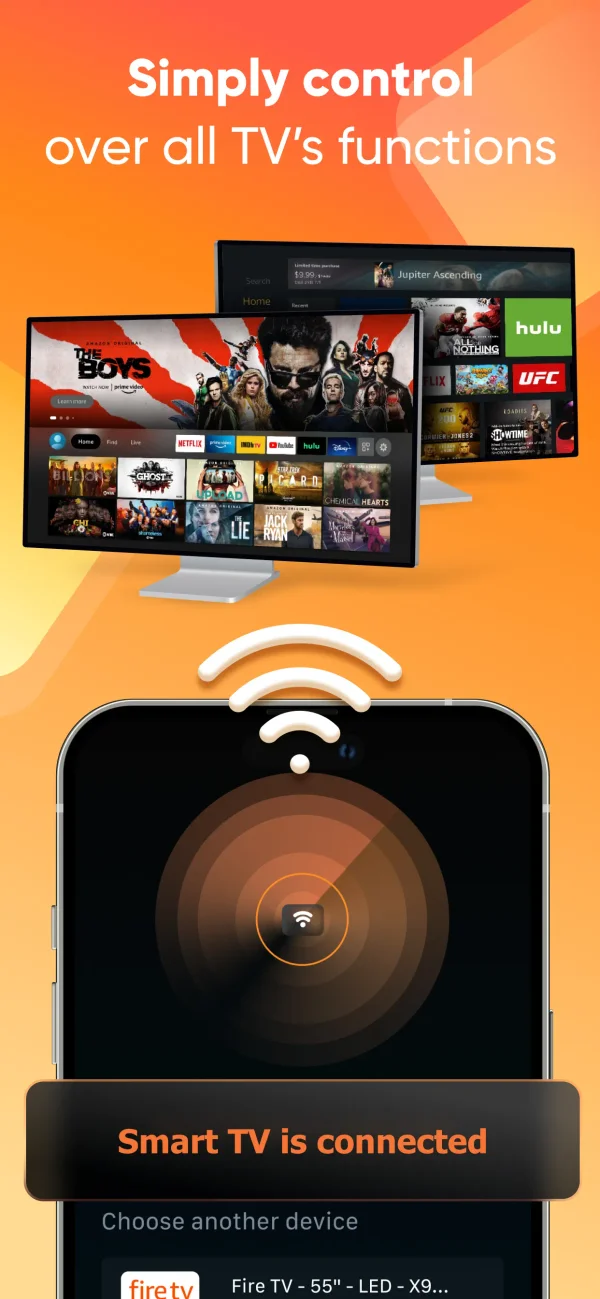
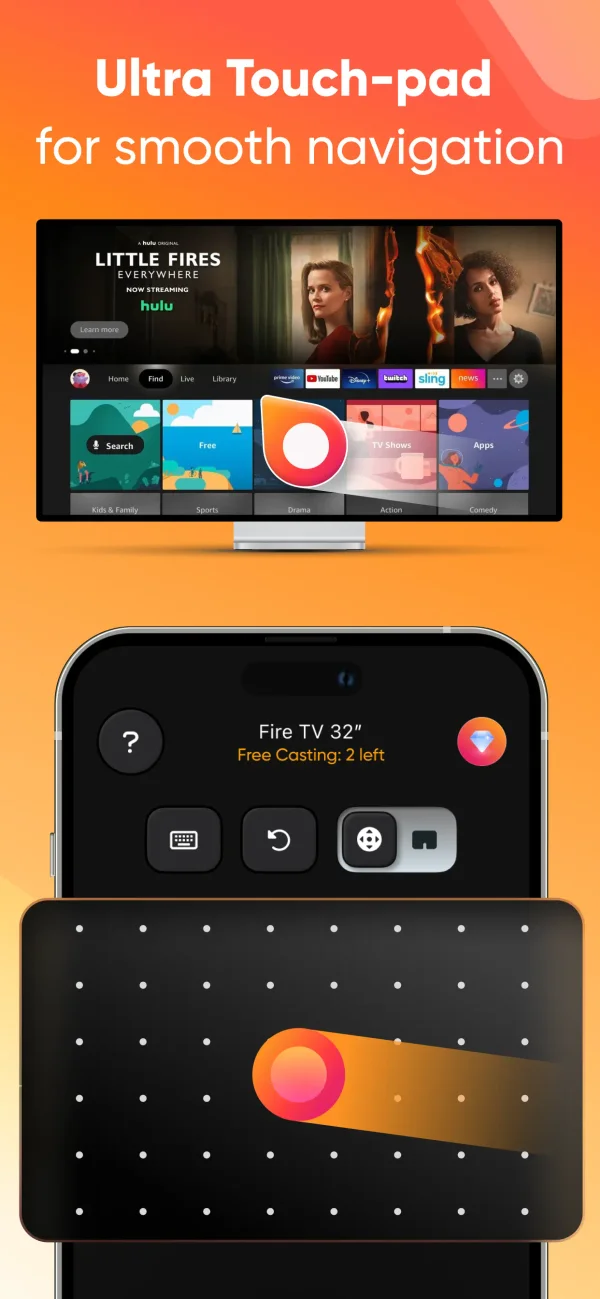
Smart Remote for Amazon Fire TV is designed specifically to control Fire TV using your iPhone, iPad. Supports Fire TV Box, Fire TV Stick, Fire TV Cube, and Fire TV.
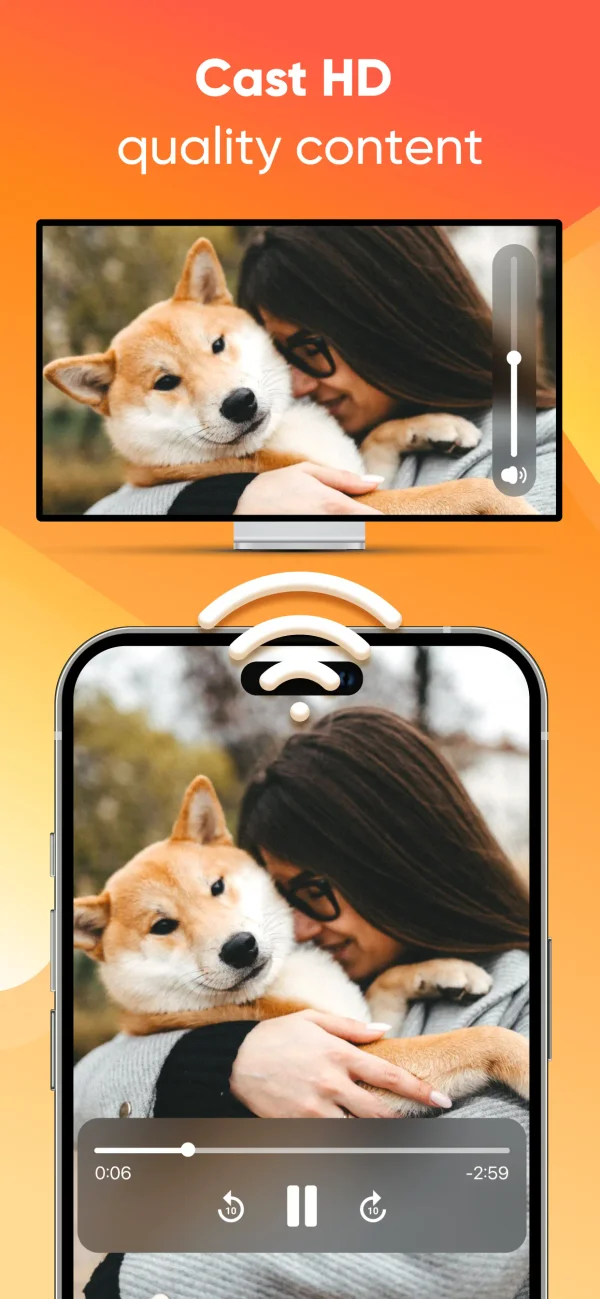
Easily stream media content (photos, videos) directly from your Camera Roll. Cast any media from your cloud acount (Google Drive, Dropbox) to Fire TV. Just connect an iPhone and a TV or media player to the same Wi-Fi network and you will be able to control it using a mobile device after a simple pairing routine.
Features:
- Fully functional remote control Fire TV Stick
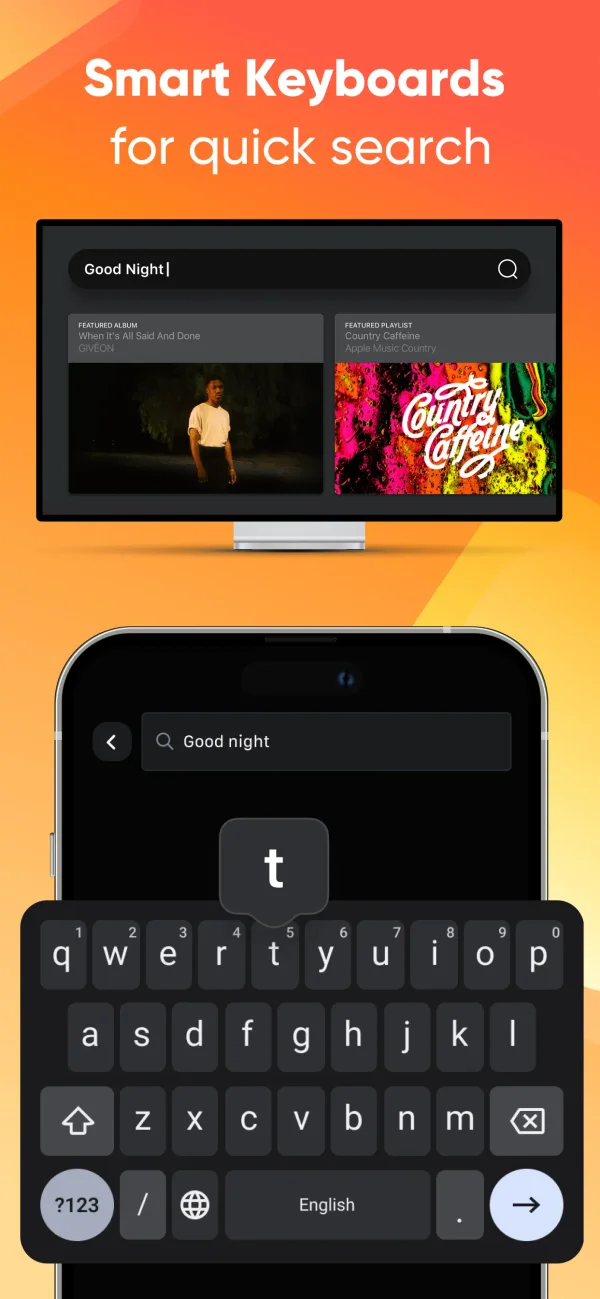
- Keyboard feature to simplify text input and search
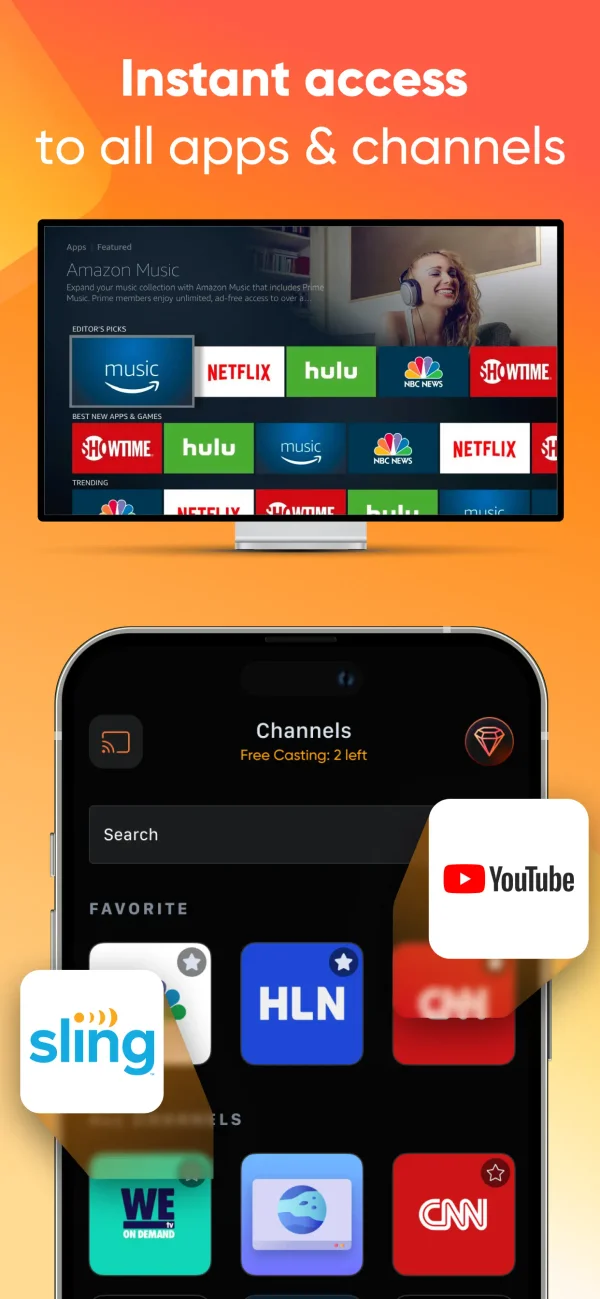
- Quick access to your favorite apps and channels.
Cast feature:
- Cast photos, videos from Camera roll
- Cast music from music library
- Cast media content from Google Drive, Dropbox
- Cast web content to FireStick TV
Streaming:
- Music videos streamer
- News & Sport TV channels
Premium Subscription
The app includes an optional auto-renewable subscription to access current and future premium categories (price may vary depending on location):
- Subscription start from USD 2.99.
- a 1-week subscription
- a 1-month subscription
- a 1-year subscription with 7 days free trial
• Check in app for exact pricing in your region
• Payment will be charged to your iTunes account at confirmation of purchase and will automatically renew (at the duration/price selected) unless auto-renew is turned off at least 24 hours before the end of the current period.
• Account will be charged for renewal within 24-hours prior to the end of the current period, and identify the cost of the renewal.
• You can manage your subscription and/or turn off auto-renewal by going to your iTunes Account Settings, but refunds will not be given for any unused portion of the term.
Terms of Service: https://tvcastapp.net/policies.html#tos
Privacy: https://tvcastapp.net/policies.html
Disclaimer:
TV Cast Co., Ltd is not an affiliated entity of Amazon.com Inc. and "Smart Remote" application is not an official product of Amazon.com Inc. or its affiliates.
What’s new
Version 5.1 · Jul 3, 2026
- Fixbugs
Thank you for choosing us. If you meet any issues, please contact us at support@tvcast.in for faster help.
App privacy
What TV Cast Pte. Ltd. declares on the App Store about how this app handles data.
-
Data used to track you
May be used to track you across apps and websites owned by other companies.
- Identifiers
- Usage data
- Diagnostics
-
Data not linked to you
May be collected but is not linked to your identity.
- Identifiers
- Usage data
- Diagnostics
Privacy practices may vary, for example with the features you use or your age.
Information
- Seller
- TV Cast Pte. Ltd.
- Category
- Utilities
- Version
- 5.1
- Updated
- Jul 3, 2026
- Released
- Nov 19, 2019
- Size
- 198.5 MB
- Requires
- iOS 13.0 or later
- Age rating
- 17+
- Price
- Free
- In-app purchases
- Yes
- Languages
- English
- Copyright
- © TV Cast
You might also like
-
 Remote for Firestick & Fire TVControl Stick, Cube, Smart TV
-
 Remote for Firestick · Fire TVControl Your Streaming Device
-
 Fyro : tv remote & stick tvControl your tv
-
 Remote for FireStick and TVTV Control to Smart TV
-
 FireApp - TV Remote Control#1 Universal Smart Controller
-
 AFS TV RemoteControl TV from Your Phone
-
 Amazon Fire TV RecastFor Fire TV Recast
-
 Fire Remote: TV Stick RemoteCast & Remote: Fire Device TV
-
 Fire Stick TV Remote Control •Universal FireStick Controller
-
 Connect TV RemoteSmart Control for Every Screen