Fire Remote - Smart TV Remote
Stick Remote for Fire TV
Designed for iPhone, iPad, iPod touch
Free · In-app purchases
- Age rating17+
- CategoryUtilities
- DeveloperOliaviz GmbH
- LanguagesEnglish+ 7 more
- Size130.9 MB
Links to the official App Store page
Download.org hosts no file of Fire Remote - Smart TV Remote. The button opens its official App Store page, published by Oliaviz GmbH. Listing last checked on Nov 22, 2026.
Screenshots


About
Turn your iPhone or iPad into a convenient Fire Remote and Fire Stick Remote alternative for compatible streaming devices and smart TVs. This easy-to-use TV remote control app lets you navigate menus, adjust volume, control playback, and search for your favorite content without a physical remote. With smart touchpad navigation, a built-in keyboard, screen mirroring, and TV casting, enjoy convenient control and entertainment from one app.
Main Features:
◉ Fire Remote & Fire Stick Remote Control
- Use your iPhone or iPad as a remote for compatible Fire TV devices
- Control supported streaming devices without a physical remote
- Navigate menus, browse content, and access essential remote functions
- Enjoy convenient TV remote control for everyday streaming
- Easily manage entertainment with intuitive remote buttons
◉ Universal Smart TV Remote
- Control compatible smart TVs and streaming devices
- Navigate menus with an easy-to-use remote layout
- Adjust volume and manage playback controls
- Access essential TV remote functions in one place
- Enjoy a convenient alternative to traditional remote controls
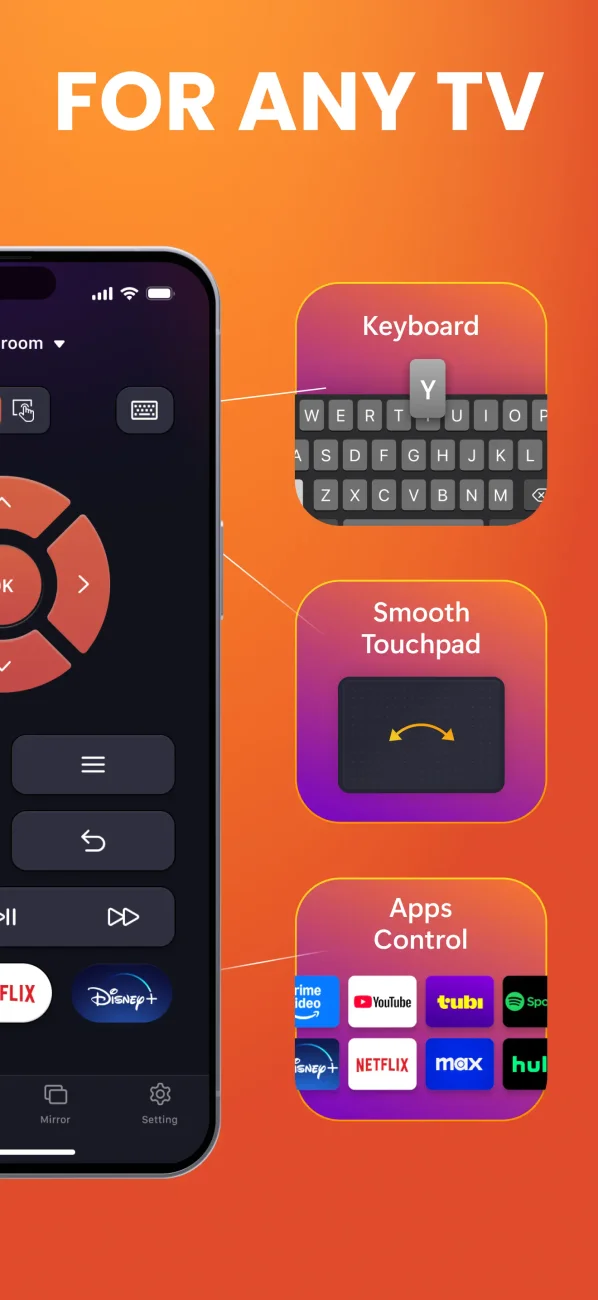
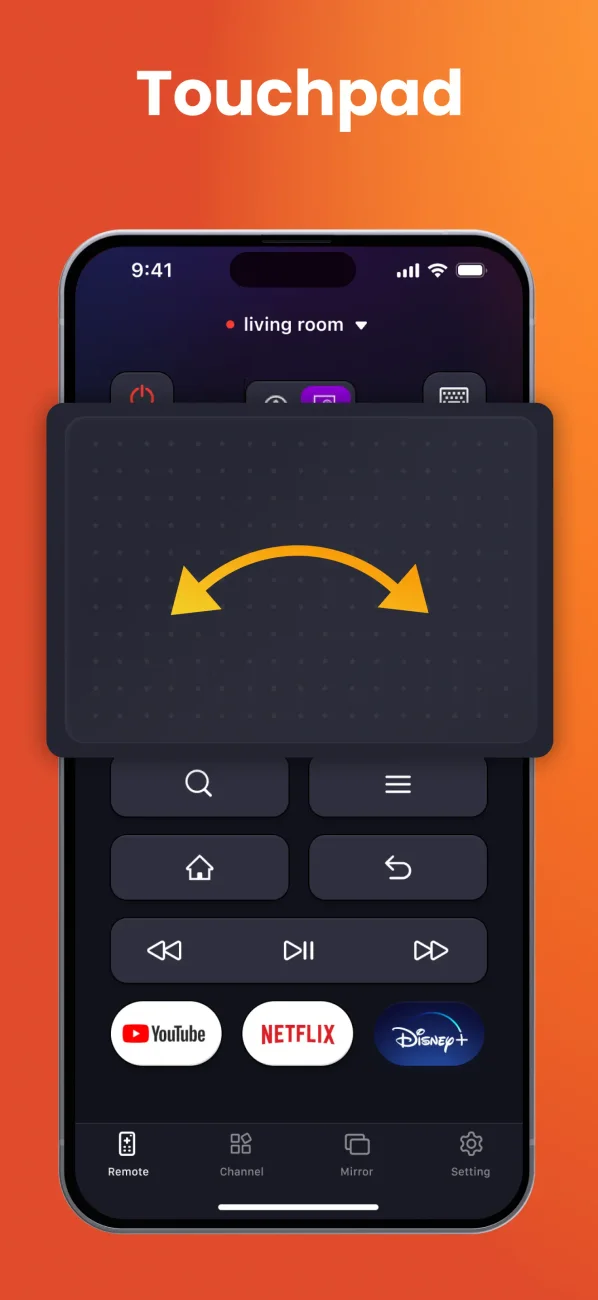
◉ Smart Touchpad Navigation
- Swipe and tap to navigate your TV interface
- Browse menus and streaming content with ease
- Enjoy intuitive touchpad control
- Switch between traditional remote buttons and touchpad navigation
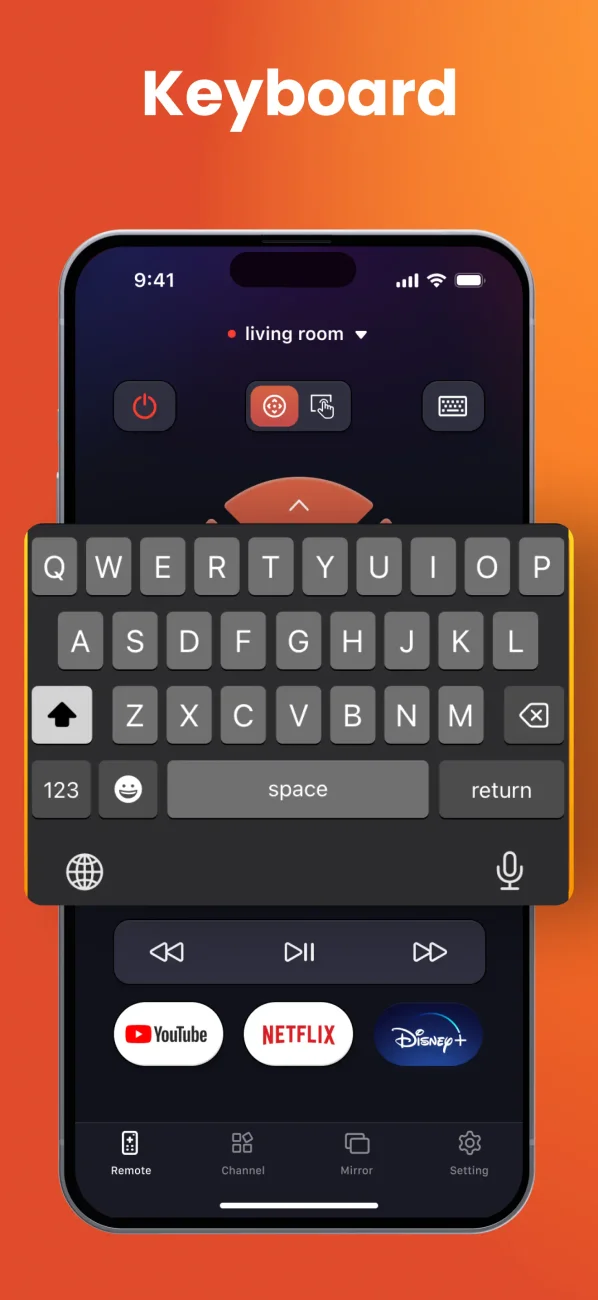
◉ TV Remote Keyboard & Easy Search
- Use your iPhone keyboard for convenient text input
- Search for movies, TV shows, and videos more easily
- Type faster without using an on-screen TV keyboard
- Simplify text entry on compatible TV devices
◉ Media Playback Control
- Play, pause, rewind, and manage media playback
- Adjust volume and control supported TV channels
- Navigate streaming content with essential remote buttons
- Keep important playback functions within easy reach
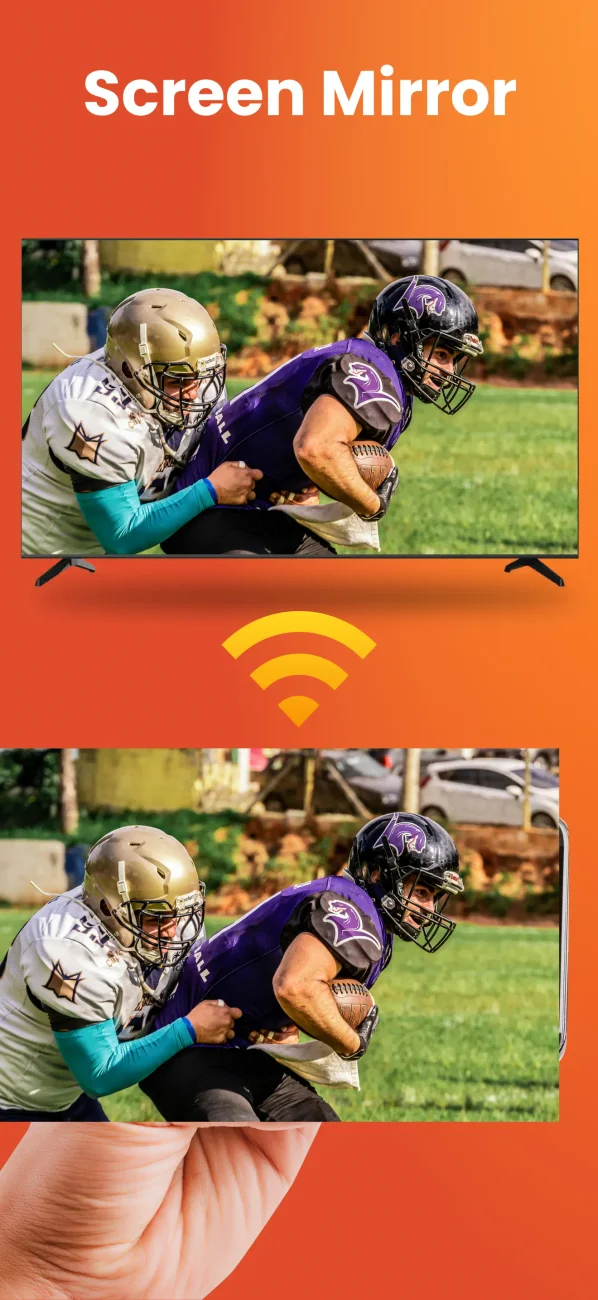
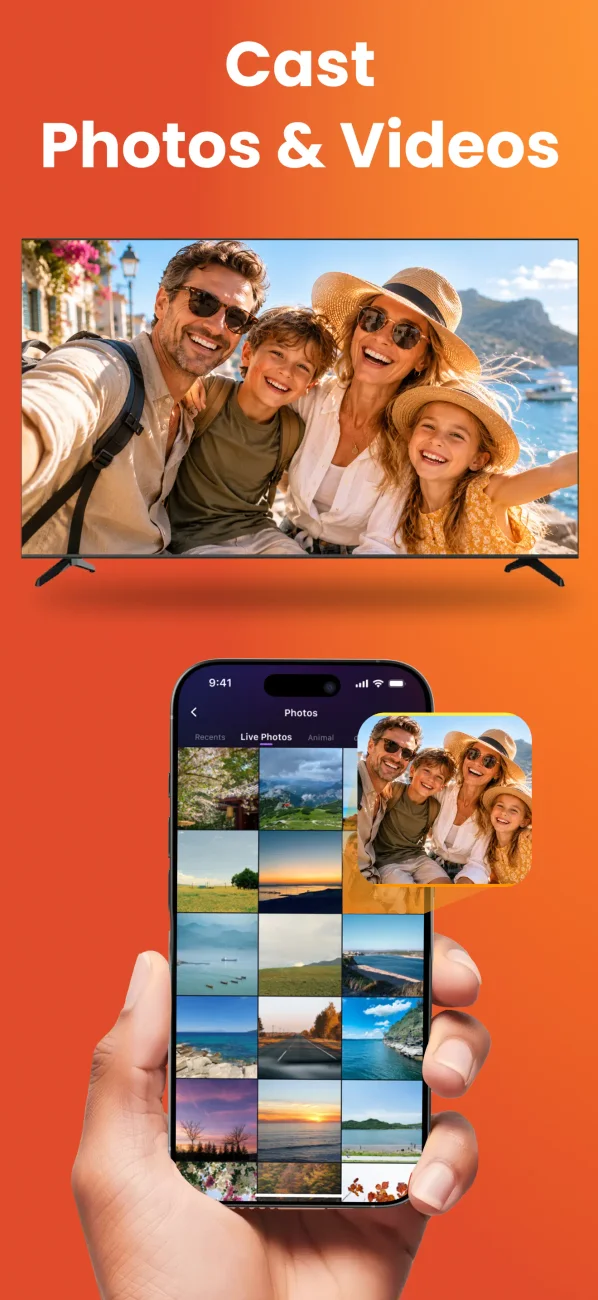
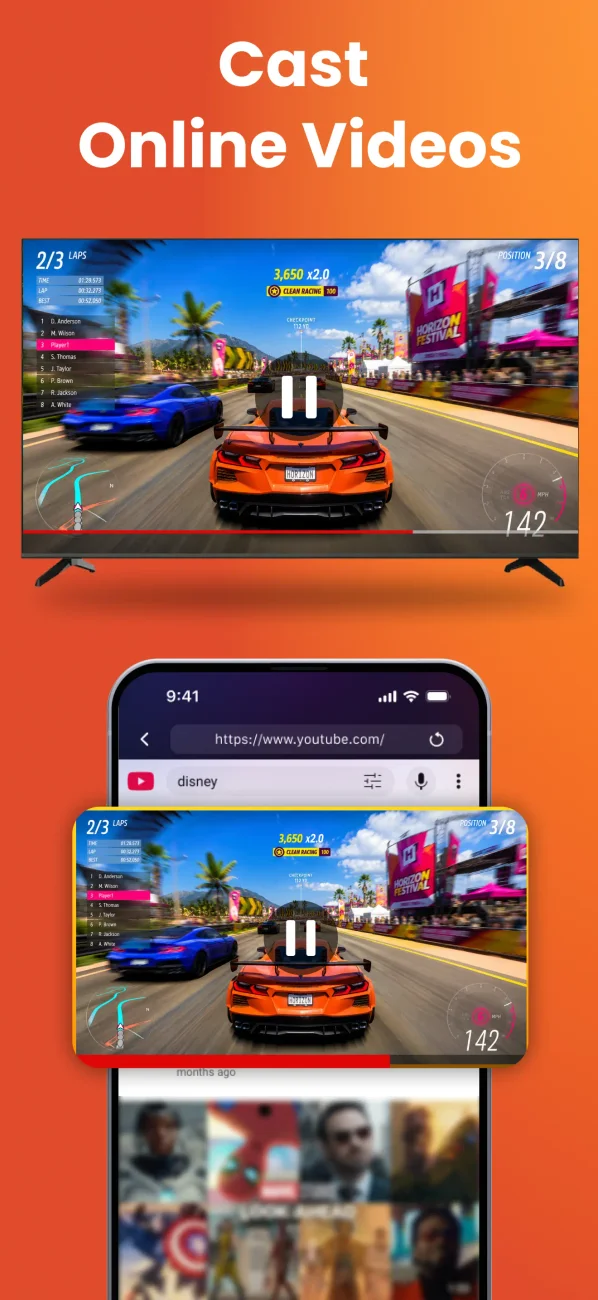
◉ Screen Mirroring & TV Casting
- Mirror supported content from your iPhone or iPad to a compatible TV
- Share photos, videos, and presentations on a bigger screen
- Cast supported online YouTube videos to your smart TV
- Enjoy convenient wireless screen sharing and media casting
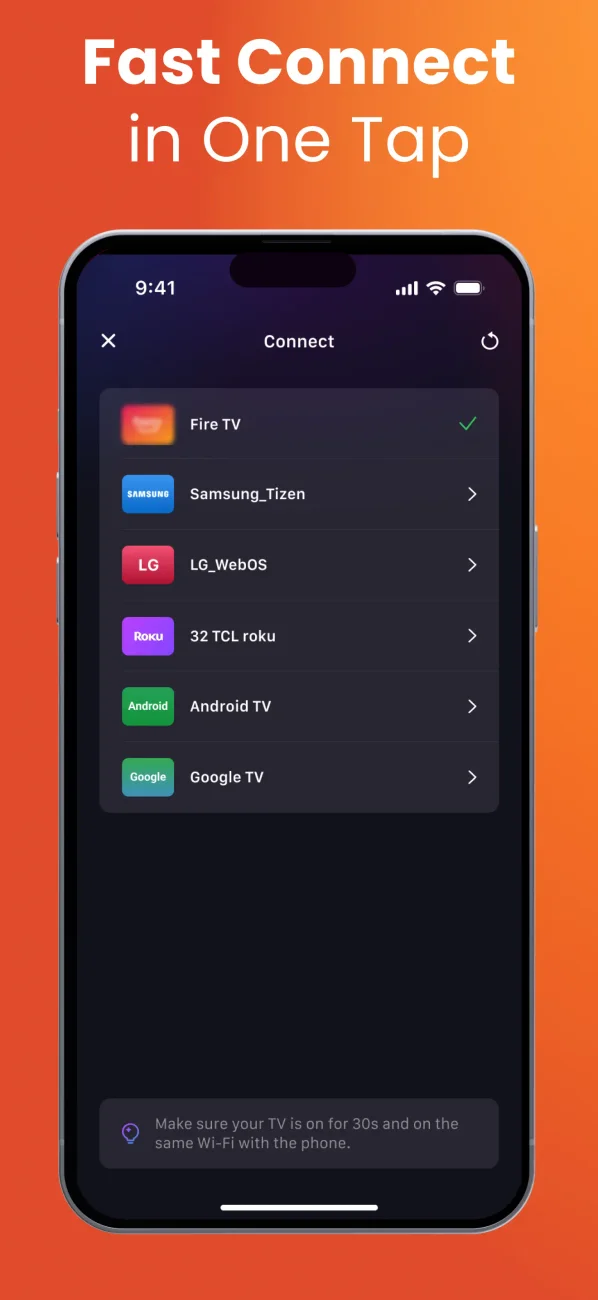
◉ Fast Wi-Fi Connection
- Discover compatible TVs and streaming devices
- Connect your phone and TV through the same Wi-Fi network
- Pair with supported devices in a few simple steps
- Access your TV remote controls whenever you need them
Why Choose This Remote App?
Whether you need a Fire Stick Remote alternative, a remote for your streaming device, or a universal remote control for your smart TV, this app makes everyday entertainment easier.
- Convenient remote control from your iPhone or iPad
- Easy navigation for compatible streaming devices
- Smart touchpad and keyboard for comfortable browsing
- Essential playback, volume, and TV controls
- Screen mirroring and casting for supported devices
- Simple interface for everyday streaming
Enjoy a more convenient TV remote experience with one app designed for easy control, comfortable navigation, and home entertainment.
Subscription information:
Premium features may be available through weekly, yearly, or lifetime plans. Pricing is shown in the app before purchase.
Subscription Renewal: Your premium subscription will automatically renew unless you cancel it within 24 hours before the current subscription period ends. The subscription fee will be deducted from your account at the beginning of each subscription period.
This app is not affiliated with or endorsed by any third-party device brand.
Terms of Use: https://oliaviz.com/terms
Privacy Policy: https://oliaviz.com/privacy
What’s new
Version 1.2.1 · Nov 18, 2026
◉ Bug Fix
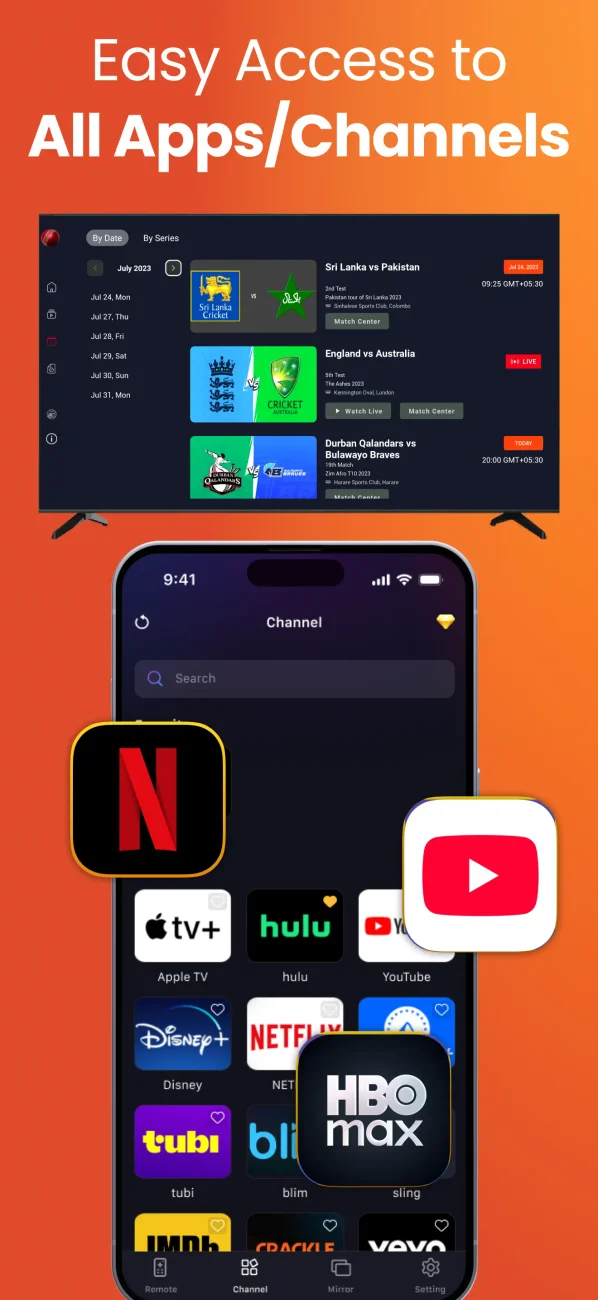
◉ Works perfectly with Chromecast、DLNA、Sony、Vizio、Hisense & more
◉ Fire Remote Control
◉ Channel Management
◉ Screen Mirroring & Screen Cast
◉ Dynamic Island Integration
◉ Mirror to our companion Fire TV receiver app seamlessly, No Delay!
◉ Support iPhone Duo
App privacy
What Oliaviz GmbH declares on the App Store about how this app handles data.
-
Data used to track you
May be used to track you across apps and websites owned by other companies.
- Identifiers
- Usage data
-
Data not linked to you
May be collected but is not linked to your identity.
- Identifiers
- Usage data
- Diagnostics
Privacy practices may vary, for example with the features you use or your age.
Information
- Seller
- Oliaviz GmbH
- Category
- Utilities
- Version
- 1.2.1
- Updated
- Nov 18, 2026
- Released
- Jan 22, 2026
- Size
- 130.9 MB
- Requires
- iOS 15.0 or later
- Age rating
- 17+
- Price
- Free
- In-app purchases
- Yes
- Languages
- English, French, German, Italian, Japanese, Portuguese, Simplified Chinese, Spanish
- Copyright
- © 2025@Oliaviz
You might also like
-
 TV Remote Control · UniversalSmart Remote Control for TVs
-
 TV Remote: AI Remote ControlUniversal Remote & Screen Cast
-
 Universal TV Remote - iControlControl TV & Cast Content
-
 Universal Remote for Smart TV+Remote Control for All TVs
-
 TV Remote Control via WiFiSmart TV Remote & Controller
-
 Universal Remote Connect TVSmarter Remote Control
-
 Any TV Remote ControlUniversal Smart TV Remote
-
 Universal TV Remote Control —Remote Control for TV
-
 Universal TV Remote™ ControlReplacement Controller for TVs
-
 WiFi TV RemoteSmart TV Remote & Touchpad