- Age rating4+
- CategoryBusiness
- DeveloperWillem Oosthuizen
- LanguagesEnglish
- Size27.5 MB
Links to the official App Store page
Download.org hosts no file of Firehawk. The button opens its official App Store page, published by Willem Oosthuizen. Listing last checked on Nov 12, 2026.
Screenshots


About
FireHub is the operator companion for the FireHawk fire detection network — real-time wildfire alerts delivered straight to your phone the moment a tower camera spots smoke or
flame.
Built for forestry teams, plantation operators, and emergency response crews, FireHub turns a network of remote detection cameras into a coordinated response platform.
WHAT'S INSIDE
• Real-time fire alerts — push notifications hit your lock screen within seconds of detection
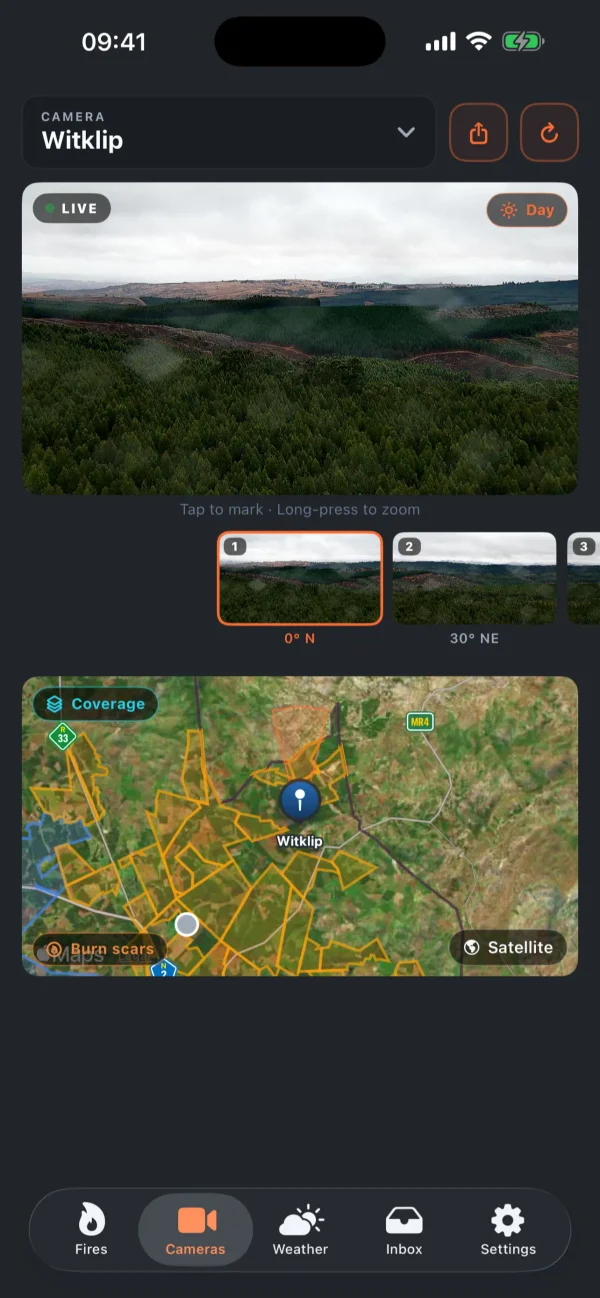
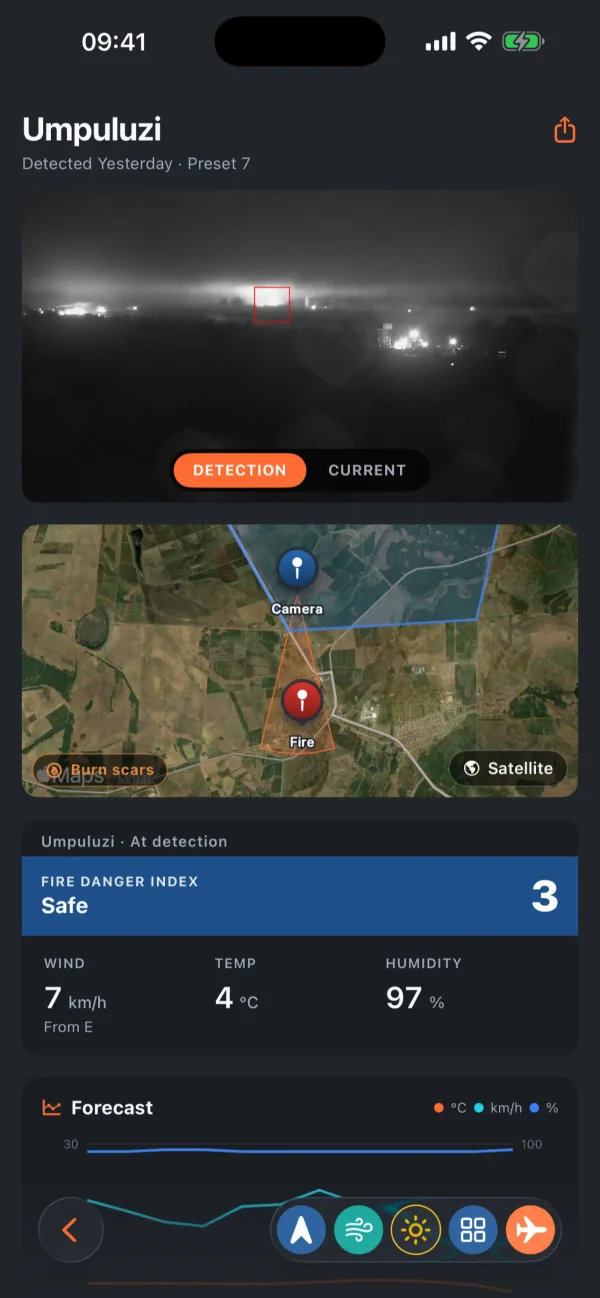
• Camera-based detection — see live imagery from the tower that picked up the fire, with auto-preset framing on the source quadrant
• Bearing triangulation — when two or more cameras see the same fire, sight-lines on the in-app map narrow down its location for response teams
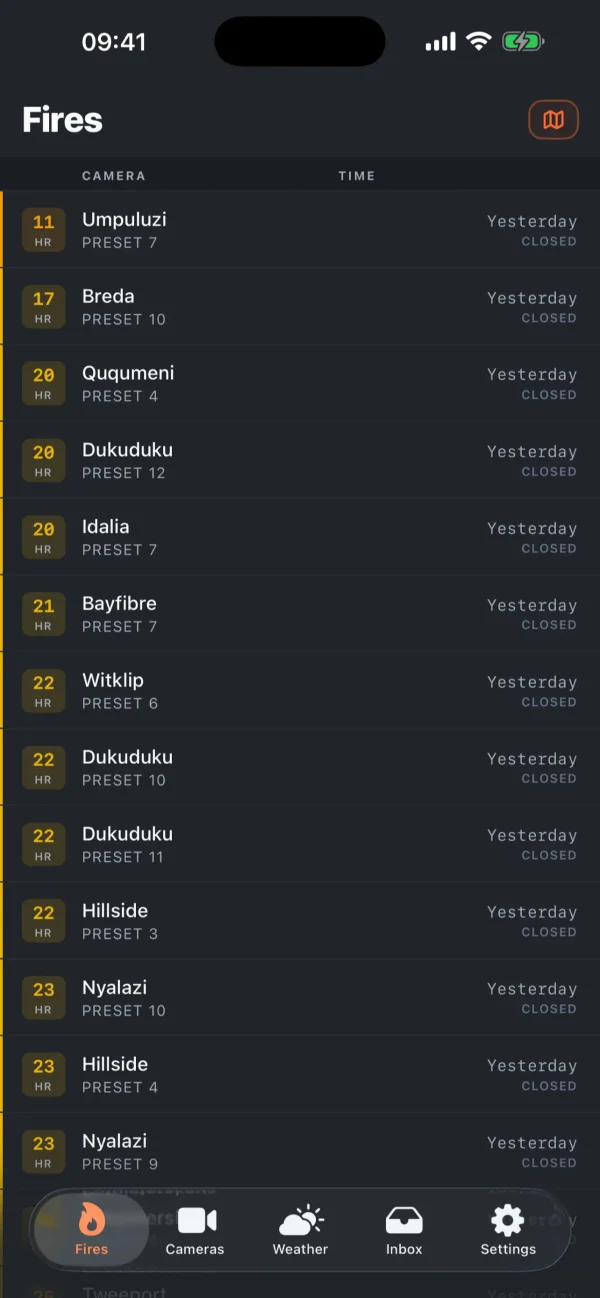
• Fire history — the last 48 hours of fires across your access scope, sorted by time, with age badges that update live
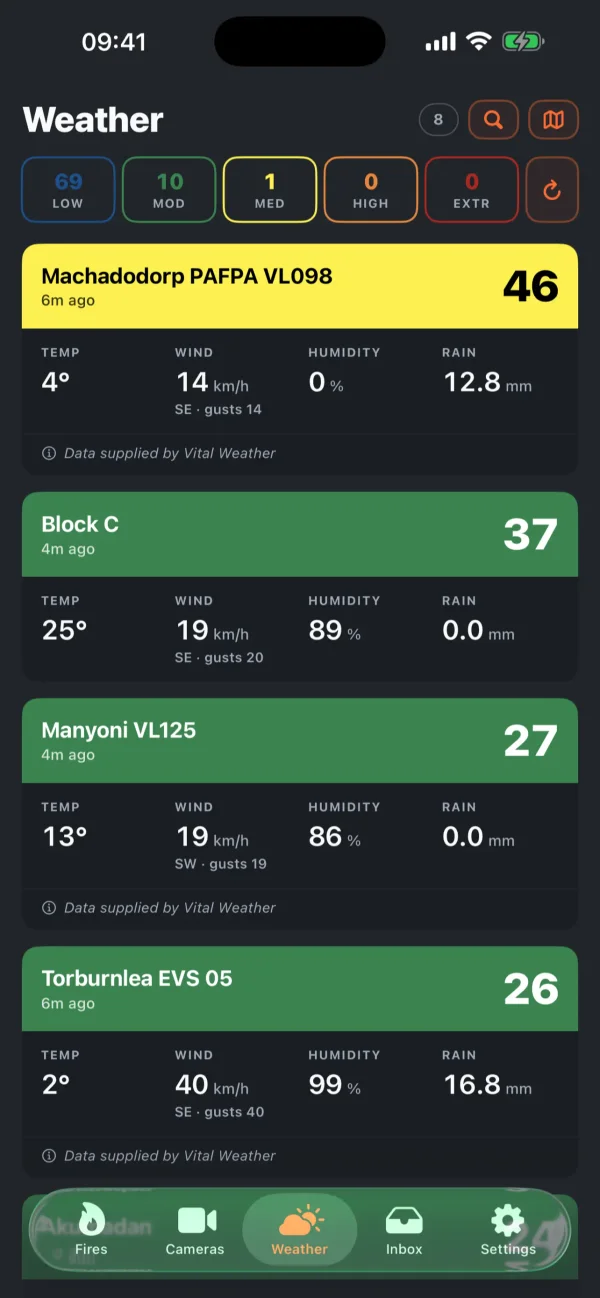
• Camera & weather coverage — see what each tower's looking at and the local Fire Danger Index for that area
• Pilot view — turn-by-turn navigation to a fire (Google Maps or Waze) with live bearing + distance from your current position
• Custom alert tones — pick from four fire-themed sounds (Bell, Klaxon, Alarm, Siren) so FireHub notifications are unmistakeable on the lock screen
• Sign in with Google — one tap, no password to forget
• Seamless web handoff — "Open in Firehub" jumps straight into the full PWA dashboard, already signed in
DESIGNED FOR THE FIELD
FireHub is built for people working long shifts, often offline, often gloved. The interface is dark, large-text, and one-thumb navigable. Common actions (open Google Maps to the
fire, tap into the camera image, navigate as the responding pilot) are one tap from any fire row.
PRIVACY & DATA
FireHub uses your location only when you ask for navigation to a fire. Push tokens are stored against your user account to deliver alerts and are removed when you log out. We
don't share your data with third parties.
What’s new
Version 3.67.0 · Oct 29, 2026
• New fires arriving while FireHub is open now show a banner, play the alert sound and appear in the list straight away.
• Clearer when something goes wrong: screens that couldn't load now say so and offer Retry instead of showing an empty list or loading forever, and the Fires list shows when it was last updated.
• Deleting a FireFence zone, blocking or deleting a user, and re-aiming every camera now ask you to confirm first.
• Notification settings now show when alerts are switched off in iOS Settings, with a shortcut to turn them back on.
• Text now follows your iPhone's text size setting, colours are easier to read, buttons are easier to tap, and VoiceOver reads every control properly.
• You can swipe back from the edge of the screen everywhere.
• Performance and reliability improvements.
App privacy
What Willem Oosthuizen declares on the App Store about how this app handles data.
-
Data linked to you
May be collected and linked to your identity.
- Contact info
- Identifiers
-
Data not linked to you
May be collected but is not linked to your identity.
- Location
Privacy practices may vary, for example with the features you use or your age.
Information
- Seller
- Willem Oosthuizen
- Category
- Business
- Version
- 3.67.0
- Updated
- Oct 29, 2026
- Released
- Dec 1, 2022
- Size
- 27.5 MB
- Requires
- iOS 17.0 or later
- Age rating
- 4+
- Price
- Free
- Languages
- English
- Copyright
- © Alasia Marketing (PTY) Ltd