First Then Board
Visual sequencing comms board
Designed for iPhone, iPad
Free · In-app purchases
- Age rating4+
- CategoryEducation
- DeveloperAngelo Cipollaro
- LanguagesEnglish+ 1 more
- Size10.6 MB
Links to the official App Store page
Download.org hosts no file of First Then Board. The button opens its official App Store page, published by Angelo Cipollaro. Listing last checked on Nov 15, 2026.
Screenshots

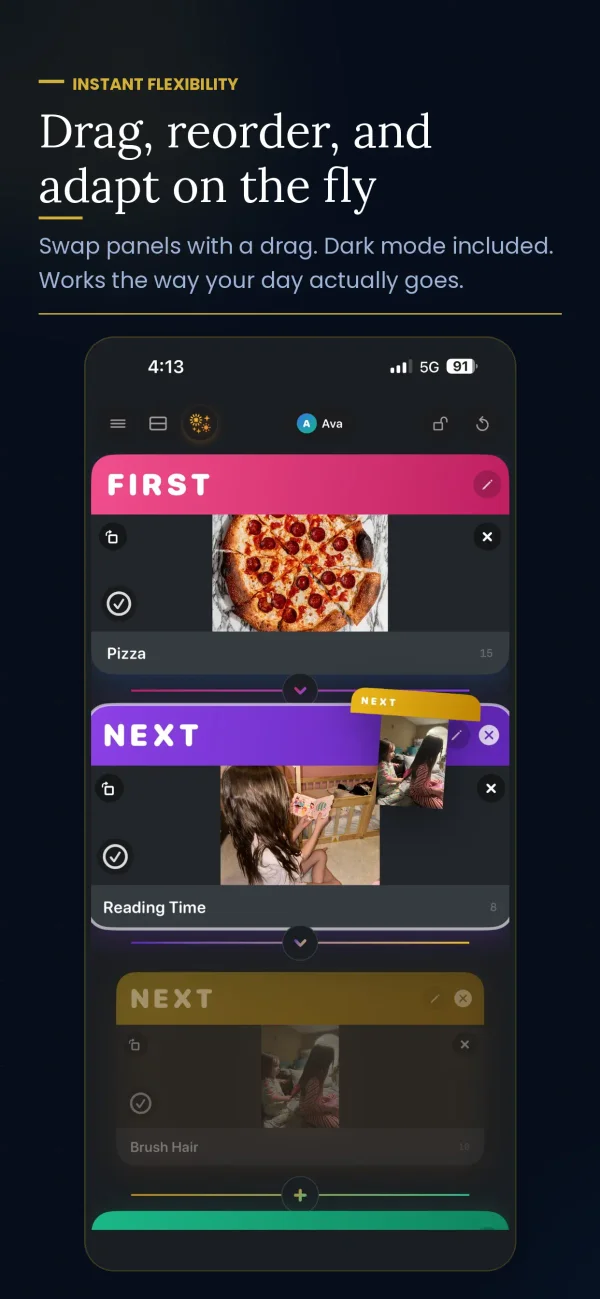
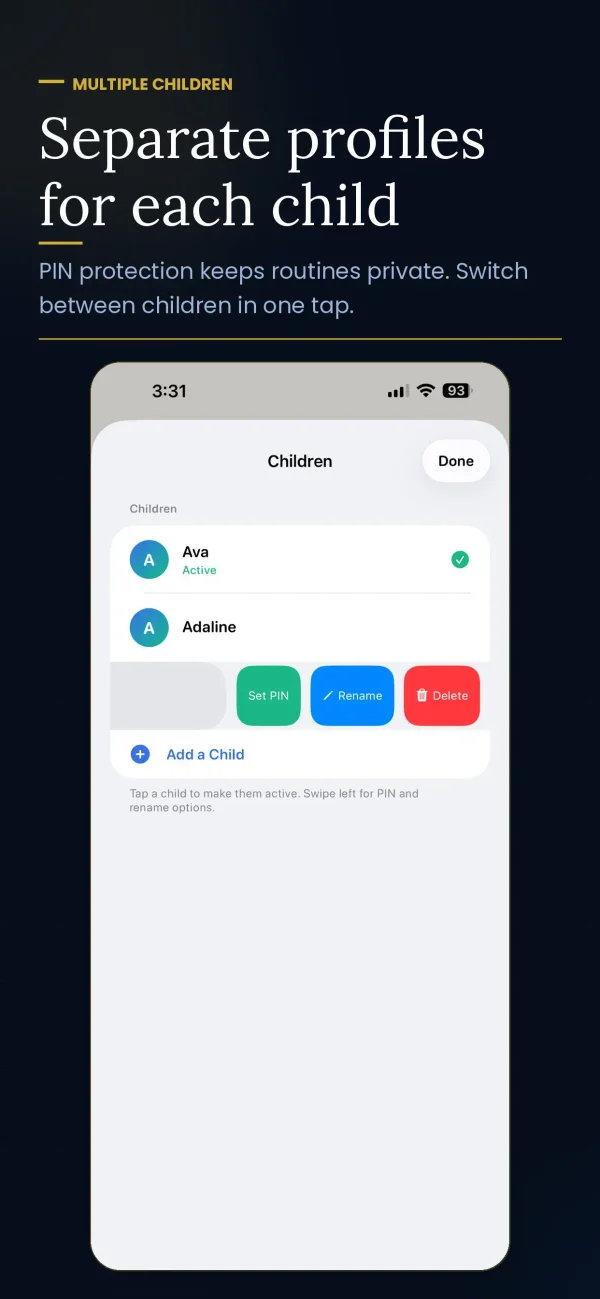
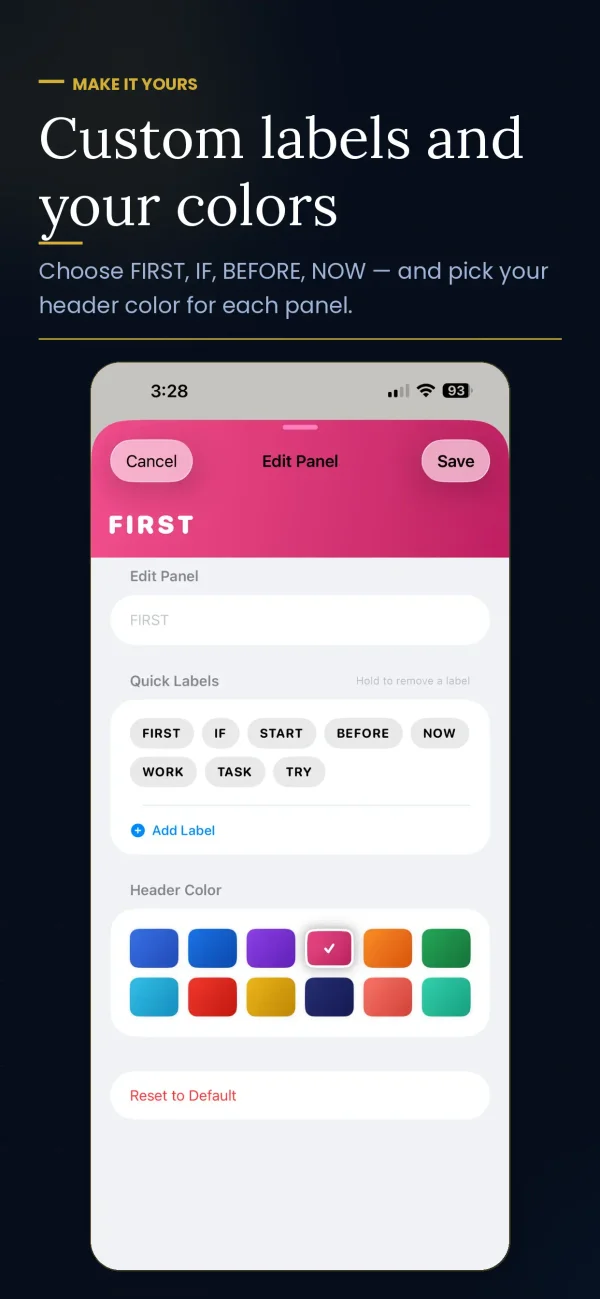

About
First Then Board is a visual schedule tool that helps children, and anyone who benefits from structure, understand what comes now and what comes next using their own photos or visual supports.
Whether you're a parent, teacher, therapist, or caregiver, First Then Board provides a clear, calming way to communicate daily activities, transitions, and expectations without relying on words. With Premium, log each completed routine or note when more time was needed, then export a progress report to share with your care team.
This began as a personal project to help my daughter with autism navigate daily routines, and it has grown into a tool designed to support other families facing the same challenges.
FREE FEATURES
• Free version supported by ads
• Simple First and Then photo board
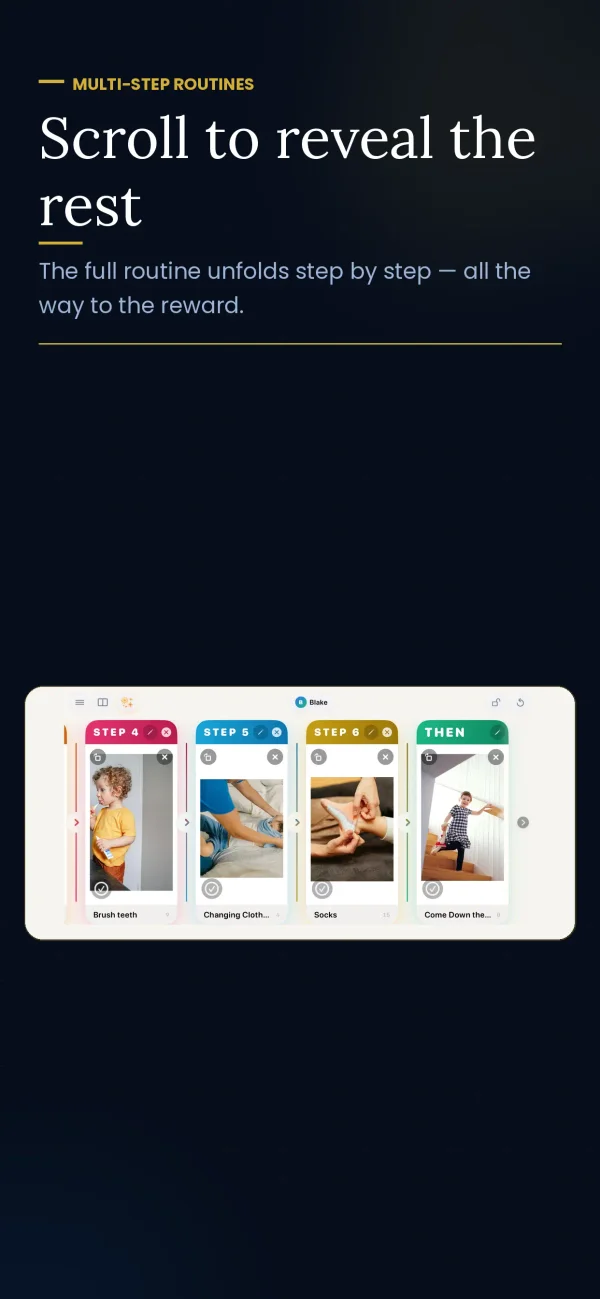
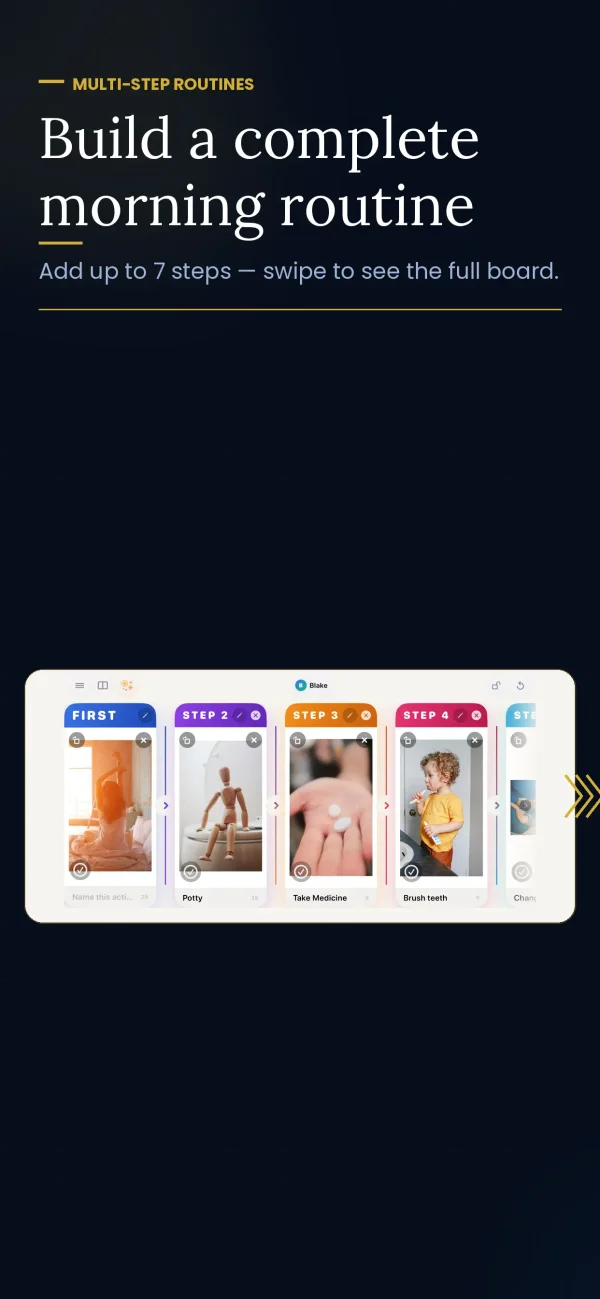
• Add up to 5 middle steps for multi-step routines
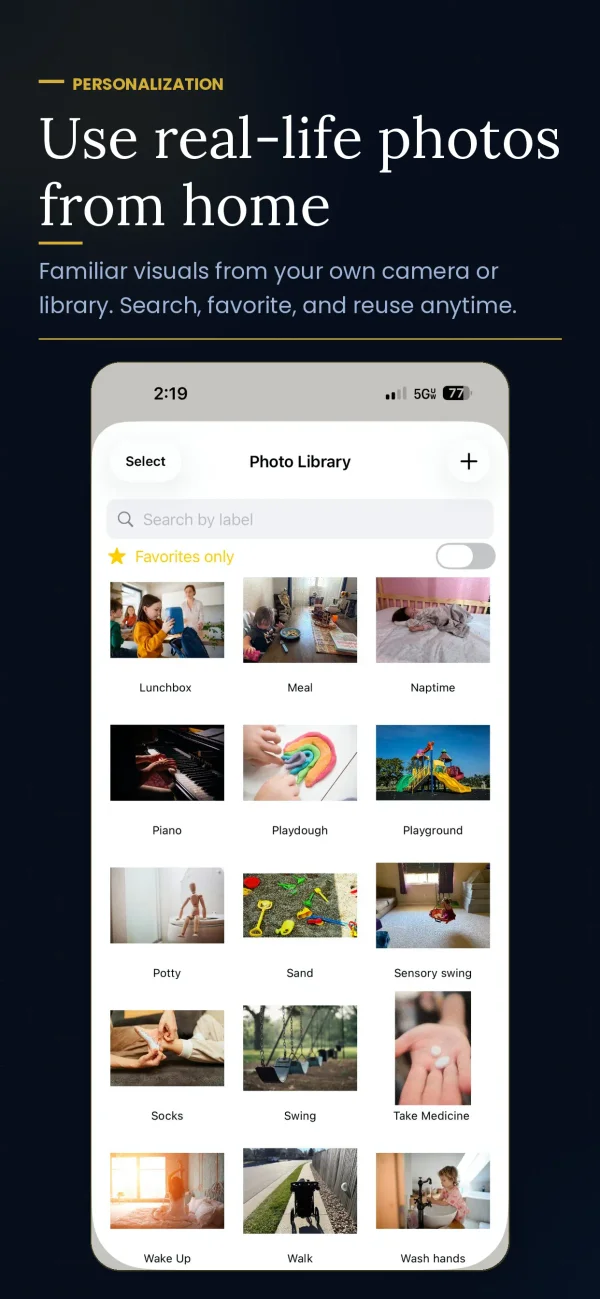
• Use photos from your camera or photo library
• Add text labels under each image
• Pinch to zoom and reposition photos
• Drag to swap panels
• Switch between vertical and side-by-side layouts
• Reset boards quickly
• English and Spanish
• Step-by-step tutorial
• Contact support from the menu
PREMIUM FEATURES
• Ad-free experience
• Unsplash photo search
• Activity timer with automatic celebration
• Screen lock
• Dark and light mode
• Task completion overlays
• Custom panel titles and header colors
• Quick Boards to save and reuse routines
• Scheduled routine reminders
• Child profiles with separate photos, saved boards and history
• Optional per-child PIN protection
• Record completed activities and activities that needed more time
• Reload boards from history
• Export history to CSV
• 90-day completion history
• Saved photo library, favorites and search
Premium is available through a yearly subscription or a lifetime purchase. Prices and any eligible offers are shown before purchase. Redeem App Store offer codes from the menu.
Terms of Use (EULA): https://www.apple.com/legal/internet-services/itunes/dev/stdeula/
What’s new
Version 1.6.2 · Sep 15, 2026
• Added Contact Support and App Store offer-code redemption to the menu.
• Made Premium features easier to identify.
• Improved Spanish translations, photo permissions and quick labels.
• Fixed saved-photo retention, profile switching and history layout restoration.
• Added an option to hide the update notice until the next update.
App privacy
What Angelo Cipollaro declares on the App Store about how this app handles data.
-
Data linked to you
May be collected and linked to your identity.
- Location
- Identifiers
- Usage data
-
Data not linked to you
May be collected but is not linked to your identity.
- Diagnostics
Privacy practices may vary, for example with the features you use or your age.
Information
- Seller
- Angelo Cipollaro
- Category
- Education
- Version
- 1.6.2
- Updated
- Sep 15, 2026
- Released
- Apr 13, 2026
- Size
- 10.6 MB
- Requires
- iOS 26.0 or later
- Age rating
- 4+
- Price
- Free
- In-app purchases
- Yes
- Languages
- English, Spanish
- Copyright
- © 2026 ChipTech LLC
You might also like
-
 First and Then Visual ScheduleABA Therapy & Autism Resources
-
 Kids Visual Schedule PlannerFirst Then & Picture Routines
-
 Now and Next LiteFirst/Then boards & choices
-
 Visual Schedule: PictoCueAutism, Photos & First Then
-
 Visual Schedule: Daily PlannerEducation
-
 Tailored PicsVisual Schedules Made Easy
-
 Token Board ABATrack and Reward Behavior
-
 Behavior Support ToolsEducation
-
 Token Board: ABA Reward ChartAutism & ADHD Sticker System
-
 Skillberry VisualsVisual Schedules & Token Board