Fit3 Bridge
For your Galaxy Fit3 (SM-R390)
Designed for iPhone
Free · In-app purchases
- Age rating4+
- CategoryHealth & Fitness
- DeveloperChristopher Axel Chavez
- LanguagesEnglish+ 21 more
- Size9.7 MB
Links to the official App Store page
Download.org hosts no file of Fit3 Bridge. The button opens its official App Store page, published by Christopher Axel Chavez. Listing last checked on Nov 28, 2026.
Screenshots



About
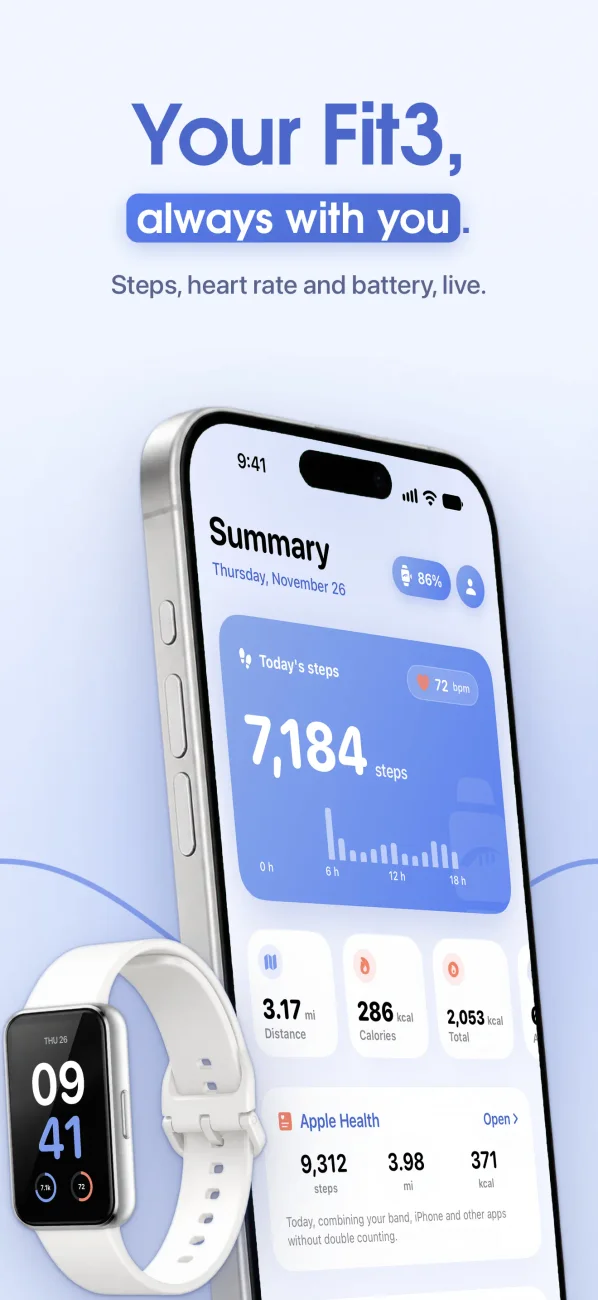
Have a Fit3 band and an iPhone? Yes, they work together. Fit3 Bridge connects your Fit3 (model SM-R390) straight to your iPhone: no accounts and no subscription.
WORK OUT
Your Fit3 uses the iPhone's GPS to measure distance and pace when you walk, run, ride a bike or hike.
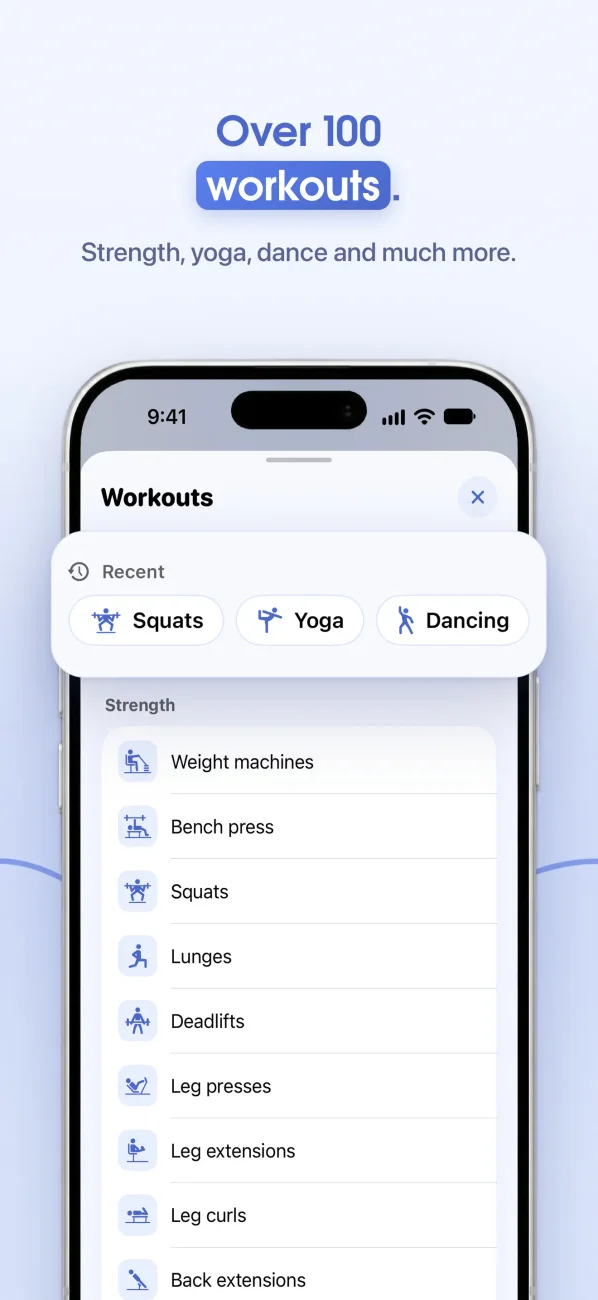
• 102 exercises: also workouts without GPS, like strength, yoga or dance
• Start the workout from the band or from the app, with a live map, pause and summary
• Live Activity: time, distance, pace and heart rate on the Lock Screen and in the Dynamic Island
• Your workouts are saved to Apple Health with the route on the map
• Distance, time or calorie goals
YOUR DATA IN APPLE HEALTH
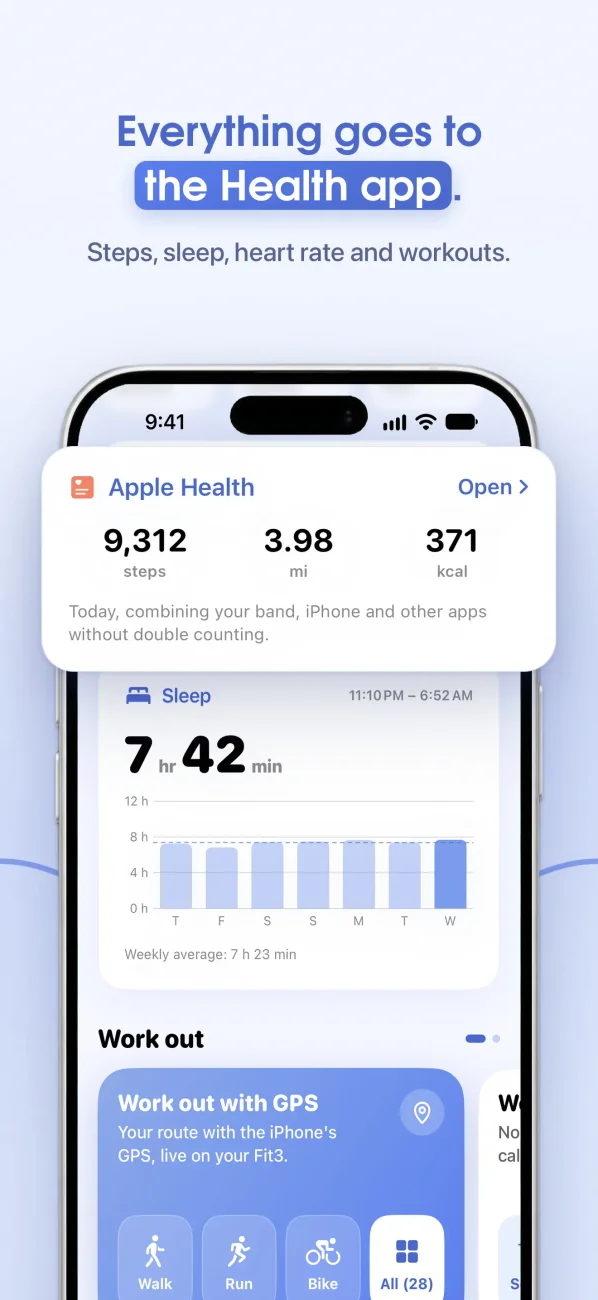
Steps, distance, calories, heart rate, sleep, blood oxygen, floors, water and workouts go to the Health app, alongside everything you already track, without double counting.
ALERTS ON YOUR WRIST
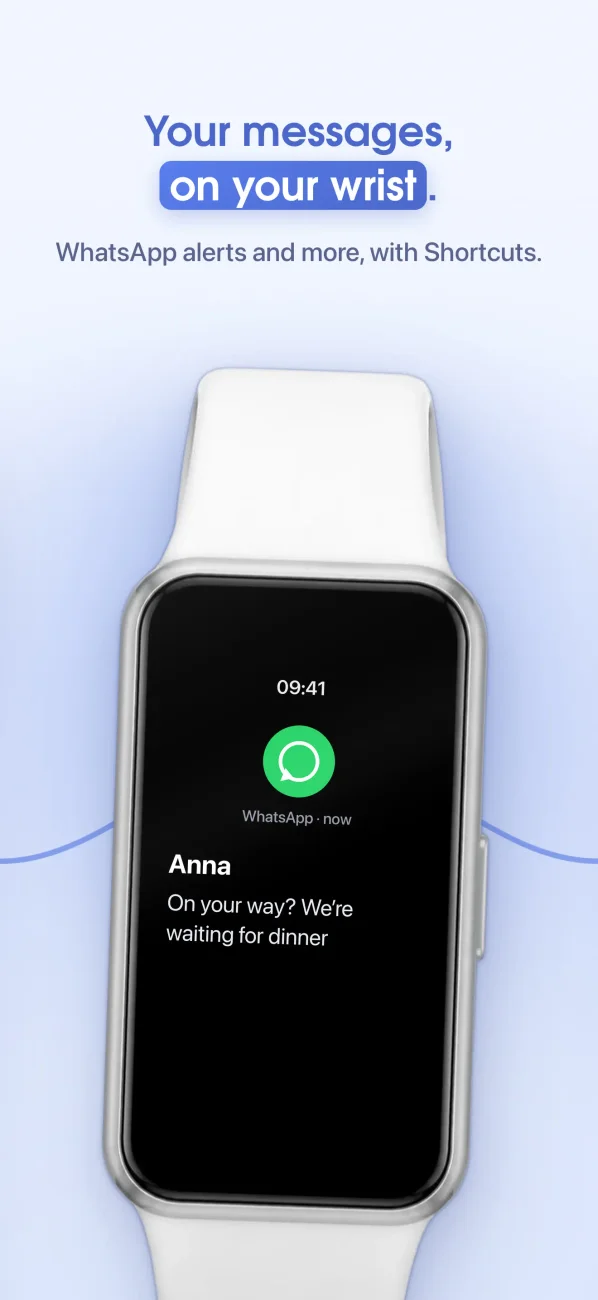
Get WhatsApp, Messages and the apps you choose on your band, through a Shortcuts automation the app helps you set up once.
EVERYTHING AT A GLANCE
A daily summary with your steps, heart rate, calories, activity and the week's sleep. Tap any card for details, or measure your heart rate right from the app.
ADJUST YOUR BAND FROM THE APP
• Display, brightness and screen timeout
• Vibration and patterns
• Button, alerts and notifications
• Sleep and theater mode with a schedule
• Step and activity goals
• High and low heart rate alerts, automatic measurements and inactivity
• Tiles, quick panel and app order
AND MORE
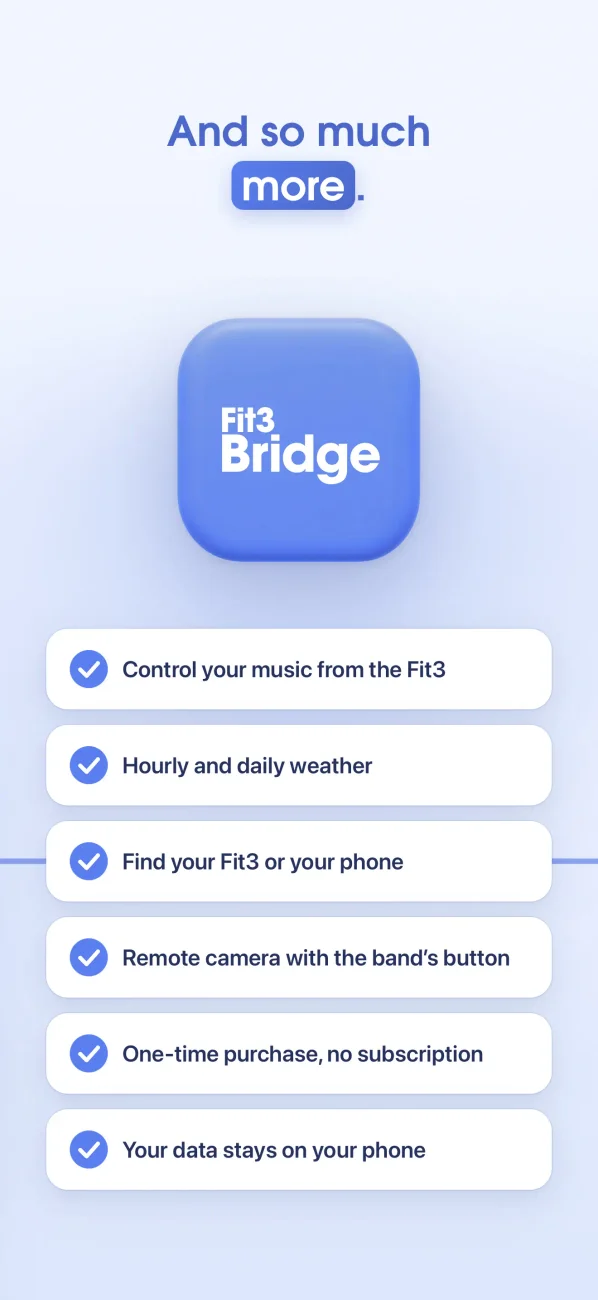
• Control Apple Music from the band
• Hourly and daily weather on your wrist
• Find your band or your phone
• Remote camera: take photos with the band's button
• Initial setup from the app, even after resetting the band
LANGUAGES
Fit3 Bridge speaks 22 languages, and your Fit3 speaks all of its own: pick any of the 91 languages already built into your band, even if the app isn't translated into yours yet. If your language isn't in the app yet, you'll see it in English while we keep translating carefully.
PRIVACY
Fit3 Bridge has no accounts, no servers of its own, and no ads or tracking. Your data stays on your phone. Your route doesn't leave your iPhone: it's saved on your band and in Apple Health.
PRICE
Try every feature free for 3 days. After that, one payment, forever.
GOOD TO KNOW
• Leave the app in the background: if you swipe it away, iOS cuts the connection to the band.
• The band has no GPS of its own: carry your phone to measure distance and route.
• Due to iOS limits, the band controls Apple Music but not Spotify, and can't reply to messages.
Fit3 Bridge is an independent app, not affiliated with or endorsed by the band's manufacturer. iPhone and Apple Health are trademarks of Apple Inc.
What’s new
Version 2.0.0 · Nov 27, 2026
Fit3 Bridge 2.0: work out with your iPhone's GPS.
• Work out with GPS: your Fit3 uses the iPhone's GPS to measure distance and pace when you walk, run, ride a bike or hike
• 102 exercises: also workouts without GPS, like strength, yoga or dance
• Start the workout from the band or from the app, with a live map, pause and summary
• Live Activity: time, distance, pace and heart rate on the Lock Screen and in the Dynamic Island
• Your workouts are saved to Apple Health with the route on the map
• Watch faces: choose your Fit3's watch face and change its color from the app
• Notifications: the guide now tells you whether your Shortcuts automation really works, and alerts without a title arrive complete
• Focus filters: turn on the band's Do Not Disturb or sleep mode with your Focus modes
• Reset band from the iPhone, and an alert when the band is reset
• The app shows in Spanish again on iPhones set to Spanish
• Fixes for Apple Health, the time when you change time zones, and the connection
App privacy
What Christopher Axel Chavez declares on the App Store about how this app handles data.
-
Data not collected
The developer does not collect any data from this app.
Privacy practices may vary, for example with the features you use or your age.
Information
- Seller
- Christopher Axel Chavez
- Category
- Health & Fitness
- Version
- 2.0.0
- Updated
- Nov 27, 2026
- Released
- Oct 21, 2026
- Size
- 9.7 MB
- Requires
- iOS 17.0 or later
- Age rating
- 4+
- Price
- Free
- In-app purchases
- Yes
- Languages
- English, Arabic, Danish, Dutch, French, German, Hebrew, Indonesian, Italian, Japanese, Korean, Malay + 10 more
- Copyright
- © 2026 Christopher Axel Chávez
You might also like
-
 GalaxyXplore WatchPersonal Health and Fitness
-
 Samsung HealthHealth & Fitness
-
 BeFitWay: Calorie CounterMacros, Fasting & Fit Friends
-
 Greenlife AppHealth & Fitness
-
 WearWatchSports Watch
-
 Palasport Pro Loco CarisoloHealth & Fitness
-
 TapFit: Workout & Diet PlanLose Weight or Build Muscle
-
 HaizHealth & Fitness
-
 Iumi ESMedical