
- Age rating4+
- CategoryUtilities
- DeveloperLightera Japan
- LanguagesEnglish+ 1 more
- Size9.0 MB
Links to the official App Store page
Download.org hosts no file of FITEL Smart Apps. The button opens its official App Store page, published by Lightera Japan. Listing last checked on Nov 20, 2026.
Screenshots


About
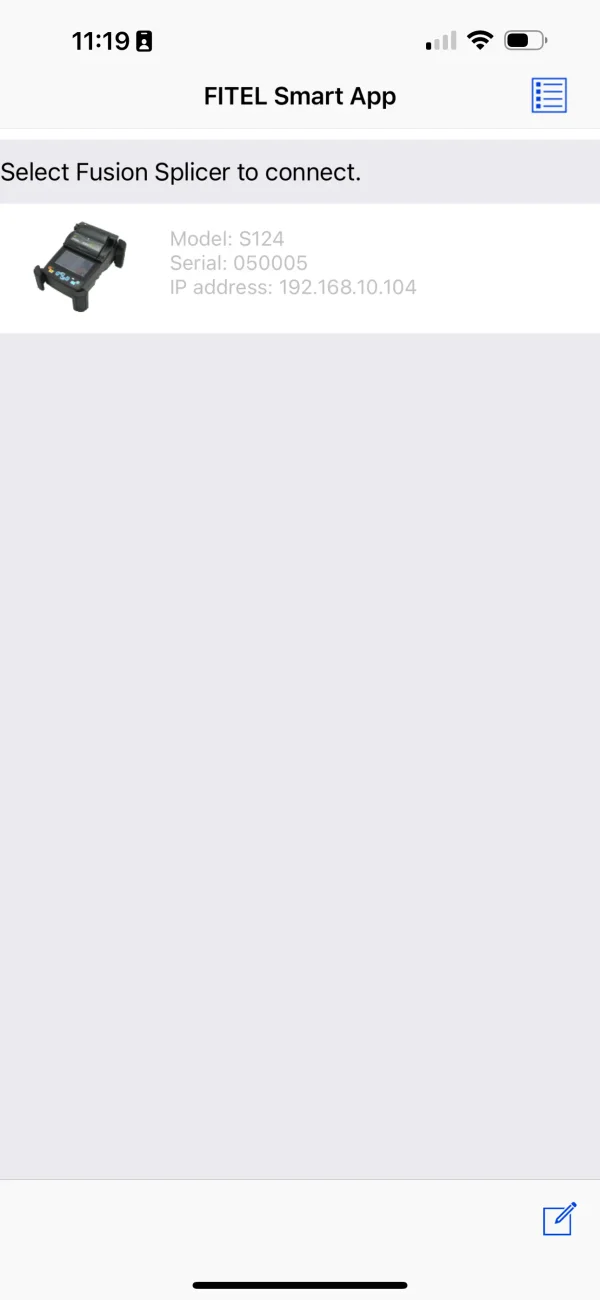
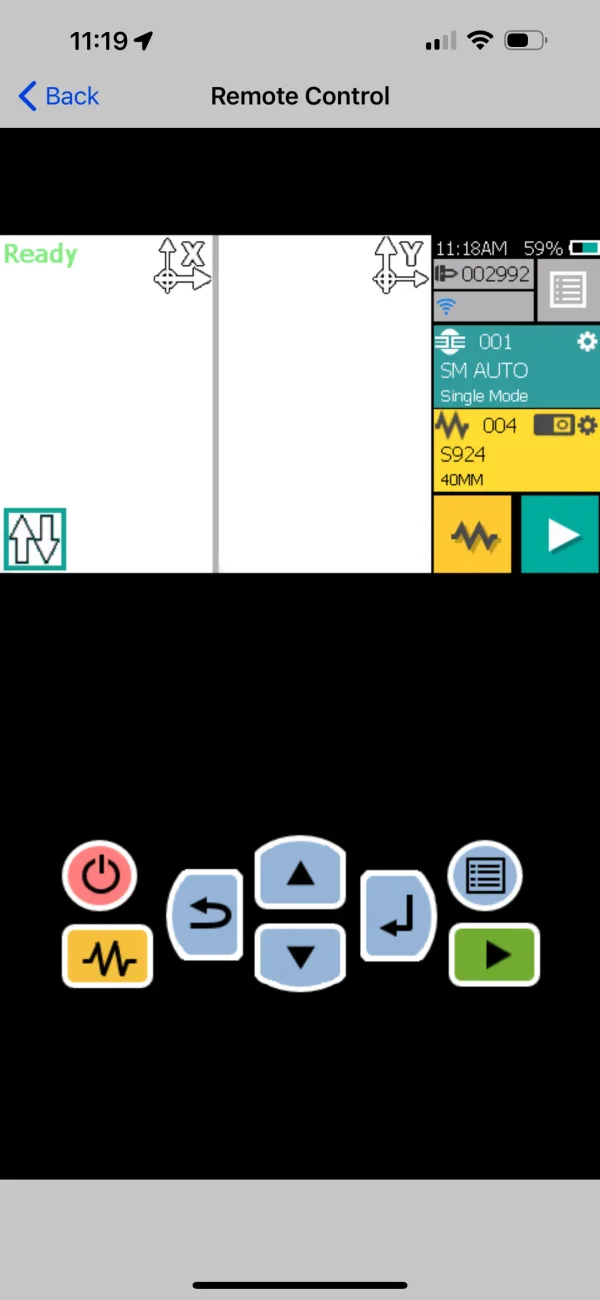
This application can control FITEL fusion splicer via Wi-Fi.
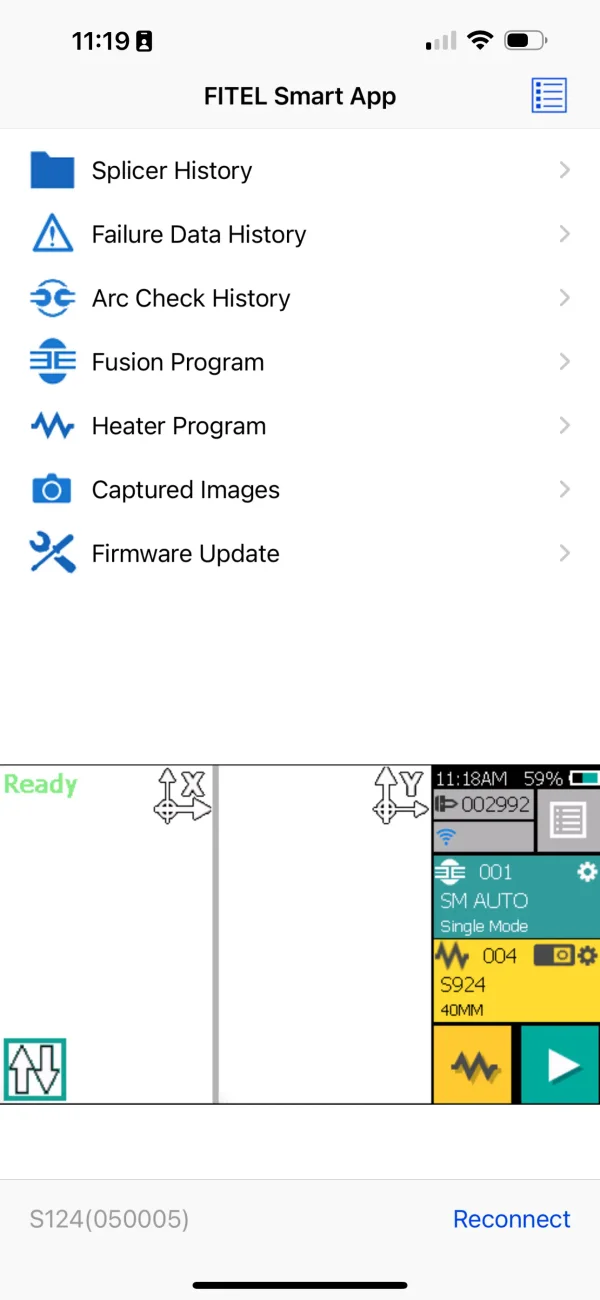
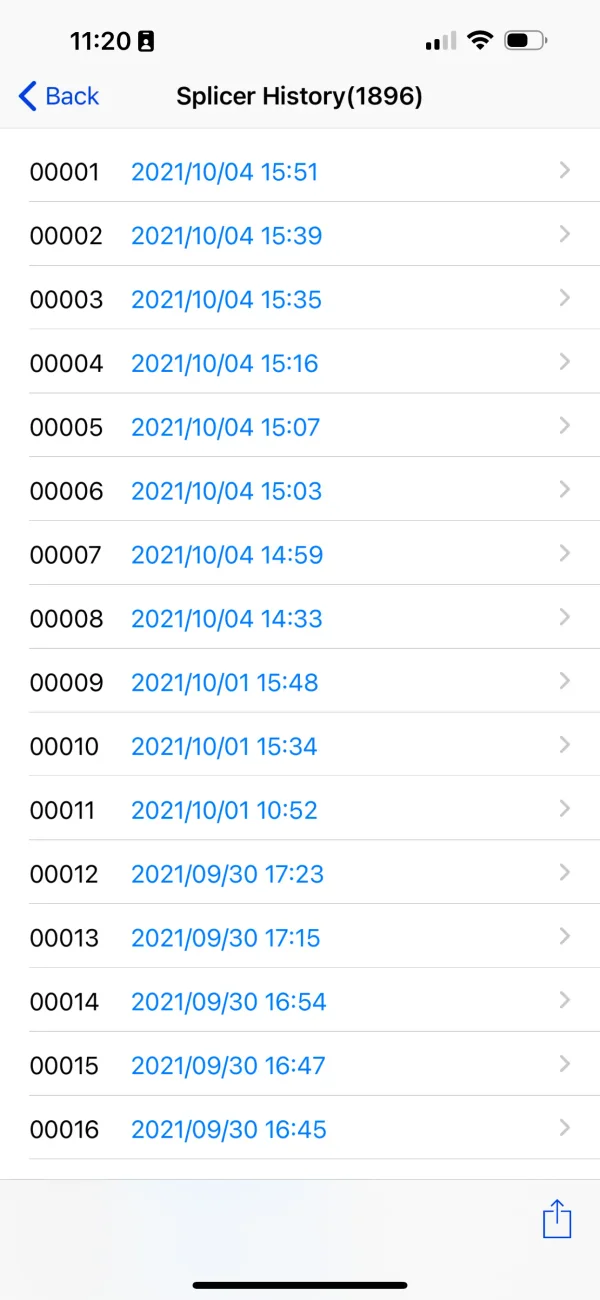
It allows editing of fusion programs and heater programs, viewing of historical data, and firmware updates.
-Supported Fusion Splicer-
S179 / S124 Series / S185 Series
-Supported WiFi dongle-
TP-LINK TL-WN725N
- How to use -
1. Turn on the fusion splicer that Wi-Fi dongle is connected.
2. Touch Wi-Fi icon.
3. Input the Wi-Fi connection settings and confirm that the fusion splicer is connected to Wi-Fi.
4. Wait for displaying the splicer icon in this app.
5. Touch the splicer icon you want to connect.
App privacy
What Lightera Japan declares on the App Store about how this app handles data.
-
Data not collected
The developer does not collect any data from this app.
Privacy practices may vary, for example with the features you use or your age.
Information
- Seller
- LIGHTERA JAPAN K.K.
- Category
- Utilities
- Version
- 3.0
- Updated
- Aug 27, 2025
- Released
- Aug 26, 2025
- Size
- 9.0 MB
- Requires
- iOS 12.0 or later
- Age rating
- 4+
- Price
- Free
- Languages
- English, Japanese
- Copyright
- © 2025 Lightera Japan Co,. Ltd.
You might also like
-
 ConnectorViewUtilities
-
 WireDropShare files via USB
-
 Fiberizer Mobile ScopeUtilities
-
 StarViewer-Ophirshows measurements of laser
-
 VISION REPORT APPUtilities
-
 SRD GoUtilities
-
 Find My FiberUtilities
-
 ESS EnergyUtilities
-
 Stumblor Pinball: Mod EditorUtilities
-
 KyAuto: Car Expenses & FuelFuel, service, loan & alerts