- Age rating4+
- CategoryHealth & Fitness
- DeveloperJeff Burns
- LanguagesEnglish
- Size2.5 MB
Links to the official App Store page
Download.org hosts no file of FitLock - Focus. The button opens its official App Store page, published by Jeff Burns. Listing last checked on Nov 12, 2026.
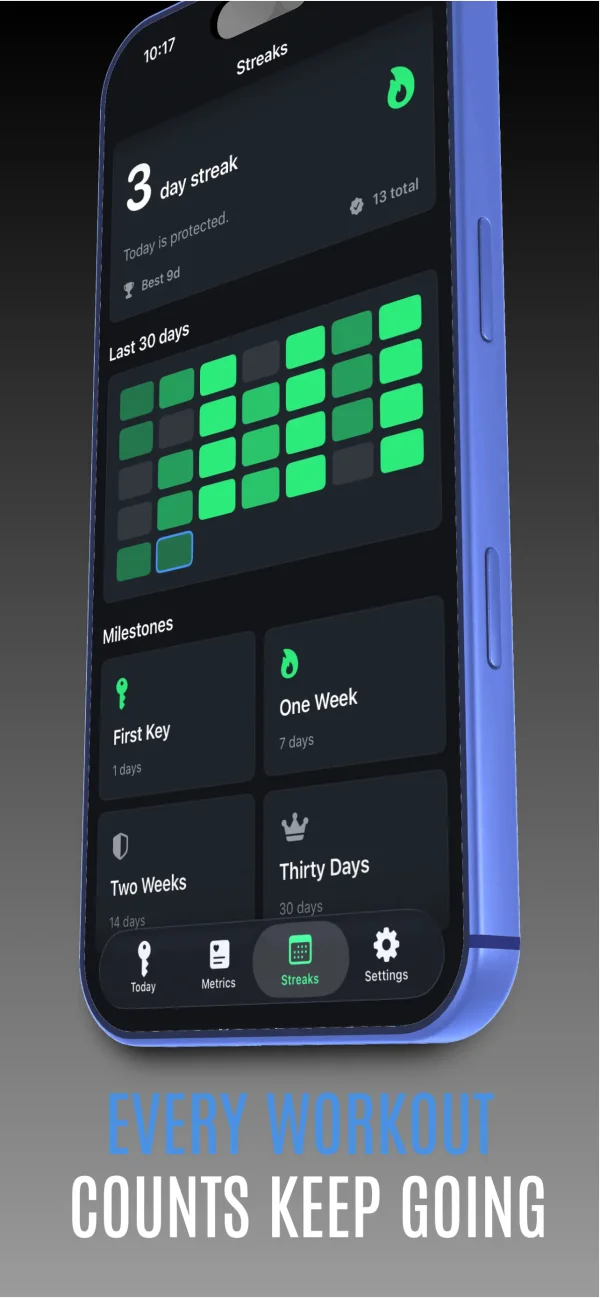
Screenshots

About
FitLock helps you turn healthy habits into the key that unlocks your apps.
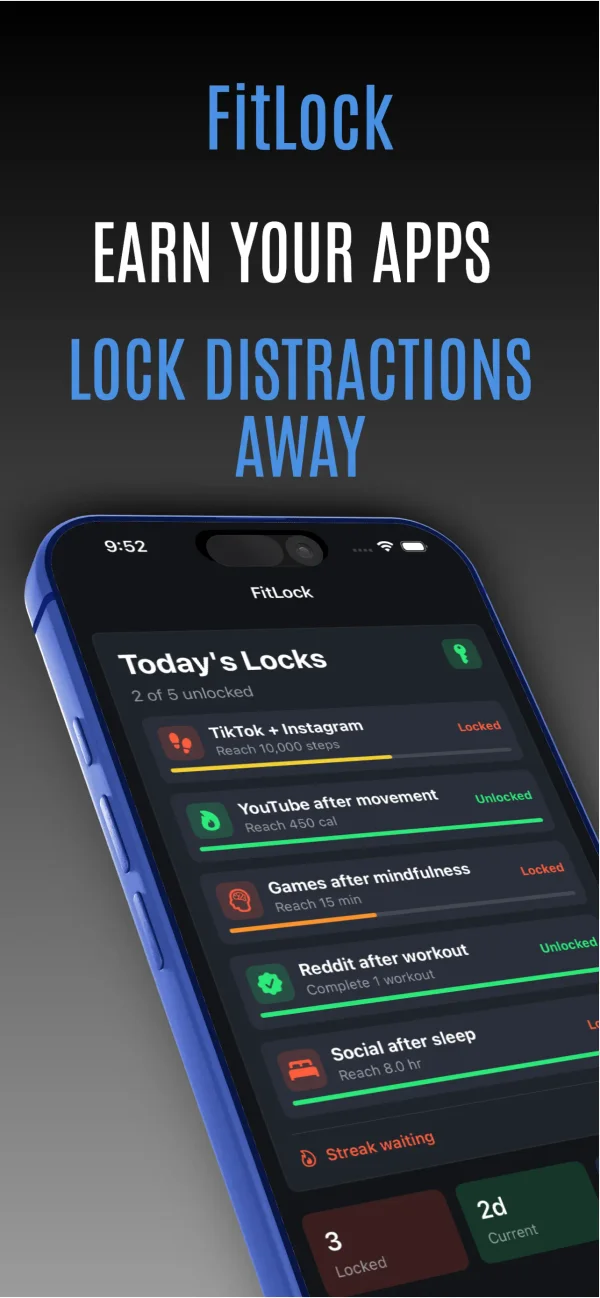
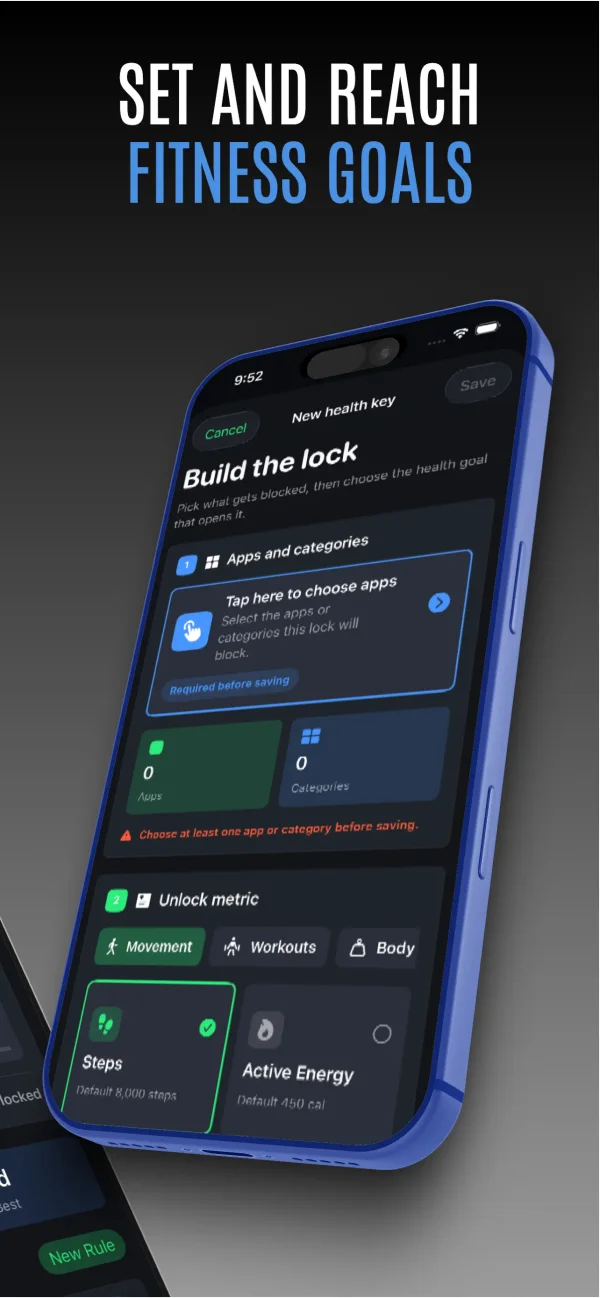
Choose the apps or categories you want to block, then set a goal using Apple Health data. When your goal is complete, FitLock unlocks your selected apps. If you do not follow through, there is a real consequence: the apps you chose stay locked.
FitLock is designed to help reduce doomscrolling, support better focus, protect your attention span, and create a healthier pause between impulse and action. It can be especially useful for people who struggle with distraction, ADHD-style focus challenges, social media overuse, or compulsive app checking.
Instead of relying only on willpower, FitLock gives your brain a clear trade: complete a real-world health goal, then regain access. If you request access before finishing your goal, FitLock uses a 1-hour cooldown period before pausing locks, giving you time to reconsider, let the urge pass, and return to your goal.
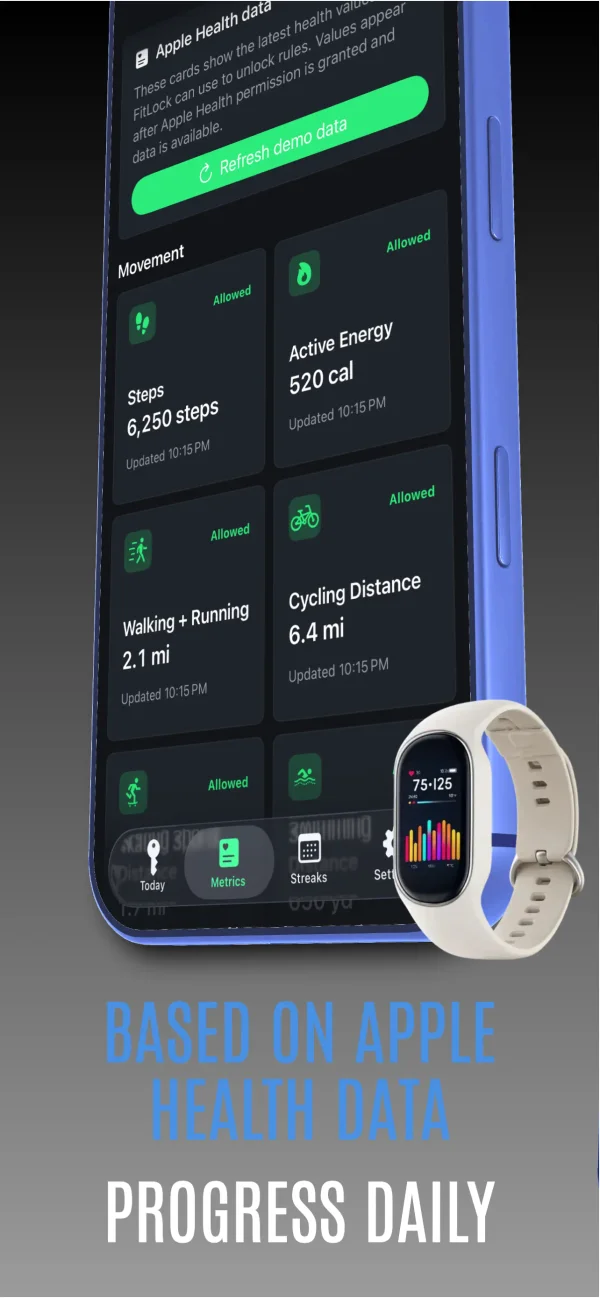
FitLock works with Apple Health and supports 63 health and habit metrics, including steps, active calories, workouts, exercise minutes, walking and running distance, cycling distance, mindful minutes, sleep, weight, body mass index, water, protein, vitamins, nutrition data, handwashing, toothbrushing, and more.
Create flexible health keys:
- Block specific apps or entire app categories
- Unlock with one Apple Health goal or multiple goals
- Use AND logic when every goal must be completed
- Use OR logic when any goal can unlock your apps
- Set daily reset times or lock until the goal is reached
- Track streaks and recent completion history
- View current Apple Health metric progress inside the app
- Use custom manual goals for habits that are not tracked automatically
- Pause locks only after a 1-hour cooldown period
FitLock is built for people who want more intentional screen time without relying only on timers, guilt, or willpower. It helps interrupt doomscrolling loops and replaces passive phone use with movement, recovery, hydration, training, mindfulness, or the health goals you already care about.
Your progress is powered by Apple Health data and stays focused on your goals. Choose what matters, build your lock, and let your health habits open the door.
What’s new
Version 2.0 · Nov 6, 2026
Big fixes:
Locks will now reset at the scheduled time and not daily at midnight. But locks will be unlocked based on the entire days statistics in Apple Health even if they happen before the set lock time.
App privacy
What Jeff Burns declares on the App Store about how this app handles data.
-
Data not collected
The developer does not collect any data from this app.
Privacy practices may vary, for example with the features you use or your age.
Information
- Seller
- Jeff Burns
- Category
- Health & Fitness
- Version
- 2.0
- Updated
- Nov 6, 2026
- Released
- Jun 18, 2026
- Size
- 2.5 MB
- Requires
- iOS 17.0 or later
- Age rating
- 4+
- In-app purchases
- Yes
- Languages
- English
- Copyright
- © Jeffrey Burns
You might also like
-
 Discipline Lock: App BlockerWorkout unlocks selected apps
-
 SweatUnlock: Screen Time FocusStop Scrolling, Start Sweating
-
 Fitlock: Workout App BlockerExercise to Earn Screen Time
-
 pushh up lockEarn screen time with push-ups
-
 FitQuest: Workout StreaksWorkout Streaks Made Simple
-
 Earn Screen Time - Fit ScrollReduce Scrolling, Control Life
-
 Tempo: Screen Time BlockerApps blocked until you move
-
 Reppy: 1v1 Workout DuelsSquat & Push-Up Rep Battles
-
 Kid Strength: Youth TrainingWorkouts for Young Athletes
-
 FitScroll: Screen Time FitnessLock Apps, Workout to Unlock