
FitToll: Exercise App Blocker
Push-ups to earn screen time
Designed for iPhone
Free · In-app purchases
- Age rating4+
- CategoryHealth & Fitness
- DeveloperAurobindo Gupta
- LanguagesEnglish
- Size18.4 MB
Links to the official App Store page
Download.org hosts no file of FitToll: Exercise App Blocker. The button opens its official App Store page, published by Aurobindo Gupta. Listing last checked on Nov 20, 2026.
Screenshots

About
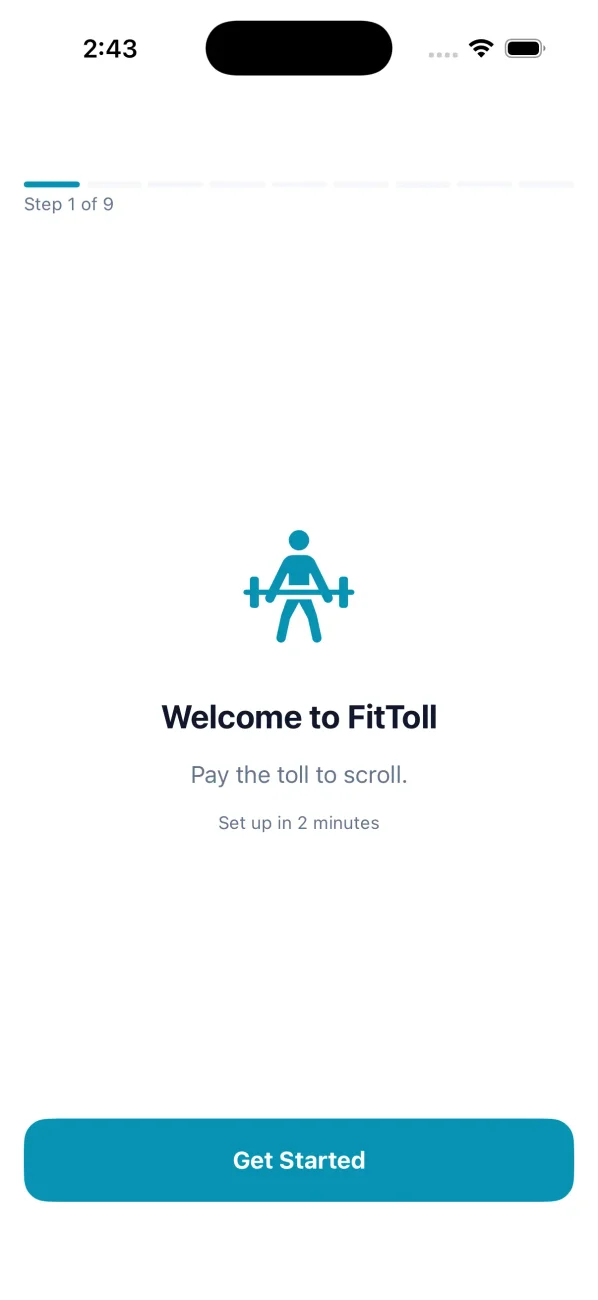
FitToll makes you earn your screen time.
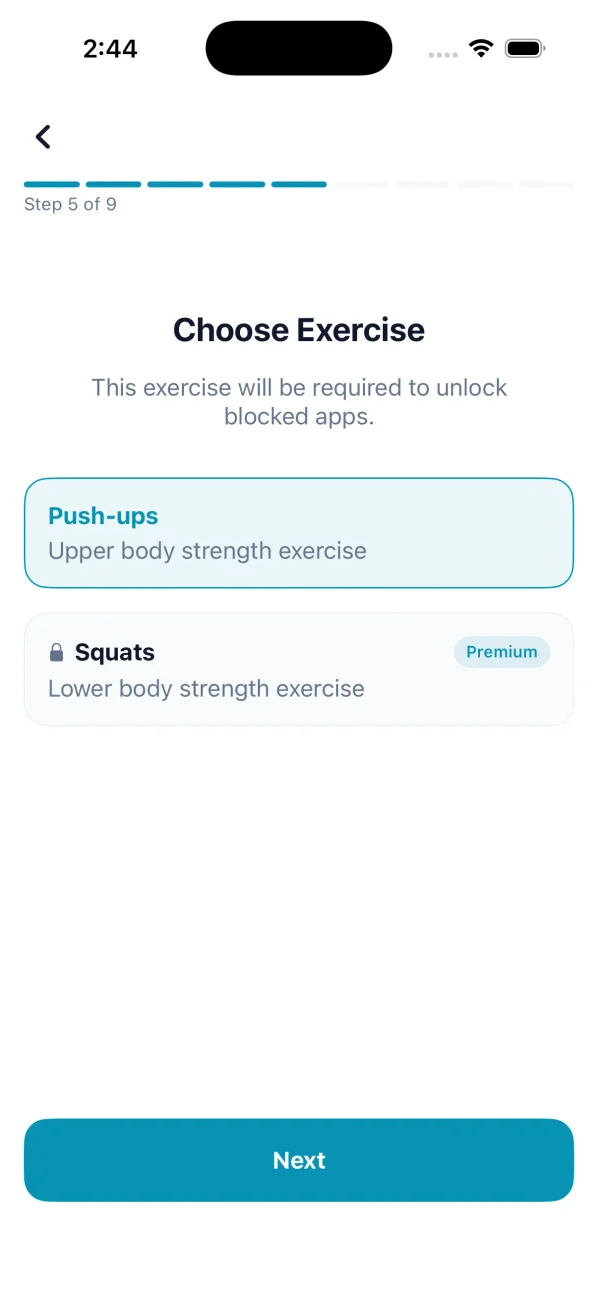
Choose the apps you keep losing hours to. When you try to open one, FitToll steps in and asks for push-ups or squats, counted by your camera in real time. Finish the reps and the app unlocks. There is no skip button.
How it works
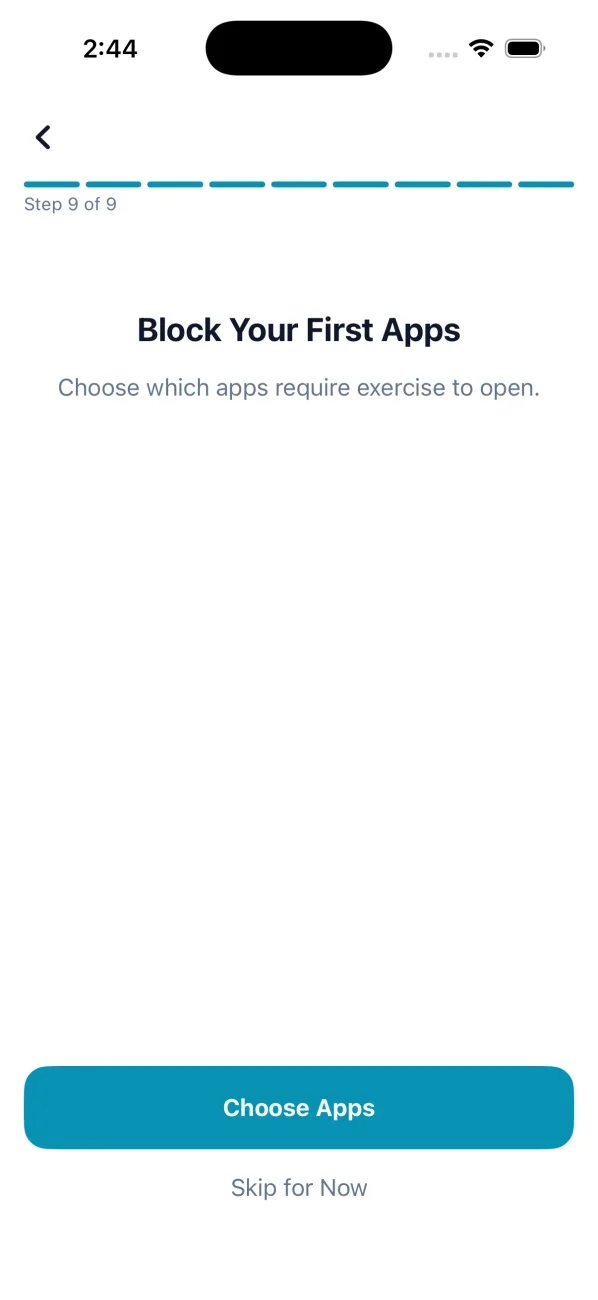
1. Pick the apps you want blocked.
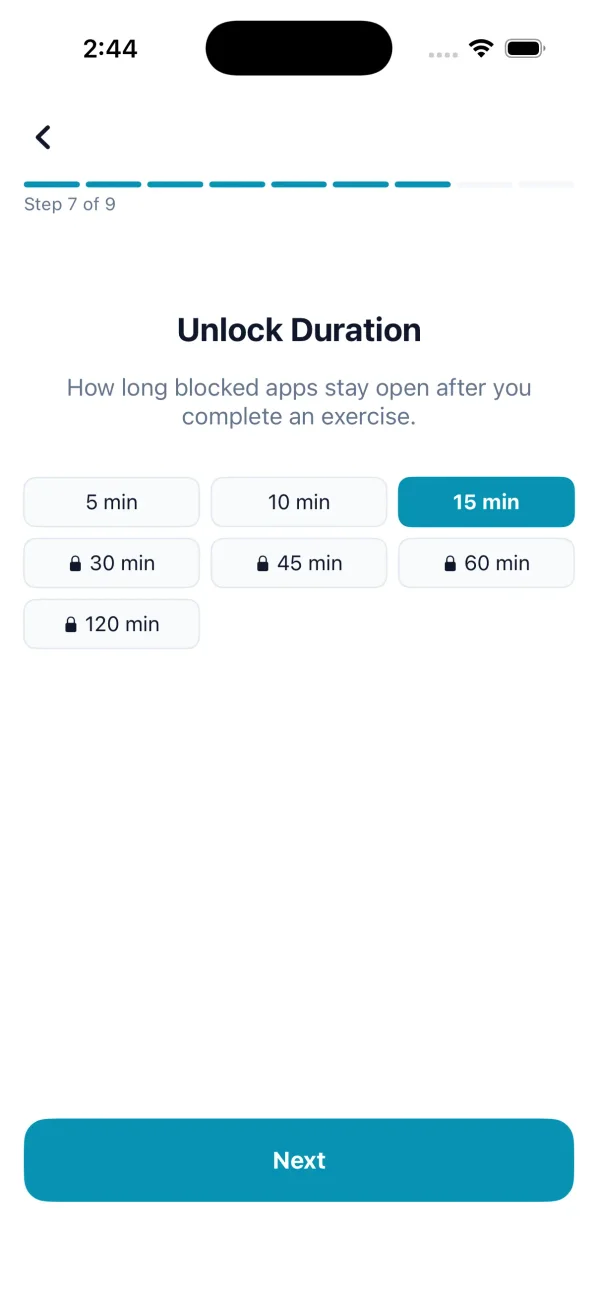
2. Choose how long an unlock should last, up to 2 hours.
3. Try to open a blocked app. FitToll intercepts it.
4. Do the reps in front of the camera. FitToll counts them aloud as you go.
5. The app unlocks for the time you earned.
Built so the easy way out is the reps
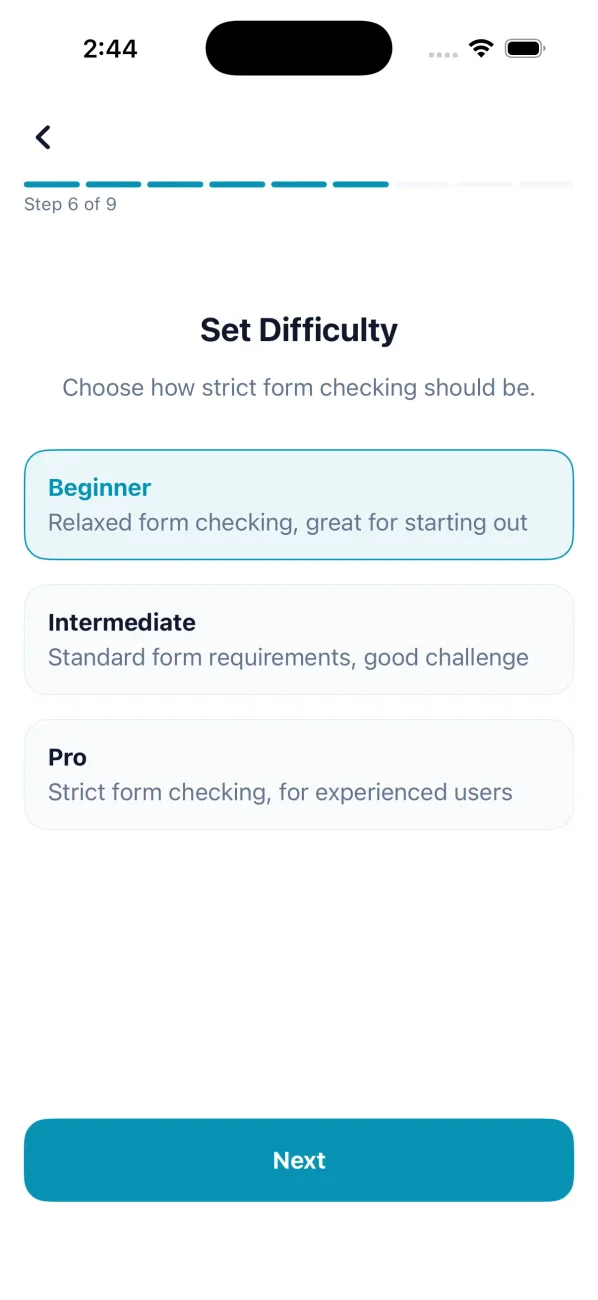
FitToll does not count taps. It tracks your body with Apple Vision pose detection, running entirely on your iPhone, and counts a rep when you go down as far as your difficulty level asks and come back up.
For when you truly need out, there are two emergency bypasses a day. Each one doubles the reps for every blocked app, up to four times the usual number, until you finish one exercise unlock.
Your unlock time is real time
Each unlock is a fixed window of real time, counted from the moment the app unlocks. Closing the app does not pause it, and unused minutes are not saved.
Video never leaves your phone
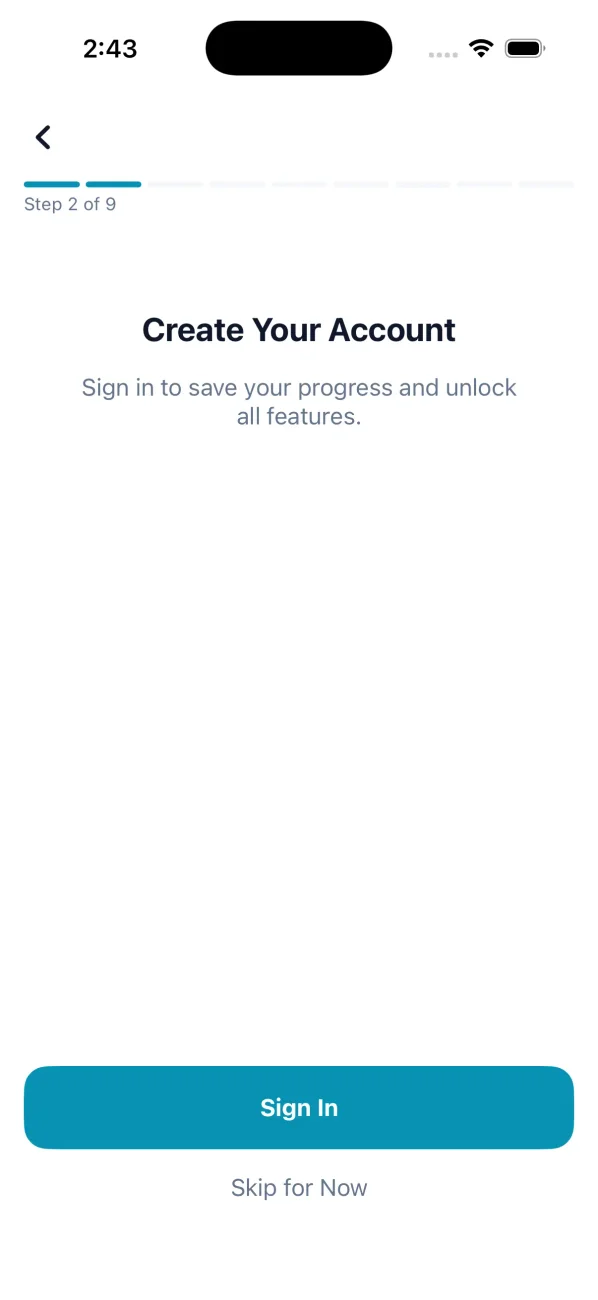
Pose detection runs on-device. No video is recorded and no frames are uploaded. Rep counting and blocking work with no connection. Signing in needs one: if you have not signed in, FitToll asks you to after three exercise unlocks. Premium needs one now and then: if FitToll can't confirm your subscription, it treats you as a free user until it can.
Features
- Camera-verified push-ups and squats
- Live rep counting with a skeleton overlay of the body points the camera tracks
- Spoken rep count while you move, with a mute toggle
- Side view counts reps and gives real-time form feedback on hip position (push-ups); front view counts reps only
- Three difficulty levels: Beginner, Intermediate and Pro
- Unlock windows of 5, 10, 15, 30, 45, 60 or 120 minutes
- Daily streaks and up to 90 days of session history
- Emergency bypass with a rep penalty
- Dark mode
Free and Premium
The free tier covers the whole loop: block one app, both exercises at every difficulty level, unlock windows of up to 15 minutes, and the last 7 days of history. Premium is an optional subscription that raises the blocked-app limit, unlocks the longer unlock windows, and shows 90 days of history.
Permissions
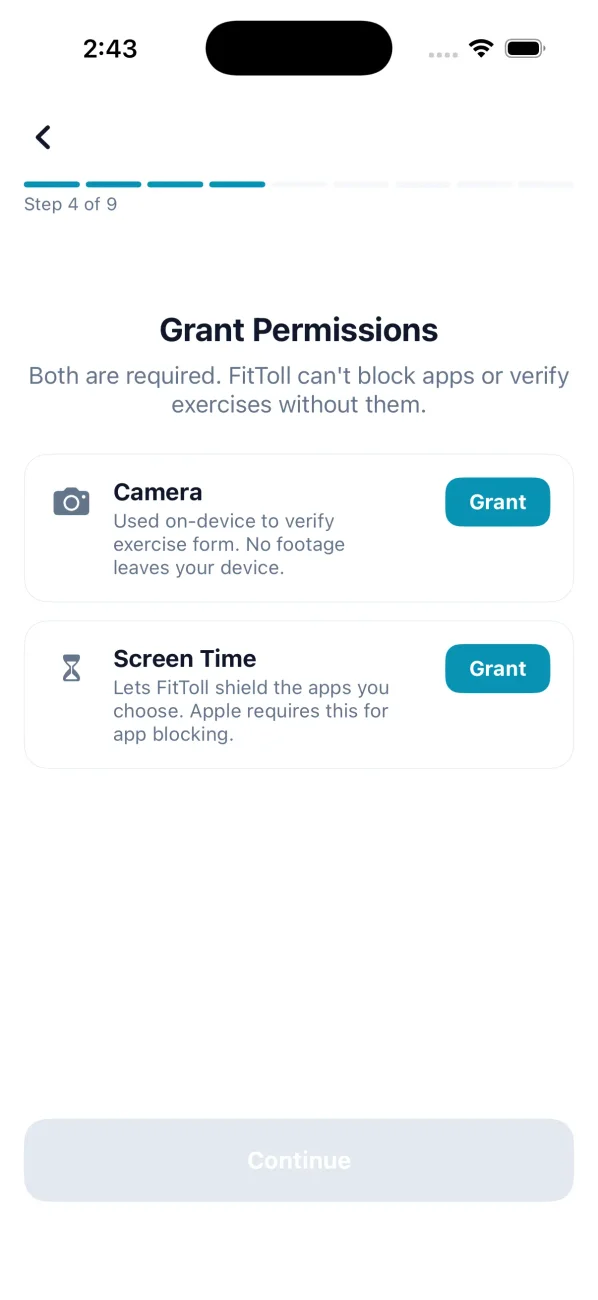
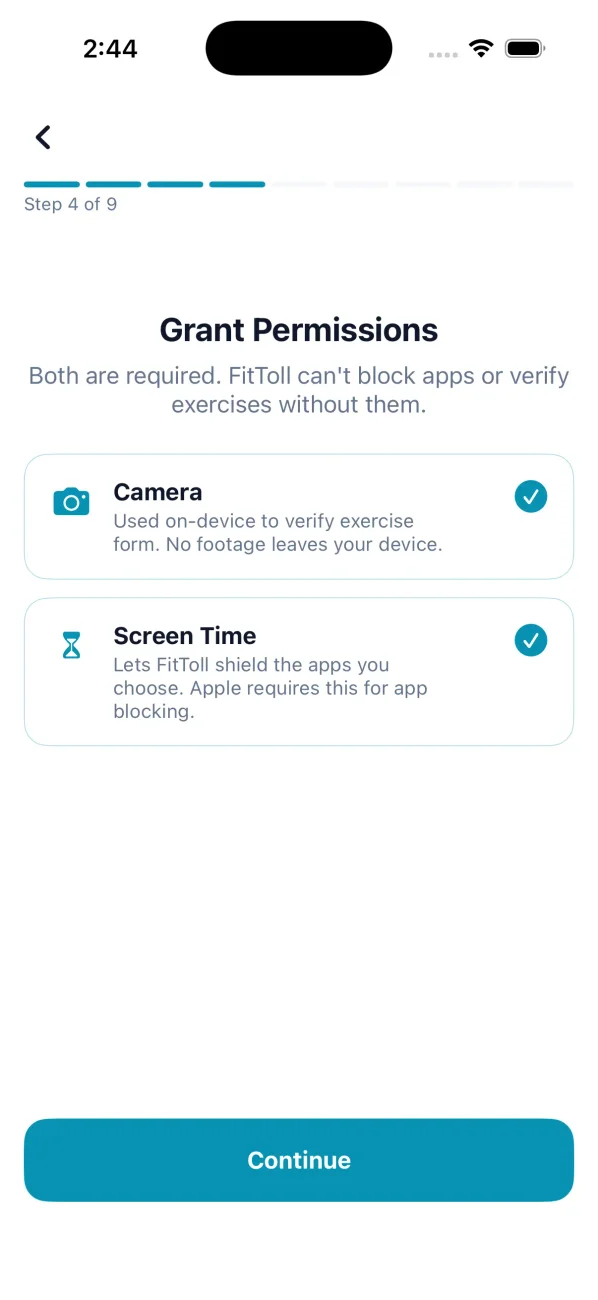
FitToll uses Apple's Screen Time API to block apps, so it asks for Screen Time access on first setup. Notifications are needed so the shield's Unlock with Exercise button can bring you to FitToll. Camera access is used only while you are actually doing an exercise. FitToll never sees the content of any app.
Who it is for
People who have tried every screen time limit and app timer and swiped straight past all of them. A timer asks you to be disciplined. FitToll asks you to stand up.
Pay the toll to scroll.
Support: support@fittoll.com
Privacy Policy: https://fittoll.com/privacy-policy/
Terms of Use: https://fittoll.com/terms-of-use/
What’s new
Version 1.5.1 · Nov 11, 2026
Emergency bypasses are now two a day. Each one doubles the reps for all your blocked apps, up to four times the usual number, until you finish one exercise unlock. Once both are used, another bypass is refused instead of resetting your blocking setup.
App privacy
What Aurobindo Gupta declares on the App Store about how this app handles data.
-
Data linked to you
May be collected and linked to your identity.
- Contact info
- Diagnostics
Privacy practices may vary, for example with the features you use or your age.
Information
- Seller
- Aurobindo Gupta
- Category
- Health & Fitness
- Version
- 1.5.1
- Updated
- Nov 11, 2026
- Released
- Jun 9, 2026
- Size
- 18.4 MB
- Requires
- iOS 16.0 or later
- Age rating
- 4+
- Price
- Free
- In-app purchases
- Yes
- Languages
- English
- Copyright
- © 2026 Aurobindo Gupta
You might also like
-
 Recollections: Mood TrackerPrivate, Offline & Ad-Free
-
 SummonRun: Run CompanionDaily Run Motivation
-
 StepDeckSteps become cards. Walk more.
-
 Snore Blocker: Better sleepSleep tracker and sleep apnea
-
 NutriTrackioEasy nutrition tracking
-
 Picksy: Be PresentUse your phone less, for real
-
 Prelude Therapy prepPrivate AI Therapy Preparation
-
 Gentle: Breathwork, MeditationCalm Your Mind, Simply
-
 Baby Tracker - Pippy AI LogNewborn Feeding, Sleep, Diaper
-
 GymMaxx - Workout TrackerLog fast. Lift more.