
- Age rating4+
- CategoryUtilities
- DeveloperMatthew Mclellan
- LanguagesEnglish+ 8 more
- Size147.6 MB
Links to the official App Store page
Download.org hosts no file of fixin. The button opens its official App Store page, published by Matthew Mclellan. Listing last checked on Nov 17, 2026.
Screenshots


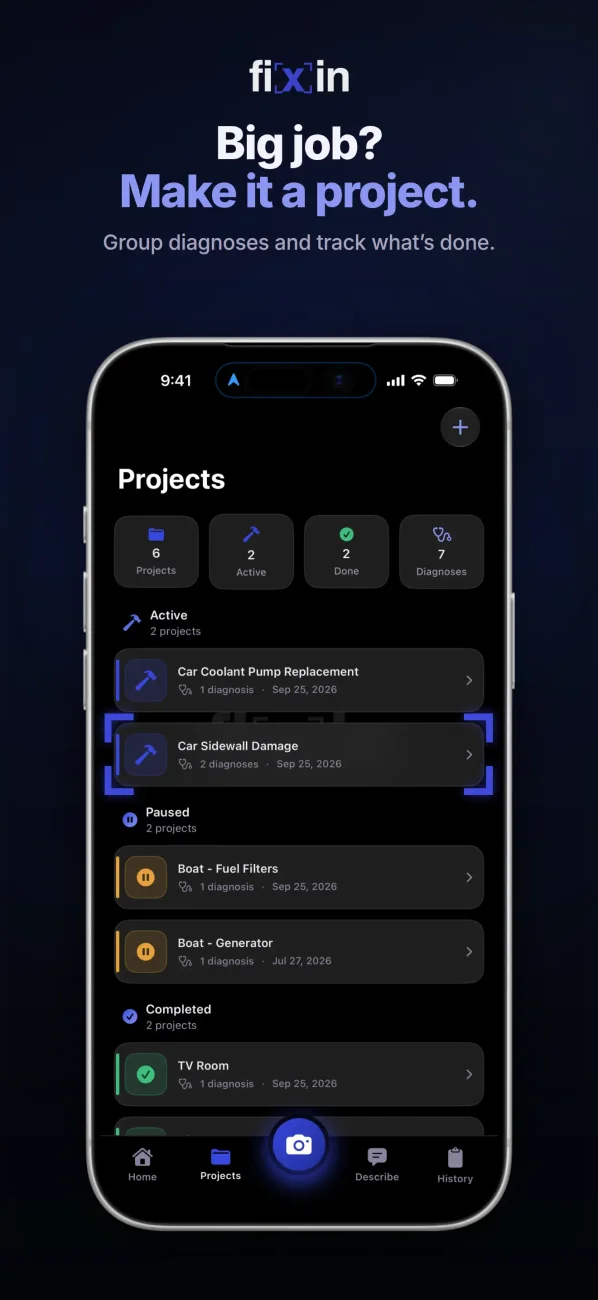

About
Snap a photo of the problem. fixin tells you what you're looking at.
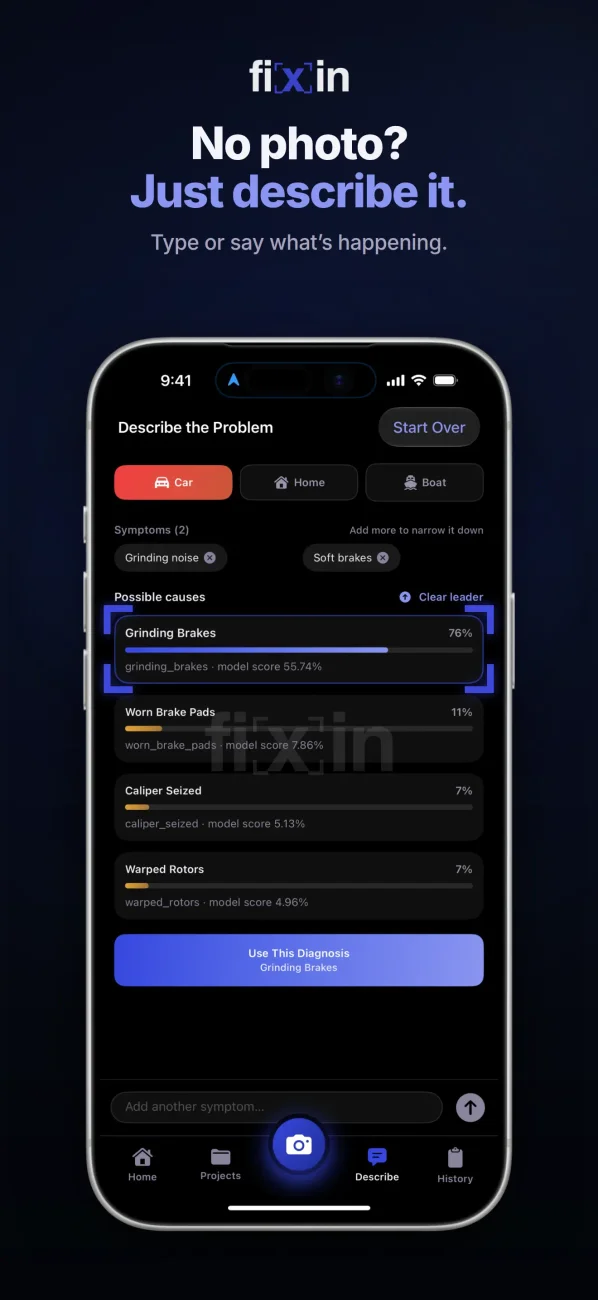
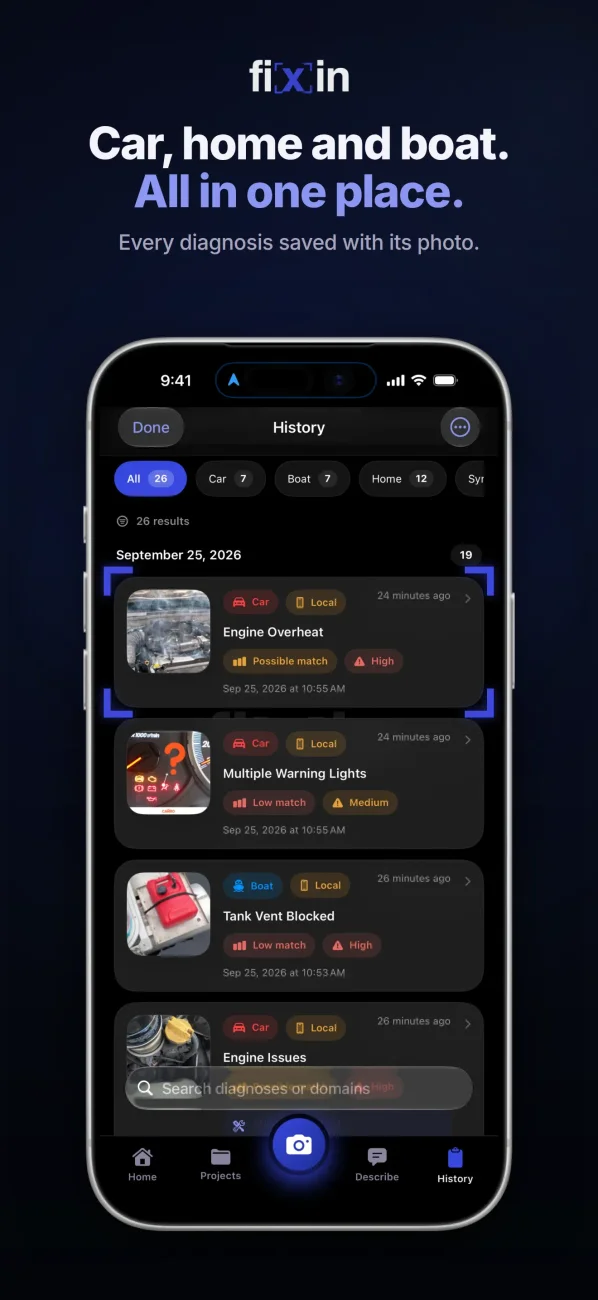
fixin diagnoses problems around your home, car, and boat from a single photo: corroded plumbing, a fluid leak under the car, water in the bilge. Or describe what's happening in your own words.
WORKS WHERE THE PROBLEM IS
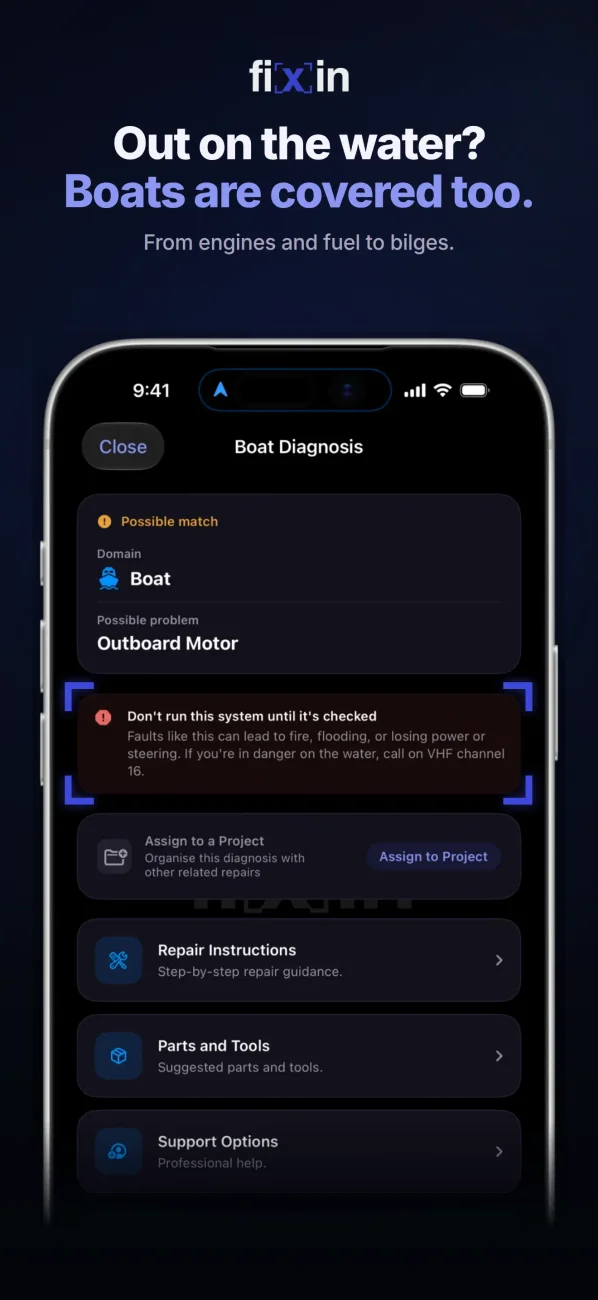
Diagnosis runs right on your phone, so it works with no signal: in a crawl space, a parking garage, or out on the water.
TELLS YOU HOW SURE IT IS
Every result shows its match strength in plain words. When fixin is guessing, it says so.
KNOWS WHEN TO STOP
Results show how serious a problem is, and safety warnings tell you when to put the tools down and call a professional. On a boat, Emergency Help covers what to do if you're in danger on the water.
REPAIR GUIDES AT YOUR LEVEL
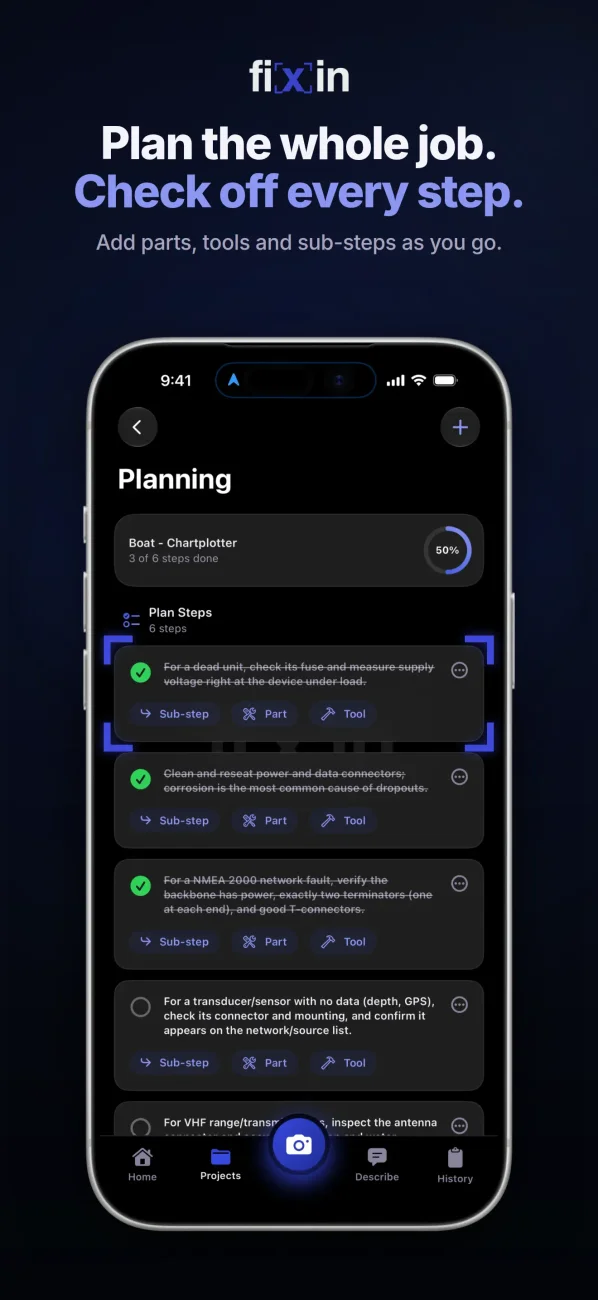
Step-by-step guides come in Beginner, Intermediate, and Pro / Tech. Choose yours in Settings.
START WITHOUT AN ACCOUNT
Open the app and start scanning. Create a free account to back up your diagnoses and use the Repair Assistant, which answers follow-up questions about a diagnosis.
FREE AND PREMIERE
Free: the area and type of each problem, with repair guides for high- and critical-severity issues, and a monthly diagnosis limit.
Premiere: the specific fault and a repair guide for every result.
Stop guessing—start fixing.
What’s new
Version 1.5.6 · Nov 14, 2026
Your current step on the Lock Screen
Open a repair worksheet and a card shows the step you're on, on the Lock Screen and in the Dynamic Island, so you can put the phone down and keep going. Tap Done when you finish the step, or tap the card to go back to the worksheet.
Diagnose from Visual Intelligence
On an iPhone with Visual Intelligence, point the camera at a problem, choose fixin, and tap Diagnose with fixin. The photo opens in fixin as a normal diagnosis.
Ask Siri for the next step
Say "Next step in fixin" and Siri tells you the next step of the repair you're working on. There's nothing to set up.
Find your repairs in Spotlight
On iOS 27 or later, your saved diagnoses, projects, and repair worksheets appear in Spotlight. Tap one to open it in fixin.
Smoother tabs, faster History
Tabs now fade from one to the next, and History opens faster. Settings has a new History & Backup row, and the backup status on Home now opens History too.
Also in this release
Repair guides you reopen from a saved diagnosis now start at the real first step and show their safety warnings.
If the model that reads descriptions can't be opened, a result now says it comes from your photo alone, instead of quietly leaving out what you wrote.
On Describe, the tab bar now stays behind the keyboard, leaving more room for what you write, and a tap anywhere in the text field starts typing.
App privacy
What Matthew Mclellan declares on the App Store about how this app handles data.
-
Data linked to you
May be collected and linked to your identity.
- Contact info
- User content
-
Data not linked to you
May be collected but is not linked to your identity.
- Diagnostics
Privacy practices may vary, for example with the features you use or your age.
Information
- Seller
- Matthew Mclellan
- Category
- Utilities
- Version
- 1.5.6
- Updated
- Nov 14, 2026
- Released
- Nov 22, 2025
- Size
- 147.6 MB
- Requires
- iOS 26.0 or later
- Age rating
- 4+
- Price
- Free
- Languages
- English, Dutch, French, German, Japanese, Korean, Portuguese, Spanish, Traditional Chinese
- Copyright
- © 2026 AM Solutions, LLC, All Rights Reserved
You might also like
-
 VPN Fast & SecureUnlimited, Safe, Private
-
 MeduzaVPN: Your Personal VPNDedicated IP, Private & Secure
-
 VPN Russia - Fast Bear VPNSecure Proxy • Super Speed
-
 VPN for TTFast, Private, Safe & Secure
-
 VPN - Super VPN WindPrivate & Secure Connection
-
 VPN - Lite Cat VPN 2027VPN Unlimited, VPN Buck
-
 VPN Private ..Unlimited, Safe, Fast
-
 VPN proxy - TipTop VPNVPN without Ads. Fast & Secure
-
 Happ - Proxy UtilityNew level of security by Xray
-
 VPN Lite - FREE VPN Fast ®Fast VPN by FREE VPN Fast®