
- Age rating4+
- CategorySports
- DeveloperRUN.EDGE Limited
- LanguagesEnglish+ 1 more
- Size154.7 MB
Links to the official App Store page
Download.org hosts no file of FL-UX for iPhone. The button opens its official App Store page, published by RUN.EDGE Limited. Listing last checked on Nov 26, 2026.
Screenshots


About
FL-UX is an All-In-One platform that enables you to edit and analyze the game more efficiently. Furthermore, FL-UX promotes your swift and active communication using video.
Using FL-UX, you can share videos, add handwritings on the videos, create playlists, chat with your team members, and more...!
Features;
1. Video Tagging and Live Tagging
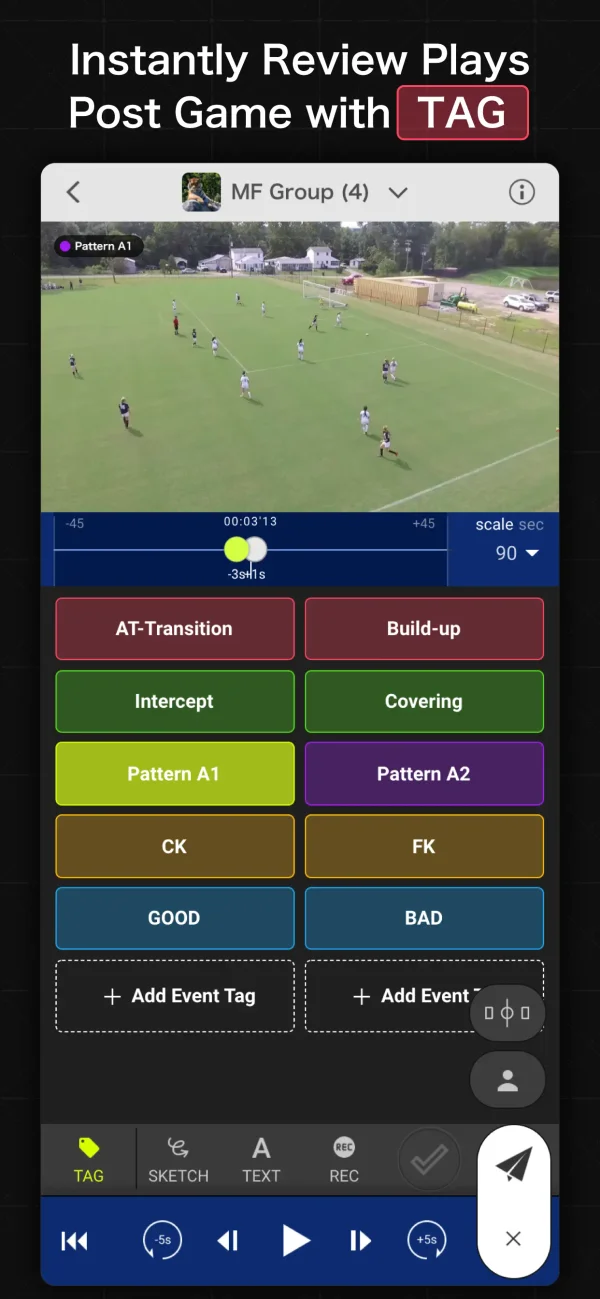
You can upload your videos onto FL-UX and tag scenes watching the video (Video Tagging). In addition to that, you can tag scenes during the match without leaving your eyes from the players (Live Tagging).
You can store information of these tags and confirm the scenes with tags immediately in your app. FL-UX realizes real-time communication using video.
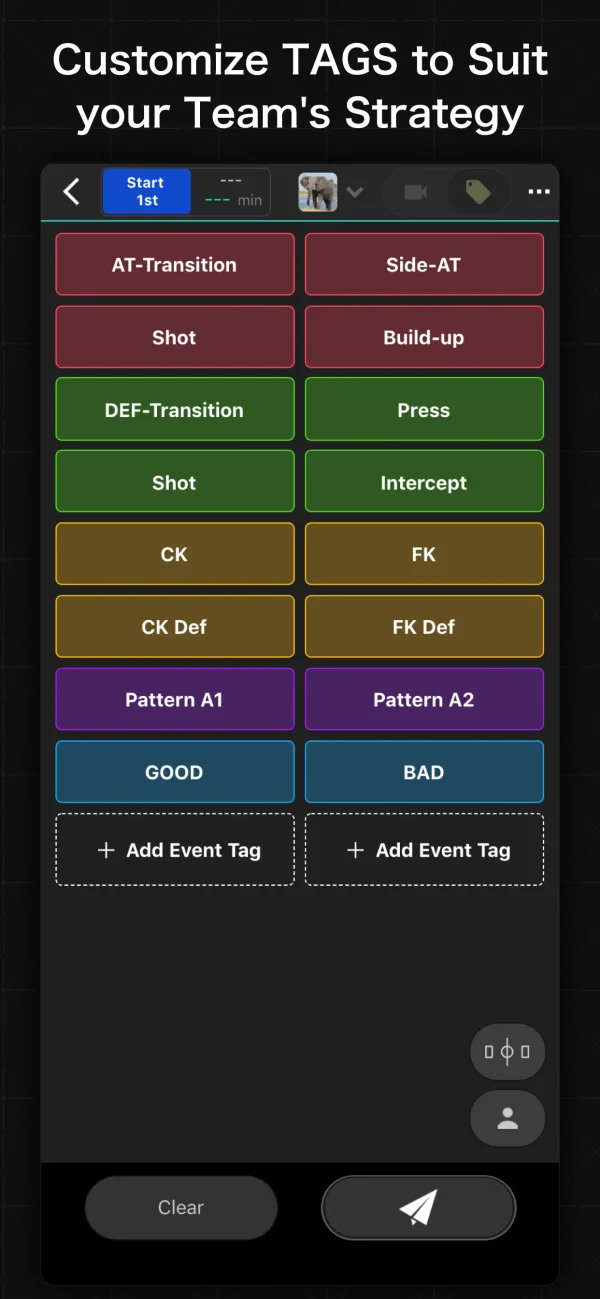
Of course, you can customize the tags based on your team strategy and training plan.
2. Edit and share videos
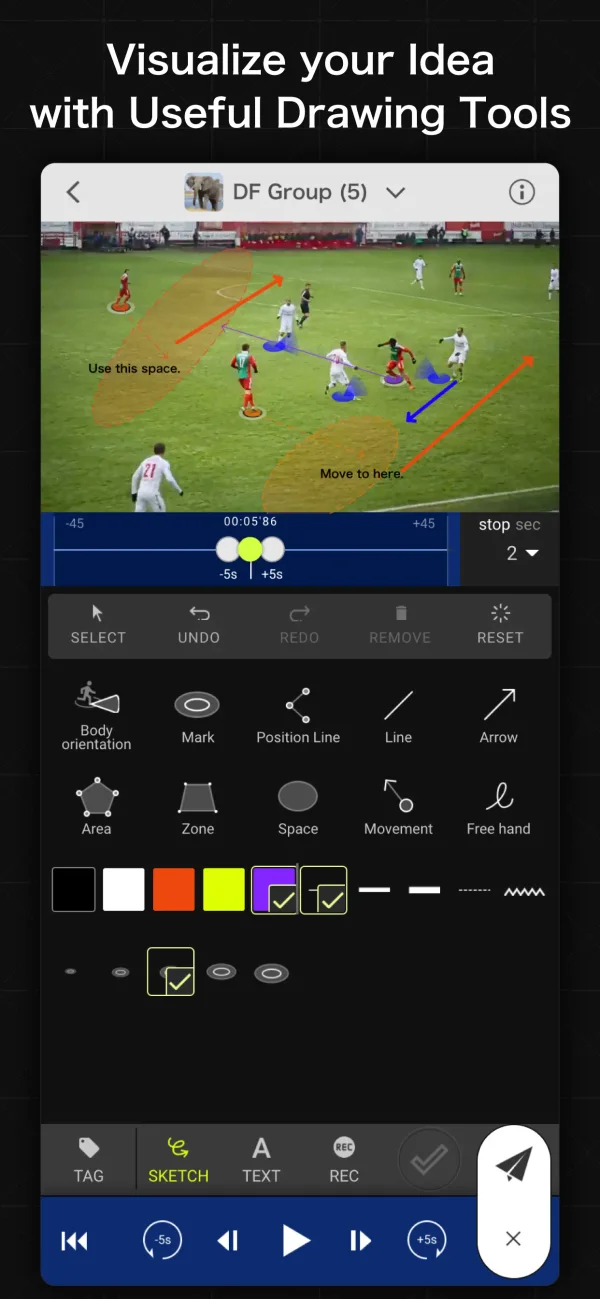
You can share the scenes with your comments and handwriting and exchange your ideas with your members easily using the videos. With FL-UX, you can utilize videos not only for game analysis but also for team collaboration.
3. Communication Channel (New function)
- You can now select public/private channel, and also you can create your own channel and invite members with whom you want to communicate.
- You can now create scenes for each channel.
4. Video Management and Data Analysis
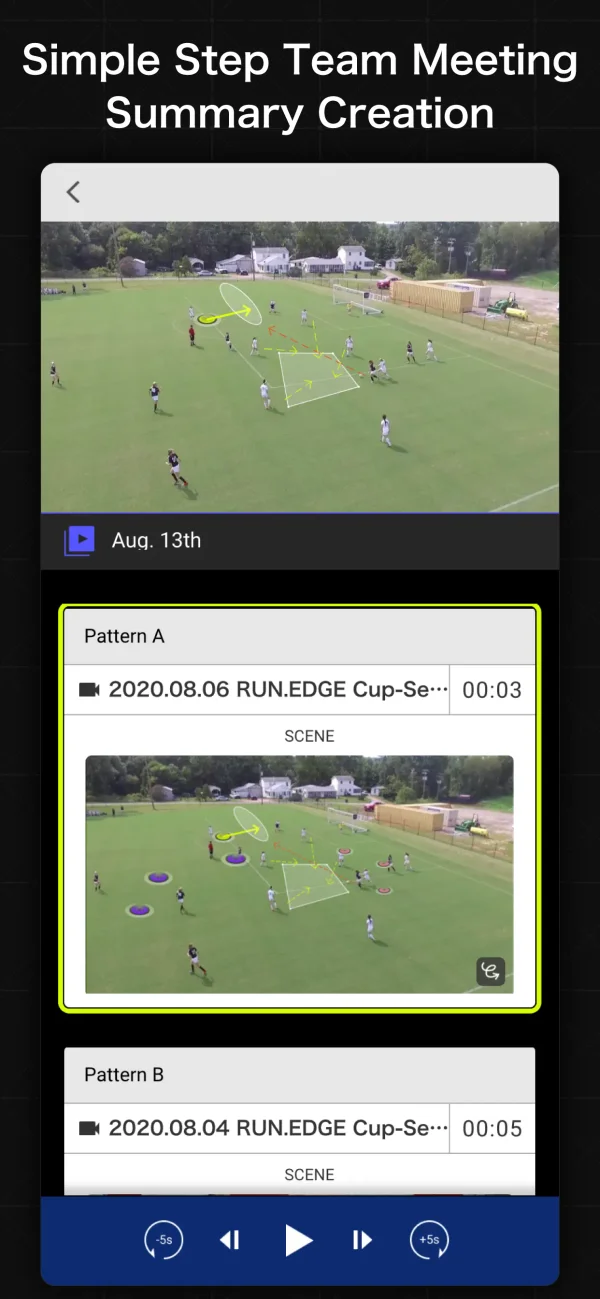
Using FL-UX, you can manage all of your videos and scenes. If you want to select the scenes and share them with specified members, you can utilize playlists. Each playlist can be gathered in the folder, and you can specify the members with whom each folder can be shared. Also, you can utilize your videos for game analysis aggregating information of the tags.
5. More functions in off-line environment
You can download the scenes to your own devices and check them even you are in off-line environment.
What’s new
Version 2.30.6 · Nov 25, 2026
■ Improved live stream display
- From the time a live stream is set up until video arrives, the match card shows "Preparing". It changes to "LIVE" once video arrives.
- When a match streamed by a parent organization is opened on a device of a child organization, the "LIVE" label and menus now switch correctly.
Notes
- In earlier versions, "LIVE" may no longer be shown for matches streamed by another organization. Please update to this version.
■ Improved login screen
- Tidied up the line breaks in the message shown when login fails, and the screen no longer shifts when the message appears.
- You can now check the password you entered with the eye icon in the password field (the icon is not shown while a password saved on the device is filled in).
Bug fixes
- Fixed an issue where voice recorded in a sketch sometimes could not be played on the video playback screen.
App privacy
What RUN.EDGE Limited declares on the App Store about how this app handles data.
-
Data linked to you
May be collected and linked to your identity.
- Contact info
- User content
- Identifiers
-
Data not linked to you
May be collected but is not linked to your identity.
- Usage data
Privacy practices may vary, for example with the features you use or your age.
Information
- Seller
- RUN.EDGE Limited
- Category
- Sports
- Version
- 2.30.6
- Updated
- Nov 25, 2026
- Released
- Oct 16, 2019
- Size
- 154.7 MB
- Requires
- iOS 14.0 or later
- Age rating
- 4+
- Price
- Free
- Languages
- English, Japanese
- Copyright
- © Copyright 2024 RUN.EDGE Limited
You might also like
-
 Efficiency Match SportsTraining Coach Board
-
 Football Tactics Board& Futsal
-
 Coach ViewerFootball Coaching Library
-
 Soccer Coach: Team ManagerTraining, Matches & Stats
-
 bcoach - White board appFutsal & soccer coach platform
-
 Tacbo - Soccer Tactics BoardFor Coaches: Tactics, Lineups
-
 BEPRO SportsSports Analysis Platform
-
 easy2coach - TrainingSoccer training & drills
-
 TransferRoom PlayerSports
-
 SBG HubSharable and scalable analysis