
Flash Cards - Flashcards Maker
Memorize Notes, Decks for Anki
Designed for iPhone, iPad, iPod touch
Free · In-app purchases
- Age rating4+
- CategoryEducation
- DeveloperJoseph Works Limited
- LanguagesEnglish+ 2 more
- Size37.2 MB
Links to the official App Store page
Download.org hosts no file of Flash Cards - Flashcards Maker. The button opens its official App Store page, published by Joseph Works Limited. Listing last checked on Nov 14, 2026.
Screenshots
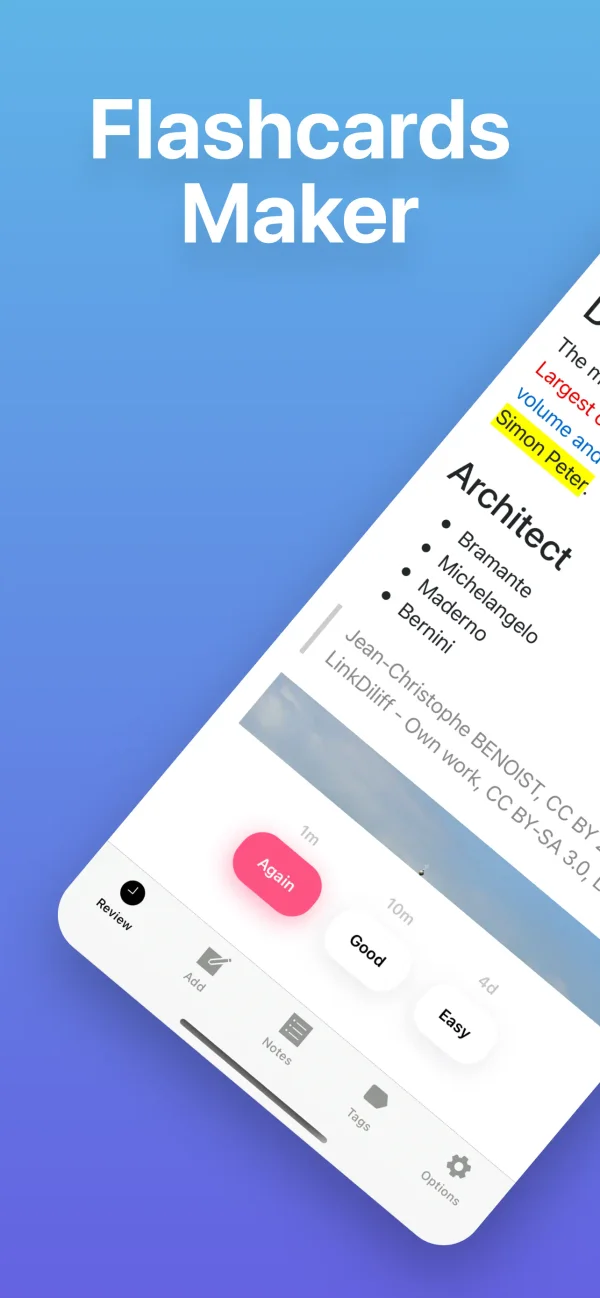
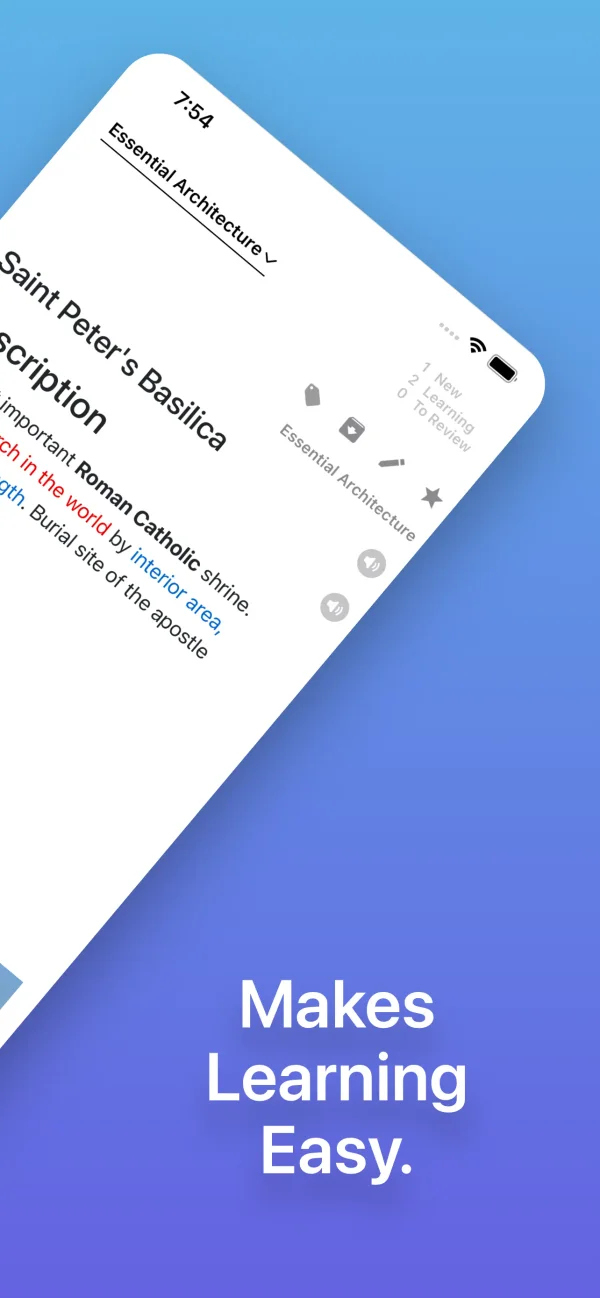


About
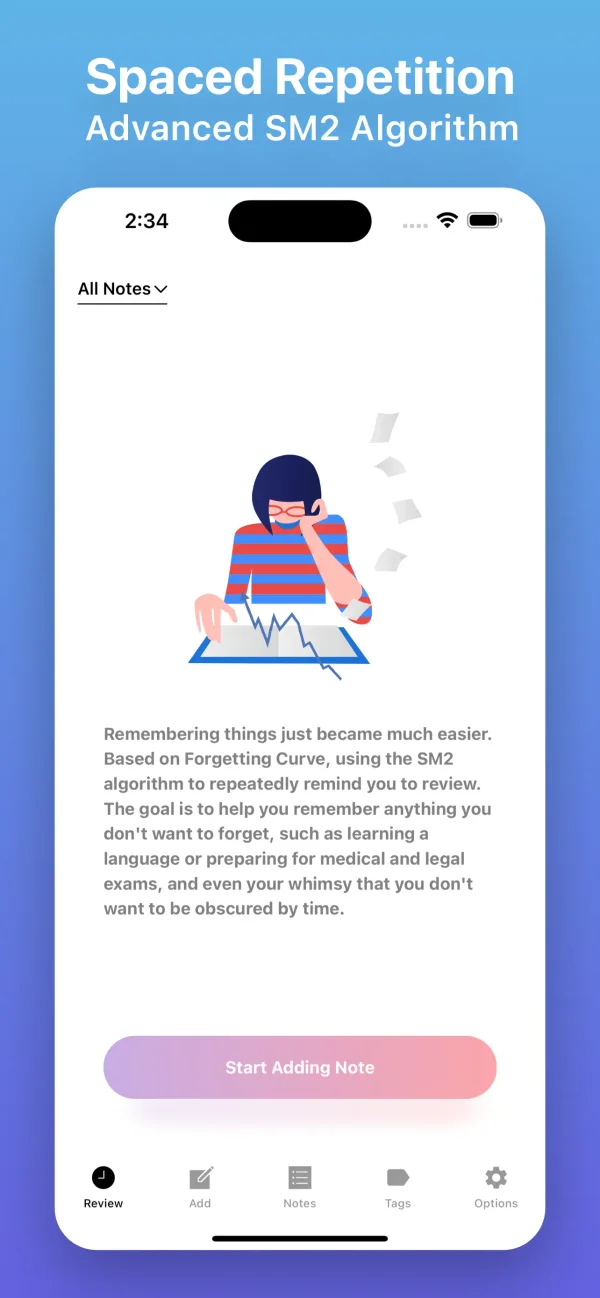
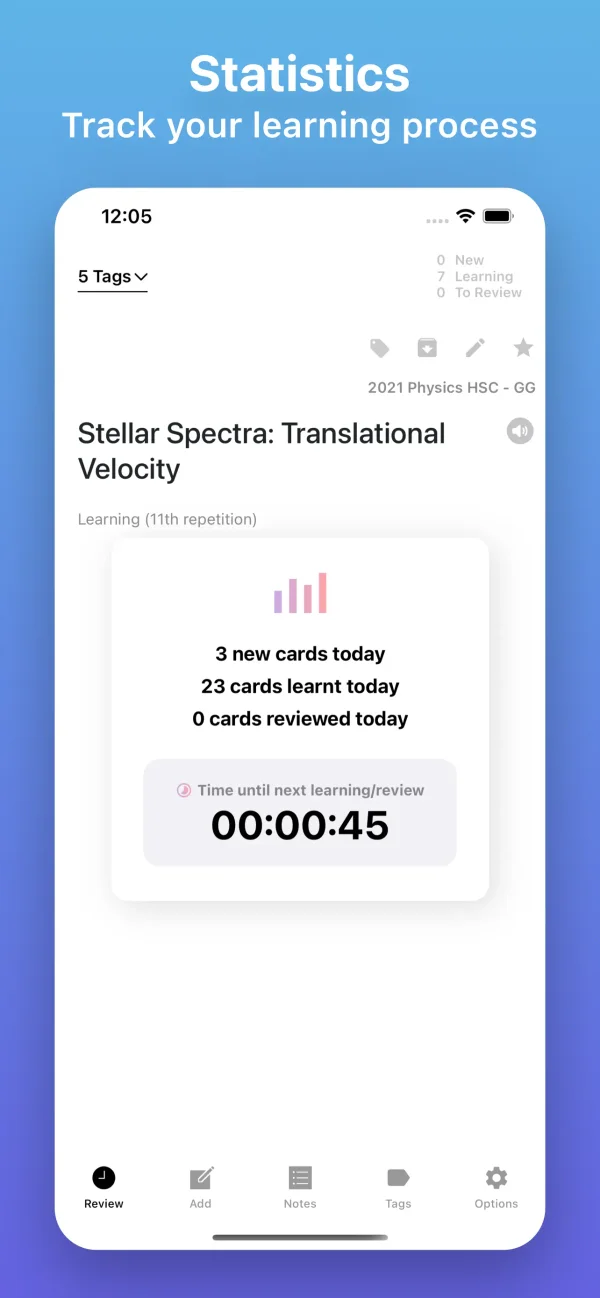
Remembering things just became much easier. Based on Forgetting Curve, using the SM2 algorithm to repeatedly remind you to review. The goal is to help you remember anything you don't want to forget, such as learning a language or preparing for medical and legal exams, and even your whimsy that you don't want to be obscured by time.
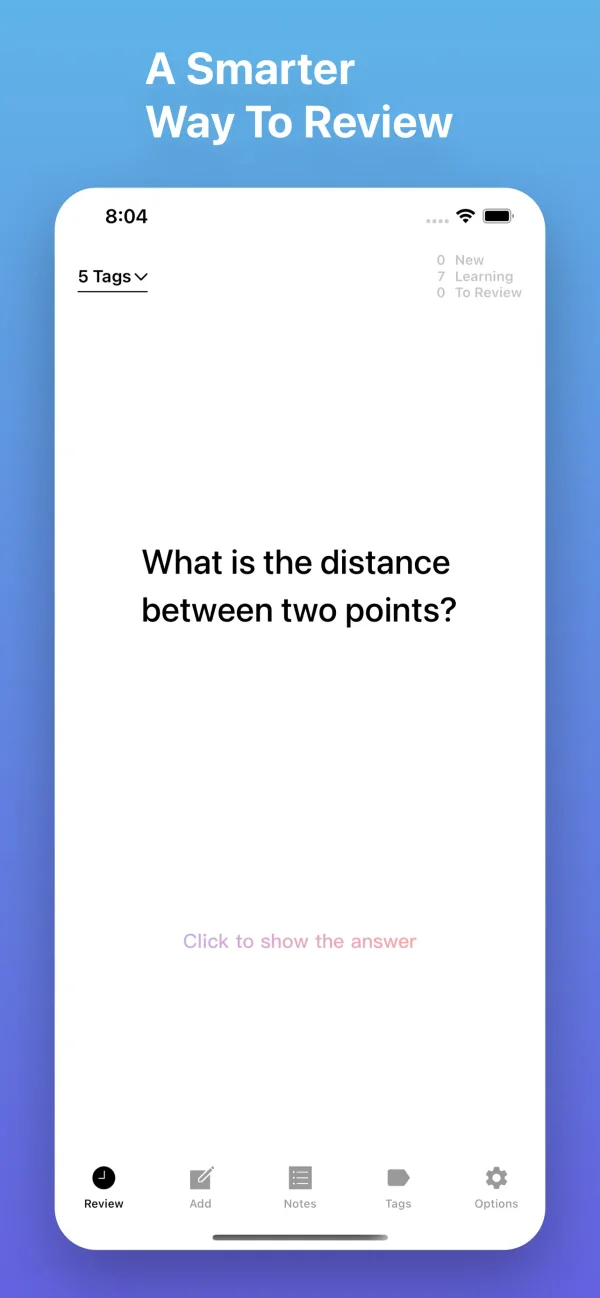
You can set questions for card front, then recall the answer according to the question.
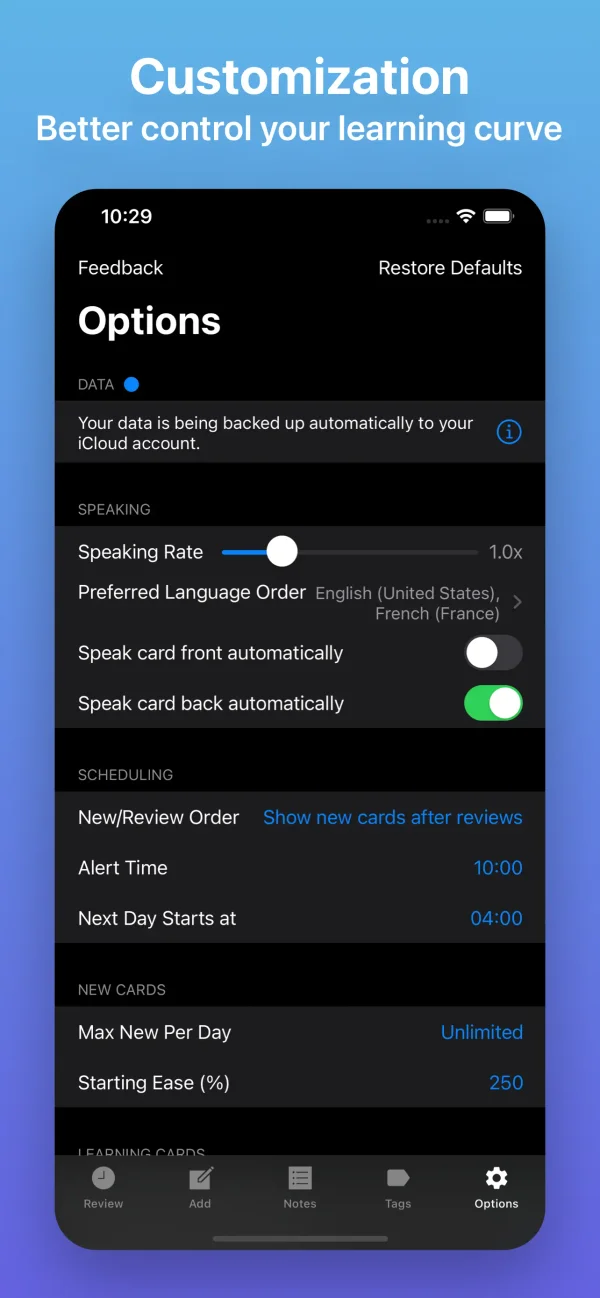
Your data will be backed up automatically to your iCloud account. That means all your stuff — flashcards, tags, preferences, and more — is safe, up to date, and available on all your devices.
You can share notes with other users and invite them to contribute to your notes.
Some of Flash Cards' features include:
· Backed up by iCloud automatically (supported with iOS 13+)
· Sync between multiple devices
· Advanced spaced repetition algorithm (SRS), built with Artificial Intelligence (AI)
· Able to import data from Anki files (*.apkg, *colpkg, *zip)
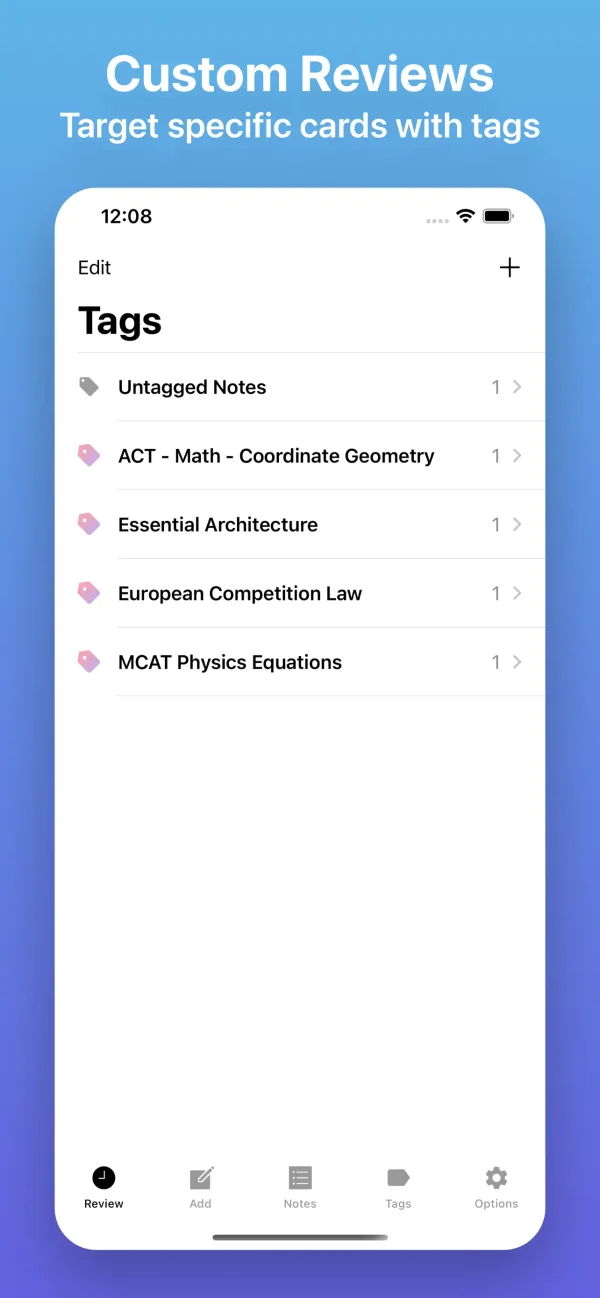
· Support for organizing notes by tags
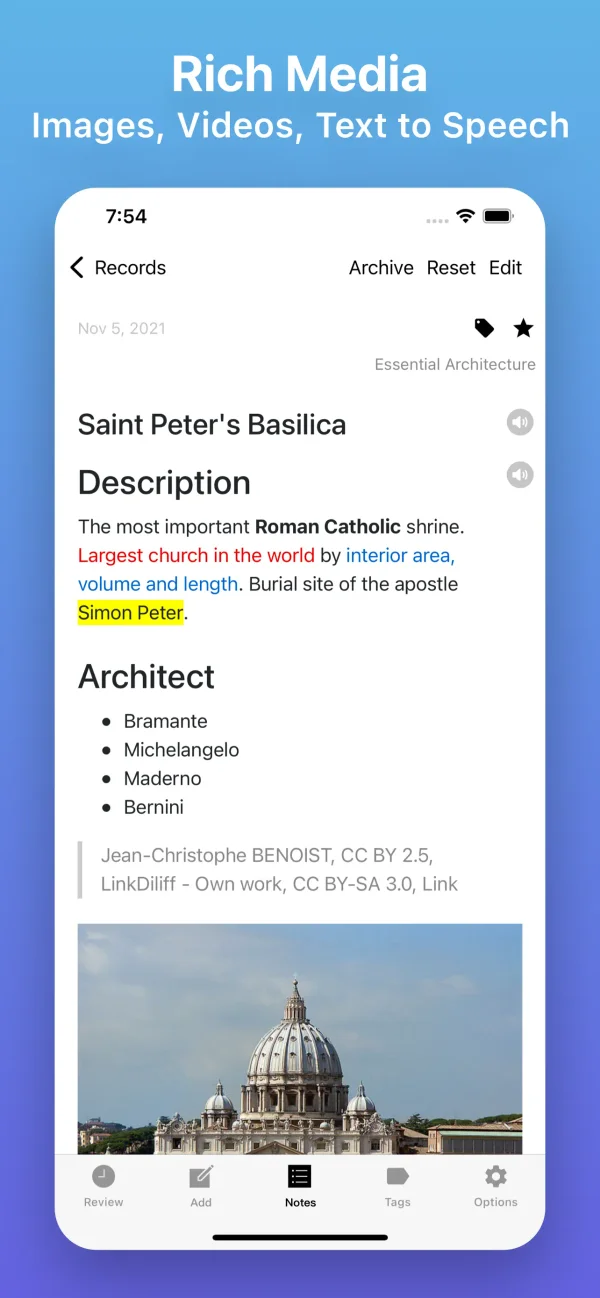
· Support for adding images, videos, audio, tables, checklists.
· Support for inserting, editing, and viewing mathematical equations and formulas.
· Support for Speech Synthesis, and listening to your notes in the background.
· Support for scanning and inserting documents.
· Support for marking up images.
· Support for setting font size of the text to make it catch the eye of the reader.
· Support for different font families to help differentiate between sections of the content that serve various purposes (e.g. main text and a side quotation or a recap).
· Support for both markers (background color) and pens (text color) to make the text stand out even more and draw attention.
· Support for advanced text styling features such as subscript, superscript, link and code.
· You can embed online video and audio players within notes.
· The Code Block feature which allows inserting and embedding syntax color highlighted code snippets into the editor.
· Support for finding and replacing any text in the editor easily.
· Support for auto formatting which employs Markdown-like inline codes as you type for a faster and more efficient editing workflow.
· Handy keyboard shortcuts to speed up your workflow
· Support for Dynamic Type
· Support for Live Text.
What’s new
Version 6.23 · Oct 15, 2026
Fixed an issue where the selection handles could stop responding after you adjusted a text selection.
App privacy
What Joseph Works Limited declares on the App Store about how this app handles data.
-
Data not collected
The developer does not collect any data from this app.
Privacy practices may vary, for example with the features you use or your age.
Information
- Seller
- Joseph Works Limited
- Category
- Education
- Version
- 6.23
- Updated
- Oct 15, 2026
- Released
- Jun 23, 2018
- Size
- 37.2 MB
- Requires
- iOS 15.0 or later
- Age rating
- 4+
- Price
- Free
- In-app purchases
- Yes
- Languages
- English, Simplified Chinese, Traditional Chinese
- Copyright
- © 2026 Jiafu Zhang
You might also like
-
 Flashcard Maker & FSRS: AzriAI spaced repetition study app
-
 Ianki FlashcardsSpaced repetition made simple.
-
 Flashcards maker - AI generateSimple Flash Cards learn app
-
 Mochi - Flashcards and notesSimple, intelligent flashcards
-
 Mopiq: AI Flashcards LearningStudy Tools, Flash Cards Maker
-
 墨墨记忆卡|考研考公考证外语学习闪卡Education
-
 Flashcards MakerSRS Vocabulary & Language Quiz
-
 Amazing Flash CardsMemorize Anything
-
 AI Flashcards - Study & LearnMake or Import Your Own Decks
-
 Spaced Repetition SmartCards+Active Recall Flashcard Maker