Flashback — Photo Shuffle
Rediscover your camera roll
Designed for iPhone
Free · In-app purchases
- Age rating4+
- CategoryPhoto & Video
- Developer子鑫 陈
- LanguagesEnglish+ 5 more
- Size7.1 MB
Links to the official App Store page
Download.org hosts no file of Flashback — Photo Shuffle. The button opens its official App Store page, published by 子鑫 陈. Listing last checked on Nov 6, 2026.
Screenshots



About
See the photos you already have, again.
Flashback turns the iPhone photo library you allow access to into a full-screen, vertical feed. Swipe to discover a random photo, video or Live Photo. No dates to choose and no albums to prepare.
SHUFFLE YOUR MEMORIES
Videos and Live Photos can play automatically. Tap to pause or resume, and choose whether to turn on sound. See the date and place when that information is available.
BOOKMARKS AND PRIVATE NOTES
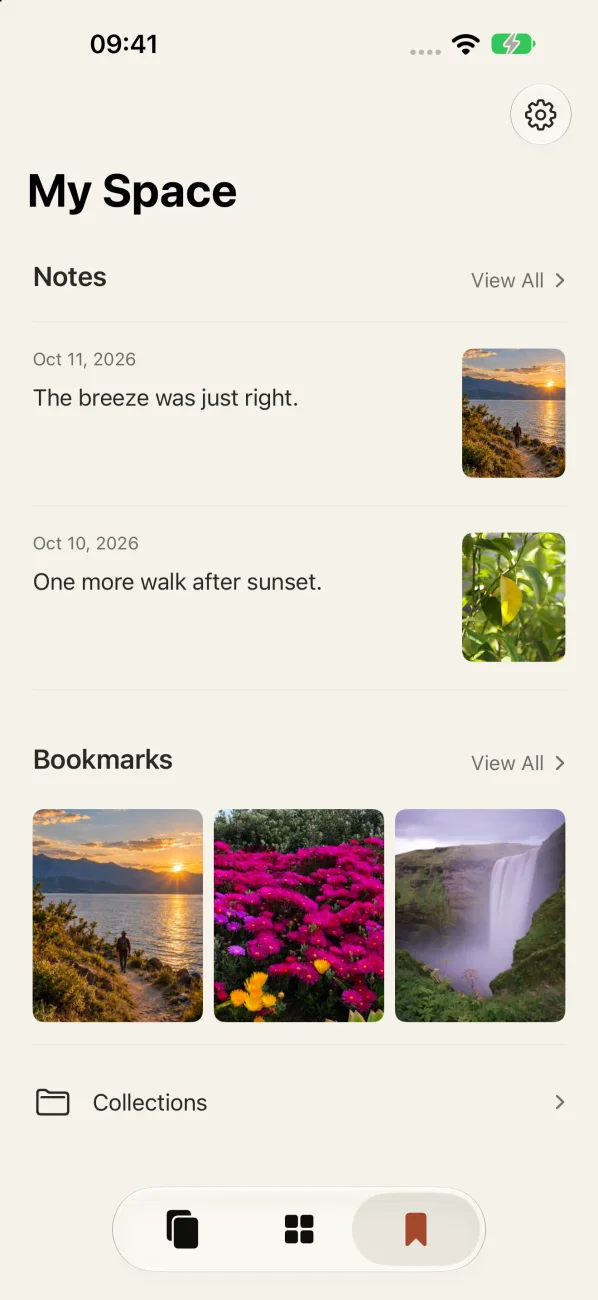
Double-tap to bookmark a moment, then organize it into collections. Write multiple notes on a photo or video, and edit or delete them later. When you revisit a moment, its notes appear one at a time, in chronological order.
A FAMILIAR LIBRARY
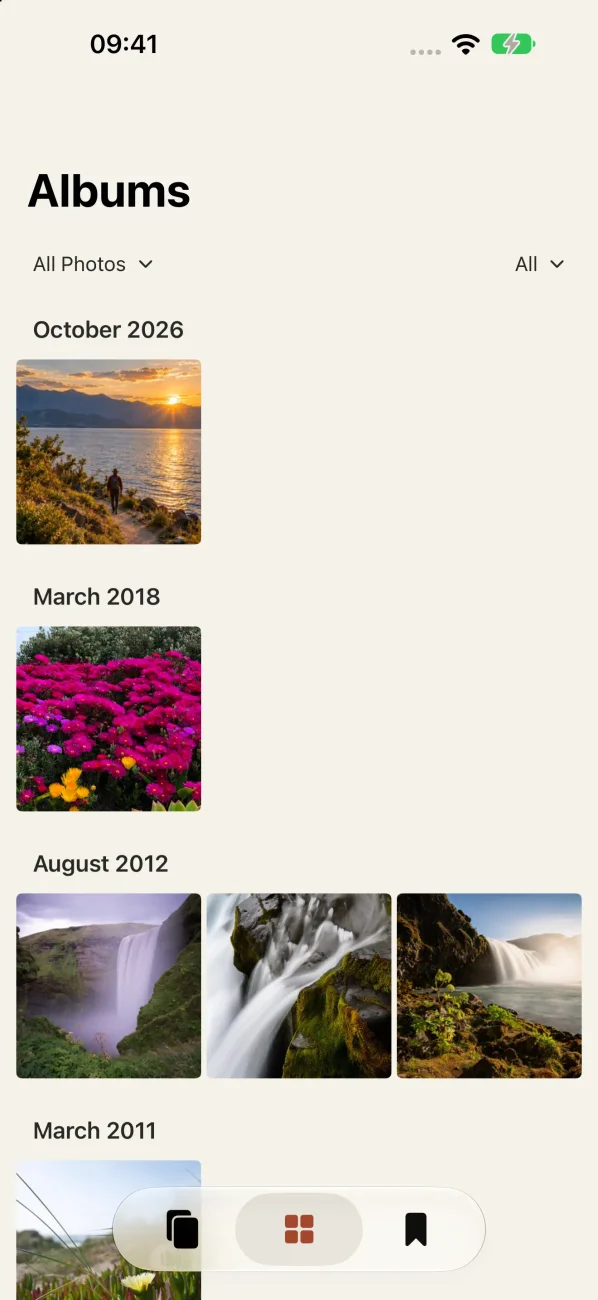
Browse by date, filter photos, videos and Live Photos, or open an existing Photos album. Choose full or limited Photos access and manage your permission at any time.
FLASHBACK PRO: A ONE-TIME PURCHASE
Combine a year range, album, media type and map area to shuffle within a theme. Save themes to return to them later. You can also exclude individual photos or videos, screenshots and screen recordings from shuffle. Restore them at any time; originals, bookmarks and notes are unchanged. Pro is a one-time in-app purchase with no recurring subscription. Full-library shuffle, bookmarks, collections and text notes remain free. The price is shown in the app.
FOR YOUR OWN USE
No app account, public feed, ads or third-party analytics SDKs. Bookmarks, notes and themes are stored in this app on your device, without changing your original photos. Cross-device syncing and record export are not currently supported. Deleting the app removes its local records. iCloud originals may be downloaded by the system; place names and maps use Apple services.
Supports English, Simplified Chinese, Traditional Chinese, Japanese, Spanish and French, with Dark Mode support.
Questions or feedback: ichzx04@outlook.com
What’s new
Version 1.1 · Oct 18, 2026
Choose what comes back in your shuffle with new Pro exclusions. Hide individual items or exclude screenshots and screen recordings, without changing originals, bookmarks or notes.
• A first-launch guide introduces browsing, Photos access and Pro.
• Redesigned library filters, My Space, Settings and Pro screens, with improved Dark Mode.
• Consistent native capsule buttons and Liquid Glass controls.
• A new layered app icon with dark and tinted appearances.
App privacy
What 子鑫 陈 declares on the App Store about how this app handles data.
-
Data not collected
The developer does not collect any data from this app.
Privacy practices may vary, for example with the features you use or your age.
Information
- Seller
- 子鑫 陈
- Category
- Photo & Video
- Version
- 1.1
- Updated
- Oct 18, 2026
- Released
- Oct 13, 2026
- Size
- 7.1 MB
- Requires
- iOS 18.0 or later
- Age rating
- 4+
- Price
- Free
- In-app purchases
- Yes
- Languages
- English, French, Japanese, Simplified Chinese, Spanish, Traditional Chinese
- Copyright
- © 2026 Reed Chen
You might also like
-
 KEEPii: Photo CleanerFind duplicates, free up space
-
 PhlotoFace-locked photo loops
-
 Photo Frame: Family SlideshowBaby & Kids Photos, Clock
-
 MyReelsPhoto & Video
-
 shuffle slideShuffle photos for lessons
-
 Continuous Player - Loop VideoAutoplay camera roll videos
-
 Timory: AI Memory Video MakerWatch them grow, year by year
-
 Photo Album Manager : Pic ORGPhoto Organizer & Album Maker
-
 Flashback Photo ShuffleSimple, fun photo shuffle
-
 Local Video ShuffleYour videos, shuffled