
- Age rating4+
- CategoryProductivity
- LanguagesEnglish+ 3 more
- Size1.5 MB
Links to the official App Store page
Download.org hosts no file of Flashbang Timer. The button opens its official App Store page, published by . Listing last checked on Nov 12, 2026.
Screenshots


About
Ever find yourself checking the remaining time over and over, only to lose focus?
Flashbang Timer is designed to help you stay focused by hiding the countdown. When time is up, the entire screen flashes black and white to alert you instead of making a sound.
■ Hide the time. Stay focused.
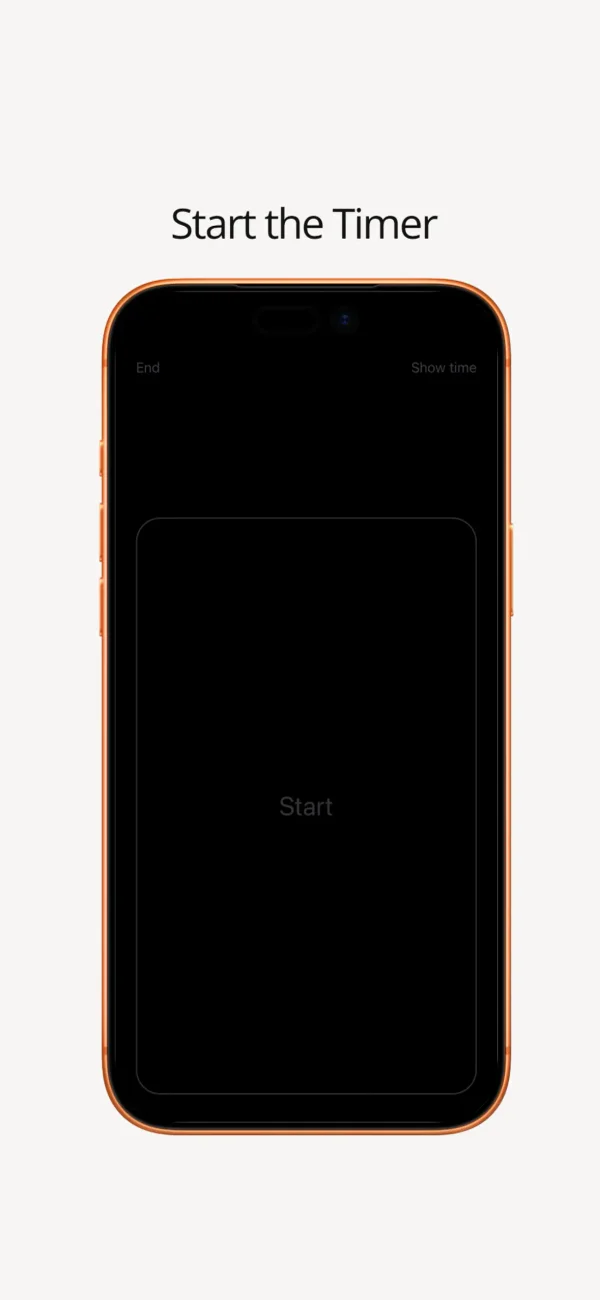
· Tap Start to dim the screen and hide the remaining time.
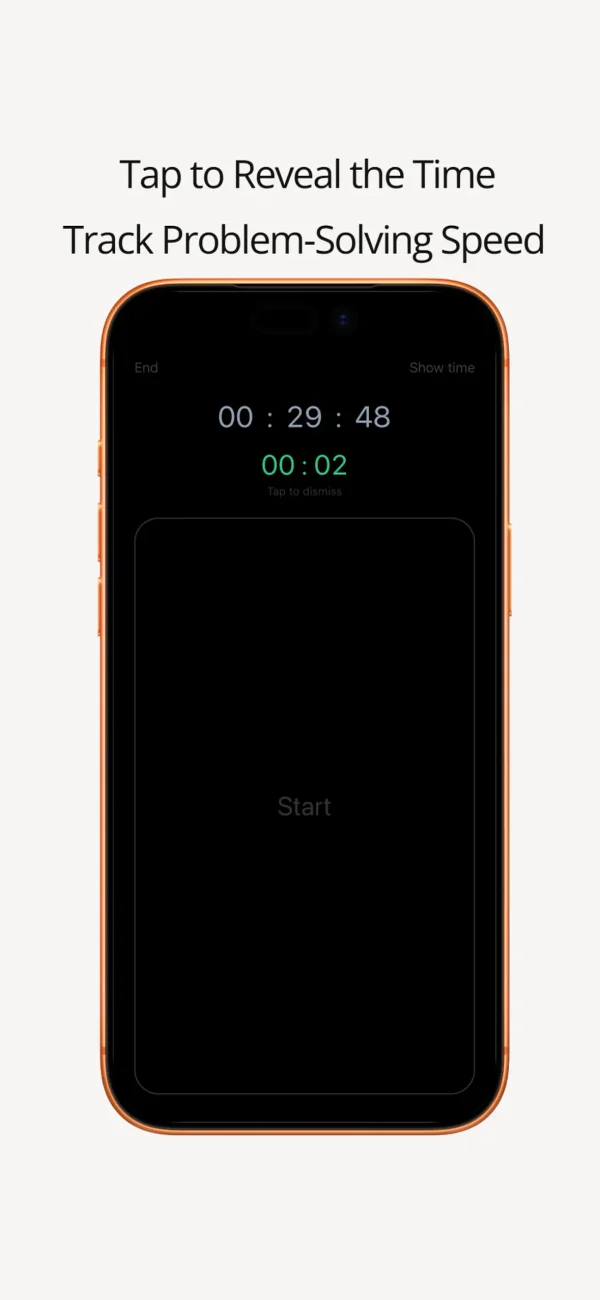
· Tap "Show Time" whenever you want to check the countdown. Tap it again to hide it.
· The screen stays on while you study.
■ Silent alerts through light
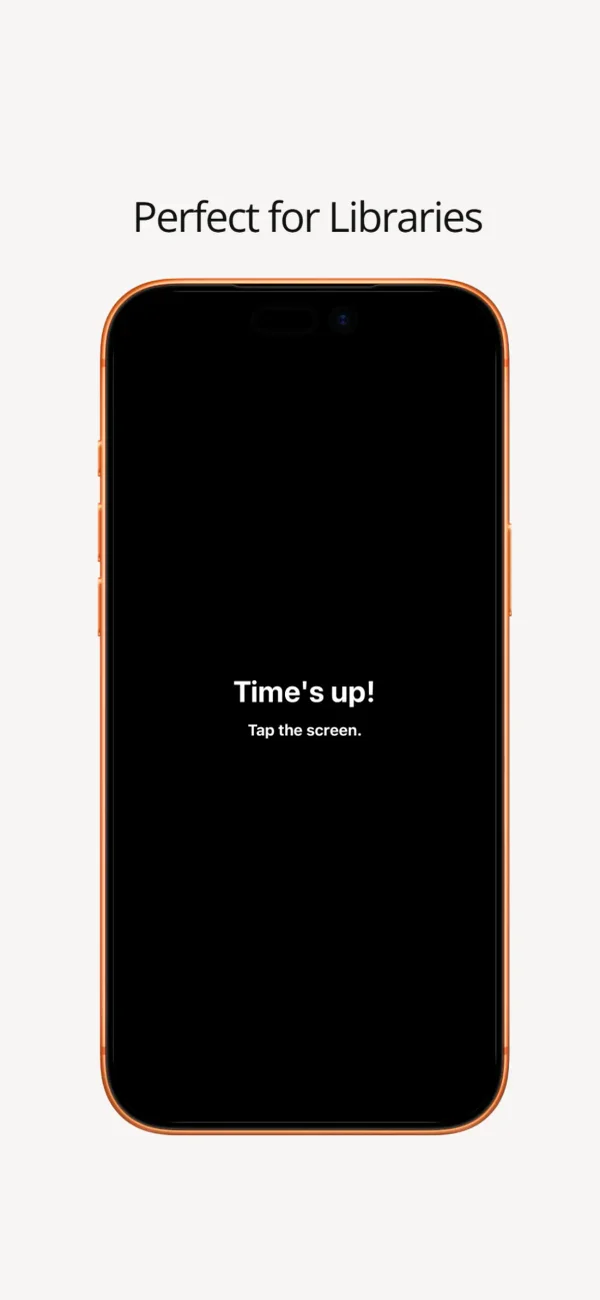
· When time is up, the entire screen flashes and the brightness goes up to maximum.
· No sounds or vibrations, so you won't disturb others in libraries, study rooms, or study cafés.
· Simply touch the screen to stop the alert and return to the home screen.
■ Quick and easy time setting
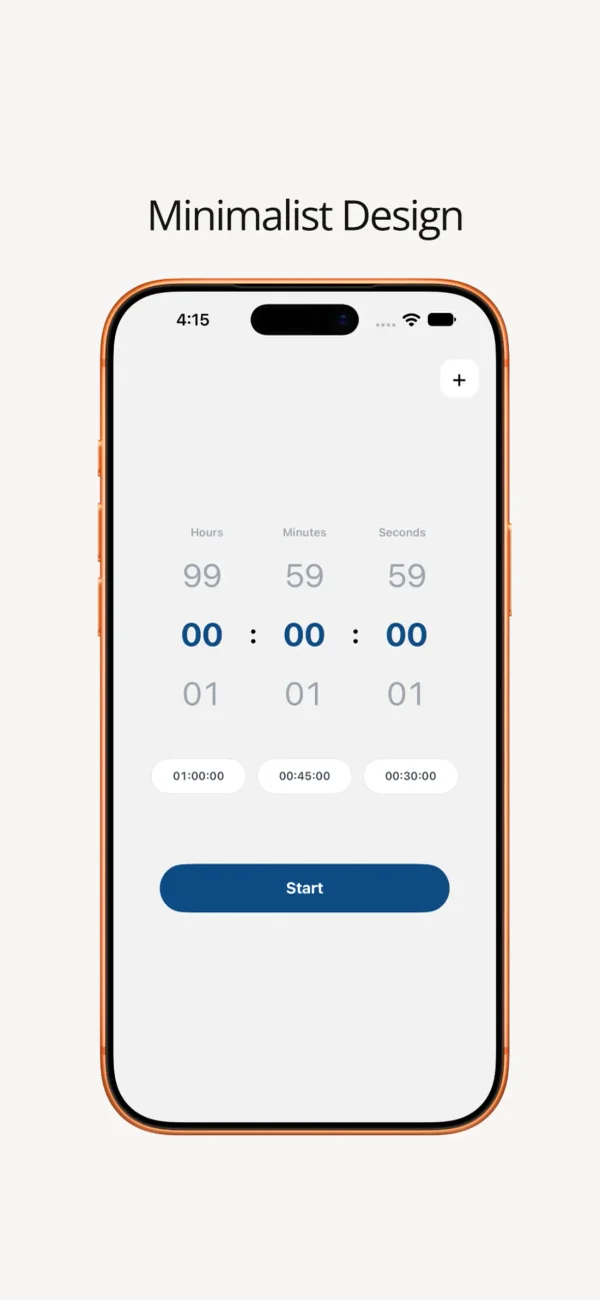
· Set hours, minutes, and seconds using scroll wheels, just like in your phone's clock app.
· Tap the number in the center of a wheel to switch to the keypad and enter a time directly.
· Save up to 3 frequently used times as default timers.
· Set a "Timer on Launch" and the app will automatically load that time every time you open it.
■ Stopwatch built into the study screen
· Use the large button to start and stop the stopwatch and track how long it takes to solve each problem.
· The countdown timer keeps running while you use the stopwatch.
■ Lightweight and privacy-friendly
· Works offline. No ads and no in-app purchases.
· No personal data is collected. All settings are stored locally on your device.
※ Please note
· This timer is designed to be used with the screen on. It does not send notifications. If the timer ends while you're using another app, the flash alert will appear when you return to this app.
· When the timer ends, the entire screen flashes rapidly (2 times per second).
App privacy
What declares on the App Store about how this app handles data.
-
Data not collected
The developer does not collect any data from this app.
Privacy practices may vary, for example with the features you use or your age.
Information
- Seller
- CHANHO YUN
- Category
- Productivity
- Version
- 1.0
- Updated
- Nov 9, 2026
- Released
- Nov 9, 2026
- Size
- 1.5 MB
- Requires
- iOS 17.0 or later
- Age rating
- 4+
- Price
- Free
- Languages
- English, Japanese, Korean, Simplified Chinese
- Copyright
- © 2026 CHANHO YUN
You might also like
-
 Kapi: Cozy Time TrackerStudy & work stopwatch
-
 Gra-deuk Timer8 Study Skills! Pomodoro Timer
-
 PDFページ整理 - 分割・抽出Productivity
-
 AutoNoto - 강의 녹음 AI 노트녹음하면 슬라이드별 AI 노트·필기·퀴즈 자동
-
 Flip Clock: Focus Timer WidgetPomodoro, Alarm & Standby Mode
-
 Roundi: Visual Focus TimerSingle-Task Pomodoro for ADHD
-
 AeroFocus: Study Flight TimerFocus timer that takes flight
-
 Cat's Study: Focus TimerPomodoro, Stopwatch & Tracker
-
 AI Summary for Youtube VideoText & YouTube Summarizer
-
 Sona MobileProductivity