Flashcards & Shadowing: Snova
Revision cards & vocabulary
Designed for iPhone, iPad
In-app purchases
- Age rating4+
- CategoryEducation
- DeveloperLunarly Limited
- LanguagesEnglish+ 14 more
- Size220.0 MB
Links to the official App Store page
Download.org hosts no file of Flashcards & Shadowing: Snova. The button opens its official App Store page, published by Lunarly Limited. Listing last checked on Nov 23, 2026.
Screenshots

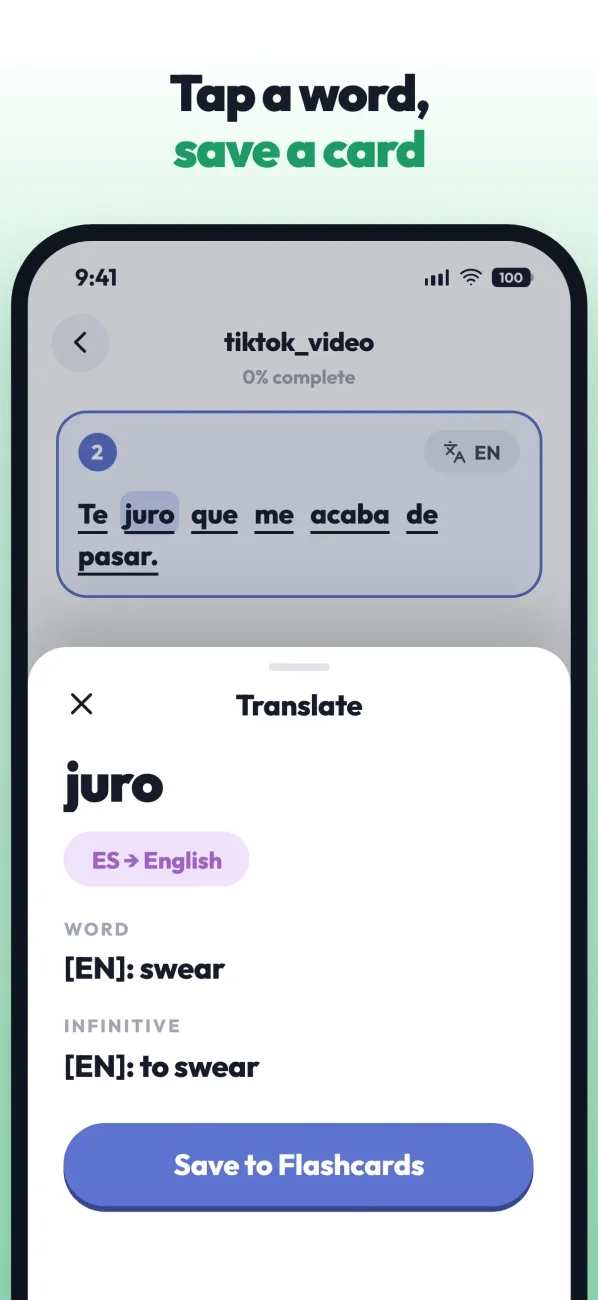

About
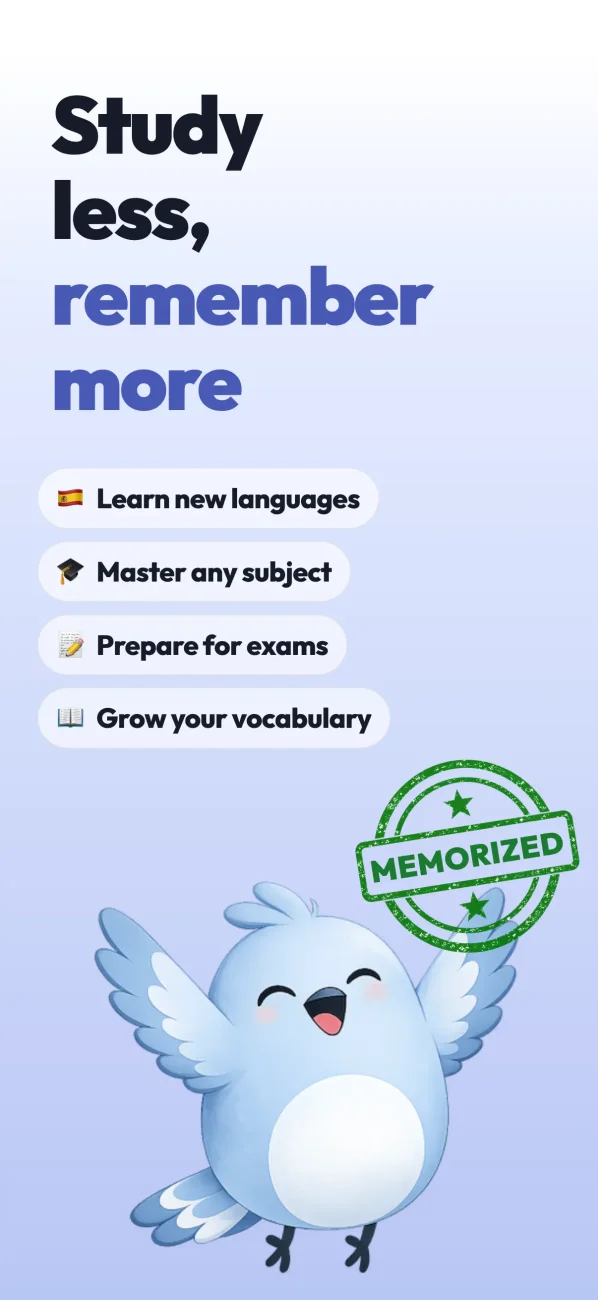
Flashcard maker and speaking practice app for iPhone and iPad. Study new words and use shadowing to sound like a native!
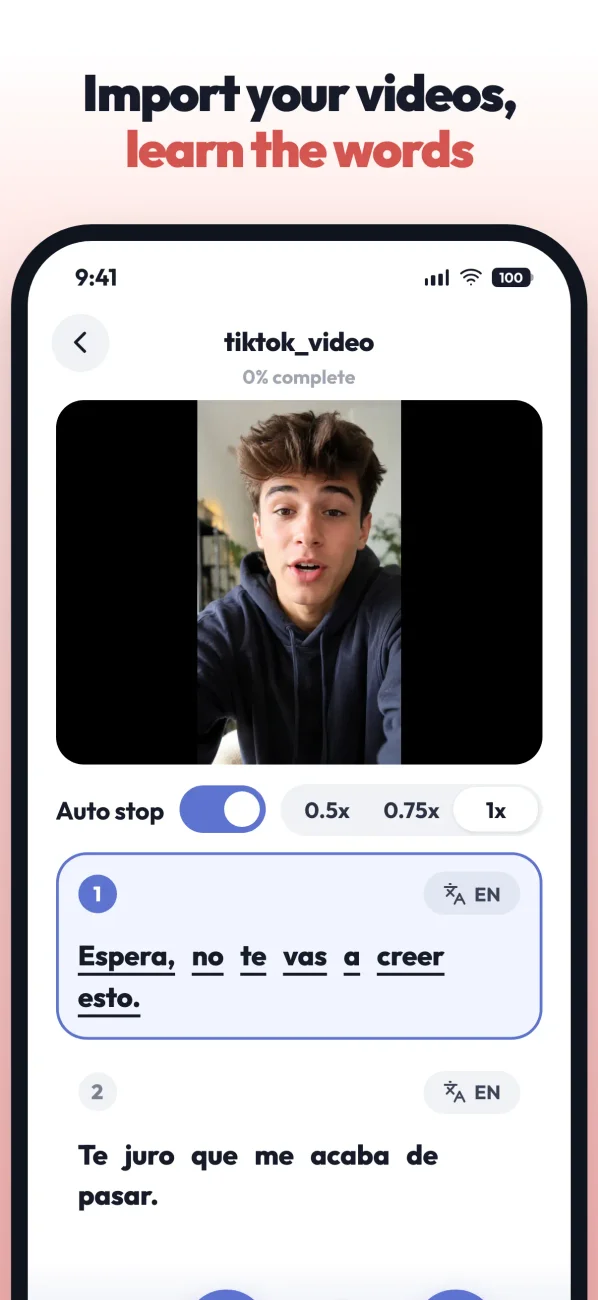
The Snova app turns the videos you already watch into speaking practice, and the words you meet into flashcards that stick. Pick a video from your photo library and it becomes a pronunciation lesson. A native speaker says a line, you repeat it, and you keep going until it sounds right. Interpreters and language teachers have used shadowing for decades, usually with textbook audio. Here you do it with any video you like.
WHY SHADOWING WORKS
Reading a word tells you what it means. Repeating it out loud after a native speaker tells you how it actually sounds: the rhythm, the way words run into each other, the sounds your own language never asks you to make. Plenty of learners understand far more than they can say. Shadowing works on the second half.
Snova transcribes the video right on your iPhone or iPad and splits it into lines. Slow a line down, replay it, then record yourself. Dub Mode puts your voice on the video so you can watch it back and share it. Turn it off to get a score for your pronunciation, intonation and timing.
Ten minutes a day is enough to hear the difference in your own recordings!
LEARN THE WORDS, NOT JUST THE SOUNDS
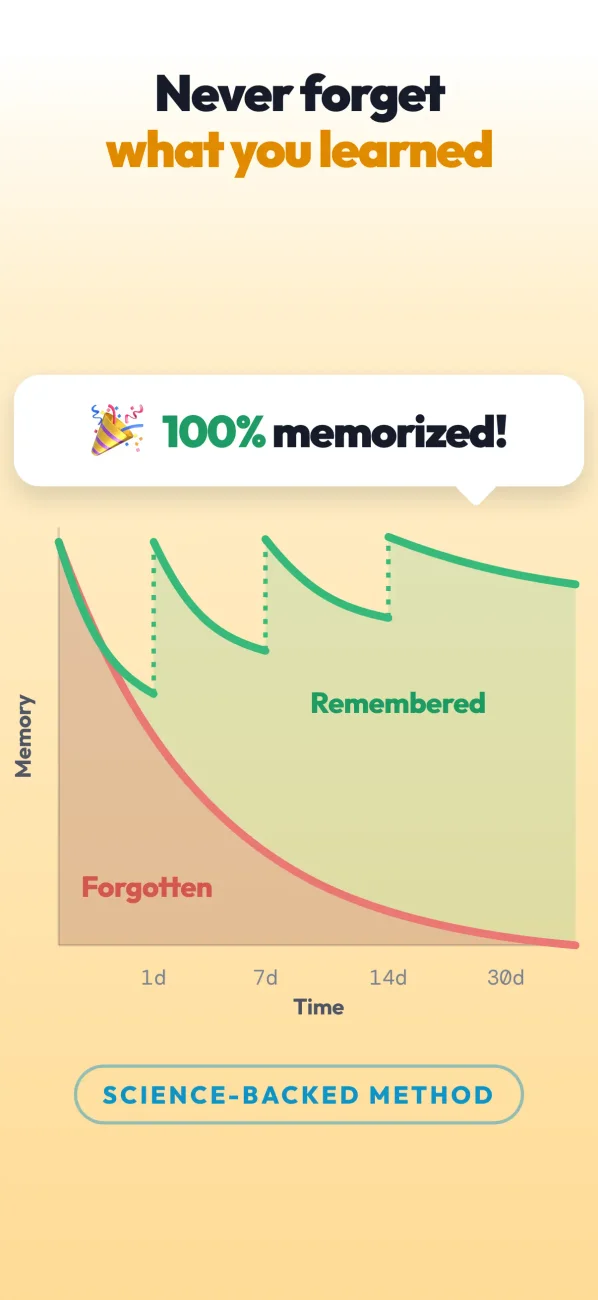
Tap any word in a video and it becomes a flashcard. Snova schedules your reviews with FSRS, a modern spaced repetition algorithm: you rate each card Again, Hard, Good or Easy, and it comes back right before you'd forget it. Your vocabulary comes from videos you picked yourself, so you end up learning the words people actually use.
READY-MADE DECKS IN THE LIBRARY
Not sure where to start? The Library has ready-made decks for 14 languages: alphabets, grammar, verbs and everyday words with translations. Add one in a tap and start reviewing.
CARDS FOR ANYTHING YOU STUDY
A word card can carry up to three languages, so you can learn two languages alongside your native one. A definition card has a term on one side and what it means on the other. Question and answer cards take anything you'd be asked out loud: an exam question, a formula you have to reproduce. Write them yourself, or describe a topic and get a deck back.
WHAT YOU GET:
• Import clips from your favourite creators and practise with them line by line
• One-tap flashcards from any word you meet
• Word cards in up to three languages, definition cards and Q&A cards
• Ready-made decks in the Library, and decks from other learners
• Share decks with a link, or publish them for everyone
• A daily streak with freezes, and reminders
• Study offline: your cards live on your device
• Up to 100 flashcards for free
PREMIUM FEATURES:
• Unlimited flashcards.
• AI decks: describe what you want to learn and get a deck built for it.
• AI Translate: tap a word and get the meaning it has in that line, not the first one in the dictionary.
• AI examples: ask for example sentences on any card and see the word working in a real sentence.
• Pictures and photos on your cards.
• The Library's Premium decks.
• iCloud backup and sync: your decks, cards and review history follow you to your next device.
You can try Premium with a 7-day free trial.
Browse the Library on the web: https://snova.cards/decks
Privacy policy: https://snova.cards/privacy
Terms of use: https://snova.cards/terms
What’s new
Version 0.010 · Nov 21, 2026
Bug fix
App privacy
What Lunarly Limited declares on the App Store about how this app handles data.
-
Data used to track you
May be used to track you across apps and websites owned by other companies.
- Identifiers
-
Data not linked to you
May be collected but is not linked to your identity.
- Location
- User content
- Identifiers
- Usage data
- Diagnostics
Privacy practices may vary, for example with the features you use or your age.
Information
- Seller
- Lunarly Limited
- Category
- Education
- Version
- 0.010
- Updated
- Nov 21, 2026
- Released
- Aug 7, 2026
- Size
- 220.0 MB
- Requires
- iOS 26.5 or later
- Age rating
- 4+
- In-app purchases
- Yes
- Languages
- English, Dutch, French, German, Italian, Japanese, Korean, Portuguese, Russian, Simplified Chinese, Spanish, Thai + 3 more
- Copyright
- © 2026 Lunarly Limited
You might also like
-
 Review - Spaced RepetitionRemember What You Learn
-
 WordDexFun lessons from your world
-
 Flash Study Smart FlashcardsKnows what you’ll forget
-
 LucideckScan Text Into Flashcards
-
 CringeEducation
-
 Langur DictionaryOffline German–Turkish–English
-
 Learn Albanian - LingoRiseClimb to Fluency, Step by Step
-
 WordSpeak: Learn EnglishLearn words. Say them right.
-
 Learn German - LingFastAI Speaking, Vocab & Live Chat
-
 Lumio: Voice PracticePractice real conversations