
FlashToPass Scholastic Math
Fact Fluency for the Classroom
Designed for iPhone, iPad, Mac
$9.99
- Age rating4+
- CategoryEducation
- DeveloperScybot Technologies, L.L.C.
- LanguagesEnglish+ 15 more
- Size20.3 MB
Links to the official App Store page
Download.org hosts no file of FlashToPass Scholastic Math. The button opens its official App Store page, published by Scybot Technologies, L.L.C. Listing last checked on Nov 16, 2026.
Screenshots
About
Everything unlocked. One price. Built for classrooms.
FlashToPass Scholastic Math is the complete school edition of FlashToPass, the proven math flash card app. Version 3.0 is a complete rebuild. It adds live whole-class competitions, camera grading for printed worksheets, voice answers, and an Apple Watch app, and the Mac app is now included with your purchase.
No ads. No in-app purchases. No subscriptions. No accounts. No tracking. Perfect for schools, classrooms, and homeschool.
- Run the Whole Class -
Host a live competition from one device and let the room join in. Everyone races the same cards, and you choose the win condition: beat the class average, or beat everyone. Students can join from the free FlashToPass app, so a single teacher device can run the activity.
- Paper, Graded by Camera -
Print practice sheets or cut-out flash cards for any operation and number range, on US Letter or A4, with an answer key for fast grading and name and score lines already on the page. Nothing you print carries a watermark. When the finished sheet comes back, point the camera at it. FlashToPass reads the QR code, recognizes the handwriting, and grades it on the device, with nothing uploaded.
- Practice Every Way -
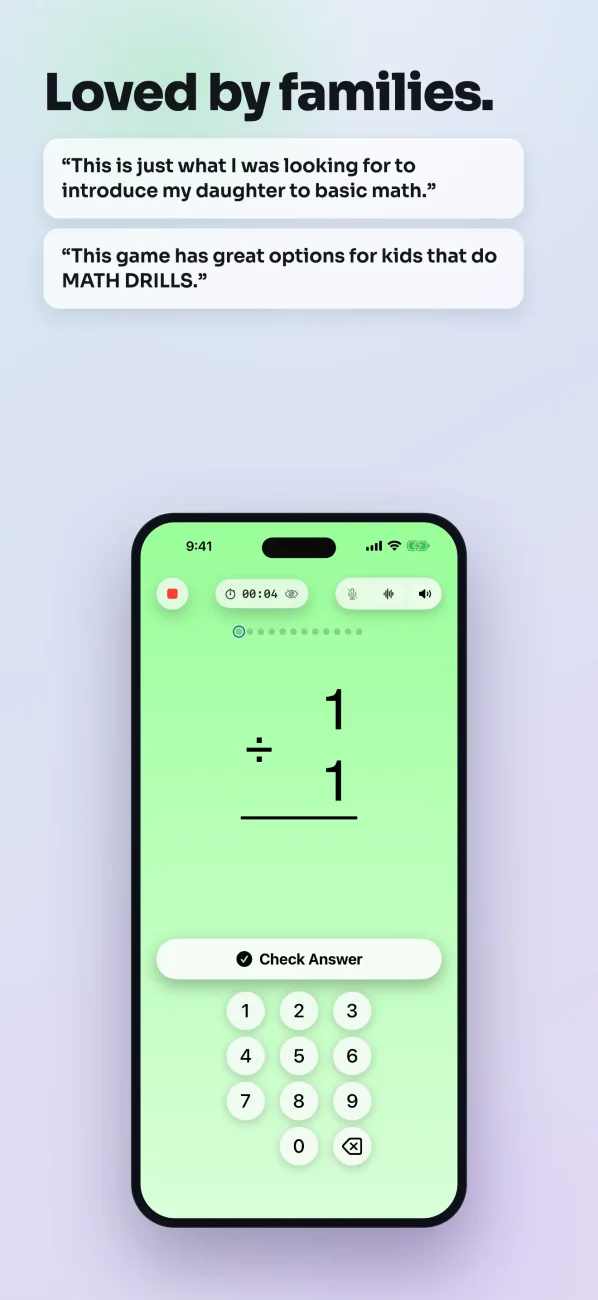
Students type on a big keypad or say their answers out loud, in 12 languages. The app can read each problem aloud, practice picks up where the student left off, and a full practice session runs on Apple Watch.
- Why Master Math Facts? -
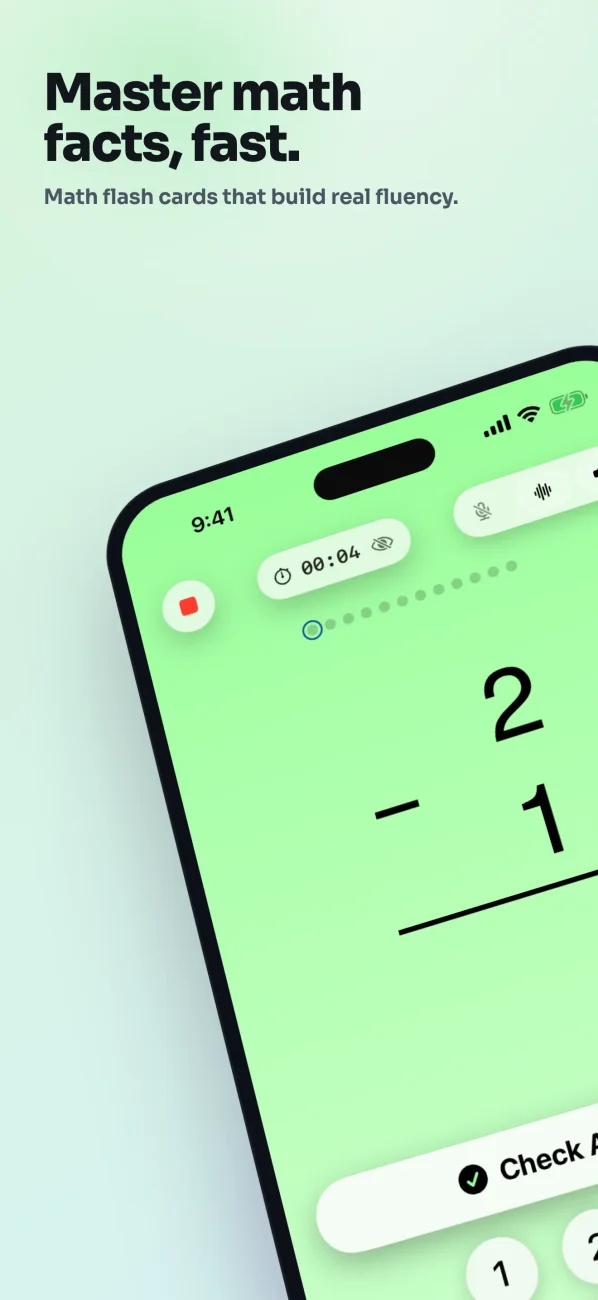
Mastery of math facts is essential for success in math. When students know their math facts quickly and accurately, they can focus on learning new concepts instead of struggling with basic calculations. Building strong math fact skills improves confidence, speed, and long-term academic success.
- Built for the Classroom -
The Scholastic edition is tailored for use in schools. Every feature is included up front, so it works with institutional purchasing (Apple School Manager and volume purchase) and never shows students a paywall, ad, or account screen.
- Key Features -
- NEW! Teacher-vs-class live competitions with selectable win conditions.
- NEW! Scan & Grade: camera grading for printed worksheets.
- NEW! Voice answers in 12 languages, plus a read-aloud mode.
- NEW! Apple Watch app with Digital Crown input.
- NEW! The Mac app is now included with your purchase.
- NEW! Completely redesigned, with sidebar layouts on iPad.
- Printable worksheets and flash card exports. Print with AirPrint®.
- All four operations: addition, subtraction, multiplication, and division.
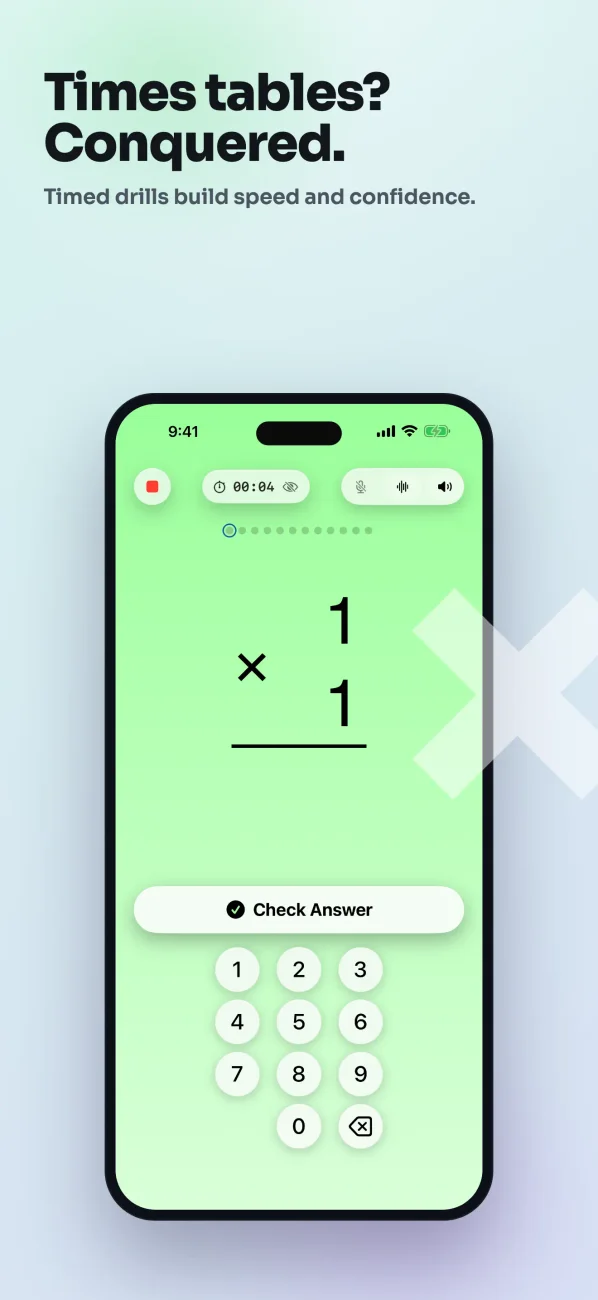
- Times tables practice by number, 1 through 12.
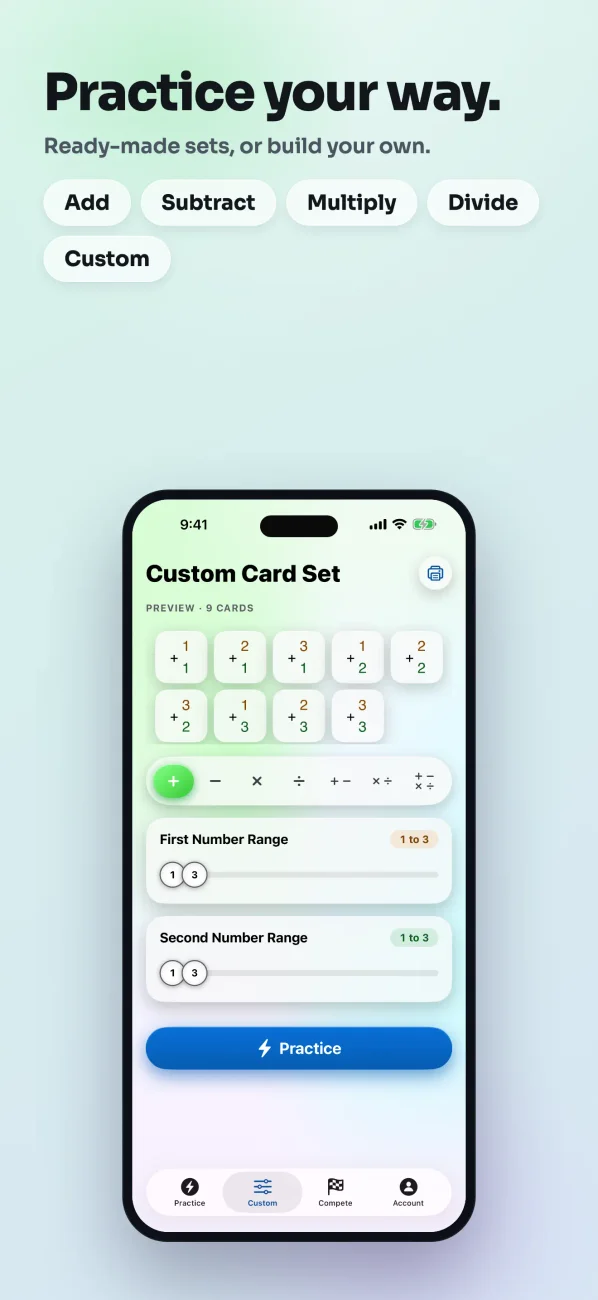
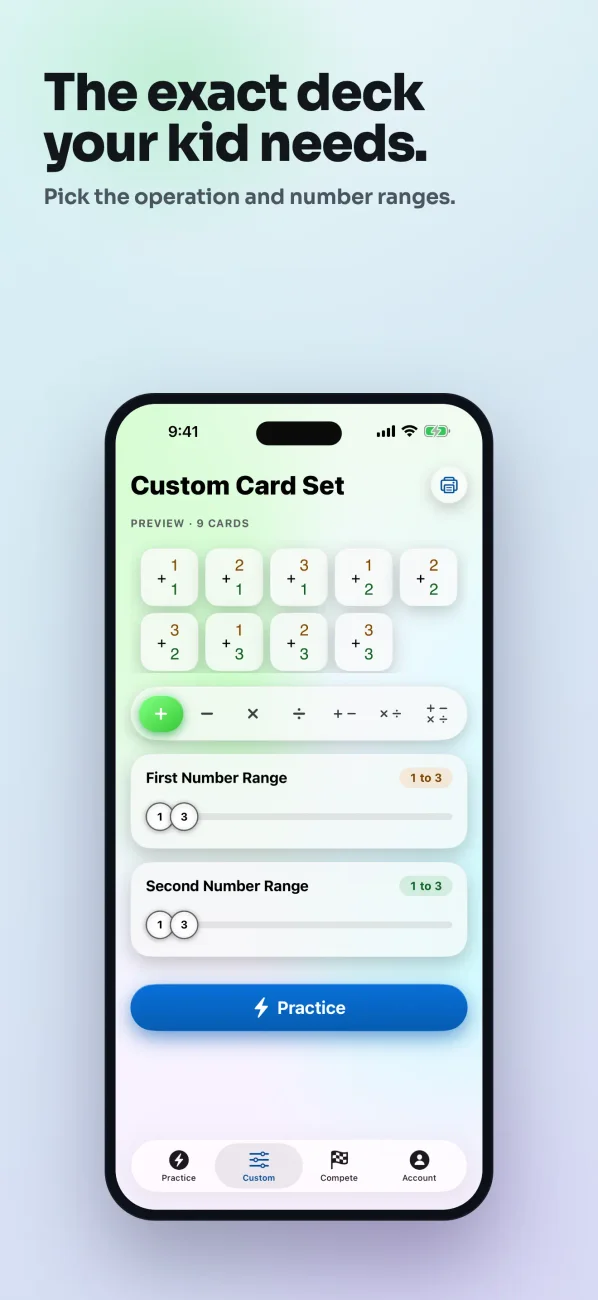
- Custom card sets: build exactly the deck a lesson needs.
- Practice by number or by difficulty.
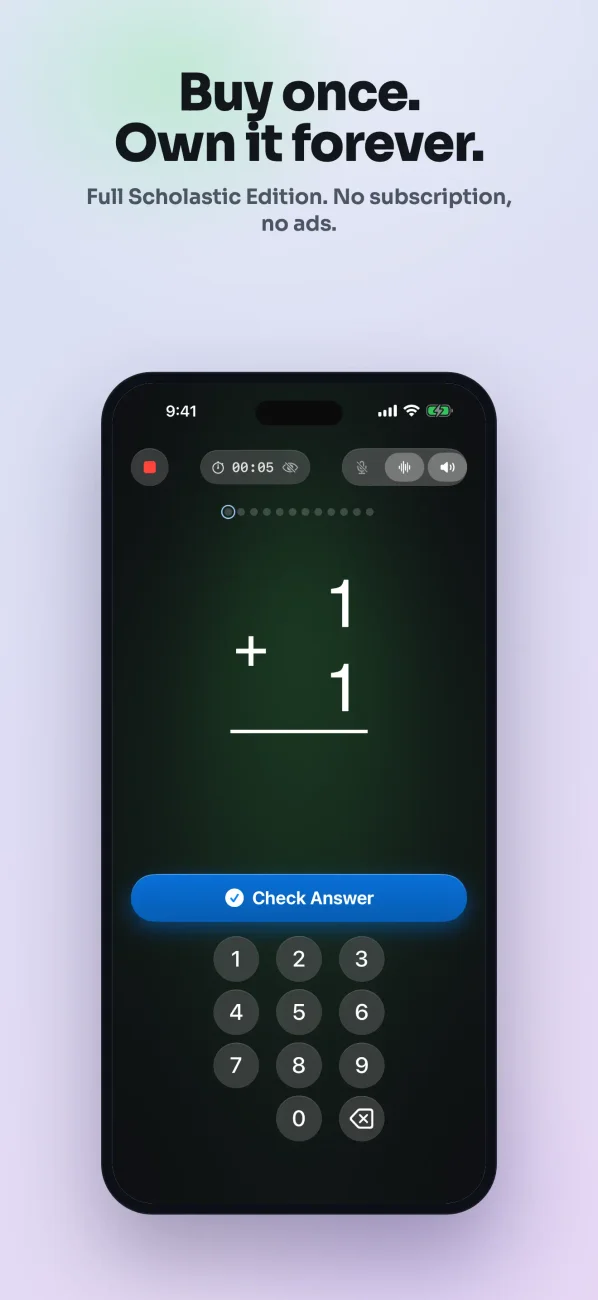
- Dark mode, sound effects, and animations.
- Works offline. No internet is needed for practice.
- Support -
Questions, comments, or bugs? Please contact us using the form at https://www.scybot.com/BugReport.php.
- Miscellaneous -
AirPrint® is a registered trademark of Apple Inc., registered in the U.S. and other countries.
- Privacy Policy -
Please refer to https://www.scybot.com/flashtopass-privacy.pdf
- Terms of Use -
Please refer to https://www.scybot.com/terms.html
What’s new
Version 3.0.0 · Oct 22, 2026
FlashToPass 3.0 is the biggest update in the app's history. We rebuilt it from the ground up with a brand-new interface and a huge suite of new features.
COMPETE
Race head-to-head over local Wi-Fi, from two kids at the kitchen table to a whole classroom. Everyone gets the same cards, and the results show who finished first.
SCAN & GRADE
Print a practice sheet, fill it in on paper, and point the camera at it. FlashToPass reads the handwriting and grades the page. Nothing leaves the device.
SPEAK & LISTEN
Say answers out loud with the new Listen mode, in any of 12 languages, and have the app read each problem aloud.
APPLE WATCH
Practice right on your wrist, and answer with the Digital Crown.
IPHONE DUO
Practice on iPhone Duo, with native support for both displays.
MAC
Download the Mac app at no extra cost. It's now the same app as on iPhone and iPad.
PRINTING
Print worksheets and cut-out flash cards for any operation and number range.
A COMPLETE REDESIGN
We redrew every screen with new color, motion, and typography, and added a sidebar layout for iPad in landscape. Pick up practice where you left off, and set reminders to build a daily habit.
Plus dozens of bug fixes and smaller improvements.
FlashToPass Scholastic unlocks every feature for life. Still no ads, no accounts, and no tracking.
App privacy
What Scybot Technologies, L.L.C. declares on the App Store about how this app handles data.
-
Data not collected
The developer does not collect any data from this app.
Privacy practices may vary, for example with the features you use or your age.
Information
- Seller
- Scybot Technologies, L.L.C.
- Category
- Education
- Version
- 3.0.0
- Updated
- Oct 22, 2026
- Released
- Aug 27, 2009
- Size
- 20.3 MB
- Requires
- iOS 26.0 or later
- Age rating
- 4+
- Price
- $9.99
- Languages
- English, Arabic, Bengali, French, German, Hebrew, Hindi, Indonesian, Italian, Japanese, Korean, Portuguese + 4 more
- Copyright
- © 2026 Scybot Technologies LLC
You might also like
-
 Math Facts - Flash CardsPractice your math facts
-
 Synthesis Math Tutor for KidsAdaptive Math Lessons for Kids
-
 Stack the States®Education
-
 Phonogram SoundsEducation
-
 Big Math Flash CardsAdd Subtract Multiply Divide
-
 Musical MultiplicationEducation
-
 Monster Math : Kids Fun Games1st, 2nd & 3rd Grade Learning
-
 Spelling: Spelling GamesWord Reference - ABC Bee Games
-
 Homeroom Private Photo SharingEducation
-
 Odyssey XREducation