
Fleet Guardian Mobile
Pair LMU + tablet in seconds
Designed for iPhone, iPad, iPod touch
Free
- Age rating4+
- CategoryBusiness
- DeveloperSynovia Solutions LLC
- LanguagesEnglish
- Size68.8 MB
Links to the official App Store page
Download.org hosts no file of Fleet Guardian Mobile. The button opens its official App Store page, published by Synovia Solutions LLC. Listing last checked on Nov 15, 2026.
Screenshots

About
Fleet Guardian Mobile is the field-install companion for CalAmp Fleet Guardian. Built for installer technicians, it replaces error-prone manual ESN entry and back-office paperwork with a guided in-vehicle workflow.
INSTALL WORKFLOWS
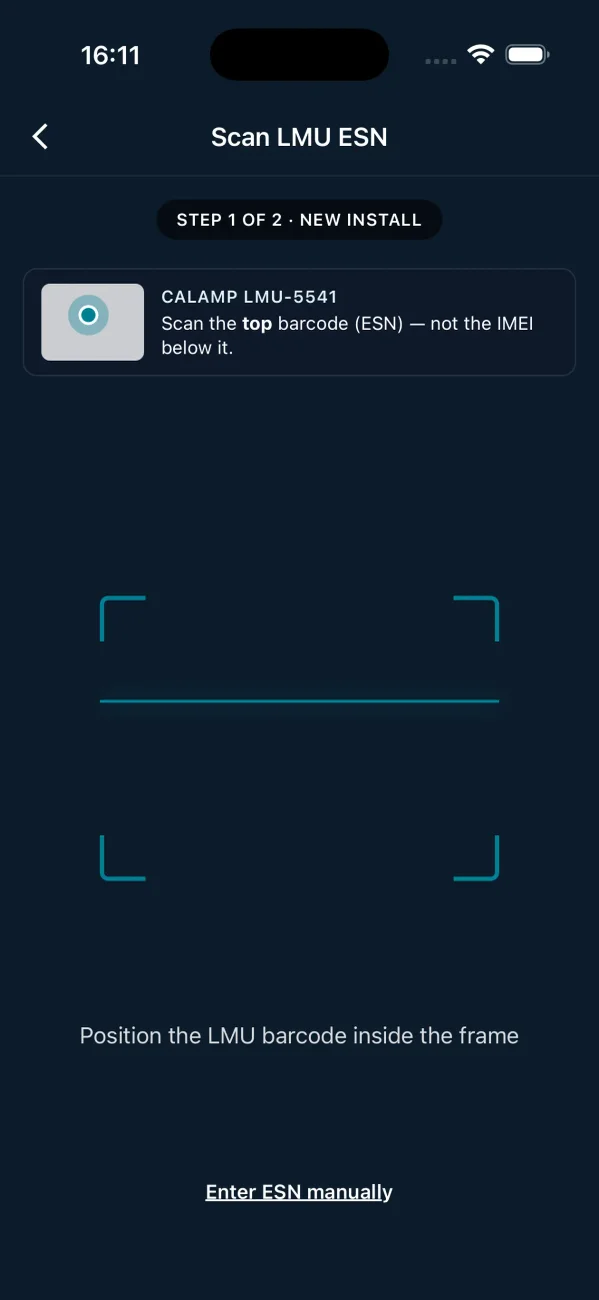
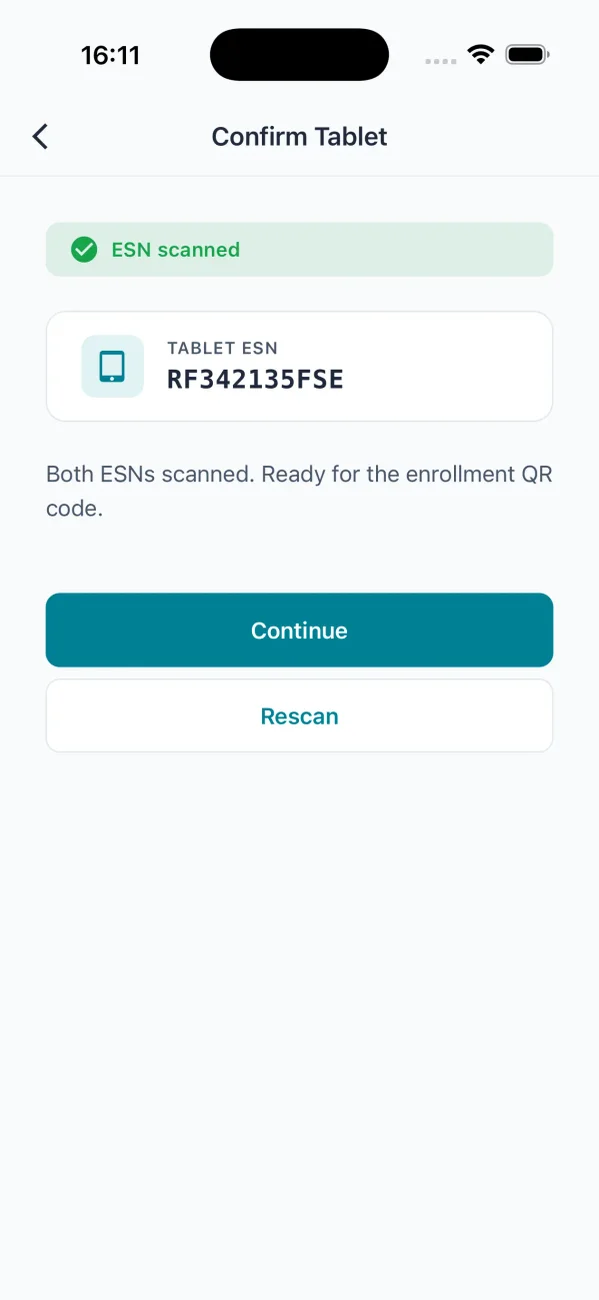
• New Install — scan the LMU's barcode, confirm the ESN, scan the tablet's S/N, generate a pairing QR. The Fleet Guardian tablet reads the QR to complete pairing in seconds.
• Tablet Swap — replace a failed device on an already-provisioned vehicle. Pick the vehicle, scan the new tablet, generate the pairing QR. No re-enrollment of the LMU.
ACCURATE BY DESIGN
• ESN format validation catches the most common misentries on the spot. LMU labels carry both an ESN (10 digits) and an IMEI (15 digits) — Fleet Guardian Mobile rejects the wrong one with a clear "this looks like the IMEI" message before it ever reaches the back office.
• Manual entry available with the same validation rules when a barcode won't scan.
• Server-issued enrollment errors (LMU not found, tablet already enrolled) surface as actionable dialogs with the right next step — including the CalAmp Support number for stuck cases.
WORKS WHERE YOU INSTALL
• Outdoor-ready scanner UI with screen brightness boost.
• Persistent offline indicator. Changes made out of cell range queue locally and sync when you're back.
WHO IT'S FOR
• CalAmp installer technicians provisioning LMU-5541s and Samsung Tab Active 5s in fleet vehicles.
• Global Tech Support staff handling tablet swaps and field service.
• Installer managers overseeing fleet rollouts.
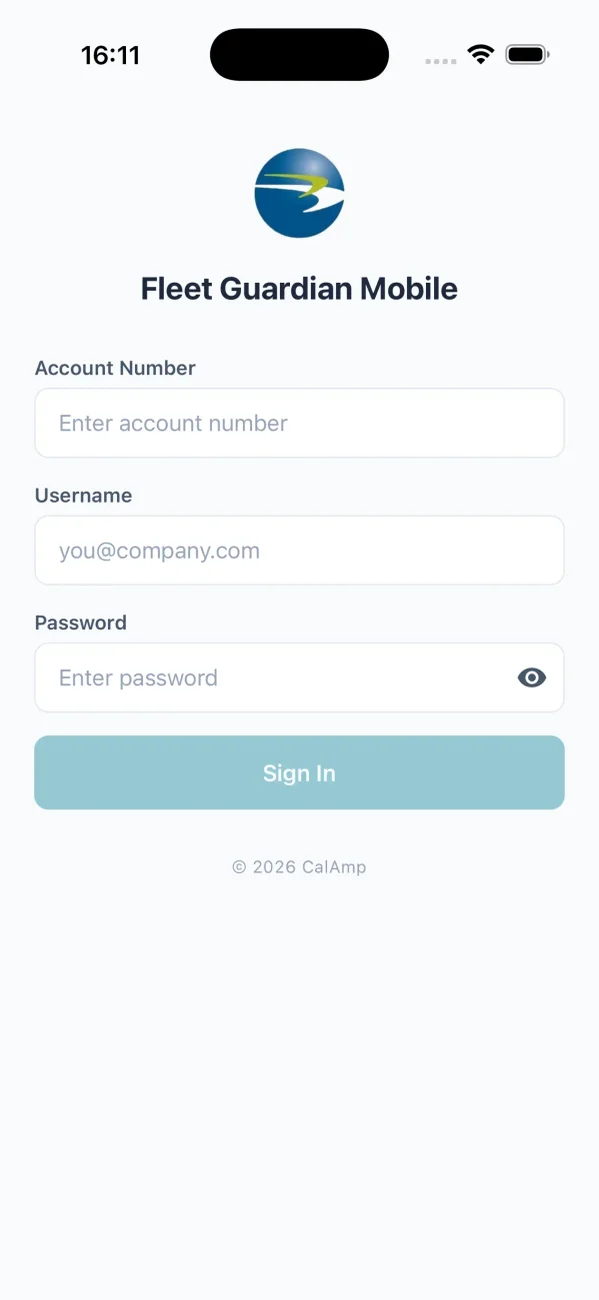
Requires a Fleet Guardian account — your account number is provided by your CalAmp dealer or operator.
More installer tools (replace LMU, barcode-scanner swaps, engine diagnostics, RMA submission) are landing in future releases.
What’s new
Version 1.3.0 · Oct 28, 2026
• LMU Lookup: scan an LMU to see its current record
• The Tools tab is now called Service. Its Device Lookup tile covers both LMUs and tablets.
• Input Status shows each input's name, wire color and a live 12V / 0V reading.
• Fixes to New Install, Tablet Lookup and Engine Diagnostics.
App privacy
What Synovia Solutions LLC declares on the App Store about how this app handles data.
-
Data not collected
The developer does not collect any data from this app.
Privacy practices may vary, for example with the features you use or your age.
Information
- Seller
- Synovia Solutions LLC
- Category
- Business
- Version
- 1.3.0
- Updated
- Oct 28, 2026
- Released
- May 22, 2026
- Size
- 68.8 MB
- Requires
- iOS 15.1 or later
- Age rating
- 4+
- Price
- Free
- Languages
- English
- Copyright
- © Synovia Solutions LLC
You might also like
-
 NCPTA MobileBusiness
-
 Ekos REVBusiness
-
 STAI ConferenceBusiness
-
 Money In My PocketIncome, expenses & savings
-
 Fynia: Budget Expense TrackerMoney manager, income, savings
-
 Hinton OilAccount Management
-
 Ovlo: AI Expense TrackerSplit Bills & Shared Budget
-
 DriverSync AIDriver insights & safety.
-
 Safety Vision DXBusiness
-
 Techsbook TechnicianApp for telematics technicians