
Fleetile: Vehicle Intelligence
Fleet, GPS, Fuel & Trip Alerts
Designed for iPhone, iPad
Free
- Age rating4+
- CategoryNavigation
- DeveloperTech Verticks
- LanguagesEnglish+ 2 more
- Size42.8 MB
Links to the official App Store page
Download.org hosts no file of Fleetile: Vehicle Intelligence. The button opens its official App Store page, published by Tech Verticks. Listing last checked on Nov 23, 2026.
Screenshots




About
LIVE GPS TRACKING
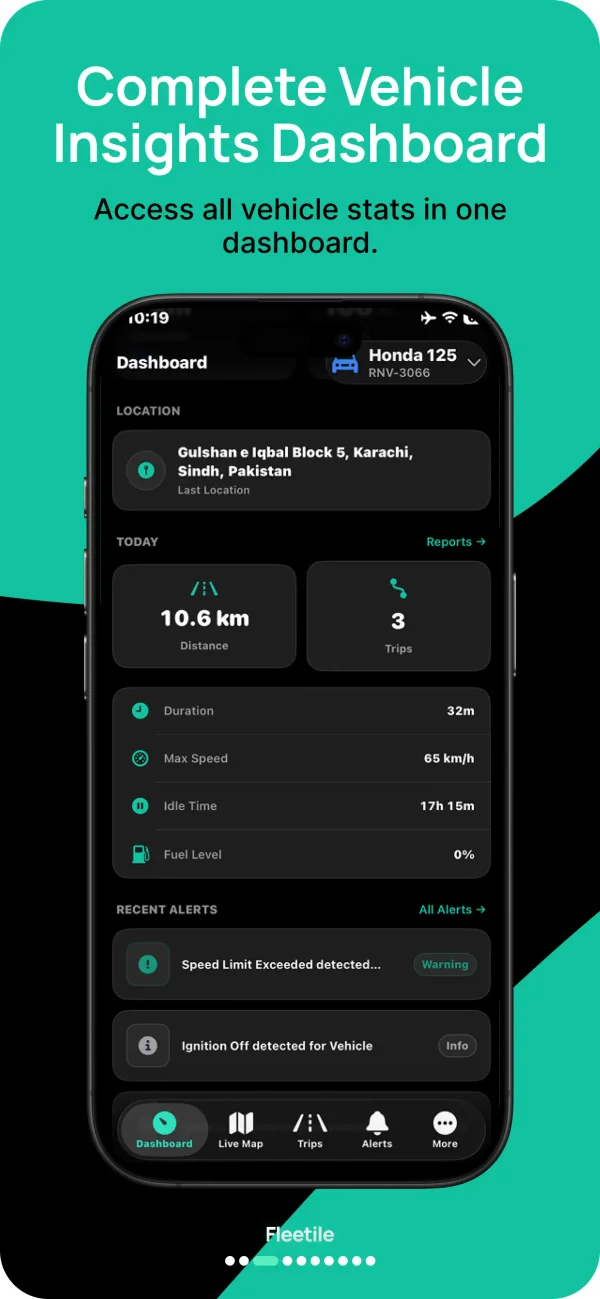
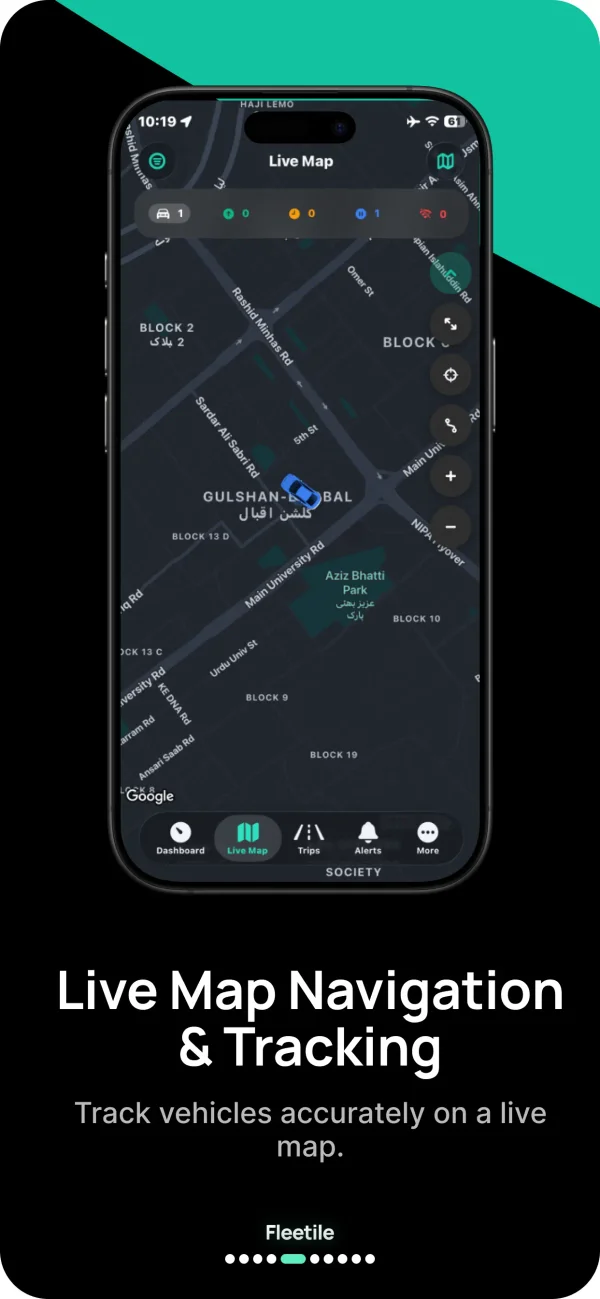
See every vehicle on an interactive map, updated in real time. Color-coded status markers instantly tell you who's moving, idling, stopped, or offline. Tap any vehicle for speed, heading, and address — no guesswork required.
TRIP HISTORY & ROUTE PLAYBACK
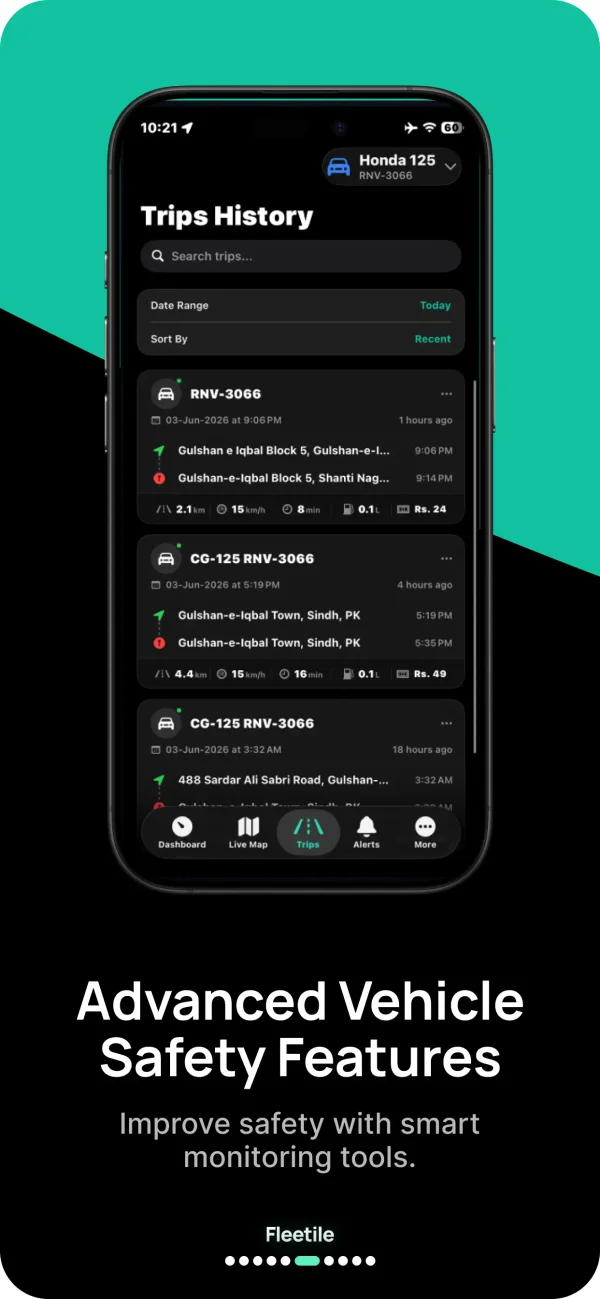
Rewind any journey with smooth, animated route playback. Scrub through the timeline, jump between speeds (1×–15×), and watch speed-colored trails reveal exactly how your drivers performed on every road.
REMOTE VEHICLE COMMANDS
Lock doors, cut the engine, or trigger lights — right from your phone. Every command is permission-gated and confirmed before sending, with real-time status updates so you know the moment it's executed.
SMART ALERTS — NEVER MISS WHAT MATTERS
Get instant alerts for speeding, geofence violations, harsh braking, and more. Filter by severity, vehicle, or date range. Critical alerts surface on your Lock Screen via Live Activities so you can act without even unlocking your phone.
GEOFENCING
Draw custom zones directly on the map. Set entry and exit rules, assign vehicles, and receive instant notifications the moment a boundary is crossed.
IN-DEPTH REPORTS & ANALYTICS
Interactive charts for distance, speed, utilization, and events — tappable, draggable, and filterable. Export summaries to share with your team or review fleet KPIs at a glance.
ASSET MANAGEMENT
Track non-vehicle assets alongside your fleet. View custody chains, dwell time, lock history, and device health — all in one place.
SMART ALERTS — NEVER MISS WHAT MATTERS
Get instant alerts for speeding, geofence violations, harsh braking, and more. Filter by severity, vehicle, or date range. Critical
alerts surface on your Lock Screen via Live Activities so you can act without even unlocking your phone.
GEOFENCING
Draw custom zones directly on the map. Set entry and exit rules, assign vehicles, and receive instant notifications the moment a
boundary is crossed.
IN-DEPTH REPORTS & ANALYTICS
Interactive charts for distance, speed, utilization, and events — tappable, draggable, and filterable. Export summaries to share with
your team or review fleet KPIs at a glance.
Interactive charts for distance, speed, utilization, and events — tappable, draggable, and filterable. Export summaries to share with your team or review
fleet KPIs at a glance.
ASSET MANAGEMENT
IN-DEPTH REPORTS & ANALYTICS
Interactive charts for distance, speed, utilization, and events — tappable, draggable, and filterable. Export summaries to share with your team or review
fleet KPIs at a glance.
ASSET MANAGEMENT
Track non-vehicle assets alongside your fleet. View custody chains, dwell time, lock history, and device health — all in one place.
HOME SCREEN WIDGETS
Glance at your fleet status without opening the app. The Fleet Overview widget shows real-time vehicle counts and statuses. Single-vehicle widgets keep
your most important asset always visible.
What’s new
Version 1.0.15 · Nov 21, 2026
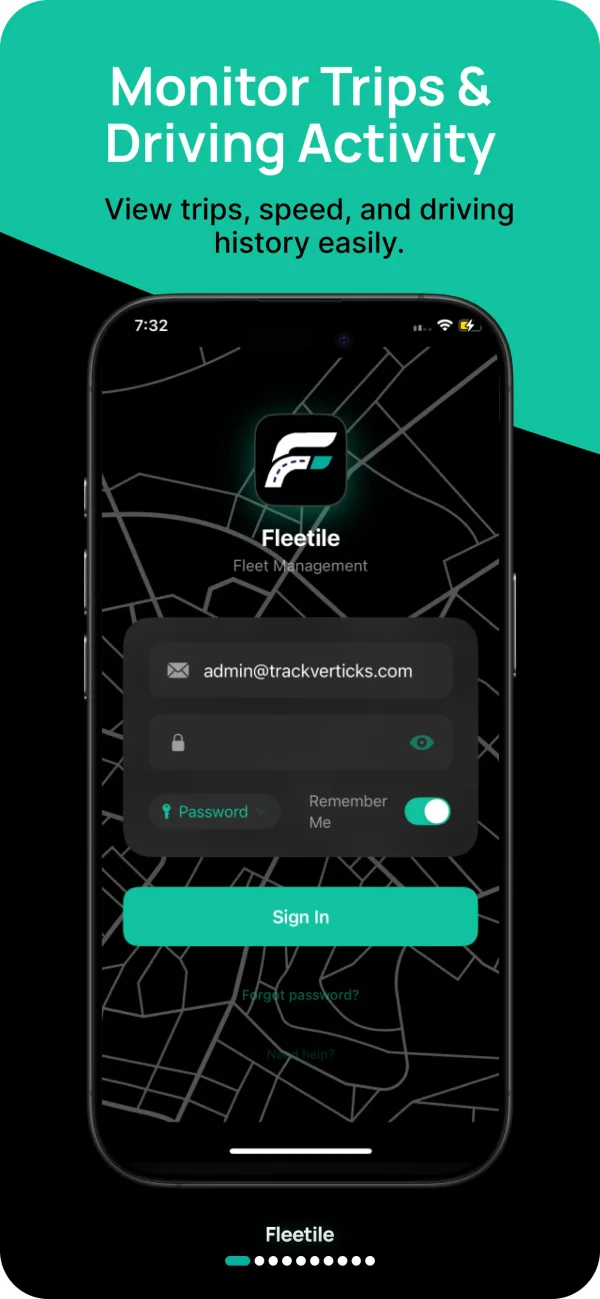
Redesigned login screen
A new, cleaner design for the login screen.
New vehicle card on Live Map
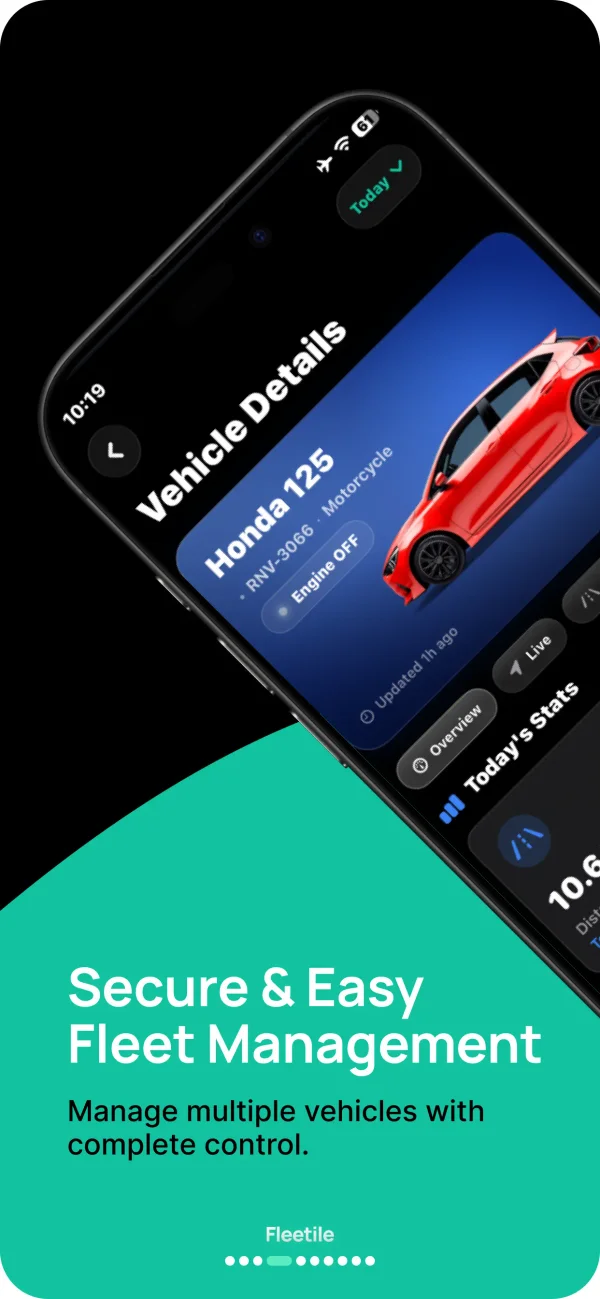
The vehicle card at the bottom of Live Map has a new look with a subtle 3D style.
Route Playback map controls now respond reliably
The zoom, follow and map type buttons in playback sometimes missed a tap; now they work on every tap.
Clear messages when a feature is turned off for your account
If an admin turns off a feature (Live Tracking, Analytics, Reports, Alerts, History Playback), the app says so clearly instead of showing "Server error".
Smoother lists and easier navigation in More and Settings
Long lists load more as you scroll, and in More and Settings the whole row opens when tapped, not just the ">" arrow.
Bug fixes and performance improvements
Smaller issues fixed. For example, customers no longer see edit and delete on geofence zones created by others.
App privacy
What Tech Verticks declares on the App Store about how this app handles data.
-
Data not collected
The developer does not collect any data from this app.
Privacy practices may vary, for example with the features you use or your age.
Information
- Seller
- Tech Verticks LLC
- Category
- Navigation
- Version
- 1.0.15
- Updated
- Nov 21, 2026
- Released
- May 30, 2026
- Size
- 42.8 MB
- Requires
- iOS 17.0 or later
- Age rating
- 4+
- Price
- Free
- Languages
- English, Arabic, Urdu
- Copyright
- © 2026 Tech Verticks. All rights reserved.
You might also like
-
 SmartTrack by SmartDottNavigation
-
 IOTee AppVehicle GPS/Camera Tracking
-
 Cab-ConnectEffortless Ridehailing
-
 Eagle TrackerEagle Tracking Service
-
 TeletixTimeLineTemematics
-
 Smart GPS Trackersgps tracker
-
 Smart Wheel GPS TrackingNavigation
-
 TraqCareStay Connected,Stay in Control
-
 Porter PakistanTravel
-
 Bcengi: Travel eSIMPay as you go data, no expiry