
- Age rating12+
- CategoryEducation
- DeveloperEasyMeta
- LanguagesEnglish+ 6 more
- Size4.9 MB
Links to the official App Store page
Download.org hosts no file of Flicklish. The button opens its official App Store page, published by EasyMeta. Listing last checked on Nov 23, 2026.
Screenshots


About
Know the words, but still struggle to follow English videos?
You want to listen to more English without making every session feel like homework. With Flicklish, watch videos in short segments, at your own pace. Start with content for your level and interests. Replay what you missed, check the subtitles, and explore what unfamiliar words and sentences mean in context.
FIND SOMETHING TO WATCH
Explore videos suggested for your level and goals. You can also import YouTube or Bilibili content you have permission to use, or video and audio from your phone. Learn with material that interests you.
LONG VIDEOS, SMALLER SEGMENTS
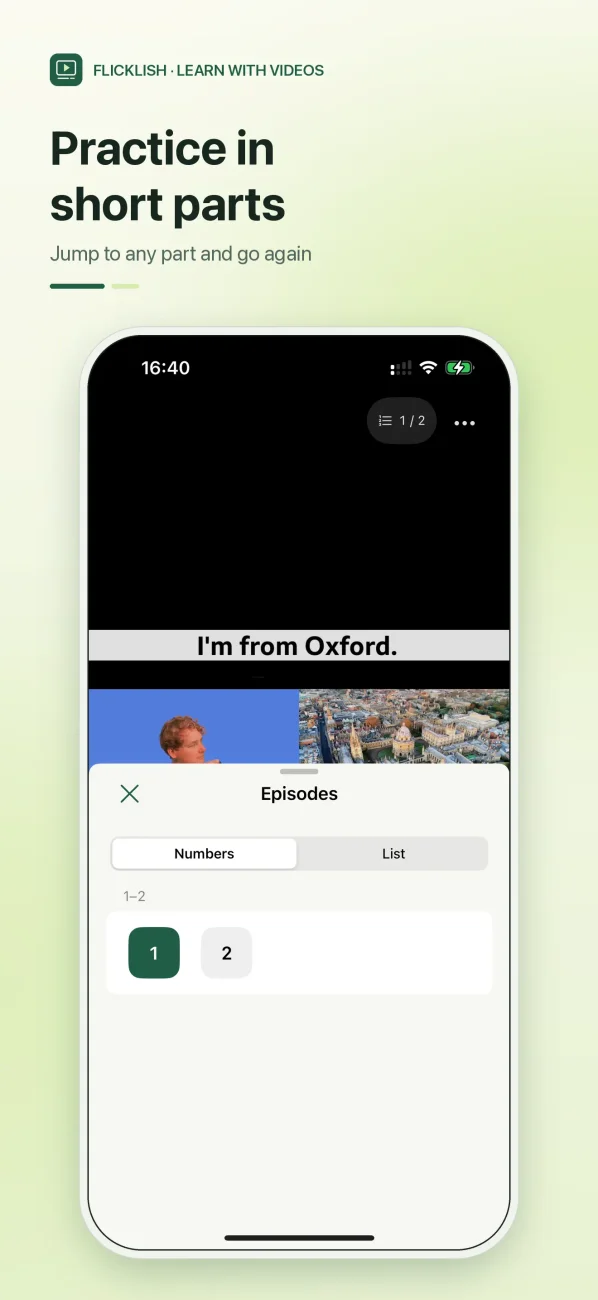
Flicklish uses subtitles to organize longer videos into segments that are usually around 1–2 minutes. Watch them in the original order, swipe to the next segment, or choose one from the list. Start with one small part instead of tackling the whole video at once.
LISTEN AGAIN WHEN YOU NEED TO
Missed something? Replay the current segment, follow the subtitles, or slow down when the video supports it. When you finish a segment, a small celebration marks the moment.
UNDERSTAND WORDS AND SENTENCES IN CONTEXT
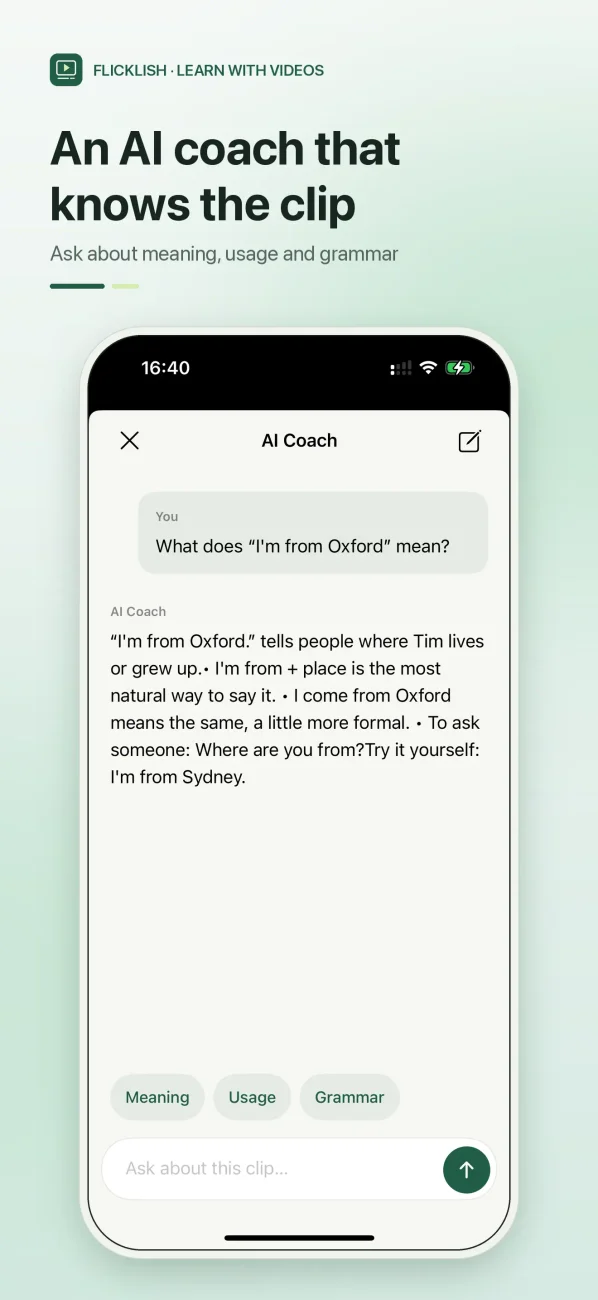
Tap a word in the subtitles to explore its meaning in context. If a whole sentence is unclear, ask the AI Coach to explain its meaning, expressions, and grammar using the video's subtitle context. AI answers can be inaccurate; use them as a guide.
SAVE WHAT YOU WANT TO REVISIT
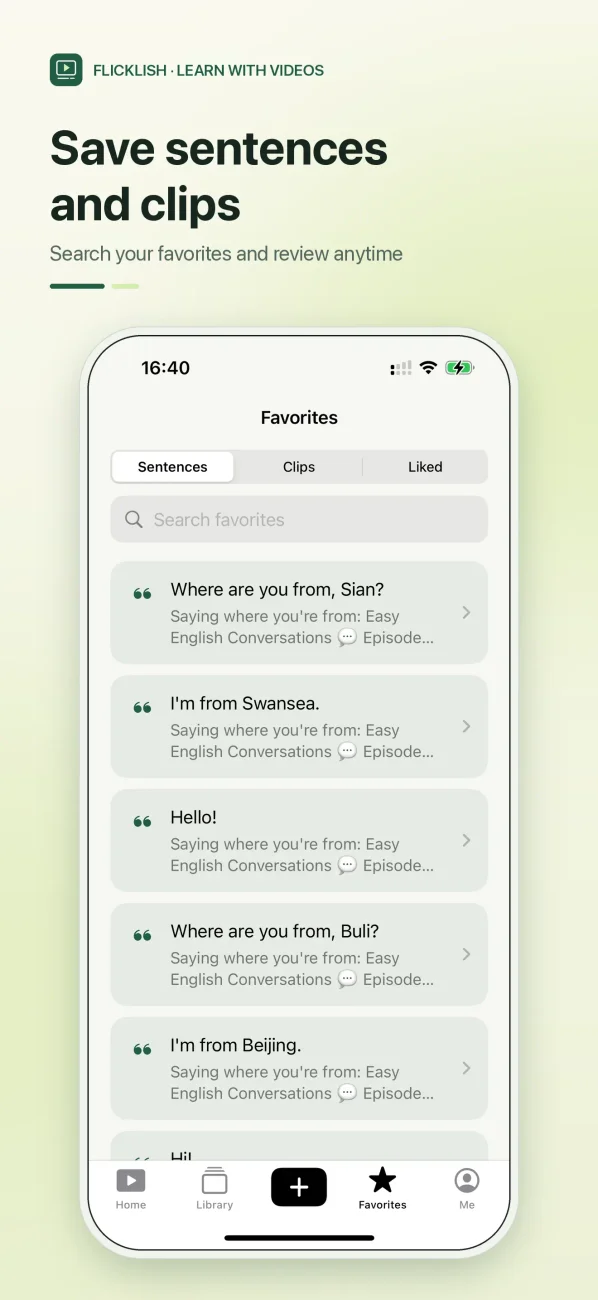
Save sentences and clips, then search for them and replay them later.
English learning can start with one video you want to watch. Open Flicklish, find something interesting, and begin with one segment.
Automatic segment length varies with the subtitles and content. Online playback, importing, speech recognition, and the AI Coach require an internet connection. Playback, subtitles, and playback speeds depend on the source. Only import content you own or have permission to use. Sign in to import, save favorites, and use the AI Coach. You can report unsuitable public content or block its author.
What’s new
Version 0.2.7 · Nov 18, 2026
Flicklish now adapts to iPhone Duo. Open the inner display to watch with learning controls in view. Partially fold it to keep the video on one side and subtitles and playback controls on the other.
On the outer display, player actions now sit along the right edge. This update also fixes a freeze that could cause Flicklish to close.
App privacy
What EasyMeta declares on the App Store about how this app handles data.
-
Data linked to you
May be collected and linked to your identity.
- Contact info
- User content
- Identifiers
- Usage data
Privacy practices may vary, for example with the features you use or your age.
Information
- Seller
- EASYMETA PTY LTD
- Category
- Education
- Version
- 0.2.7
- Updated
- Nov 18, 2026
- Released
- Sep 30, 2026
- Size
- 4.9 MB
- Requires
- iOS 17.0 or later
- Age rating
- 12+
- Price
- Free
- Languages
- English, Japanese, Korean, Portuguese, Simplified Chinese, Spanish, Traditional Chinese
- Copyright
- © 2026 EasyMeta Pty Ltd
You might also like
-
 育儿宝典·新手爸妈Education
-
 Edupogo - Learn with PogoEducation
-
 reels - Learn English by VideoListening Practice & Subtitles
-
 读出来 - 英语口语跟读Education
-
 听力池 - 英语精听磨耳朵Education
-
 VocaGrow: Learn LanguagesLearn English vocabulary
-
 TXPodcastBilingual subtitles, tap words
-
 Speakit.tv — Learn by VideoLean back. Press play.
-
 DeepListen: English ListeningListen Until You Get It
-
 极简词卡Education