
Flighter: Flight Tracker
Boarding Pass & Flight Log
Designed for iPhone
Free · In-app purchases
- Age rating4+
- CategoryTravel
- DeveloperValentin Mashutin
- LanguagesEnglish+ 6 more
- Size19.8 MB
Links to the official App Store page
Download.org hosts no file of Flighter: Flight Tracker. The button opens its official App Store page, published by Valentin Mashutin. Listing last checked on Nov 14, 2026.
Screenshots



About
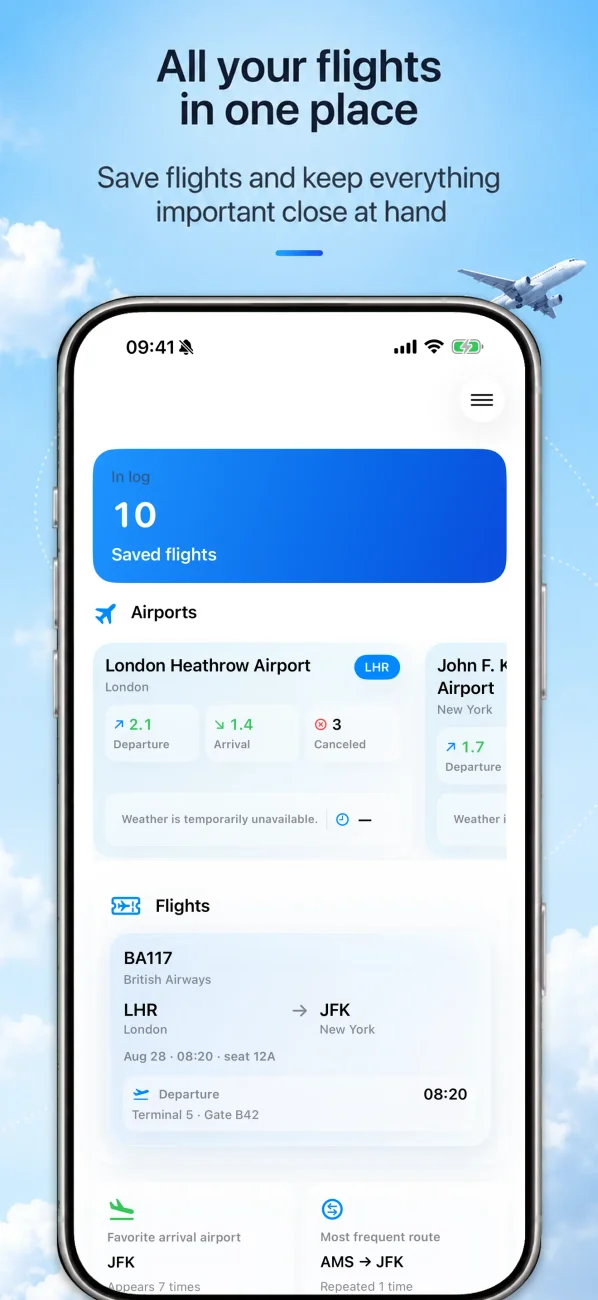
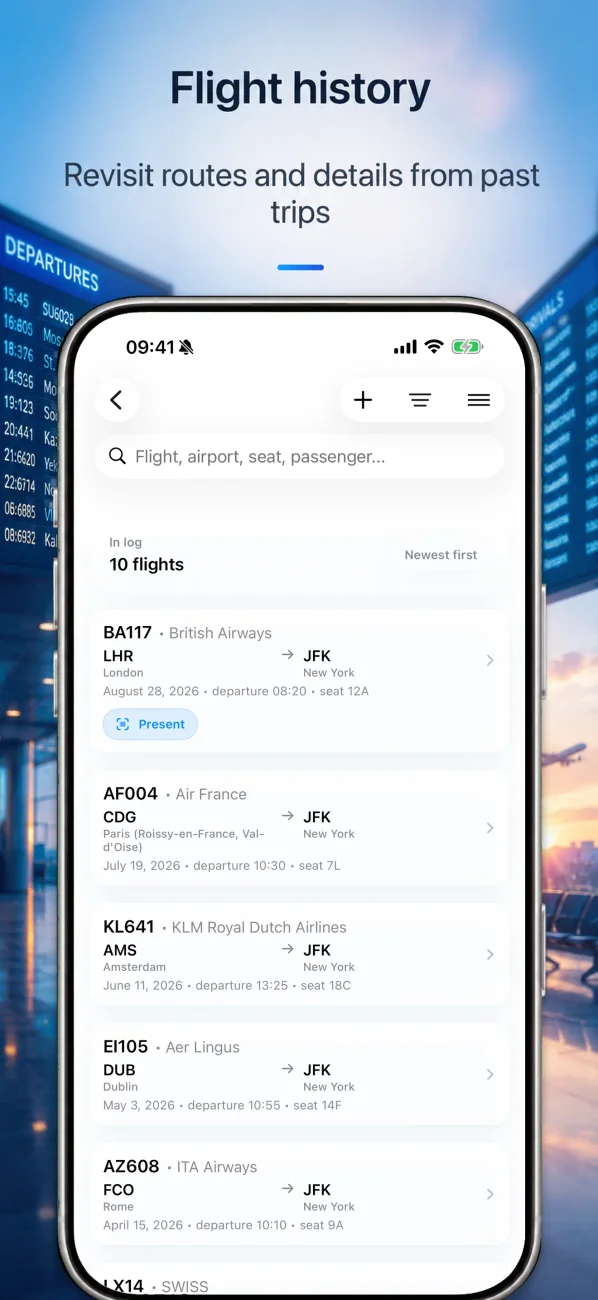
Flighter keeps your boarding passes, live flight information, airport details, and personal travel history organized in one place.
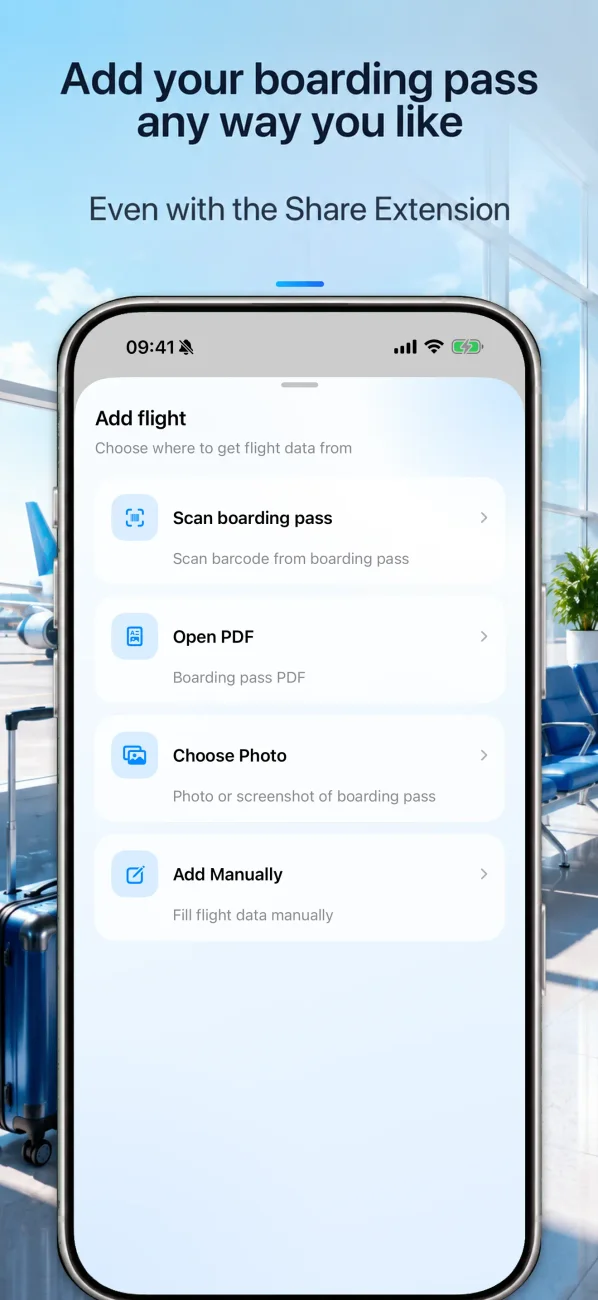
Import a boarding pass by scanning its barcode, choosing a photo or screenshot, opening a PDF, or using the Share Extension. You can also add flights manually to your personal flight journal.
Follow a flight even without a boarding pass: enter its number and departure date to see it on your Home screen and receive notifications about changes.
Share a flight from a valid boarding pass with friends and family. They can open your link in Flighter and follow the flight without Premium. Your boarding pass and passenger details are not shared.
Flighter features:
• Boarding pass storage and quick presentation.
• Boarding pass import using the camera, photos, PDFs, and the Share Extension.
• Flight tracking by flight number and departure date, without a boarding pass.
• Flight sharing through links that open in Flighter.
• Flight details including route, date, departure time, seat, terminal, gate, and baggage belt, when available.
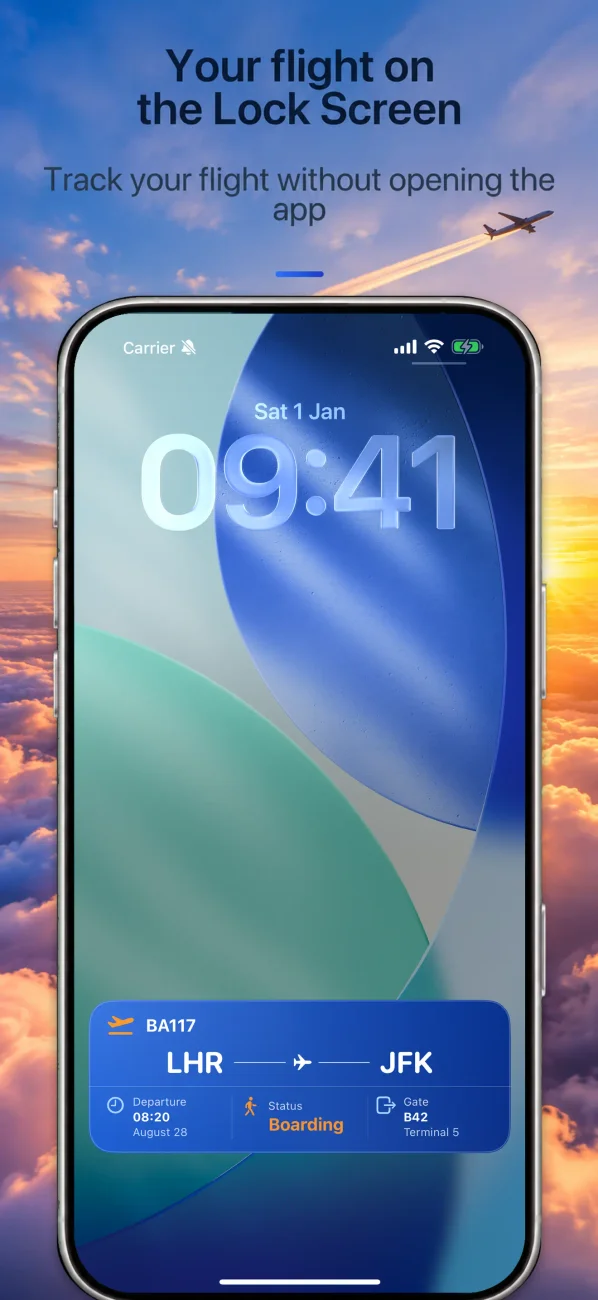
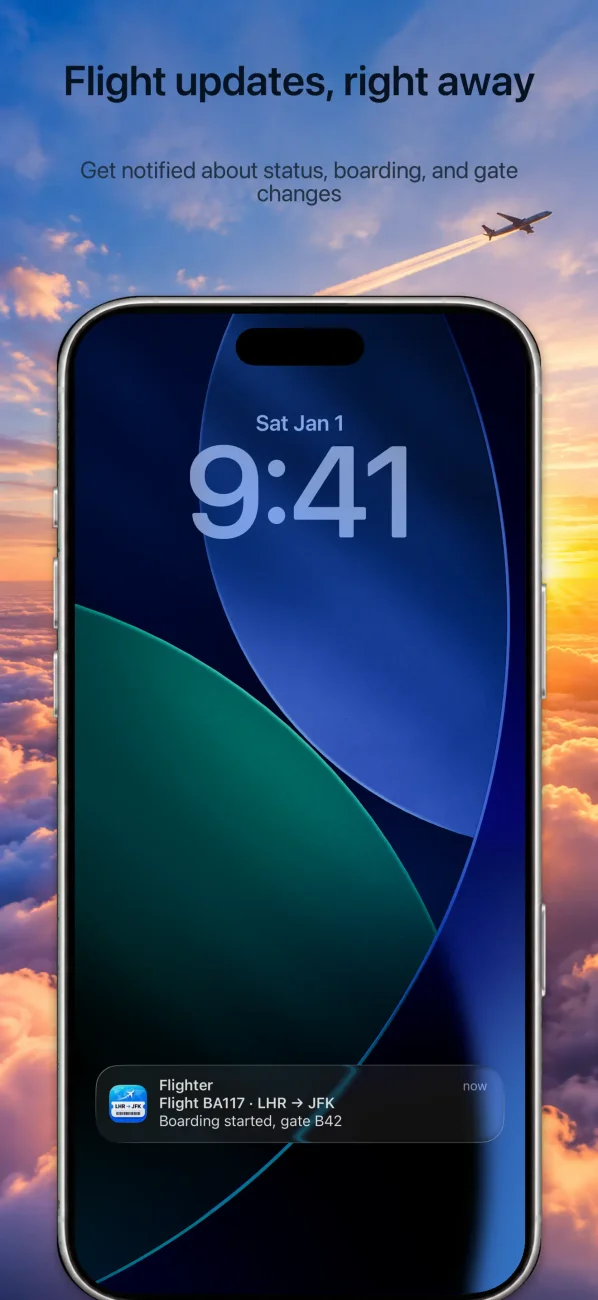
• Notifications about important flight changes.
• Live Activities for active flights with a boarding pass available for presentation, on the Lock Screen and Dynamic Island.
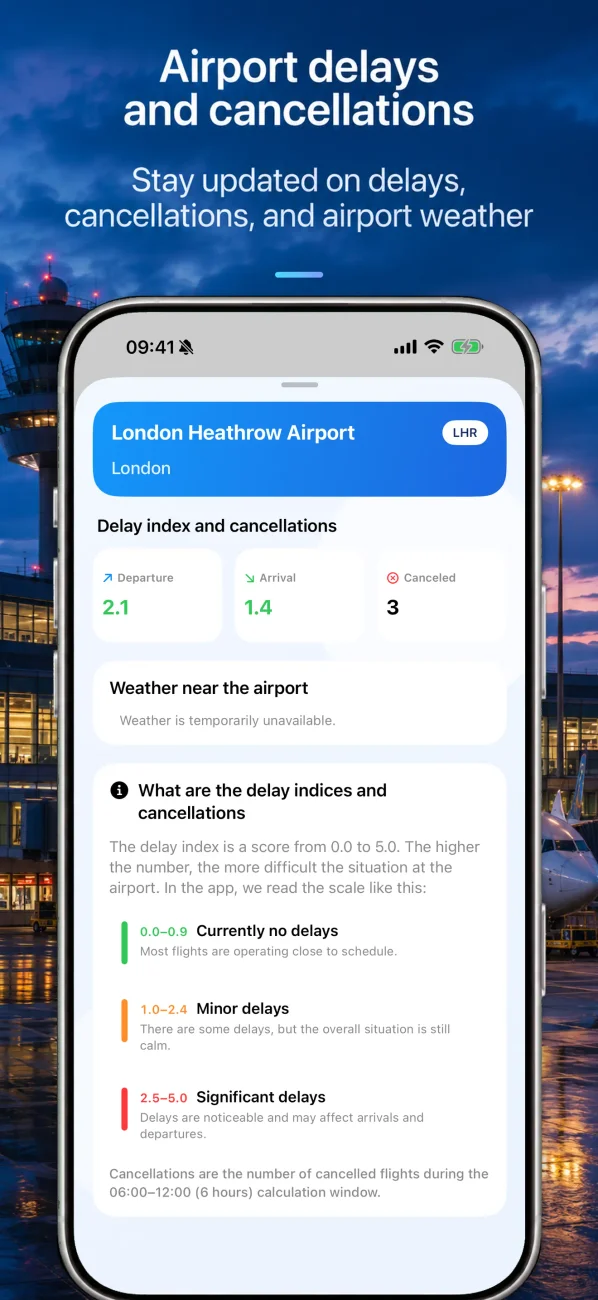
• Airport information, weather, and local time.
• Airport delay and cancellation information.
• Aircraft information when available.
• Personal flight history, route maps, and travel statistics.
• iCloud synchronization of your flight history.
• Flighter history import and export.
Tracked flights remain separate from your personal flight history and do not create Live Activities.
After the trial period, adding flights for tracking yourself, sharing flights, and certain other features require Flighter Premium. Flights received through a shared link can be tracked without Premium.
The availability and timing of flight, airport, weather, aircraft, terminal, gate, and baggage information depend on airlines, airports, and external data providers.
Flighter is not an official app of any airline, airport, or aviation data provider.
Terms of Use (EULA): https://www.apple.com/legal/internet-services/itunes/dev/stdeula/
What’s new
Version 2.2.1 · Oct 26, 2026
• Improved the reliability of flight notifications.
• Improved flight matching when departure times change.
• Fixed an issue that could leave completed flights in the tracking list after a long period offline.
App privacy
What Valentin Mashutin declares on the App Store about how this app handles data.
-
Data linked to you
May be collected and linked to your identity.
- User content
- Identifiers
- Other data
Privacy practices may vary, for example with the features you use or your age.
Information
- Seller
- Valentin Mashutin
- Category
- Travel
- Version
- 2.2.1
- Updated
- Oct 26, 2026
- Released
- Jul 27, 2026
- Size
- 19.8 MB
- Requires
- iOS 18.2 or later
- Age rating
- 4+
- Price
- Free
- In-app purchases
- Yes
- Languages
- English, French, German, Italian, Russian, Simplified Chinese, Spanish
- Copyright
- © 2026 Flighter by Valentin Mashutin. All rights reserved.
You might also like
-
 Flight Log & Tracker — BordyLive status, diary & stats
-
 AeroMemories: Flight LogBoarding Pass Travel Journal
-
 FlyNear: Flight Tracker & MapsOffline maps & nearby cities
-
 Flight Tracker, AI Radar, LiveNavigation
-
 Packlisty: Travel Packing ListSmart lists for every trip
-
 eyeNAV 360° Hotels & ResortsTravel
-
 Airport BuddyTravel
-
 flightboard.Live flight & ship tracker
-
 BoardPassFlight Boards, Gates & Delays
-
 Flytly: Travel Map & TrackerTrack visited countries.