
FlightKit - Pilot Toolbox
Preflight, Weather & Logbook
Designed for iPhone, iPad, iPod touch
Free · In-app purchases
- Age rating4+
- CategoryEducation
- DeveloperFlightKit LLC
- LanguagesEnglish
- Size11.2 MB
Links to the official App Store page
Download.org hosts no file of FlightKit - Pilot Toolbox. The button opens its official App Store page, published by FlightKit LLC. Listing last checked on Nov 12, 2026.
Screenshots
About
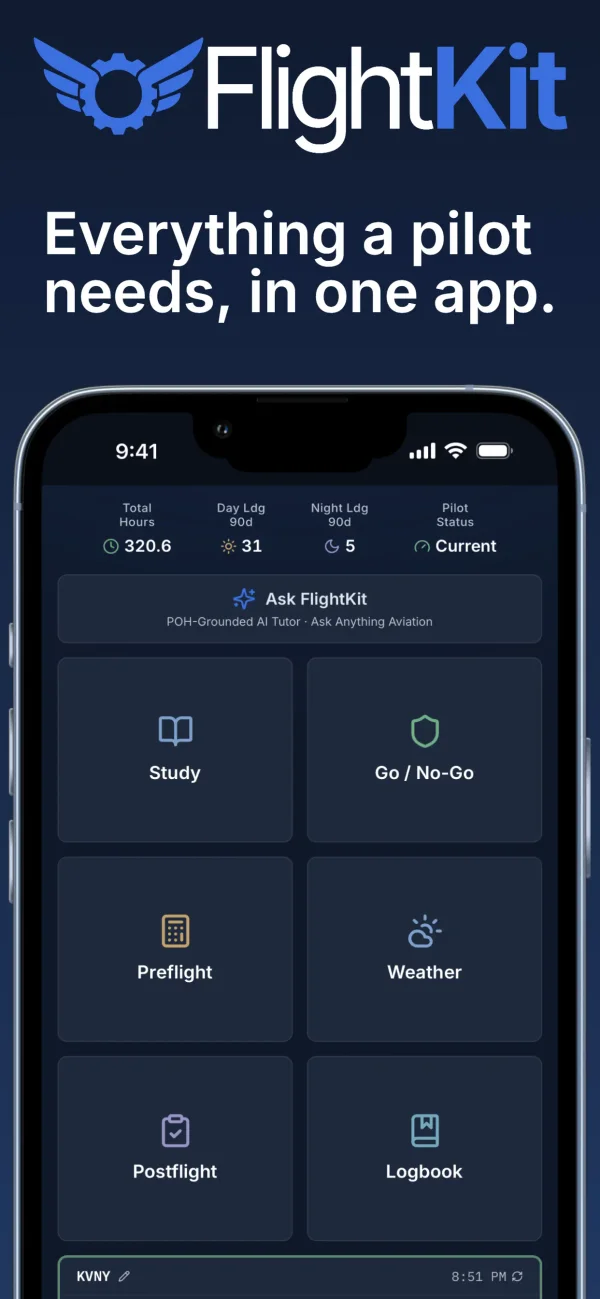
FlightKit is the pilot's toolbox — plan, fly, and stay current, with checkride prep built in. One app instead of five, for pilots at every stage: students, certificated pilots, and CFIs.
WEATHER & CHARTS
• Live METARs and TAFs with plain-English decoding
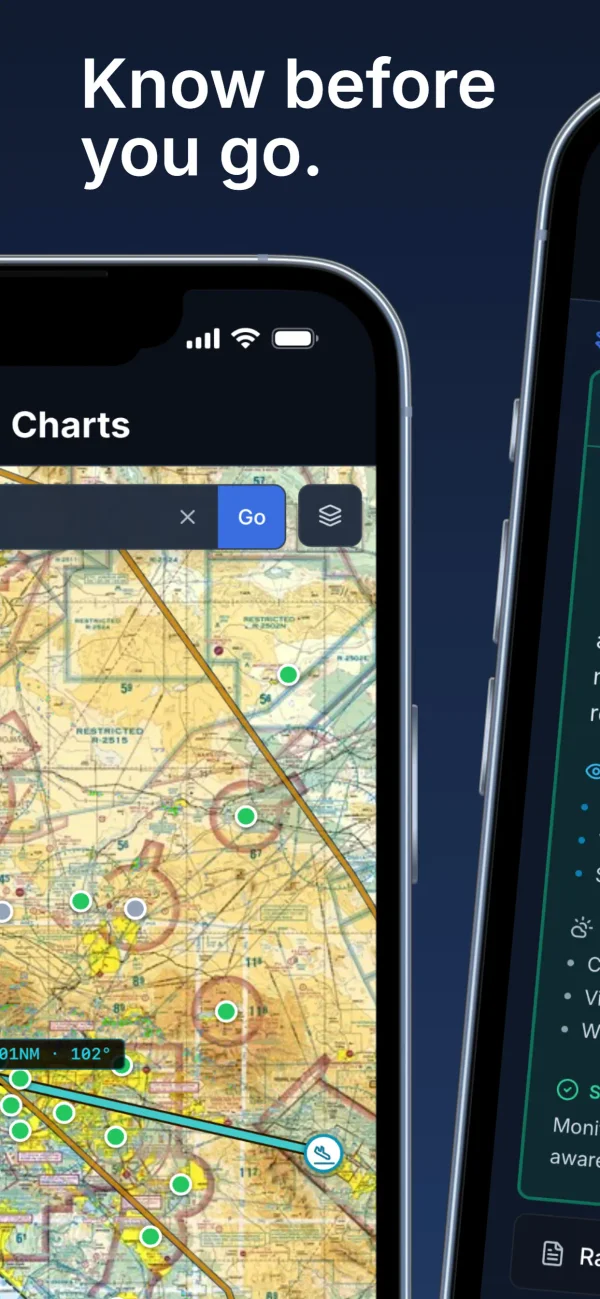
• Interactive VFR sectionals and IFR enroute charts with color-coded station dots (VFR/MVFR/IFR/LIFR) and NEXRAD radar
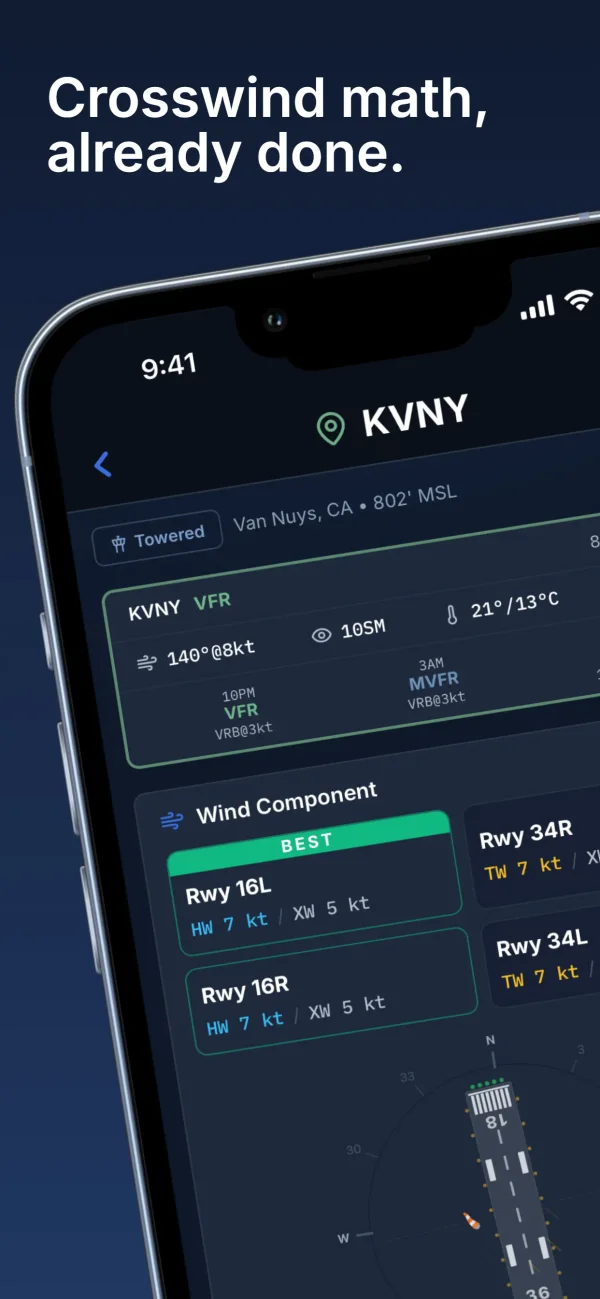
• Airport pages with runways, frequencies, and NOTAMs
AI ROUTE PLANNER
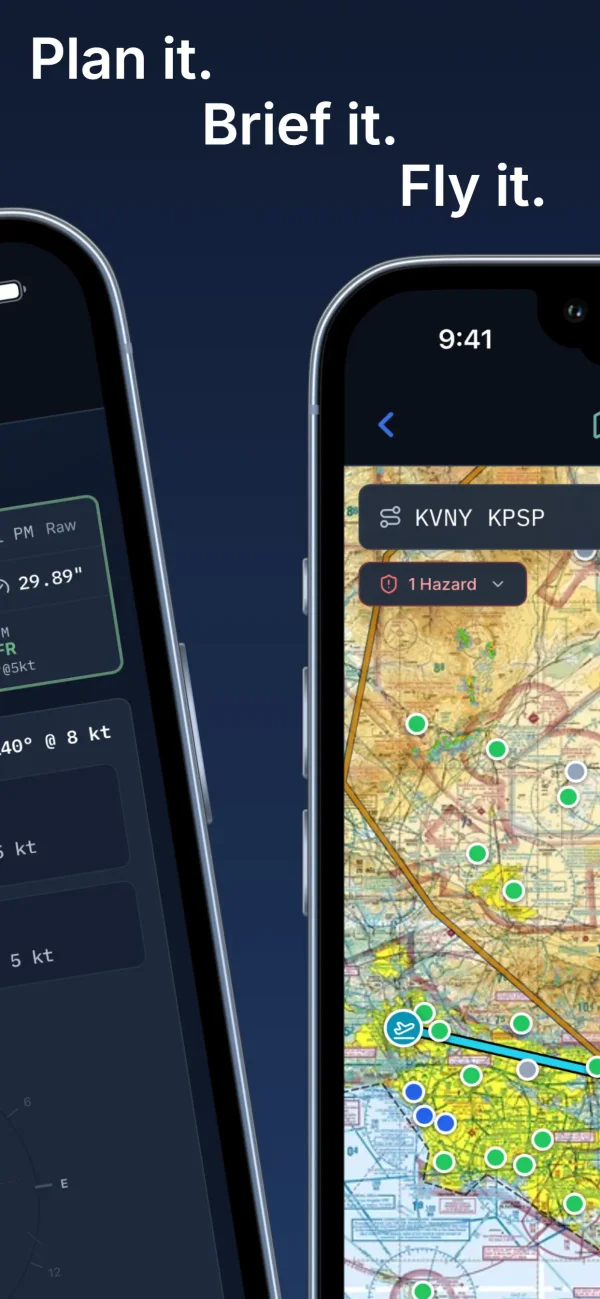
• Enter a departure and destination and get a complete VFR nav log — checkpoints, magnetic headings, groundspeed, and leg ETAs
• Automatically routes around Class B and C airspace
• Drag any waypoint on the sectional to fine-tune your route, and the nav log recalculates instantly
PREFLIGHT & PERFORMANCE
Set your home airport once and every tool auto-loads live weather and runway data:
• Weight & Balance with aircraft-specific profiles
• Takeoff & Landing performance with best-runway logic
• Crosswind and density-altitude calculators, plus a full E6B
SMART CHECKLISTS
• Interactive checklists for every phase of flight — import them straight from your aircraft's POH with AI, or build your own
• Auto-fill items pull live data right into the checklist: altimeter setting, wind, favored runway, crosswind, and radio frequencies fill themselves from real-time METARs and airport data
• Hands-free voice mode reads each item aloud and advances when you answer — eyes outside, hands on the airplane
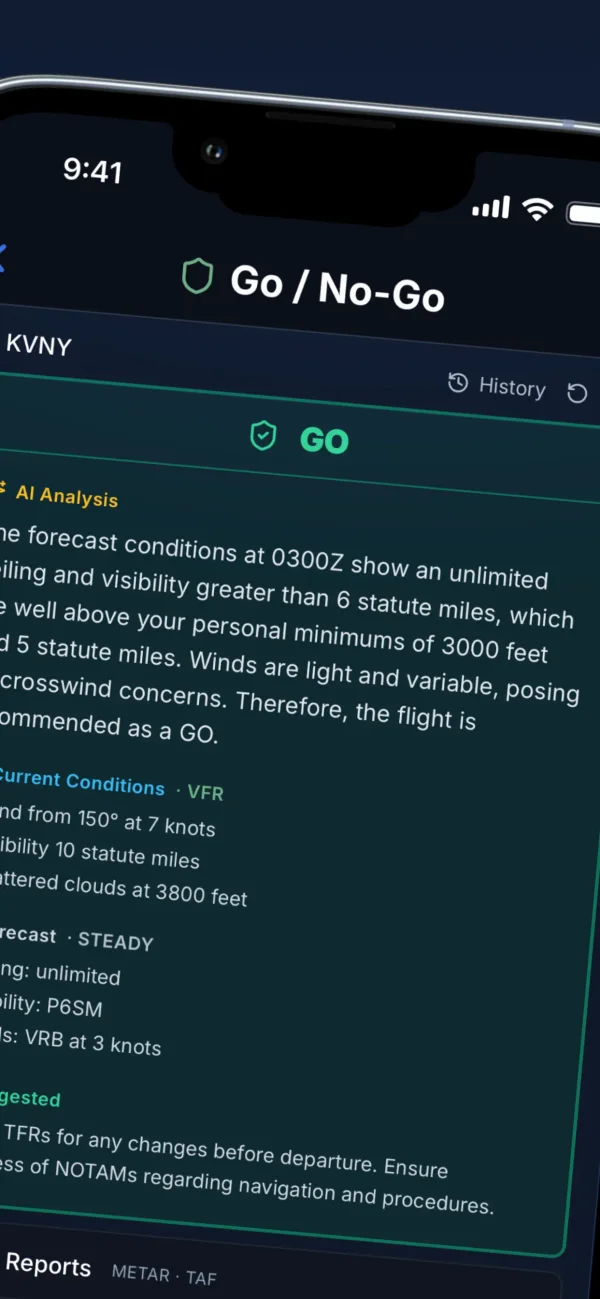
GO / NO-GO
• Weather and risk assessment against your own personal minimums, for safer fly/no-fly decisions
LOGBOOK & CURRENCY
• Log flights and track hours and training milestones
• Currency tracking for flight review, day and night landings, and instrument experience
STUDY & CHECKRIDE PREP
• Ground school across 11 ACS areas of operation with examiner tips and real-world scenarios
• Practice tests and spaced-repetition flashcards tailored to your aircraft
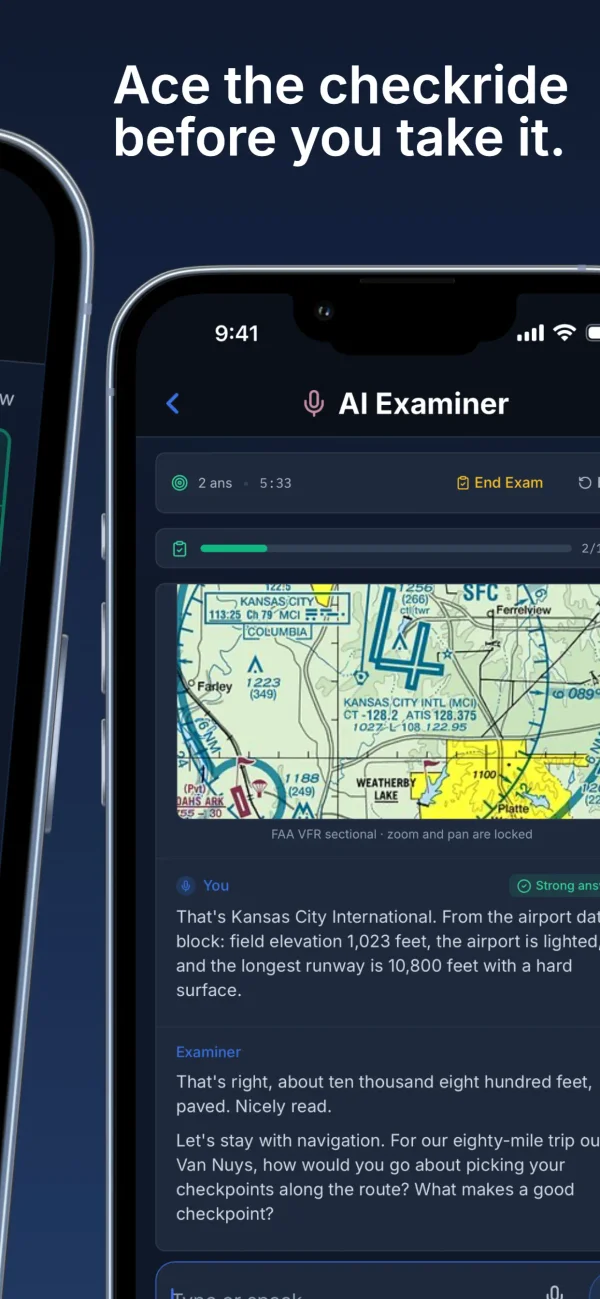
• AI Examiner — a DPE-style mock oral that asks, listens, and grades you against the ACS
ASK FLIGHTKIT
• Your aviation expert on call — weather, regulations, performance, systems, and procedures, grounded in your aircraft's POH
TUNED TO YOUR AIRCRAFT
Add your aircraft by tail number and FlightKit tailors V-speeds, weight & balance, performance, flashcards, and AI answers to your specific plane. Built-in POH data for a growing list of common training and GA types from Piper, Cessna, Diamond, Beechcraft, and more.
IMPORTANT
FlightKit is a reference and training aid. It does not replace official FAA publications, your Pilot's Operating Handbook, or instruction from a certificated flight instructor. Always verify critical information against official sources.
SUBSCRIPTIONS
FlightKit is free to download, and weather, airports, charts, and study reading stay free. Optional auto-renewing subscriptions (Pilot and Pro, billed monthly or annually) unlock the full toolbox. Current prices are shown in the app before you purchase.
Payment is charged to your Apple Account at confirmation of purchase. Subscriptions renew automatically unless auto-renew is turned off at least 24 hours before the end of the current period, and your account is charged for renewal within 24 hours before the period ends. Manage or cancel your subscription in your device Settings after purchase.
Terms of Use (EULA): https://flightkit.ai/terms
Privacy Policy: https://flightkit.ai/privacy
What’s new
Version 1.7 · Nov 5, 2026
Flic Button: Reconnects on its own, keeps the press that wakes it and tells you when it can't take a press. Hold for one second to uncheck the highlighted item.
Launch Logo: The FlightKit logo now pulses while the app loads.
App privacy
What FlightKit LLC declares on the App Store about how this app handles data.
-
Data linked to you
May be collected and linked to your identity.
- Contact info
- User content
- Identifiers
-
Data not linked to you
May be collected but is not linked to your identity.
- Diagnostics
Privacy practices may vary, for example with the features you use or your age.
Information
- Seller
- FlightKit LLC
- Category
- Education
- Version
- 1.7
- Updated
- Nov 5, 2026
- Released
- Aug 2, 2026
- Size
- 11.2 MB
- Requires
- iOS 15.0 or later
- Age rating
- 4+
- Price
- Free
- In-app purchases
- Yes
- Languages
- English
- Copyright
- © 2026 FlightKit
You might also like
-
 Final Approach - PPLFAA PPL Test Prep & Checkride
-
 Abeam: Pilot TrainingDaily quiz habit for pilots
-
 EntireFlight FAR/AIMComplete FAR + AIM, offline
-
 FlytWERXFlight Training Data & Debrief
-
 PocketDPE: Checkride Oral PrepAI voice checkride examiner
-
 Part Time Pilot Companion AppTest Prep, E6B & More
-
 AI CFI: Flight Training ToolsAI CFI, Pilot Training & ATC
-
 ATC One: AI Radio PracticePractice ATC Talk with AI
-
 VOR Simulator ProSee how airplane VORs work
-
 FlyCowboys - Pilot TrainingFAA Test Prep, AI-Powered