Flip Clock: Calm Desk Timer
Desk Timer, Sleep, White Noise
Designed for iPhone, iPad, Mac
Free · In-app purchases
- Age rating4+
- CategoryLifestyle
- Developer通 张
- LanguagesEnglish+ 9 more
- Size55.2 MB
Links to the official App Store page
Download.org hosts no file of Flip Clock: Calm Desk Timer. The button opens its official App Store page, published by 通 张. Listing last checked on Nov 15, 2026.
Screenshots
About
Make time a calmer part of your day. Flip Clock turns your iPhone, iPad or Mac into a beautifully clear digital clock, with realistic flip animations, practical timers and soothing ambient sounds.
Keep it beside your bed, set it on your desk or use it to give your next study session a clear beginning and end. A classic mechanical look meets the everyday tools you need, with no in-app paywall or subscription required to unlock features.
A CLASSIC FLIP CLOCK, REFINED
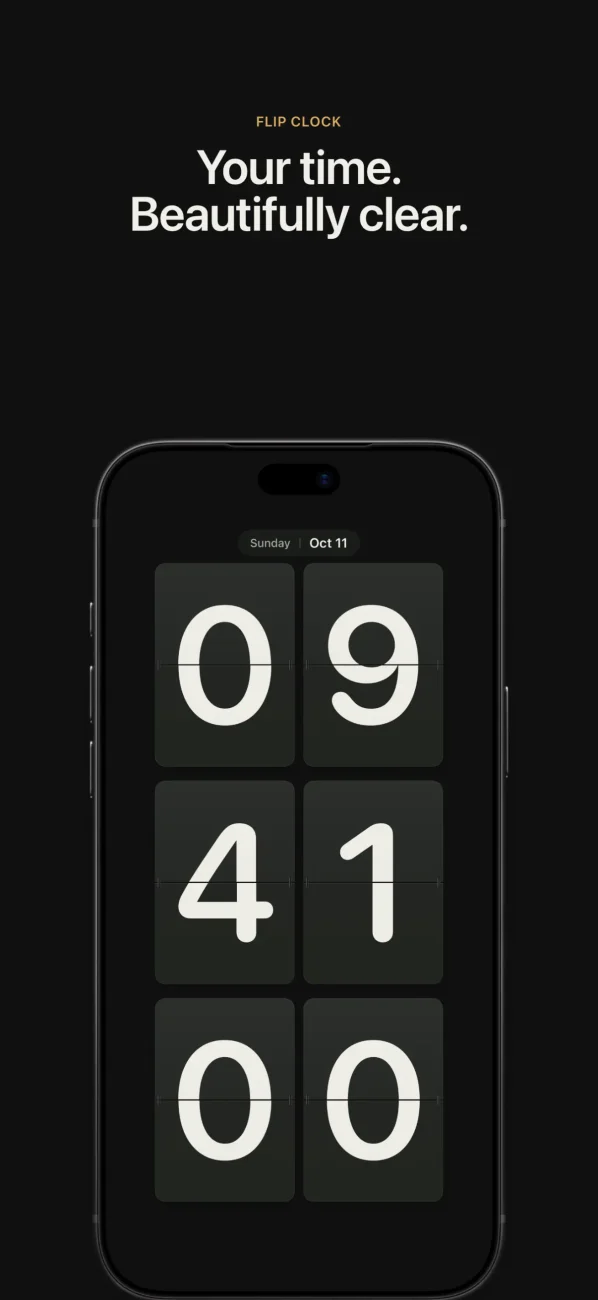
Watch the hours, minutes and seconds turn with carefully crafted mechanical motion. Large, easy-to-read numbers keep the time in focus. Choose a 12-hour or 24-hour display, show or hide seconds and the date, and hide the controls for a clean clock view.
MAKE IT YOURS
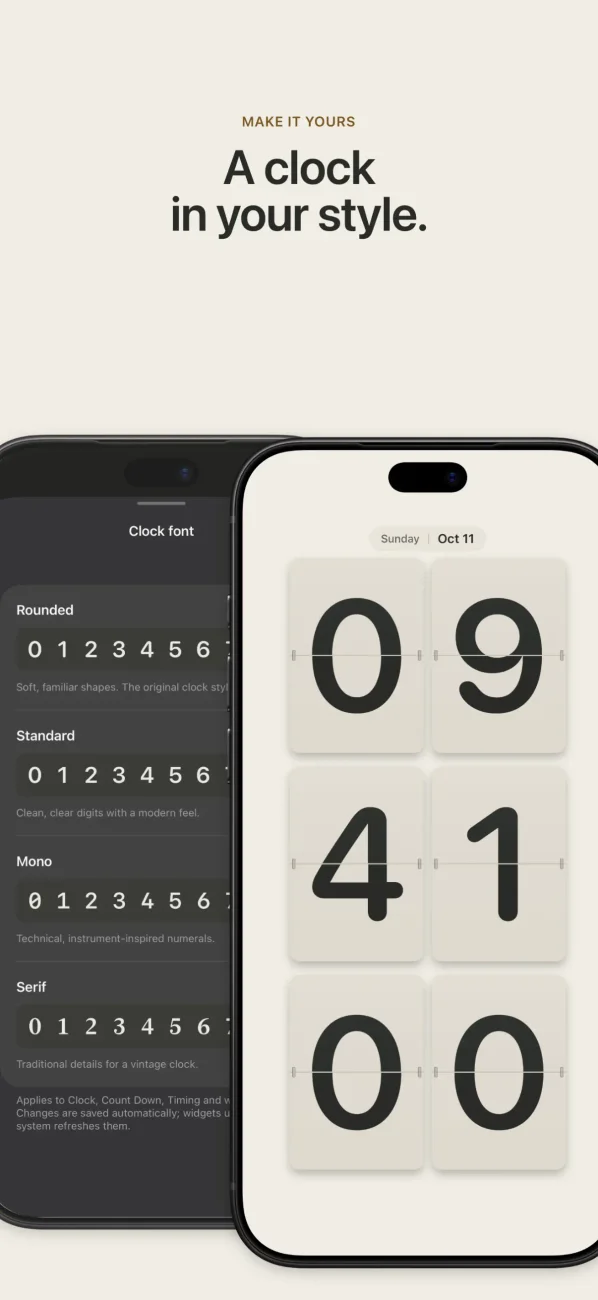
Match your space with Classic, Paper and Night appearances. Choose Rounded, Standard, Mono or Serif numerals for a softer, modern, technical or vintage look. Your preferred style carries across the clock, countdown and stopwatch.
A QUIETER BEDSIDE DISPLAY
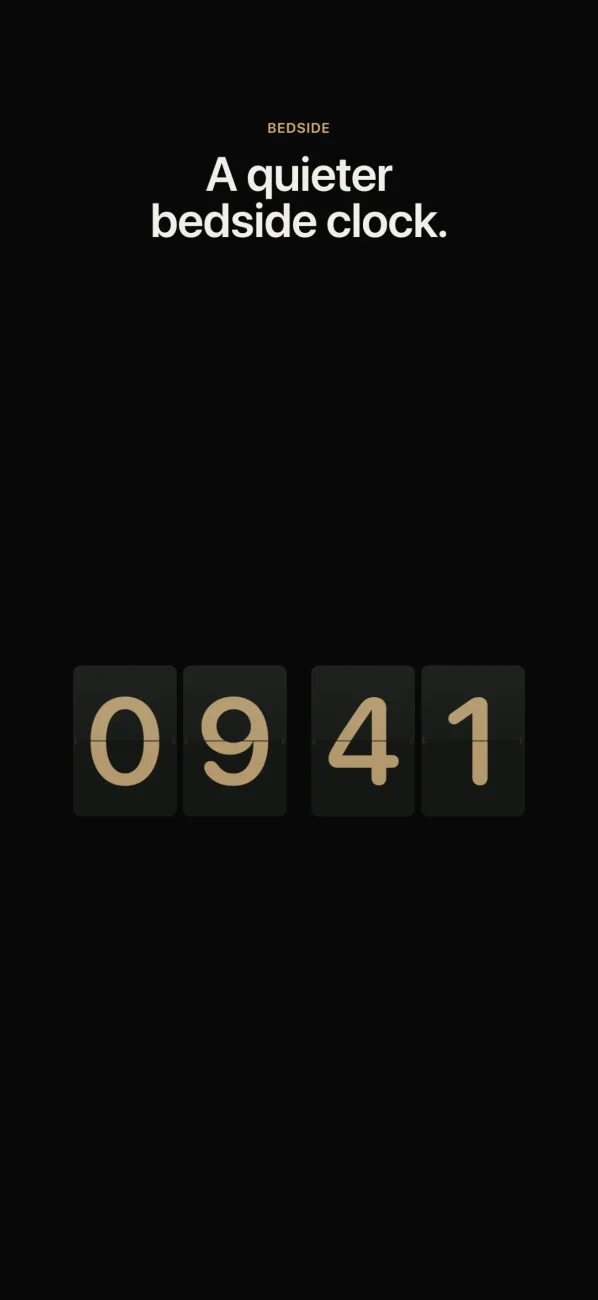
Switch on the night preset for a dimmer clock and quieter presentation. Adjust the clock's dimming, automatically hide controls and choose whether to keep the display awake. On iPhone and iPad, use portrait or landscape. On Mac, make the clock part of your desktop setup.
COUNT DOWN OR COUNT UP
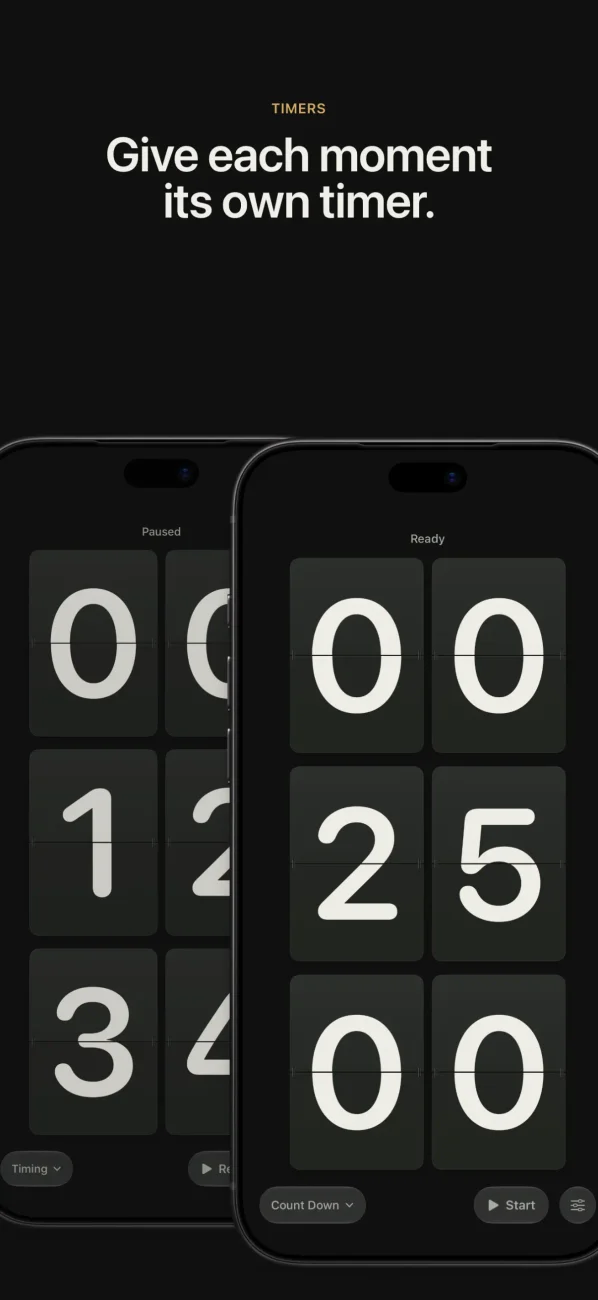
Set a countdown for focused work, reading or a well-earned break. Save frequently used durations as presets, or use the stopwatch to see how long a task takes. Both modes use the same distinctive flip display. Switching modes resets the previous timer so you can begin a new task with a clean start.
FIND YOUR BACKGROUND SOUND
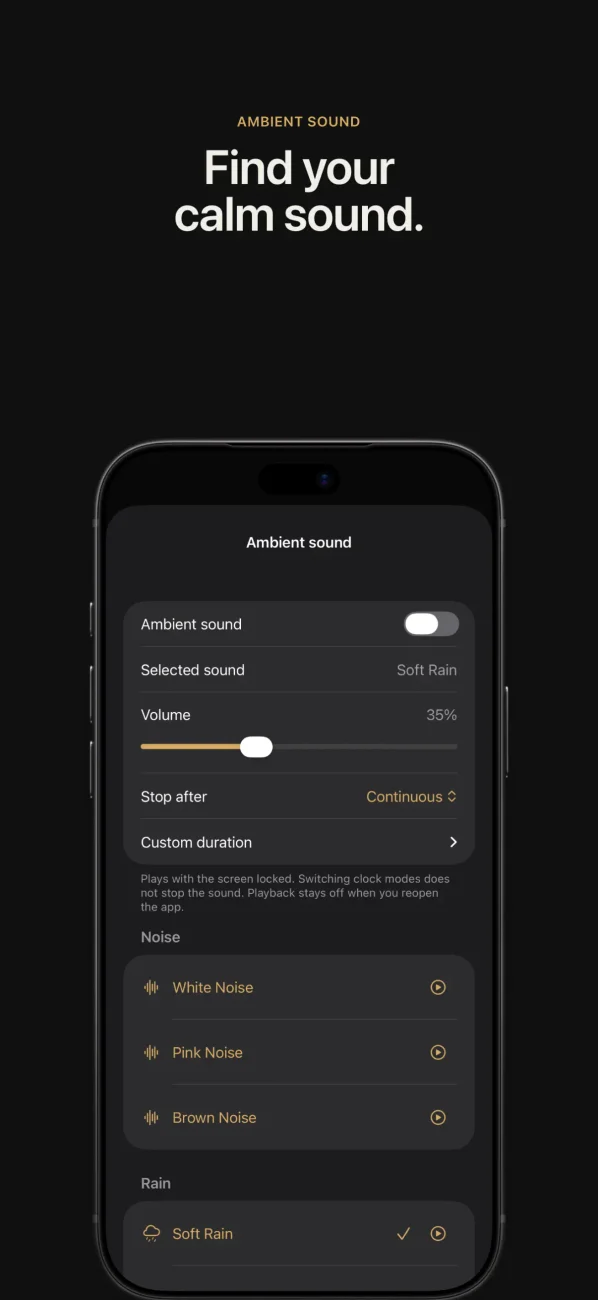
Choose white, pink or brown noise, or settle into rain, ocean waves, a forest brook, gentle wind, birds, crickets or a campfire. Adjust the volume and set an automatic stop time for your listening session. Built-in sounds loop, so your session is not limited by the length of an audio track.
SLEEP AND FOCUS, READY TO START
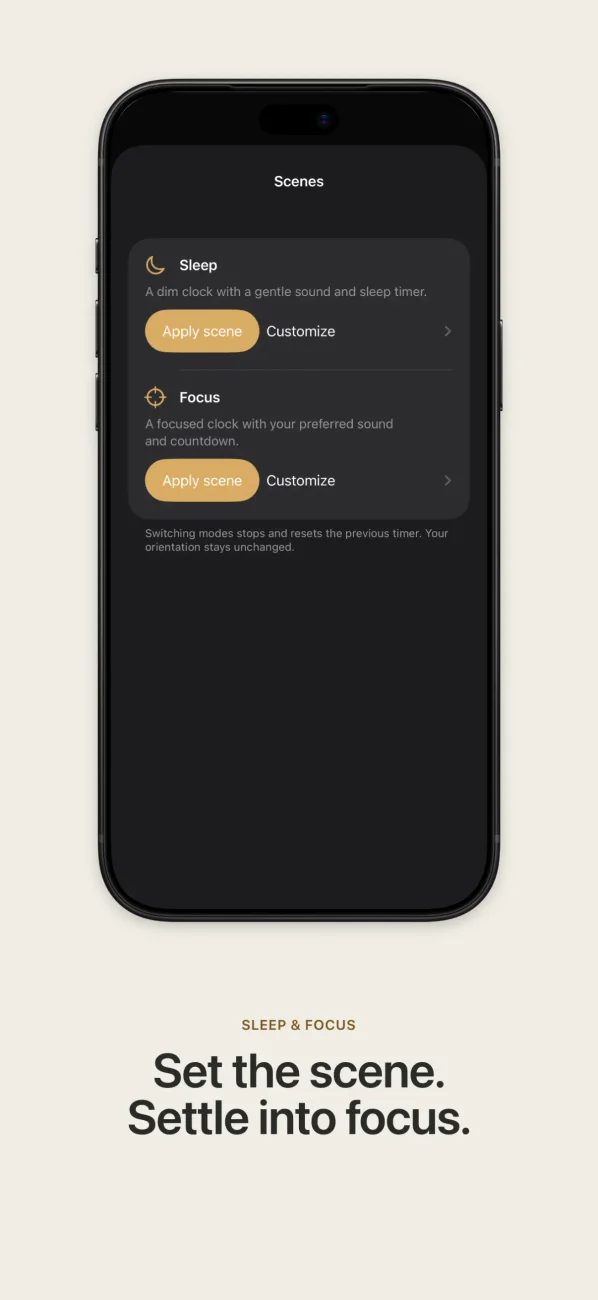
Apply a Sleep or Focus scene to bring your preferred appearance, sound and timer settings together. Customize the presets to fit your evening routine or next work session.
TIME AT A GLANCE
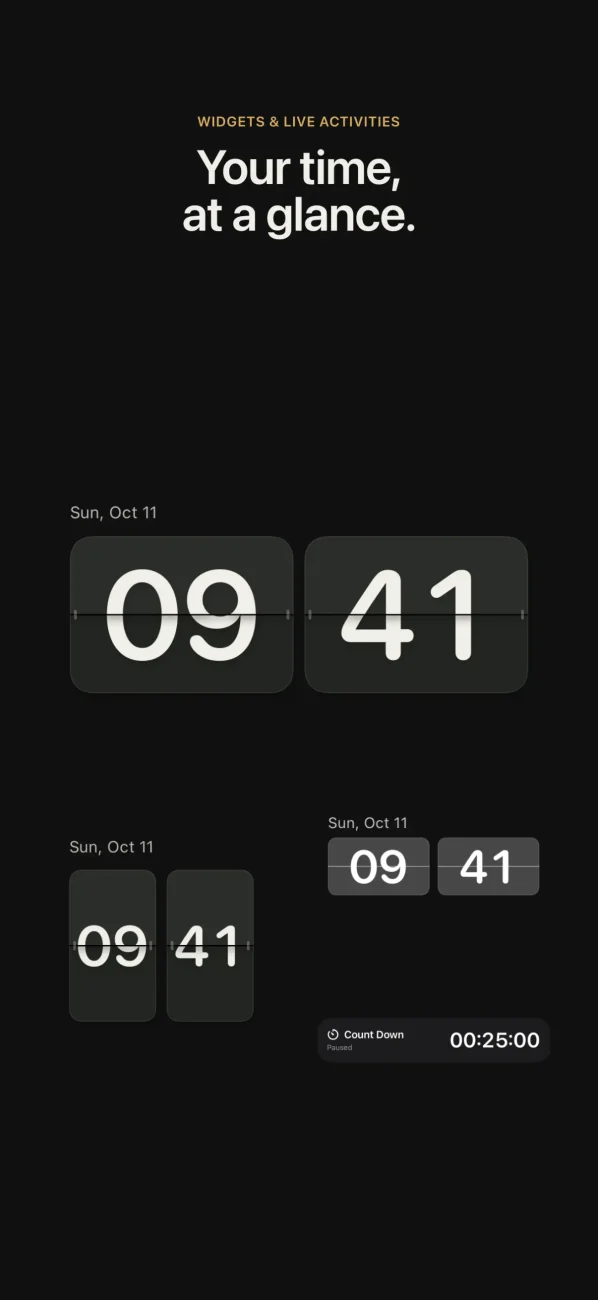
On iPhone and iPad, add widgets to supported Home and Lock Screens. On Mac, add clock widgets to your desktop. Live Activities show an active countdown or stopwatch on supported iPhone and iPad systems. Use Shortcuts to start a scene or countdown, or stop ambient sound. Widget placement and Live Activities depend on your device and system version.
DESIGNED TO FEEL COMFORTABLE
VoiceOver support, Reduce Motion support and increased-contrast styling help make the clock easier to use. A focused interface keeps everyday controls close without crowding the time.
Enjoy a familiar clock experience across iOS, iPadOS and macOS.
Choose your look. Set your pace. Make a little room for calm with Flip Clock.
Support Email: support@flipclocker.com
Website: https://flipclocker.com
Terms: https://flipclocker.com/terms
Privacy Policy: https://flipclocker.com/privacy
What’s new
Version 2.1.0 · Oct 13, 2026
A fresh look for your everyday clock.
- Refined flip animations and layouts on iPhone, iPad and Mac.
- Added ambient sounds, Sleep and Focus scenes, and timer presets.
- Expanded customization, widgets, accessibility and language support.
App privacy
What 通 张 declares on the App Store about how this app handles data.
-
Data not collected
The developer does not collect any data from this app.
Privacy practices may vary, for example with the features you use or your age.
Information
- Seller
- 通 张
- Category
- Lifestyle
- Version
- 2.1.0
- Updated
- Oct 13, 2026
- Released
- Nov 16, 2022
- Size
- 55.2 MB
- Requires
- iOS 17.0 or later
- Age rating
- 4+
- Price
- Free
- In-app purchases
- Yes
- Languages
- English, French, German, Italian, Japanese, Korean, Portuguese, Simplified Chinese, Spanish, Traditional Chinese
- Copyright
- © 2026 FlipClocker All Rights Reserved
You might also like
-
 TickClock-Widget flipclockThe best digital clock
-
 Flip Clock: Alarm & PomodoroDesk Clock, Widgets & Focus
-
 Flip Clock - Minimal & PureRetro Digital Desk Clock
-
 Flip Clock - Focus TimerFull screen desktop clock
-
 Super Flip Clock: Focus TimerPomodoro, Desk Clock & Themes
-
 Millisecond ClockThe Most Accurate Clock
-
 McClockface – Flip ClockStopwatch & Time Widgets
-
 Nightstand Desk Clock & WidgetFullscreen clock , wallpaper
-
 Digital Clock - Bedside WidgetDisplay for nightstand or desk
-
 bnClockbig numbers Clock with alarm