Flip Clock - Desk Clock
Feel every minute turn
Designed for iPhone, iPad
Free · In-app purchases
- Age rating4+
- CategoryUtilities
- DeveloperSeungHyun Hong
- LanguagesEnglish+ 3 more
- Size18.7 MB
Links to the official App Store page
Download.org hosts no file of Flip Clock - Desk Clock. The button opens its official App Store page, published by SeungHyun Hong. Listing last checked on Nov 23, 2026.
Screenshots
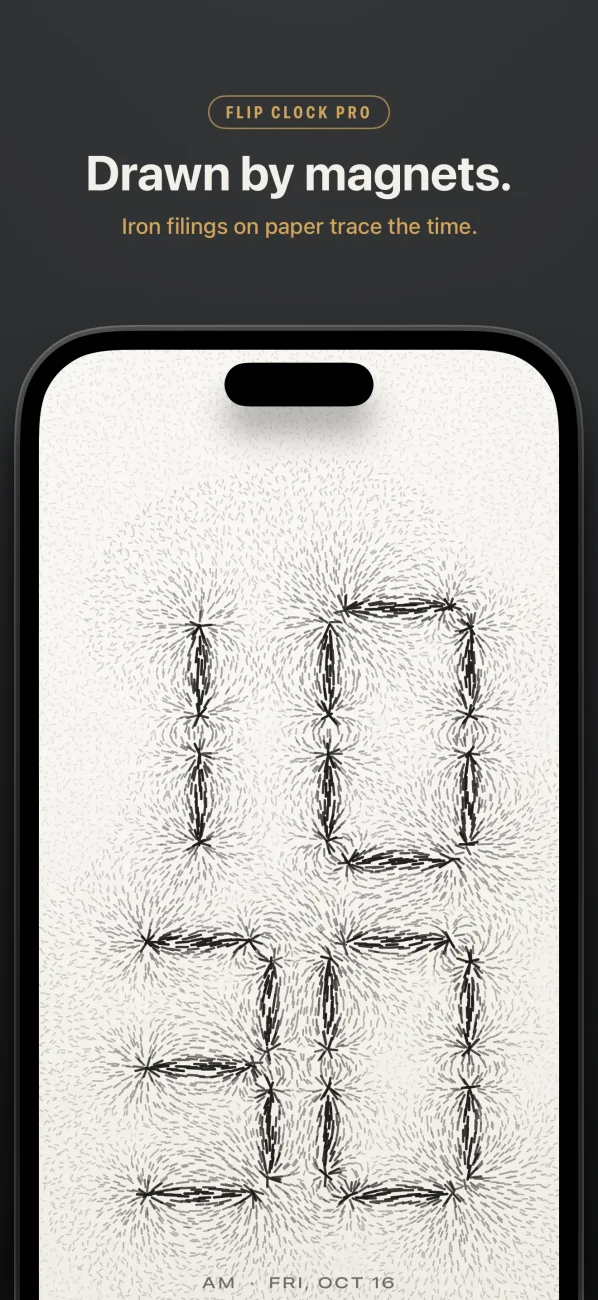
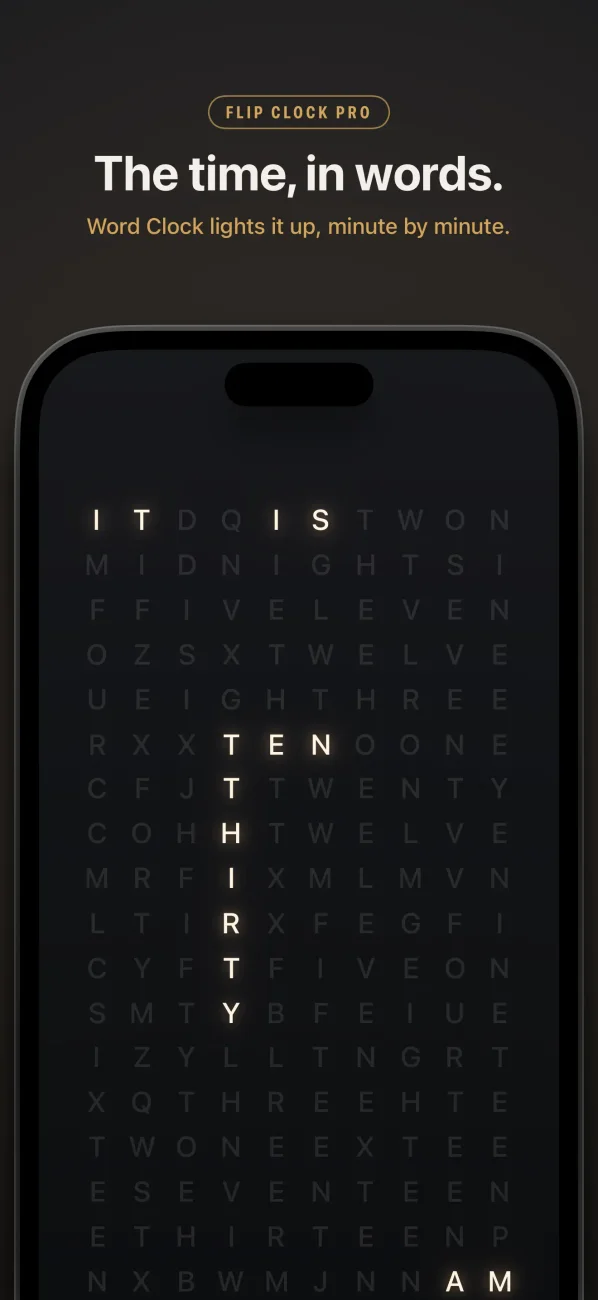
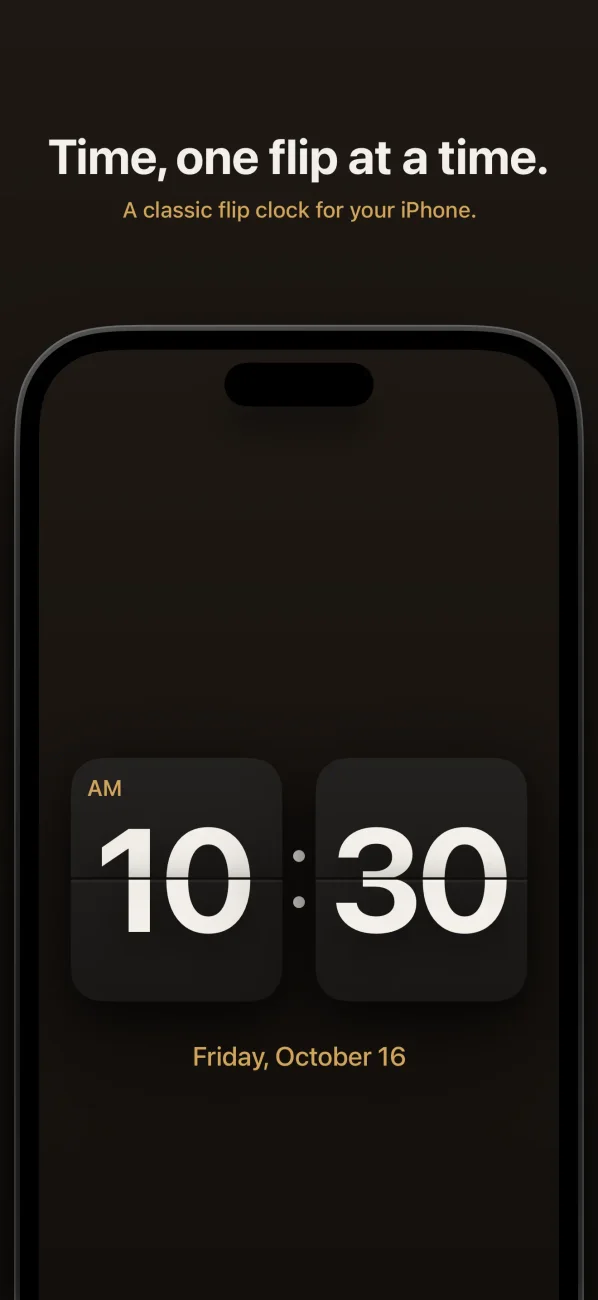
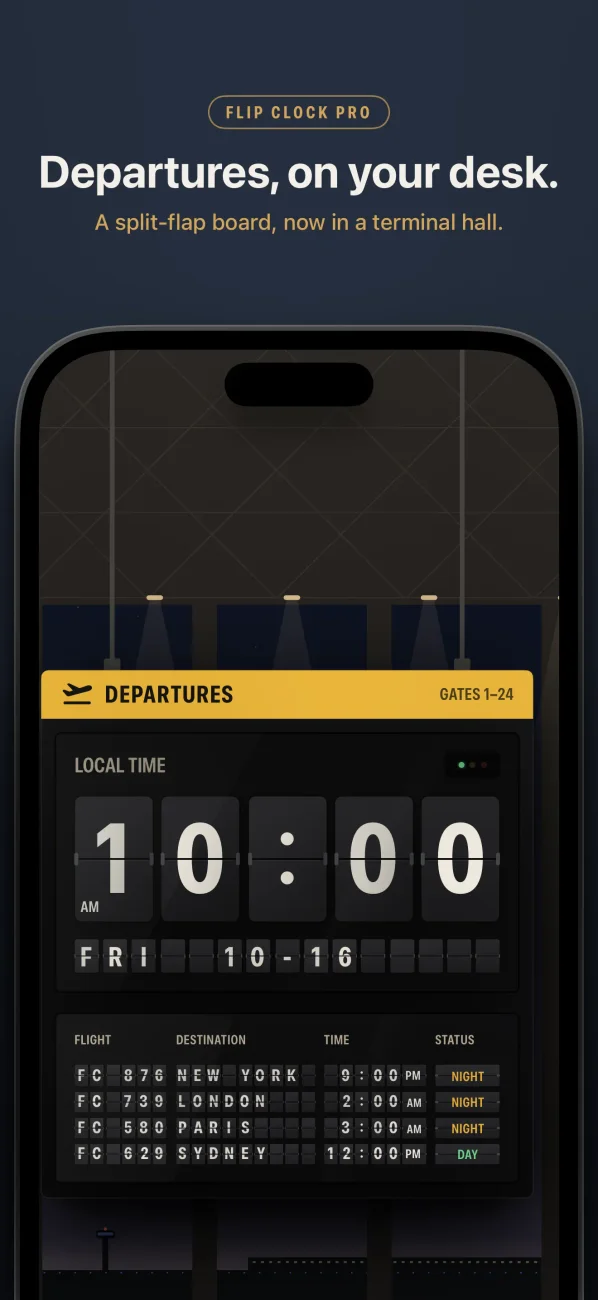
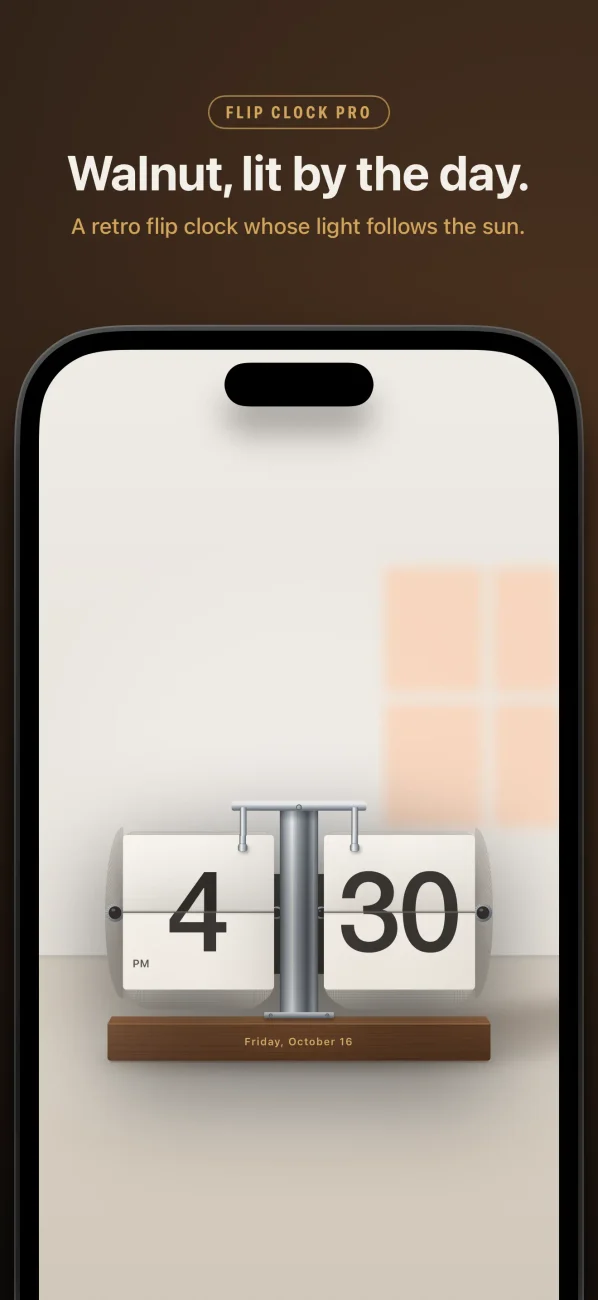
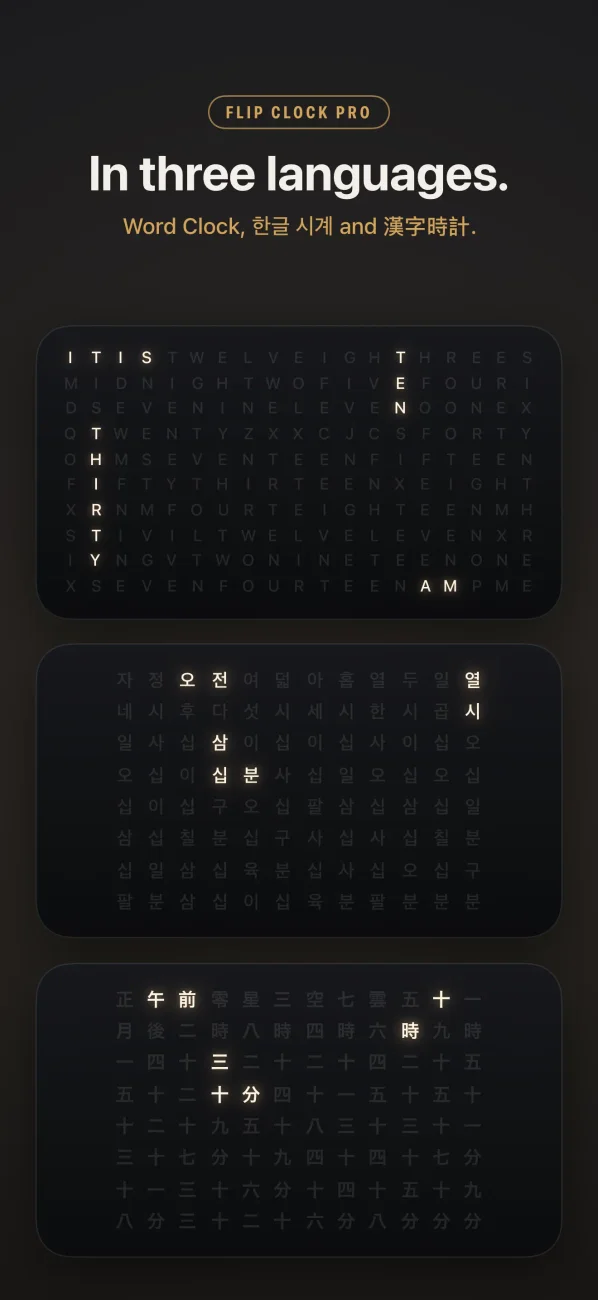
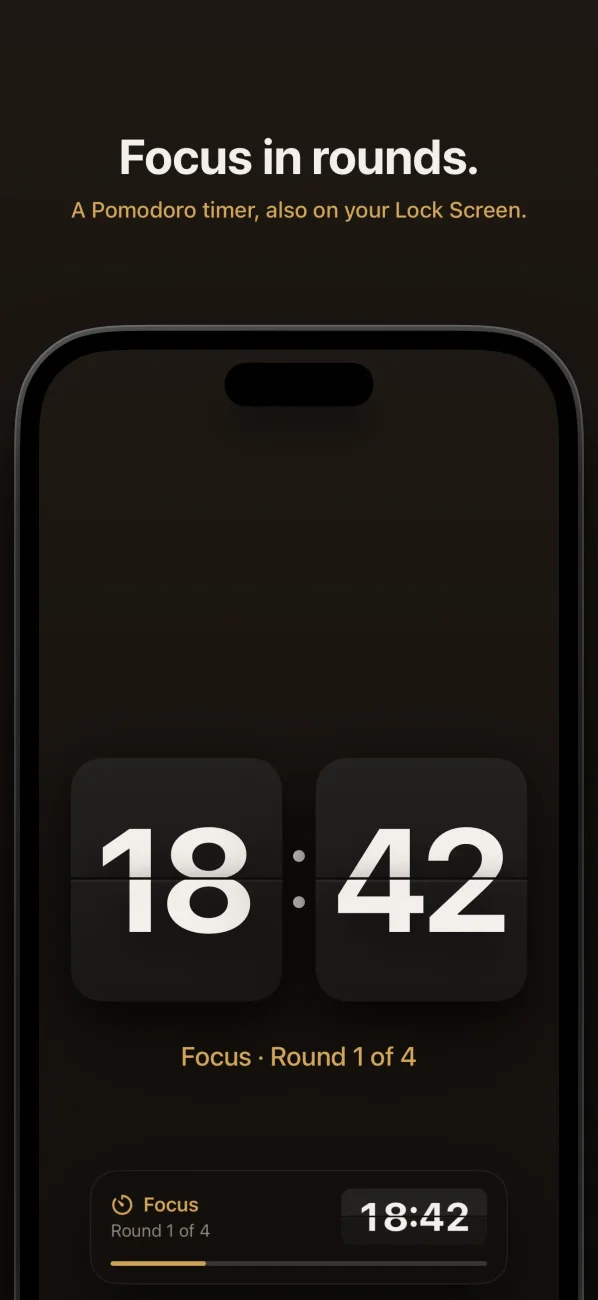

About
The small joy of watching time go by.
On your desk, by your bed. An old iPhone or iPad becomes a little clock again.
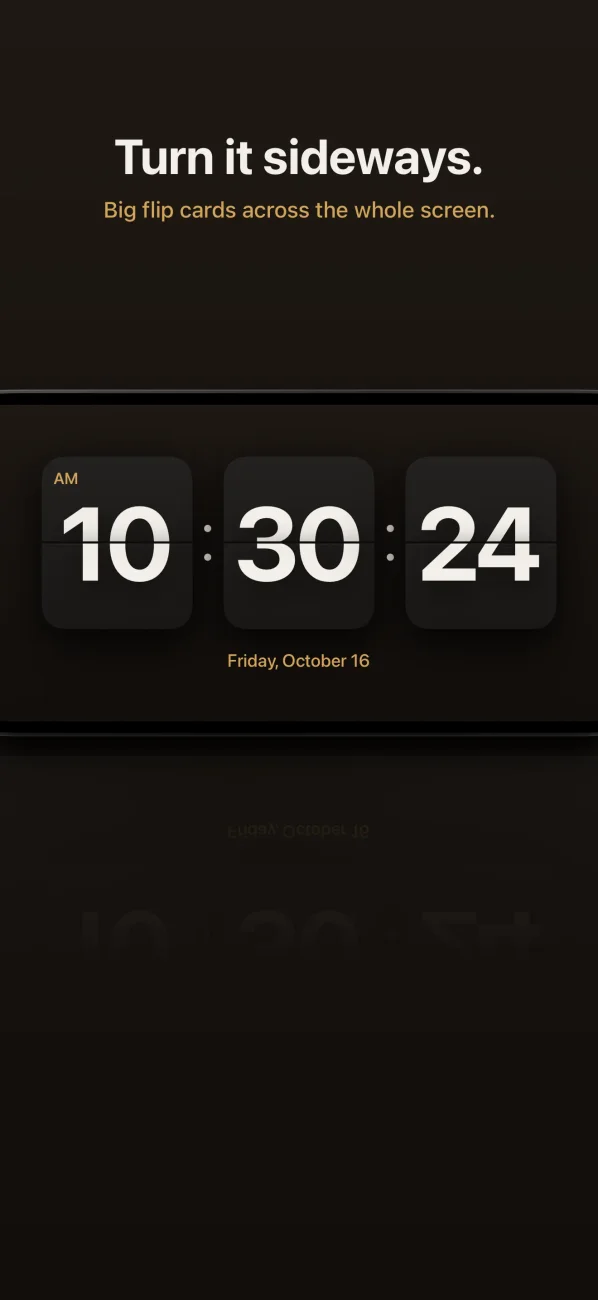
A card flips over every minute. The familiar, satisfying motion of a flip clock.
More than a clock.
Focus Timer
Set up a Pomodoro or a countdown and make the time your own. The time left shows on your Lock Screen and in the Dynamic Island.
Night Mode
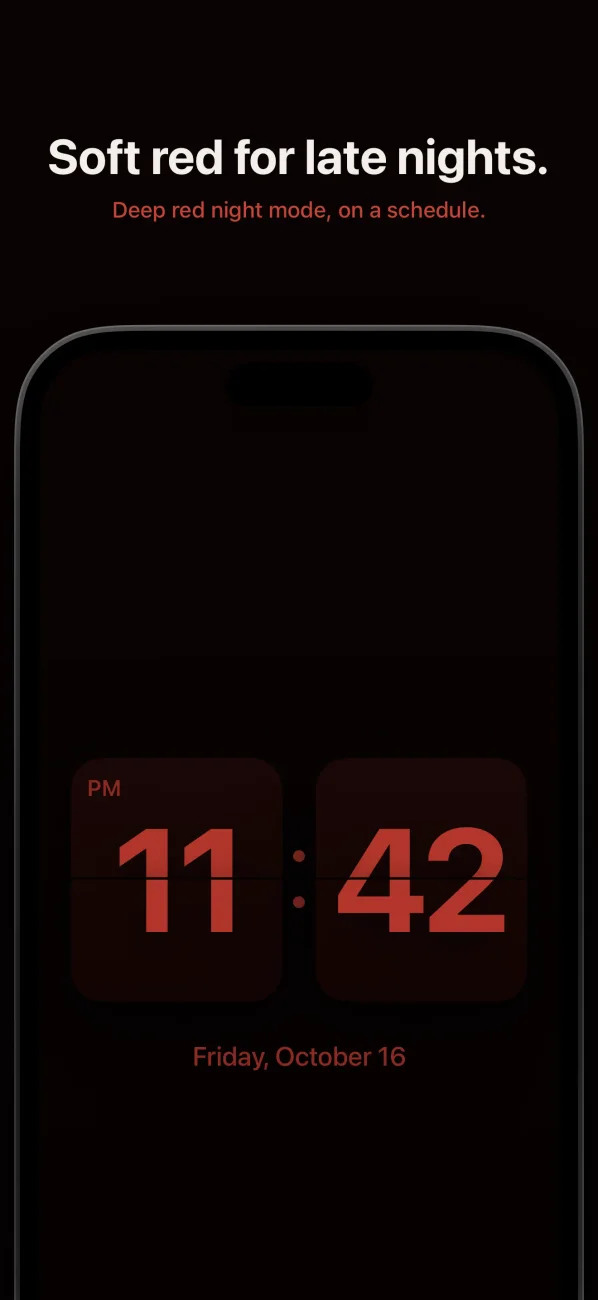
When it's time to sleep, the screen dims too, to a soft red glow.
Wake-up Alarm
Wakes you even in Silent mode. (iOS 26.1 or later)
Widgets
Keep the time and your upcoming special days on your Home Screen.
Dark, Light and Dim. Looks right standing up or lying on its side.
FlipClock Pro
See if there's a Pro theme you love first. Try every Pro theme for 30 seconds before you buy.
No account. No internet connection.
FlipClock, by your side every day.
What’s new
Version 1.6.0 · Nov 18, 2026
Paw Prints, a new theme where a cat walks the time into fresh snow.
• Paw Prints (Pro): when a digit changes, a cat walks the new one in, print by print. The prints grow fainter as the next minute nears, and below the digits the cat strolls about, sits down and washes. Choose kitten or cat paws in Settings.
• Weather is now drawn on the GPU, so rain, snow and clouds move more smoothly.
• Fixed Settings staying dark after switching from Dark back to Light or Automatic.
App privacy
What SeungHyun Hong declares on the App Store about how this app handles data.
-
Data linked to you
May be collected and linked to your identity.
- Contact info
- User content
- Diagnostics
-
Data not linked to you
May be collected but is not linked to your identity.
- Purchases
- Location
- Identifiers
- Usage data
- Diagnostics
Privacy practices may vary, for example with the features you use or your age.
Information
- Seller
- SeungHyun Hong
- Category
- Utilities
- Version
- 1.6.0
- Updated
- Nov 18, 2026
- Released
- Oct 27, 2022
- Size
- 18.7 MB
- Requires
- iOS 17.0 or later
- Age rating
- 4+
- Price
- Free
- In-app purchases
- Yes
- Languages
- English, German, Japanese, Korean
- Copyright
- © 2022 SeungHyun Hong
You might also like
-
 대충시계 - 한글에 시간을 녹이다Utilities
-
 Flip Clock Widget MakerClassic Flip Clock for iPhone
-
 FlipClock: Always On DisplayWatch, Timer, Pomodoro, Best!
-
 ClockWidget ~個性豊かな時計ウィジェットアプリ~Utilities
-
 Flip Clock & Digital WidgetsTimer, Pomodoro & Countdown
-
 Small Clock - Beautiful ClockFull screen desktop clock
-
 Desk Clock: Flip & DigitalFull Screen Clock Display
-
 TallyCountTactile tally clicker counter
-
 Lumi Clock: Flip Desk ClockA moving clock, nixie and neon
-
 Supr TimerUtilities