- Age rating4+
- CategoryProductivity
- DeveloperIzhan Ansari
- LanguagesEnglish
- Size1.5 MB
Links to the official App Store page
Download.org hosts no file of FLIP — Focus Timer. The button opens its official App Store page, published by Izhan Ansari. Listing last checked on Nov 15, 2026.
Screenshots


About
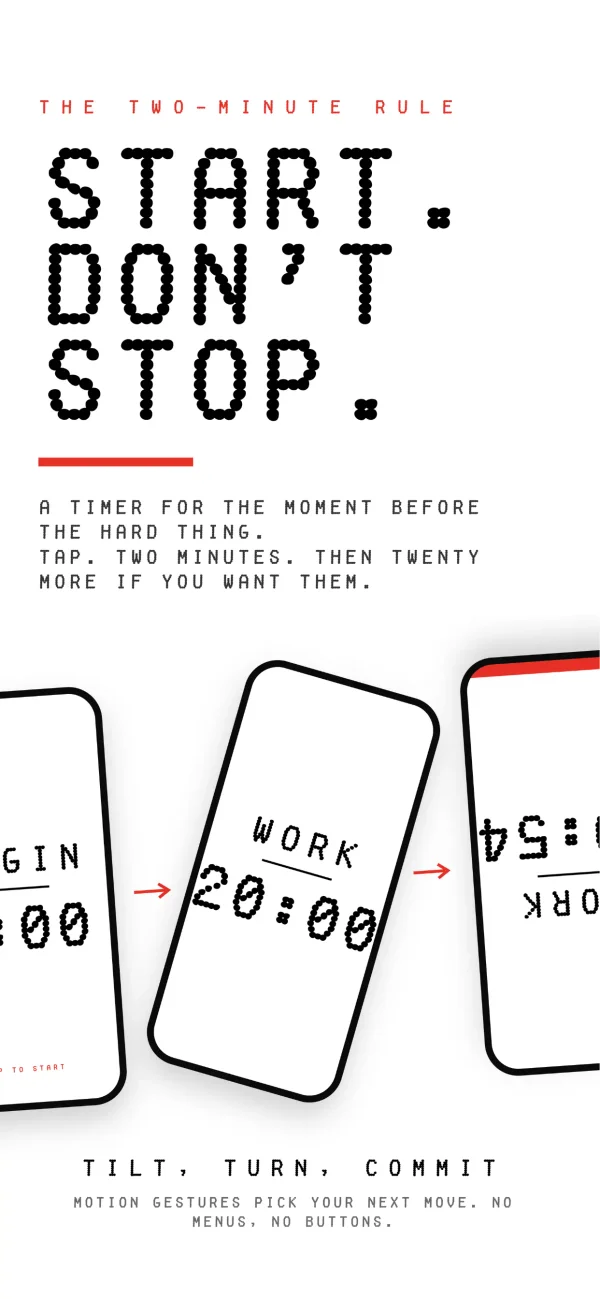
The hardest part of any task is starting. The 2-minute rule says: just commit to two minutes — then decide whether to keep going. Most of the time, once you've started, you'll keep working far longer.
FLIP is a single-screen timer built around that idea.
——————————————
HOW IT WORKS
• Tap once to start a 2-minute kickoff timer.
• When 2 minutes are up, flip your phone face-down to commit to a 20-minute deep-work block.
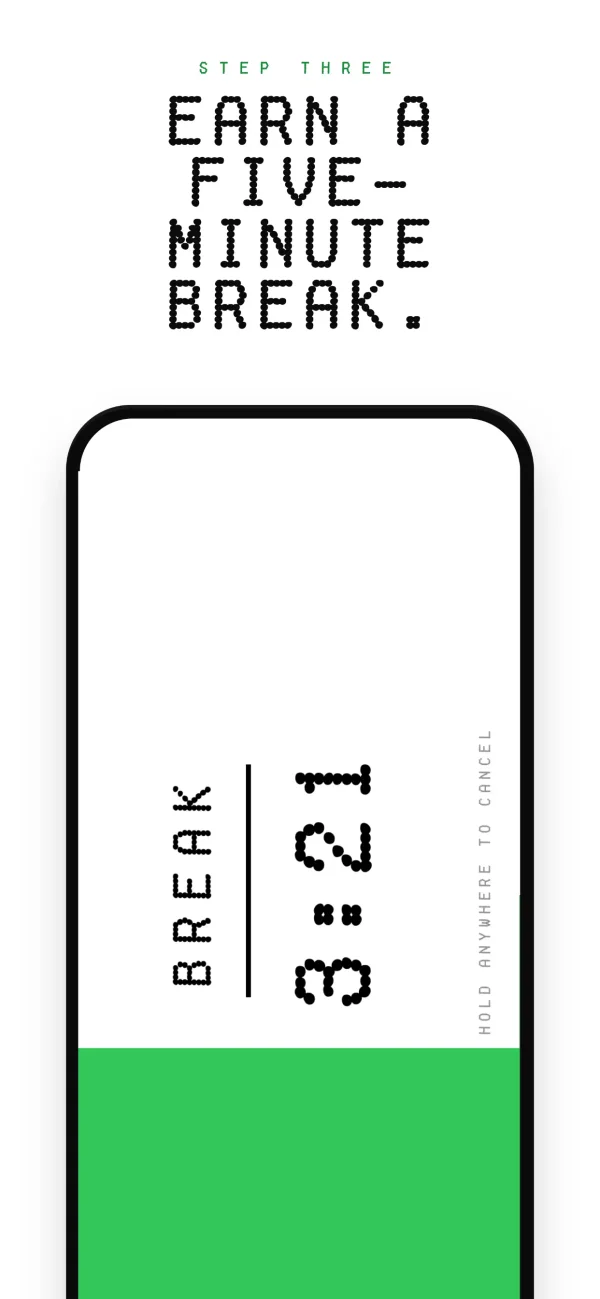
• When deep work ends, turn your phone sideways to take a 5-minute break.
• Hold anywhere to cancel — a segmented bar fills with synchronized haptics so the gesture is unmistakable.
That's it. No accounts, no settings, no menus.
——————————————
DESIGNED FOR FOCUS
• Single-screen interface with a retro-digital typeface and edge-to-edge color fill that grows with the timer
• Haptic feedback on every state change so you don't have to look at the screen
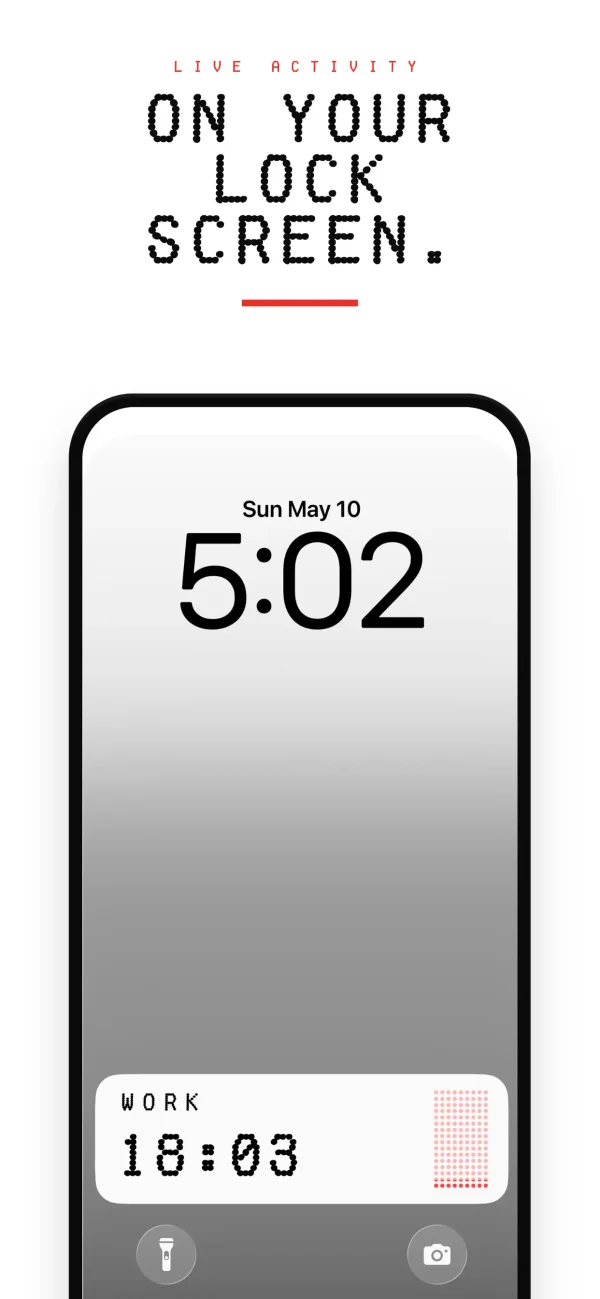
• Lock-screen and Dynamic Island Live Activity — keep the countdown visible without unlocking your phone
• A short chime when each phase ends so you can put the phone down and focus
——————————————
PRIVATE BY DESIGN
• 100% on-device. No accounts, no analytics, no third-party SDKs, no servers.
• No data collection. The privacy policy fits on one page.
——————————————
WHO IT'S FOR
• People who reach for their phone instead of starting a task
• Knowledge workers running Pomodoro-like sessions
• Students looking for a low-friction focus timer
• Anyone who wants the smallest possible app between them and beginning a task
Beat procrastination by promising yourself two minutes. Then flip the phone.
What’s new
Version 1.1 · Aug 11, 2026
Every way you hold the phone is now a timer you set yourself.
CUSTOM TIMERS
• Four timers instead of three — turned left and turned right are now
separate slots, so all four orientations have their own timer.
• Any length from 5 seconds to 3 hours.
• Name each one whatever you like, up to 10 characters.
• Red or green, per timer.
• Set a slot to ASK and it asks how long every time you start it —
and opens on the last length you picked.
• Everything lives behind EDIT TIMERS on the start screen, with RESET
TO DEFAULTS to put it all back.
PICKING WHAT'S NEXT
• When a timer ends, all four are now laid out around the edges of the
screen instead of a single suggested next step.
• Each one sits on the side you turn toward to reach it. Turn the
phone that way and hold — it fills as you hold, so you can see it
coming and change your mind.
• Or tap any of the four, including the one that just finished, to run
it again.
• Your name and colour now show on the Lock Screen and in the Dynamic
Island while a timer runs.
FIXED
• Turning from one timer to another no longer starts the timer you
passed through on the way.
• Hold to cancel no longer gives up silently when the phone shifts in
your grip — most likely when the running timer wasn't the way you
were holding it.
• The countdown digits no longer fade between seconds.
• The status bar no longer sits on top of a turned or upside-down
screen.
BEGIN 2:00, WORK 20:00 and BREAK 5:00 are still exactly where they
were until you change them.
App privacy
What Izhan Ansari declares on the App Store about how this app handles data.
-
Data not collected
The developer does not collect any data from this app.
Privacy practices may vary, for example with the features you use or your age.
Information
- Seller
- Izhan Ansari
- Category
- Productivity
- Version
- 1.1
- Updated
- Aug 11, 2026
- Released
- May 12, 2026
- Size
- 1.5 MB
- Requires
- iOS 26.0 or later
- Age rating
- 4+
- Price
- Free
- Languages
- English
- Copyright
- © 2026 Izhan Ansari
You might also like
-
 Nook: Focus & Pomodoro TimerStudy Timer, ADHD-Friendly
-
 My HourglassTrack your productivity
-
 Lists CreatorCustom List Builder
-
 Burn Timer: Focus & PomodoroDeep Work, Study, Productivity
-
 PhoneBreak+Productivity
-
 Locked In: Focus Timer BuddyBody Doubling & Task Breakdown
-
 CineFocus: Deep Focus TimerStudy, Pomodoro & App Blocker
-
 Stillo: Focus TimerPomodoro & Deep Work
-
 Margina - Read & HighlightPrivate reader for your docs
-
 Halo: Pomodoro Focus TimerBrown noise, streak, deep work