
- Age rating4+
- CategoryPhoto & Video
- DeveloperMark Summer
- LanguagesEnglish
- Size17.2 MB
Links to the official App Store page
Download.org hosts no file of Flip Frame App. The button opens its official App Store page, published by Mark Summer. Listing last checked on Nov 21, 2026.
Screenshots
About
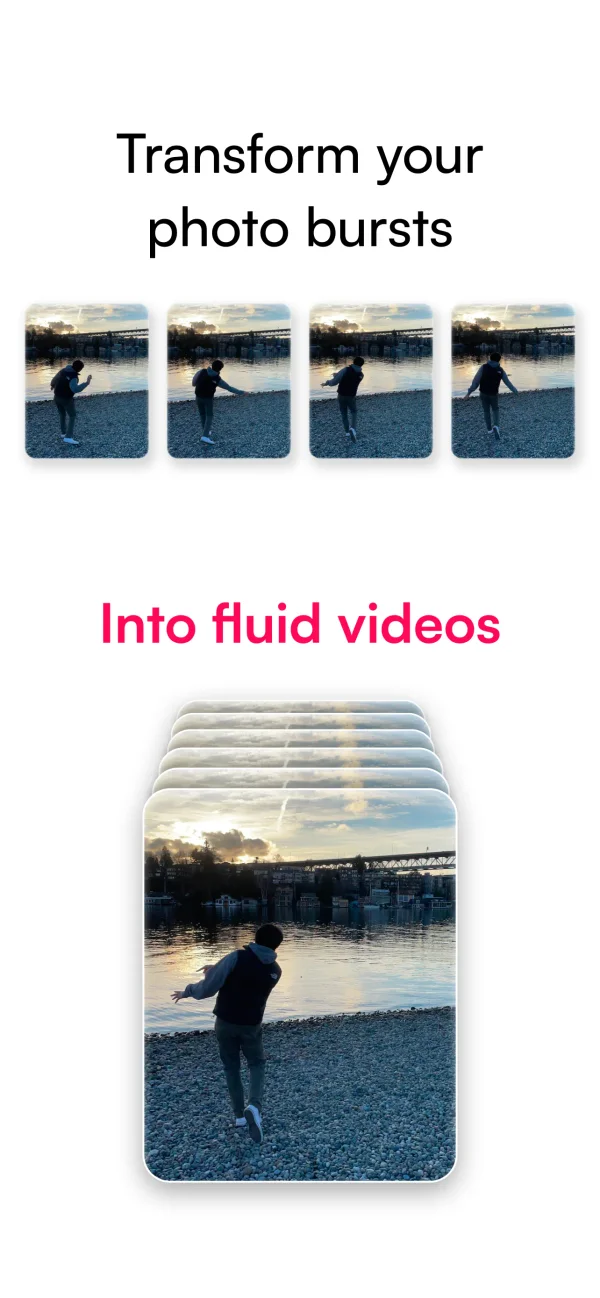
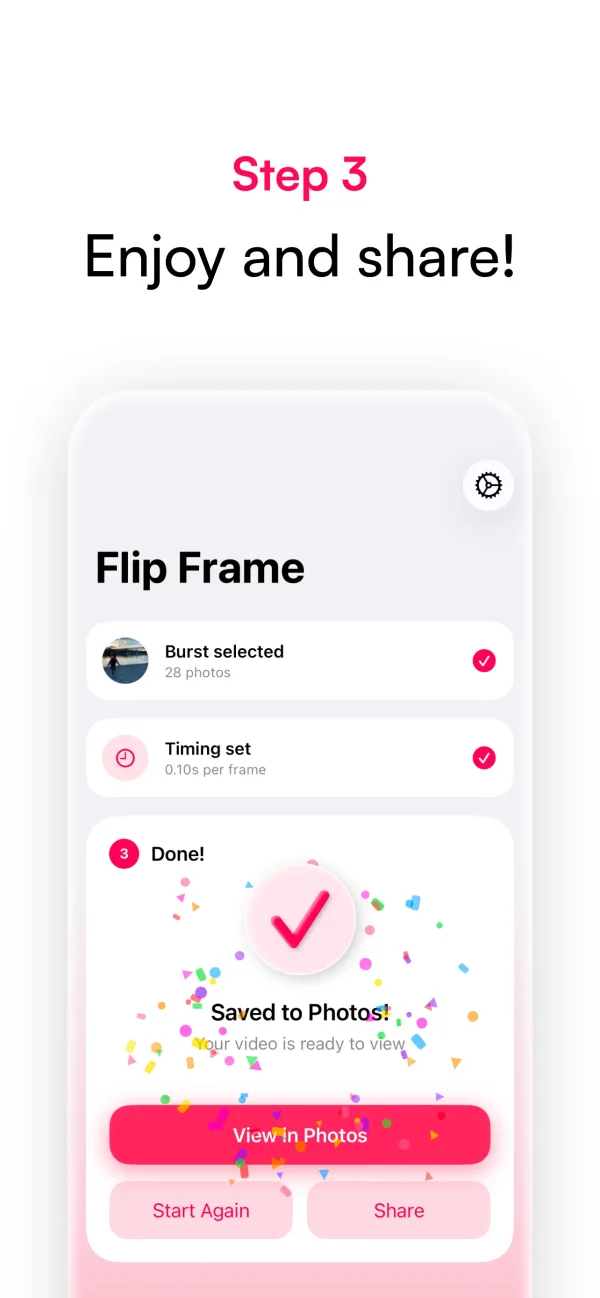
Flip Frame turns your burst photos into smooth, shareable videos in just a few taps.
Whether you captured a funny moment, a perfect pose, or fast action, Flip Frame helps you bring burst shots to life by converting them into video you can save and share.
Features:
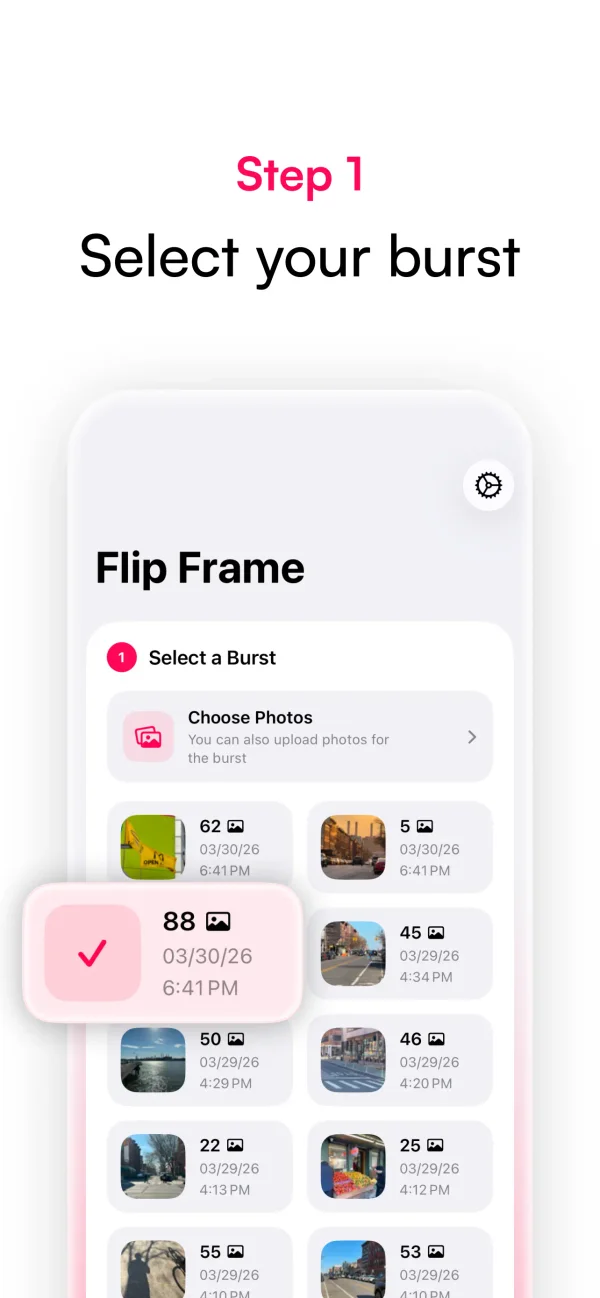
- Convert burst photos into video
- Save videos directly to your photo library
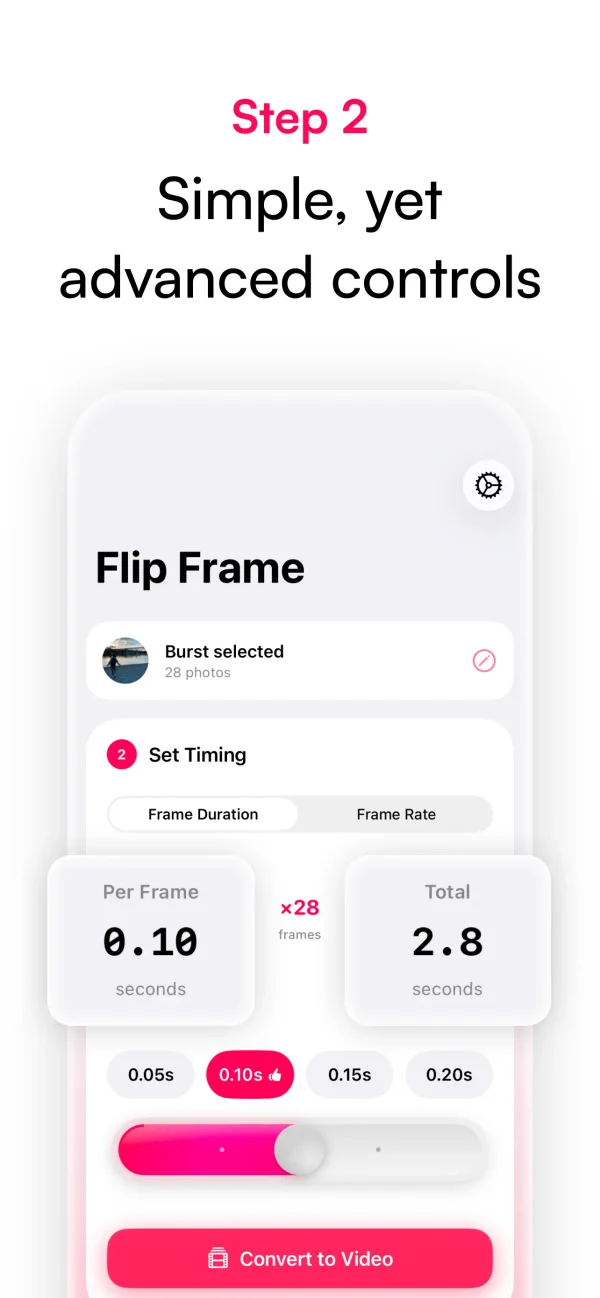
- Simple, fast, easy-to-use workflow
- Built for capturing motion from your favorite moments
- Flip Frame is a quick and lightweight way to transform the moments hidden inside your burst photos into videos you’ll actually want to keep.
What’s new
Version 1.0.1 · Apr 2, 2026
The app’s deployment target has been updated to support iOS 17 and later. No changes were made to core functionality or features—this update expands device compatibility and ensures broader support across supported iOS versions.
App privacy
What Mark Summer declares on the App Store about how this app handles data.
-
Data not collected
The developer does not collect any data from this app.
Privacy practices may vary, for example with the features you use or your age.
Information
- Seller
- Mark Summer
- Category
- Photo & Video
- Version
- 1.0.1
- Updated
- Apr 2, 2026
- Released
- Apr 1, 2026
- Size
- 17.2 MB
- Requires
- iOS 17.6 or later
- Age rating
- 4+
- Price
- Free
- Languages
- English
- Copyright
- © 2026 Mark Summer
You might also like
-
 Piecey - Photo pieceEvery day, one more piece.
-
 SnapTwin: Dual Camera VideoRecord Front & Back at Once
-
 ByeCut: AI Video EditorJust talk. It edits itself.
-
 CDNC — Video CameraPro Capture. Cinematic Color.
-
 Teleo: Teleprompter for VideoVoice-Activated Script Reader
-
 GIF Maker - Videos to GIFsCreate GIFs from videos
-
 PhotoBox - AI Photo EditorRemove and change backgrounds
-
 The Burst AppBring photo bursts to life!
-
 Glenti - Film Camera & VideoCapture Cinematic Atmosphere
-
 iskra studio – photo editorAnalog lab & film presets